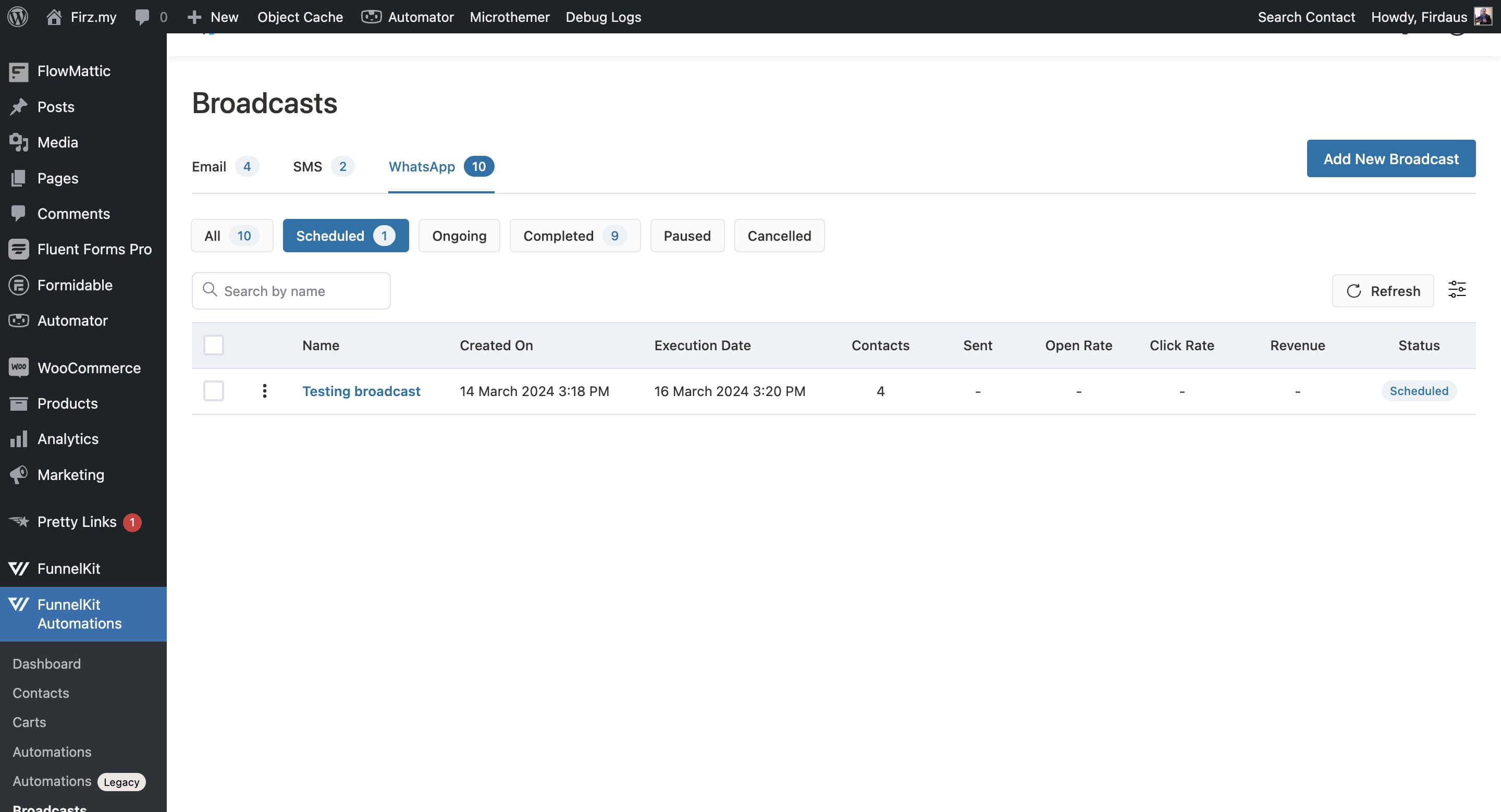
How to Broadcast Using Funnelkit / Waform / Wordpress
Login to your Wordpress account
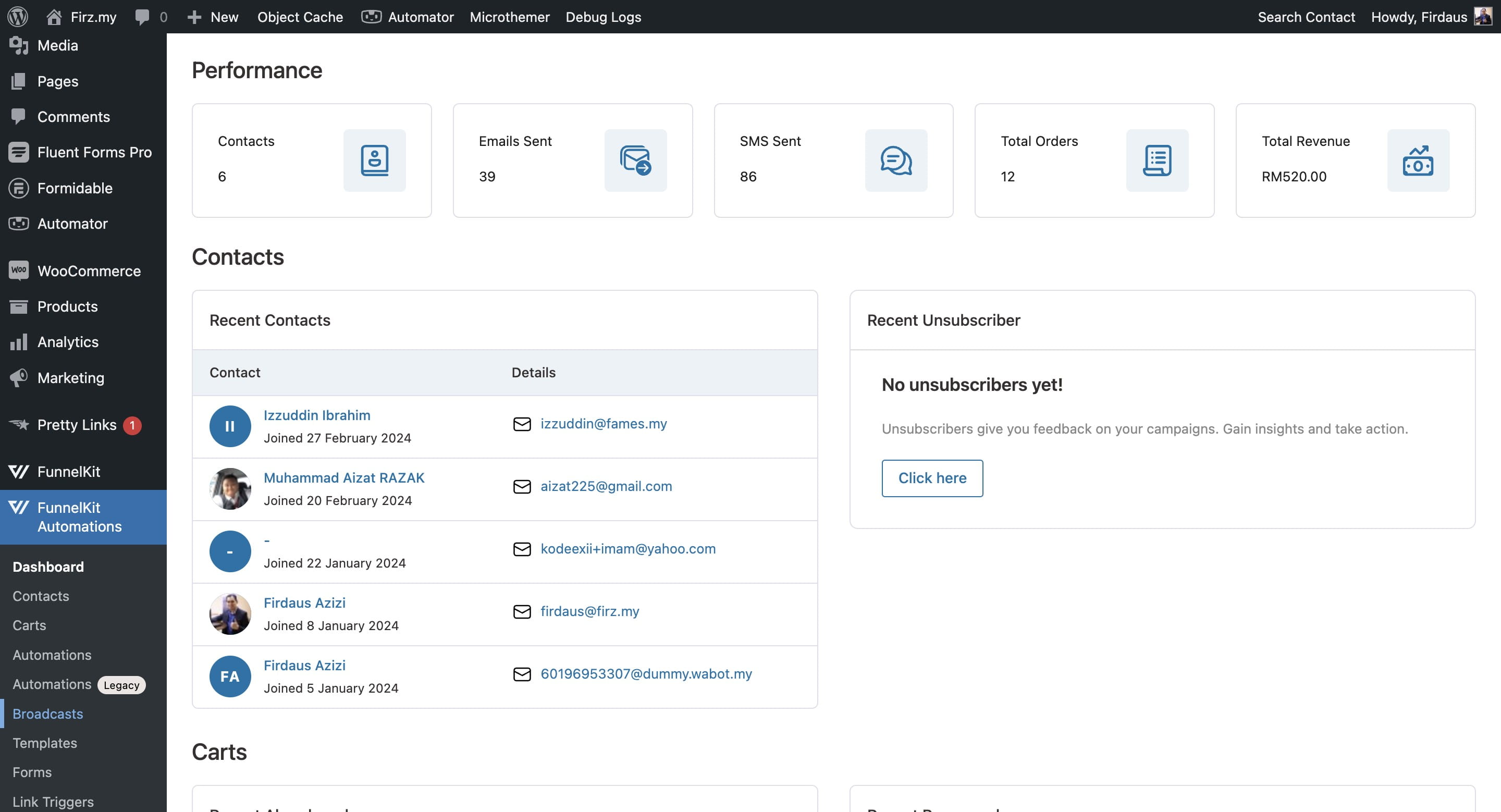
Hover to FunnelKit Automations and click on "Broadcasts"

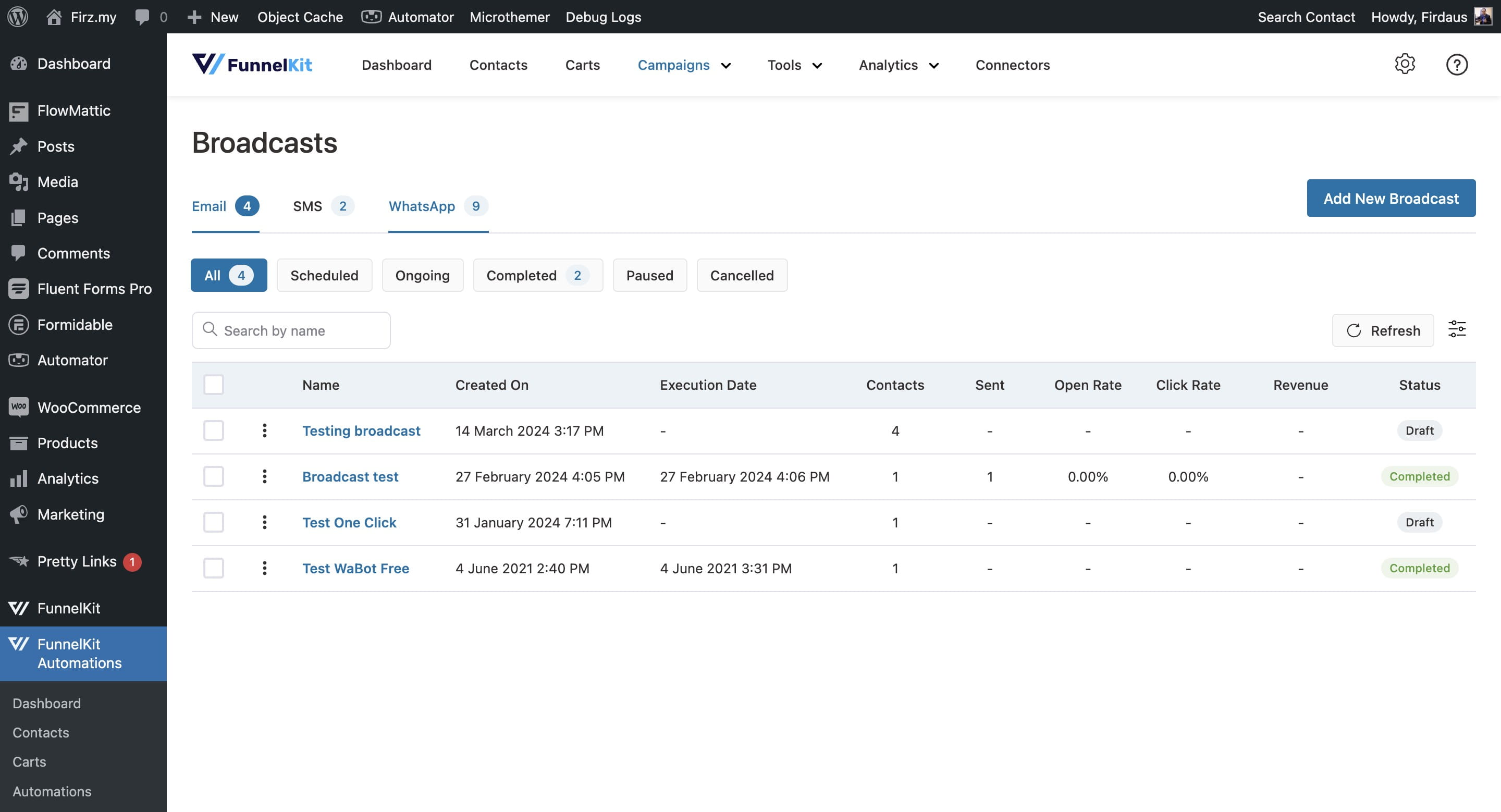
Then go for "WhatsApp"
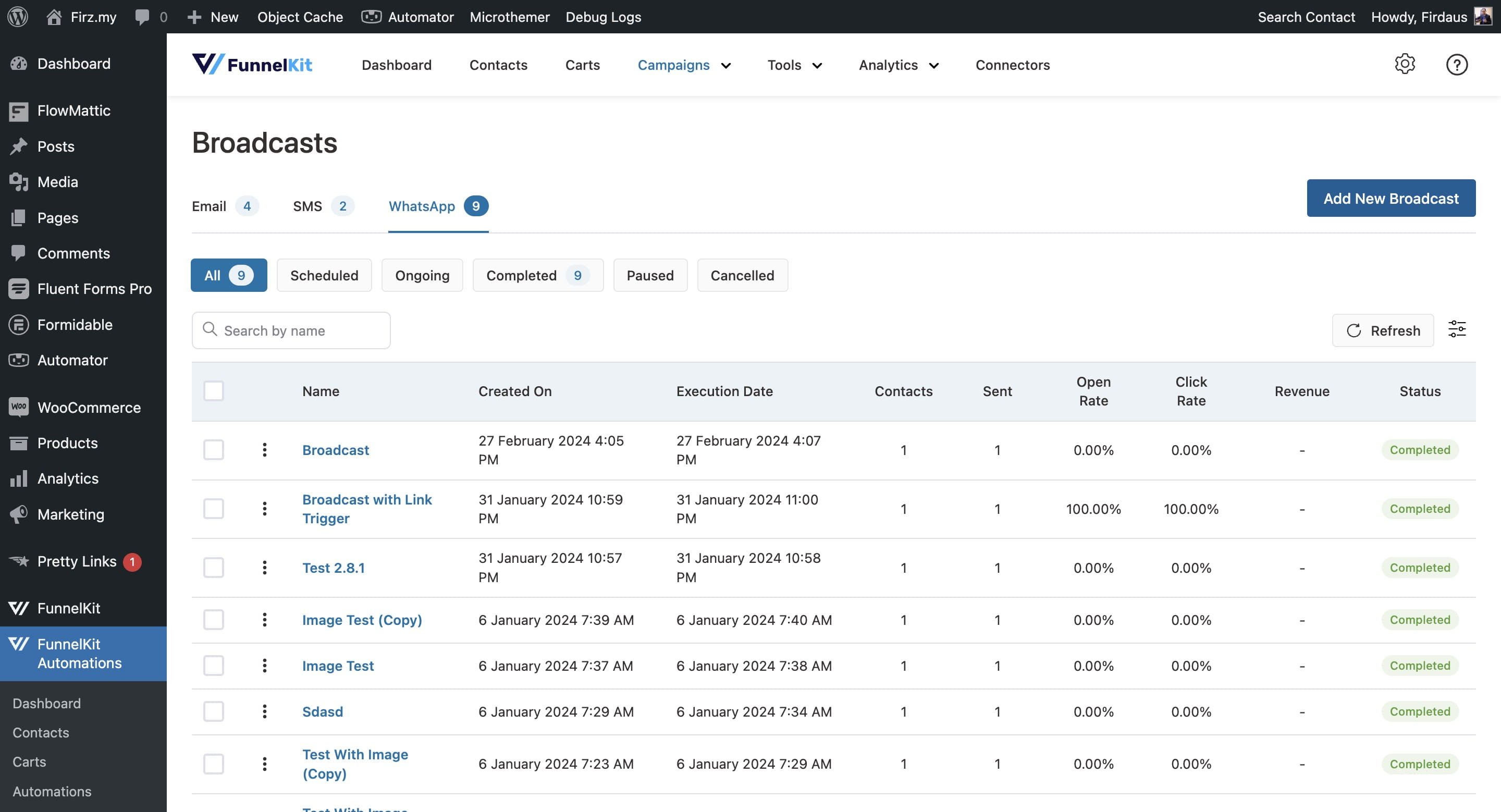
Click on "Add New Broadcast"
Pick a simple and easy-to-remember name for the broadcast campaign that clearly reflects its content
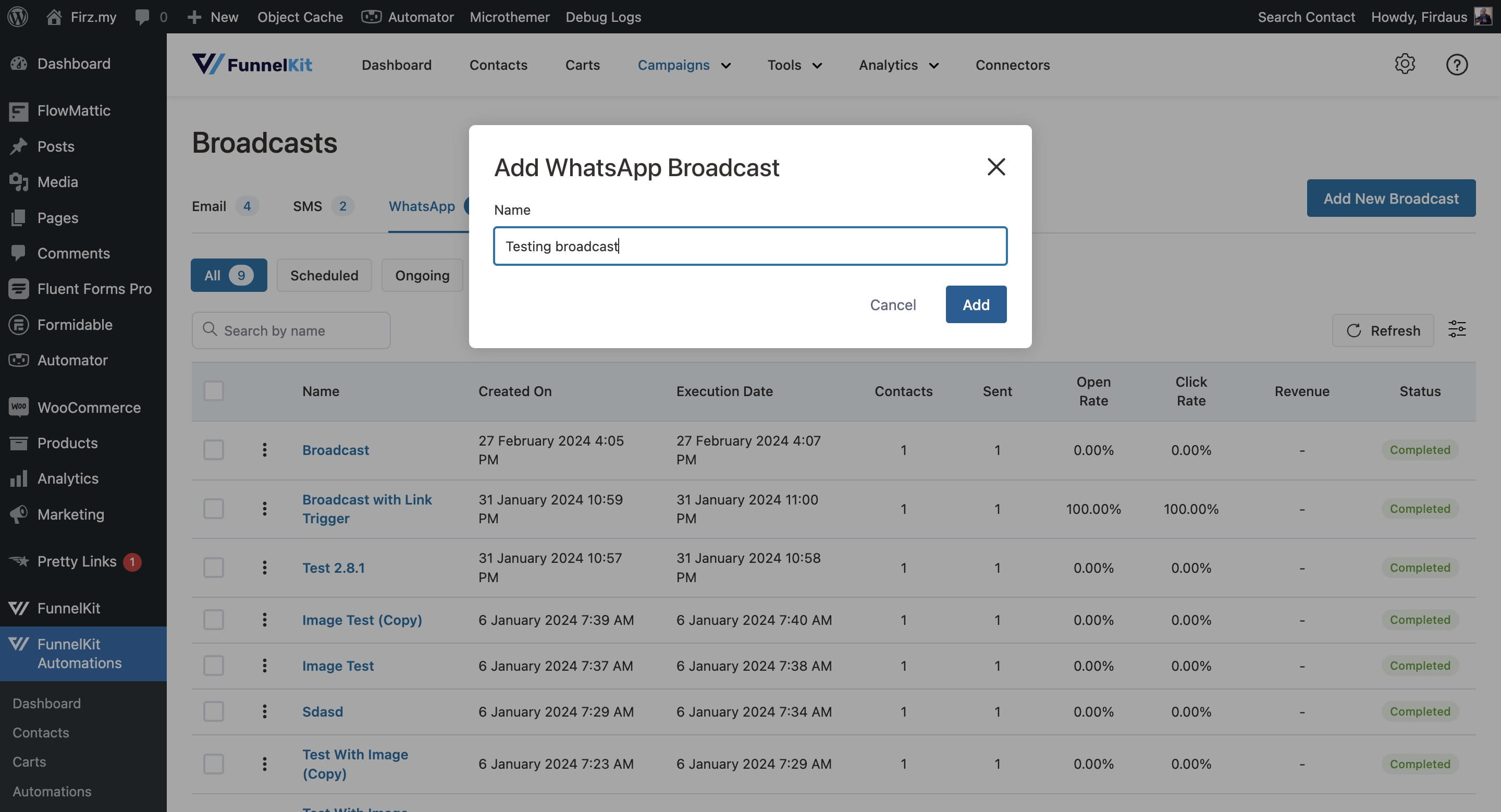
Click on "Next"
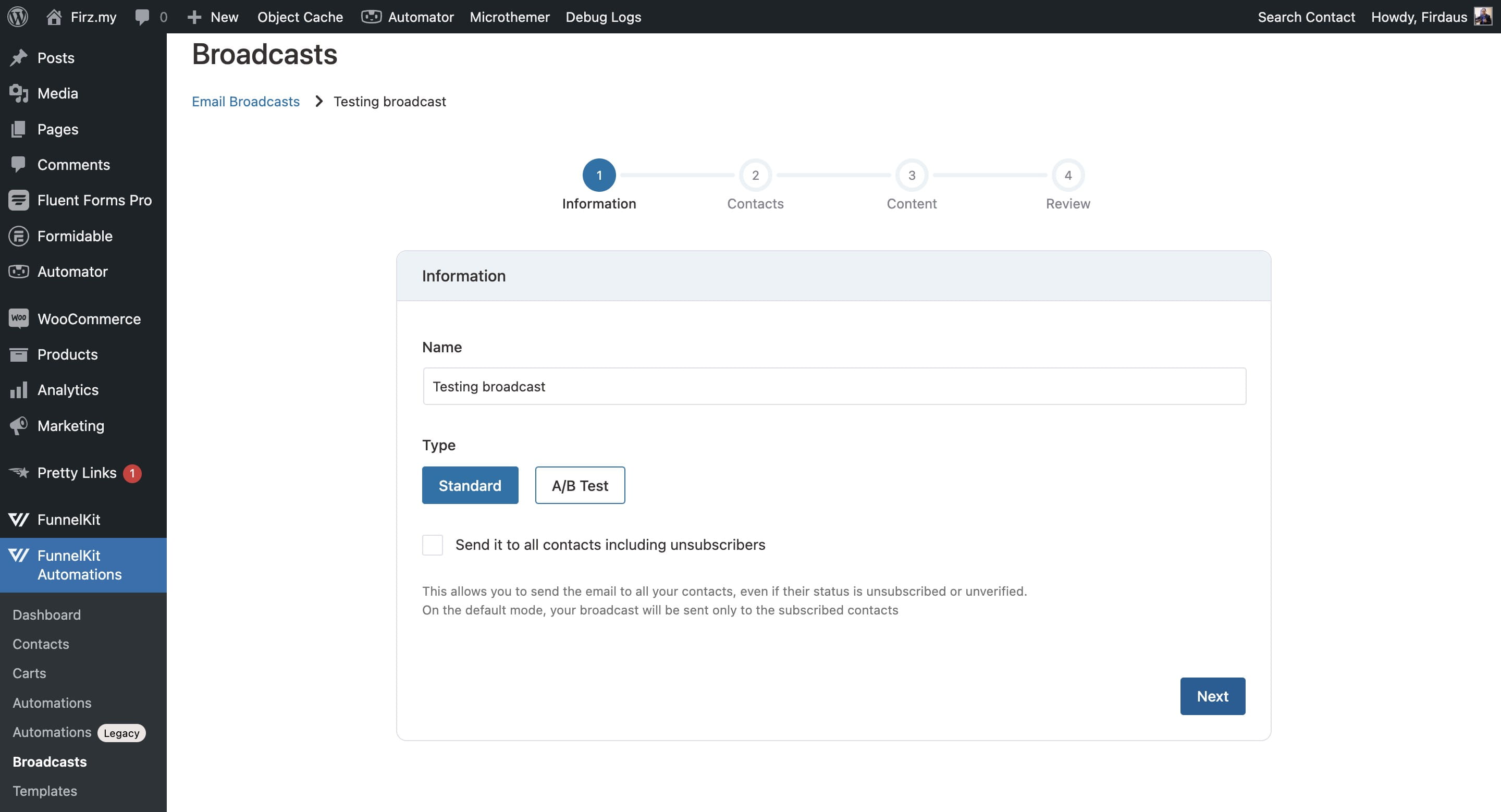
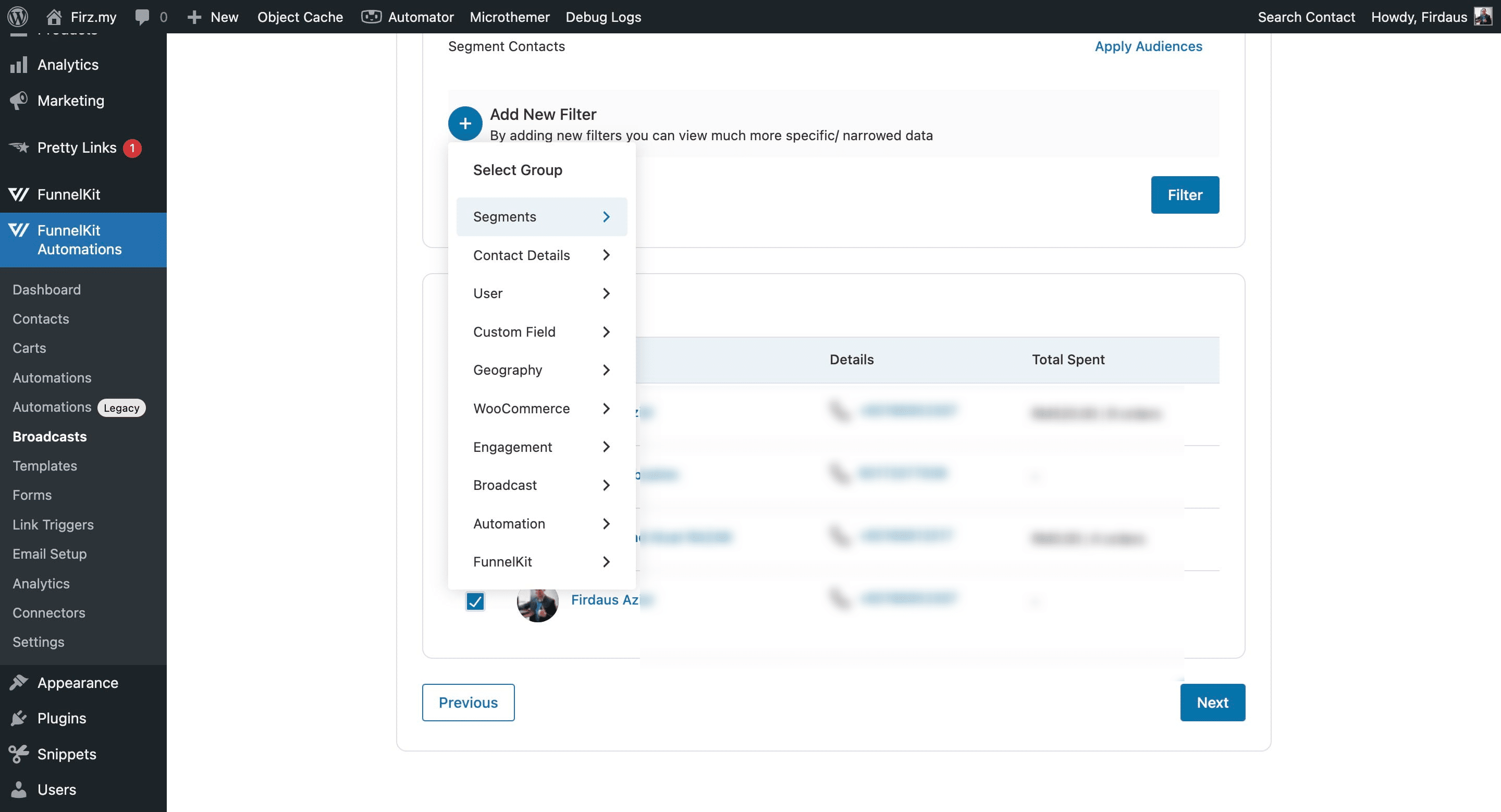
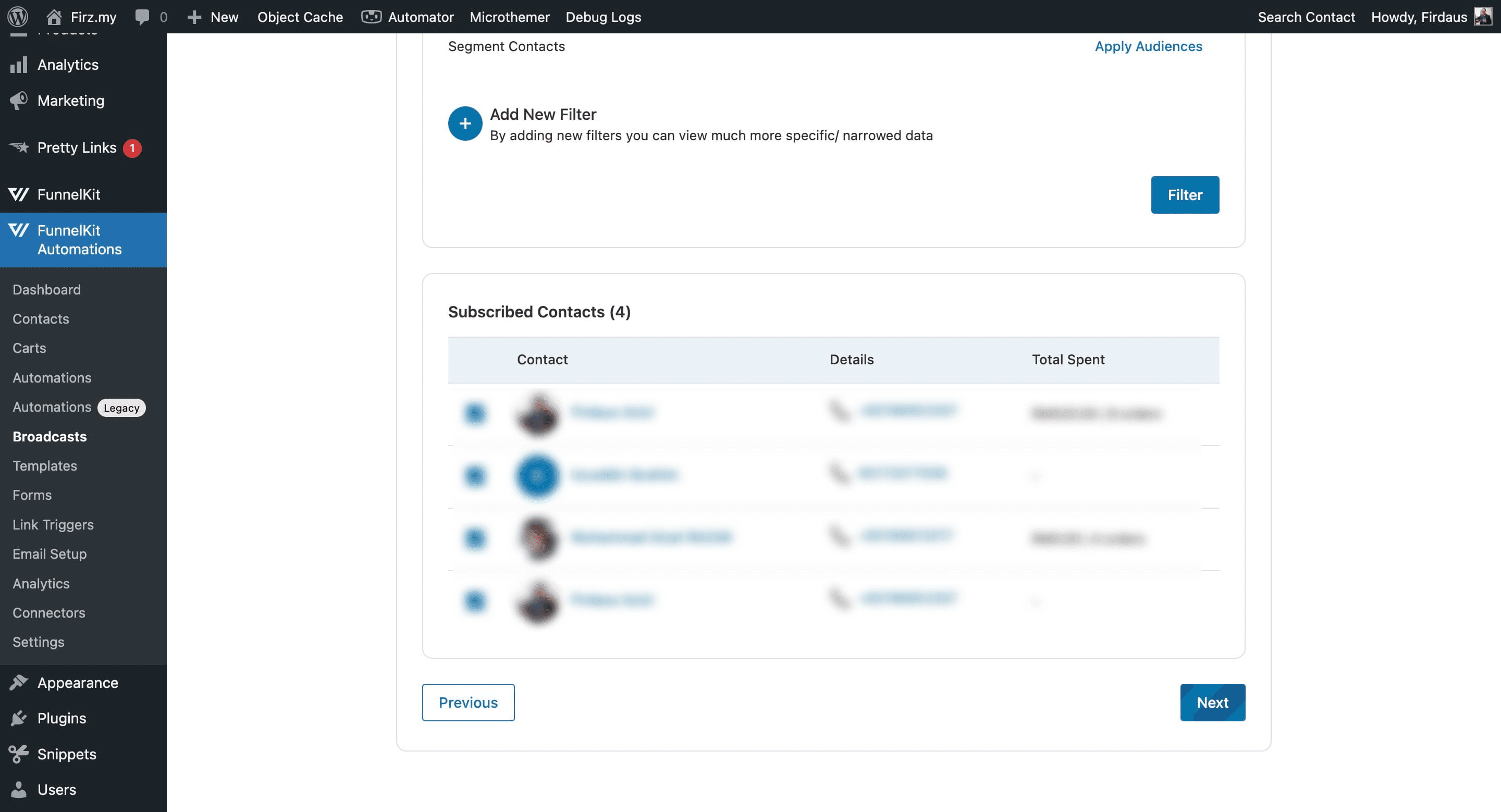
You can filter your contact list in various ways or skip this step if you want to send it to everyone
Click on "Next"
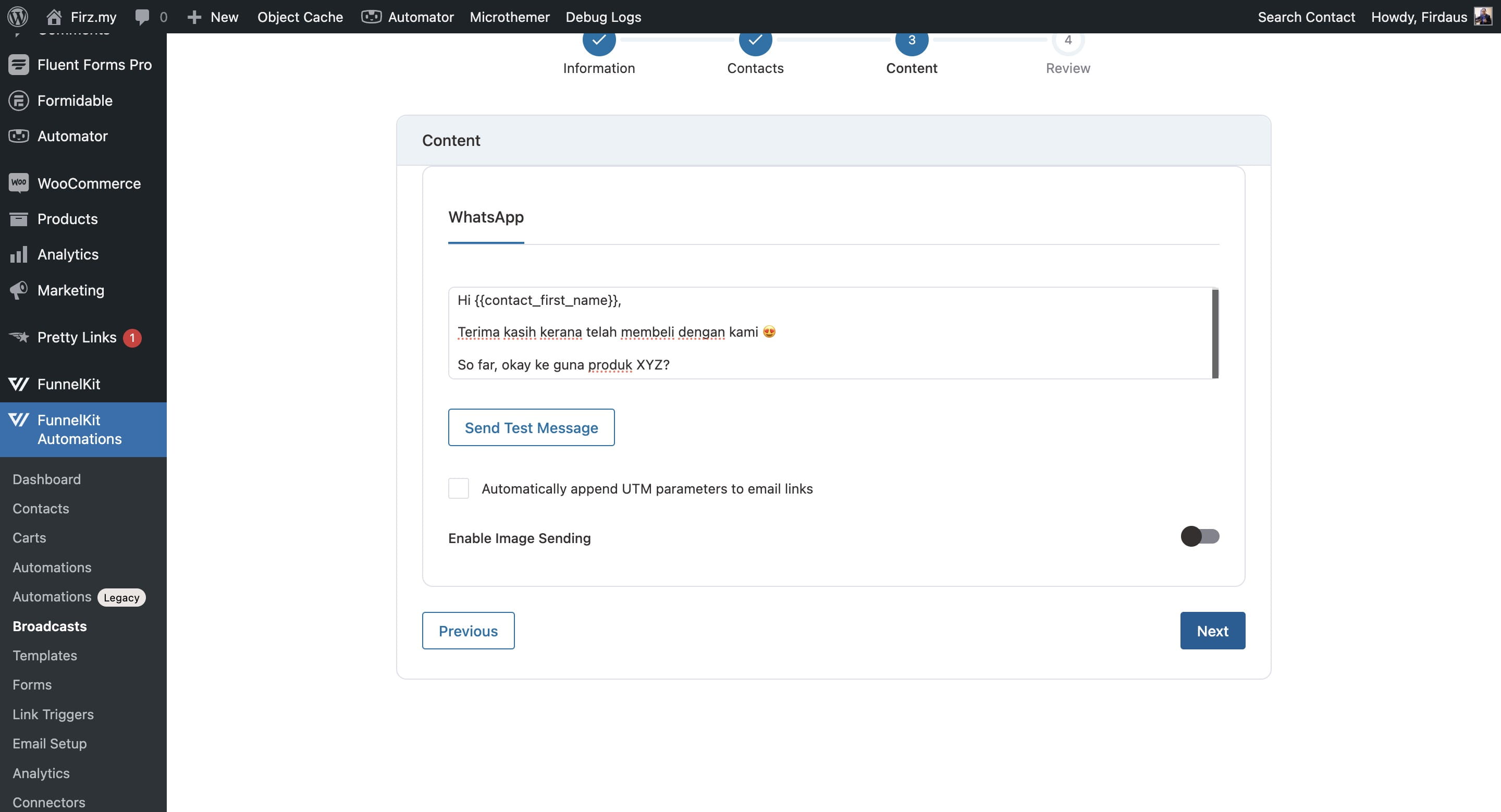
Enter the message you want to send. You can use {{contact_first_name}} to mention the recipient's name
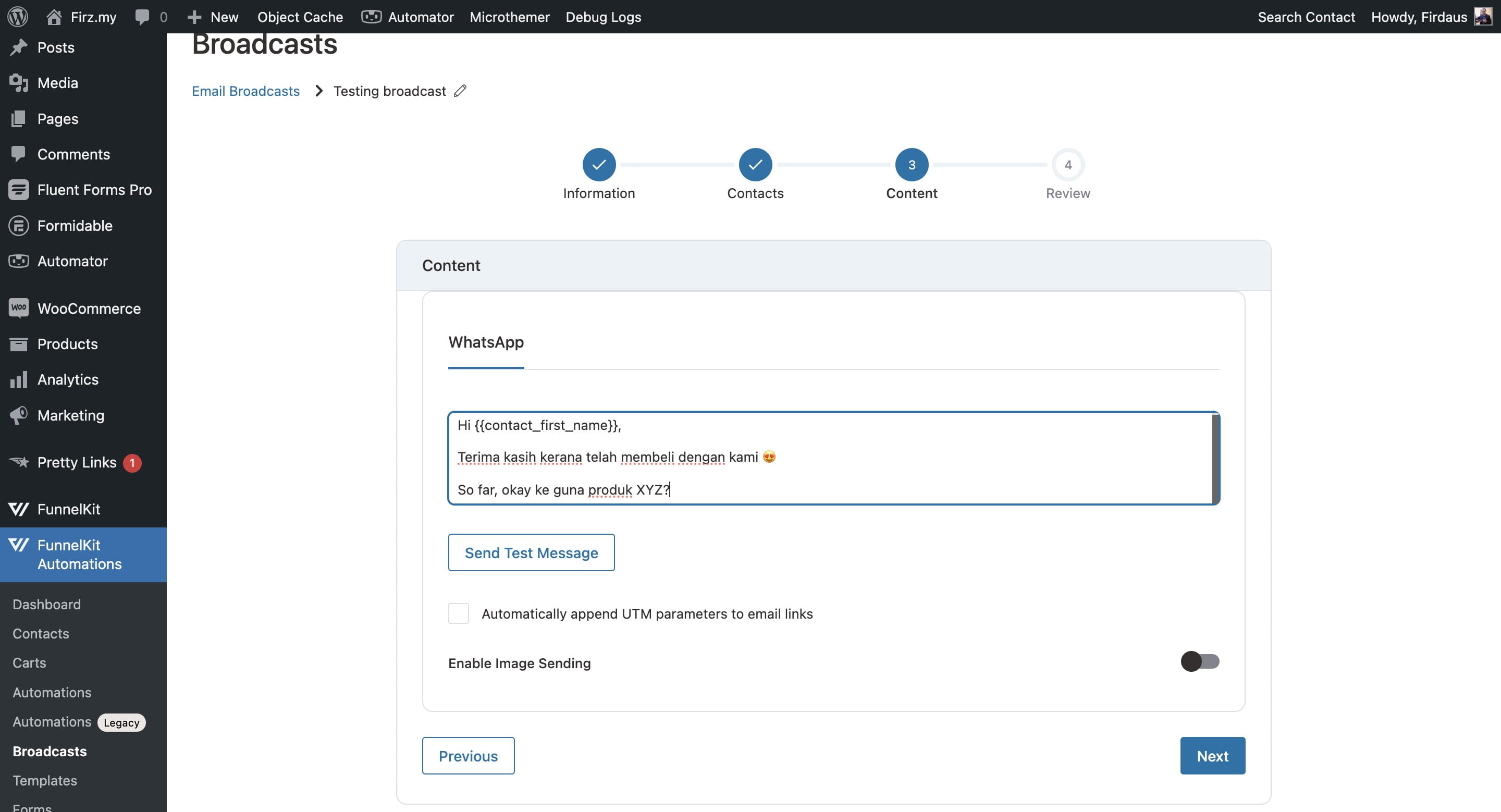
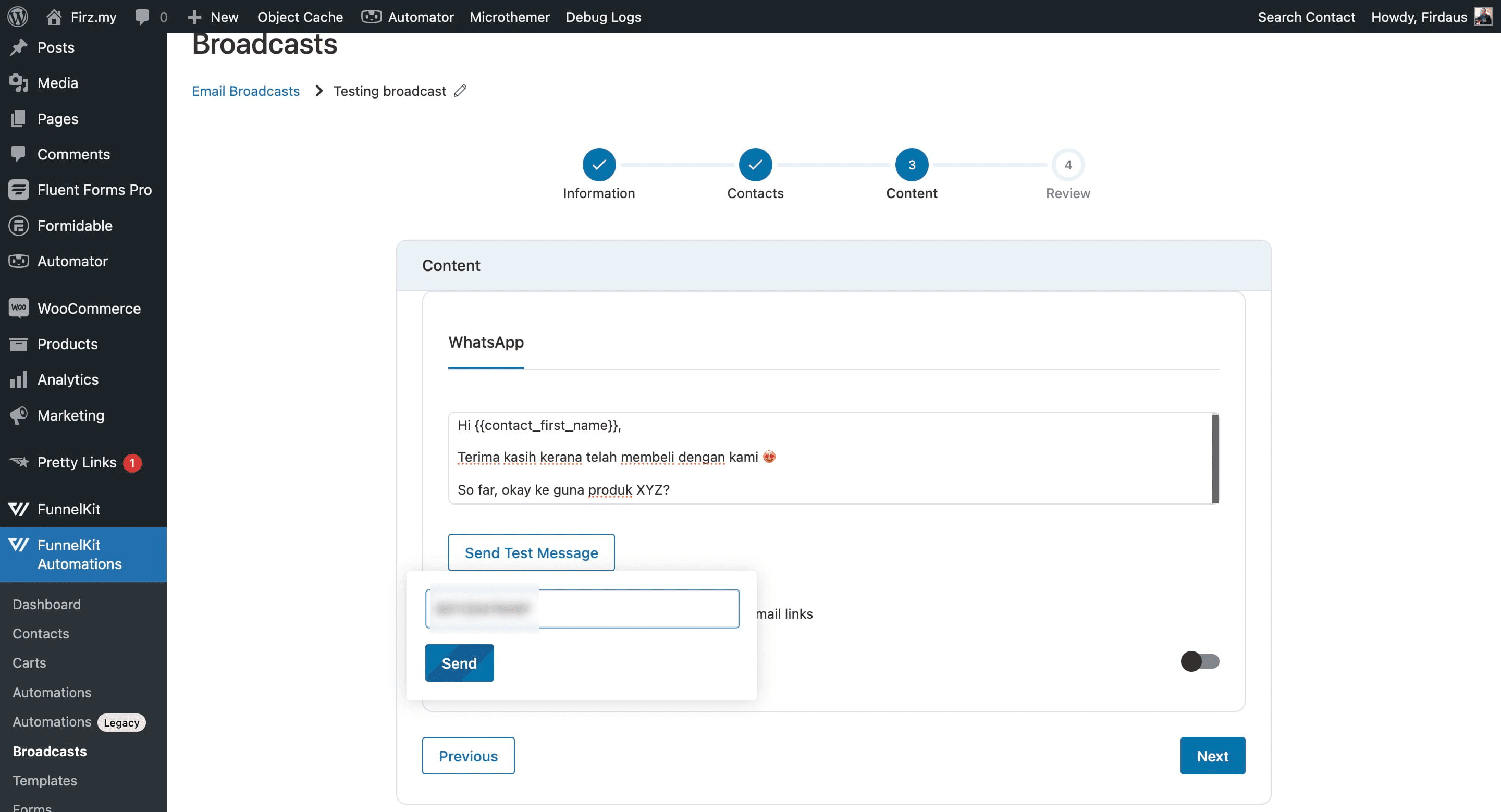
Before sending, you can test by WhatsApping your own number or any colleague's number
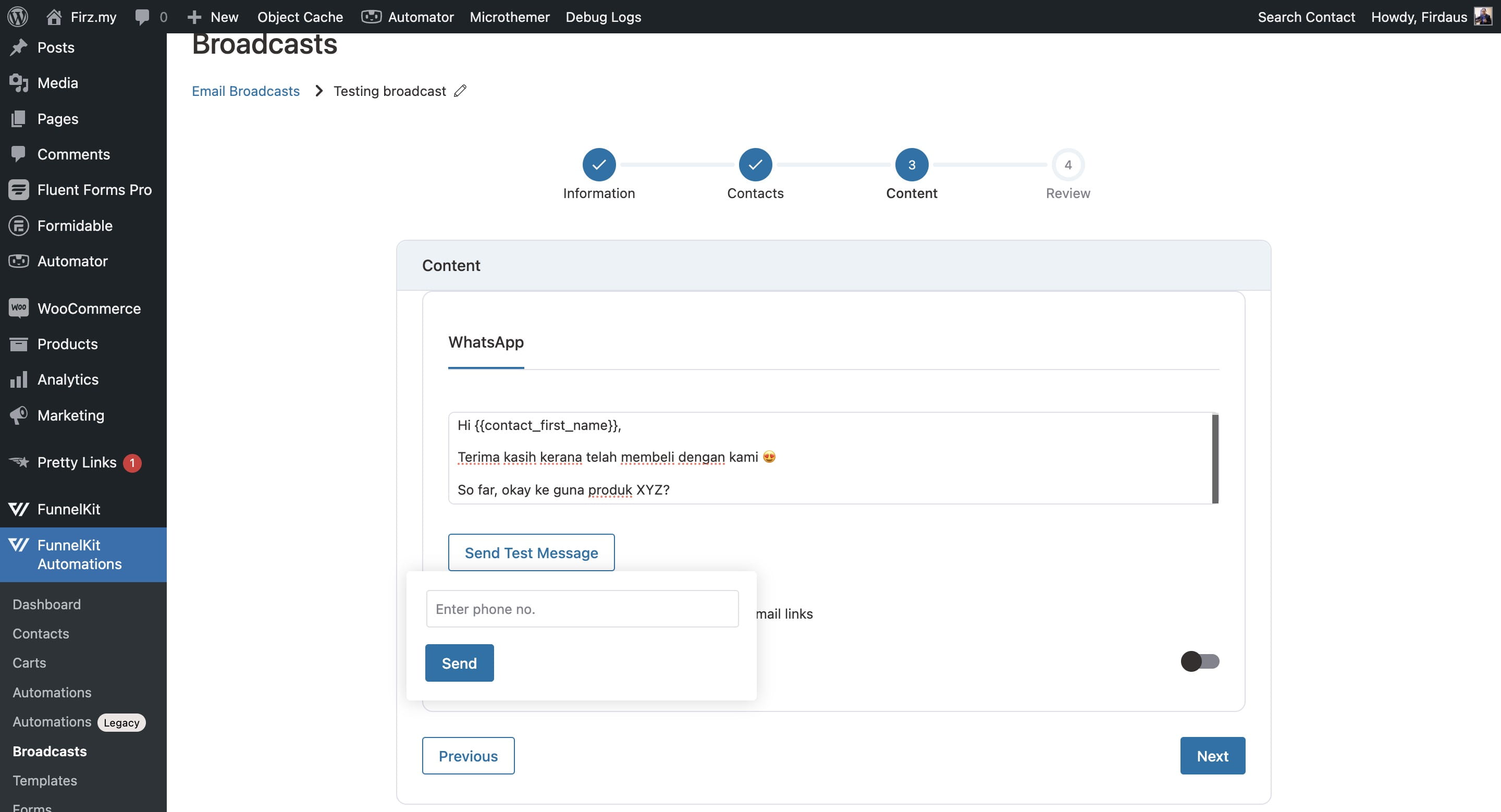
Click on "Send"
If you want to send an image as well, click this button to enable it. Or else just skrip this step
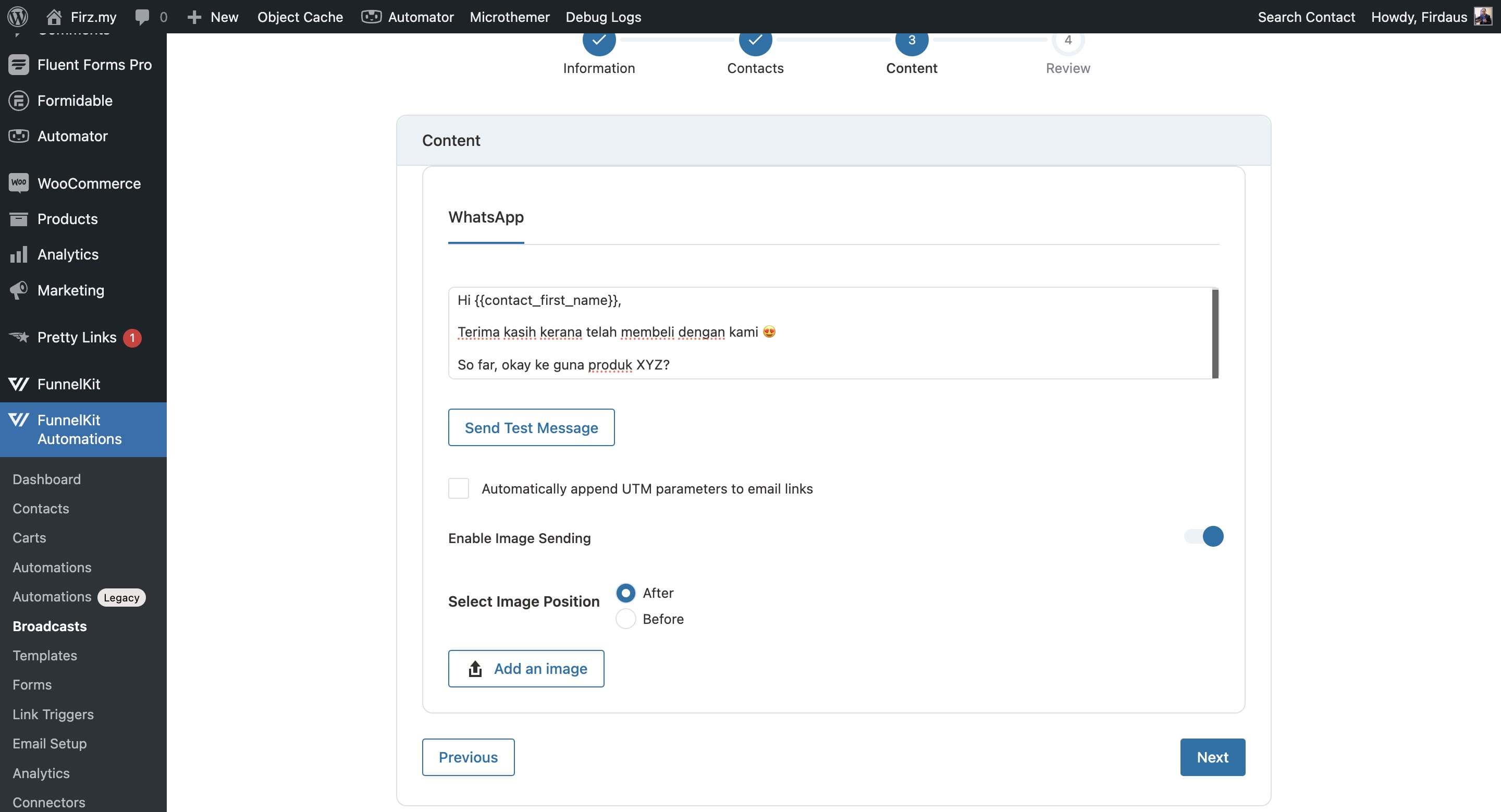
Click on "Next"
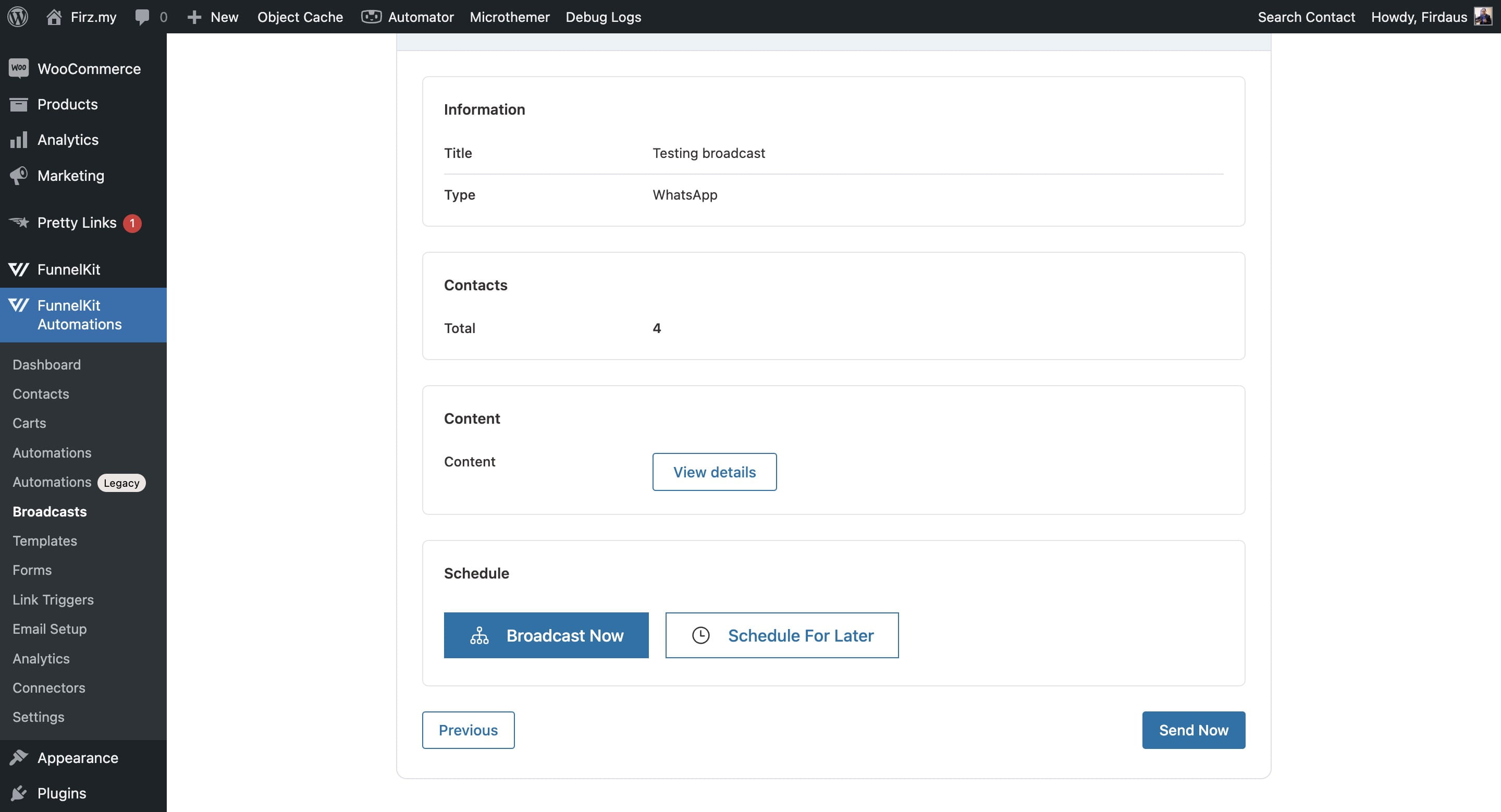
Choose whether to send it on instant or schedule for later
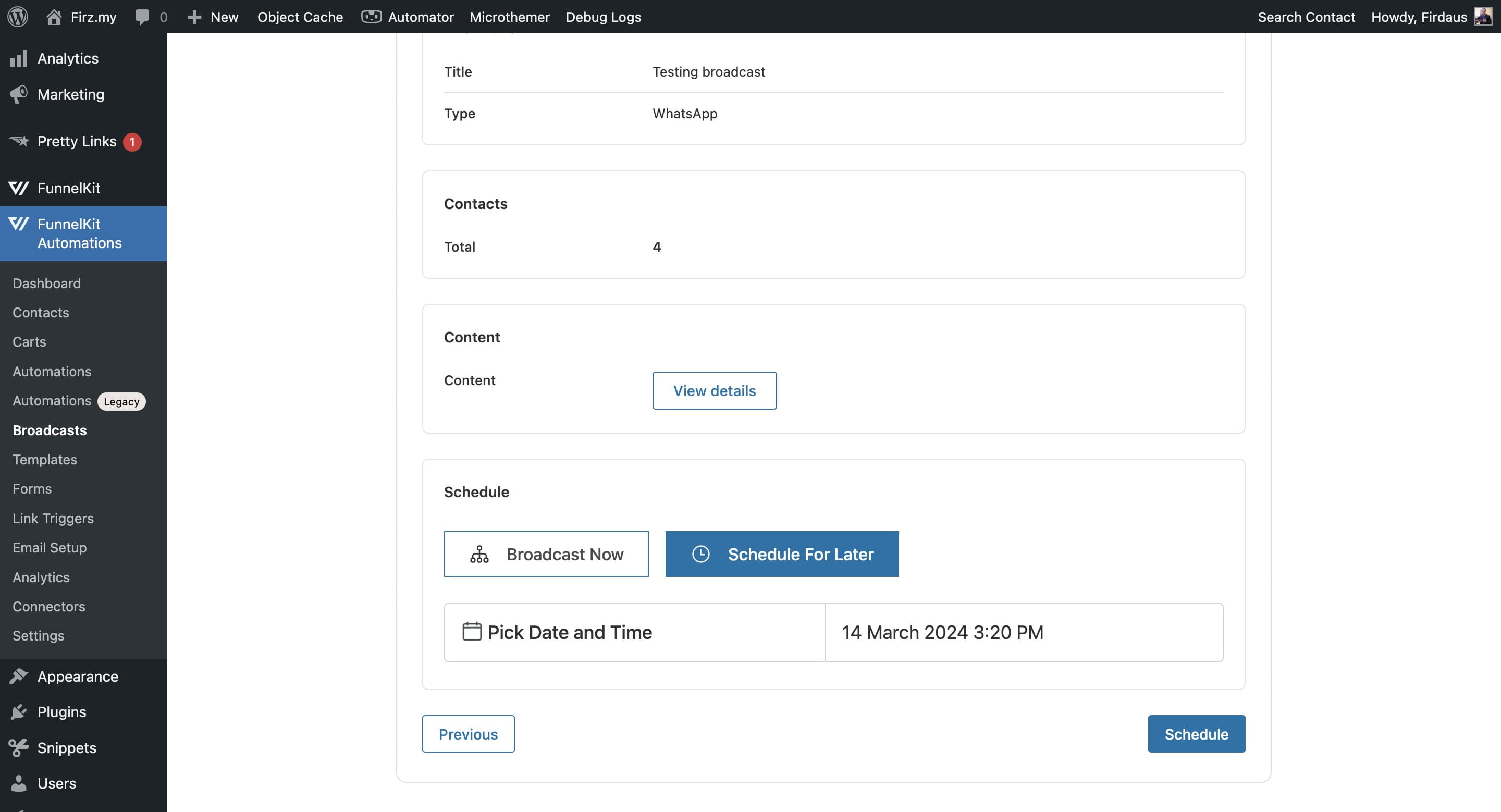
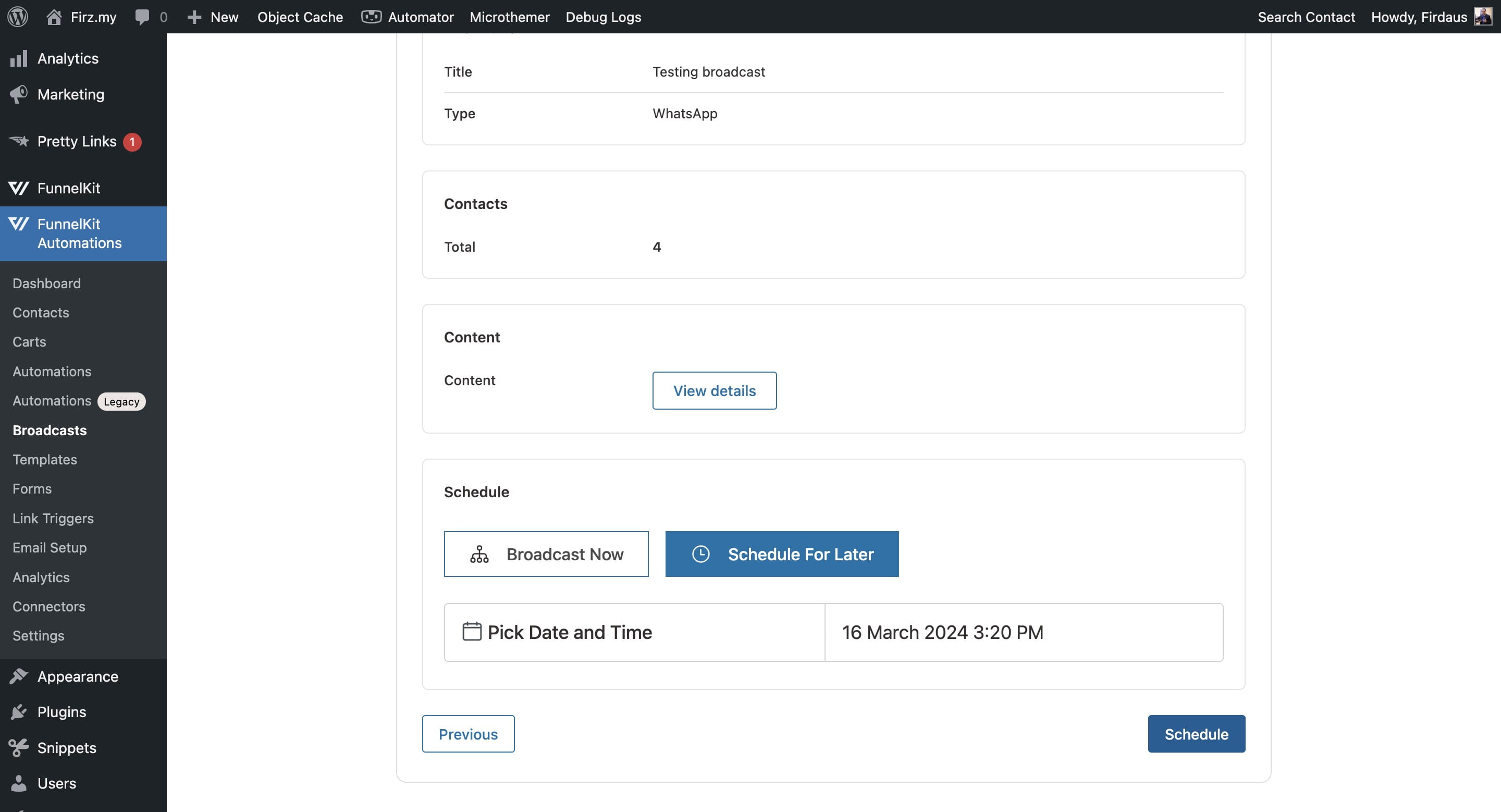
Choose the date and time you would like to schedule
Click on "Schedule"
Click on "WhatsApp Broadcasts" to see the scheduled broadcast
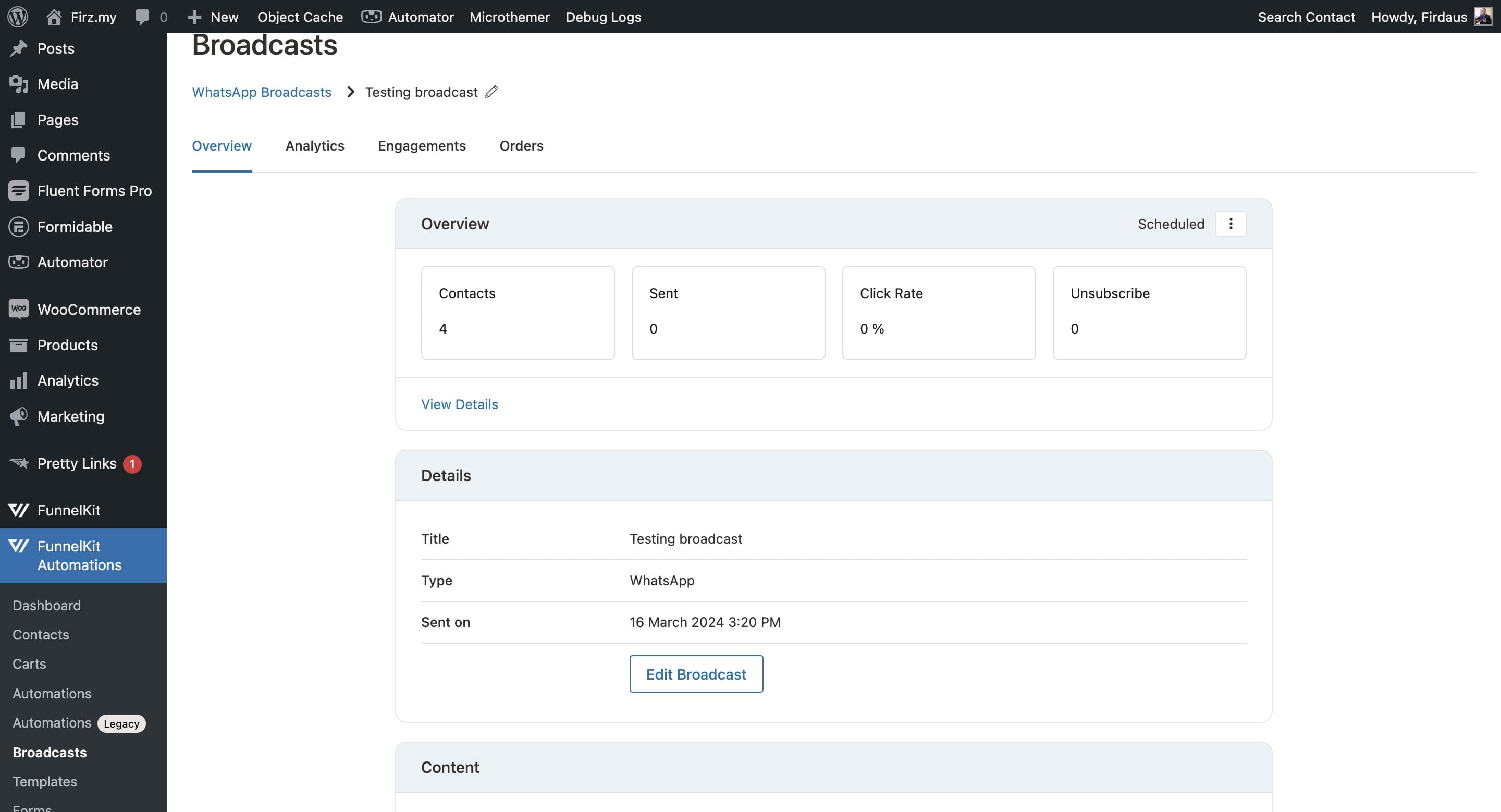
Then click on "Scheduled"
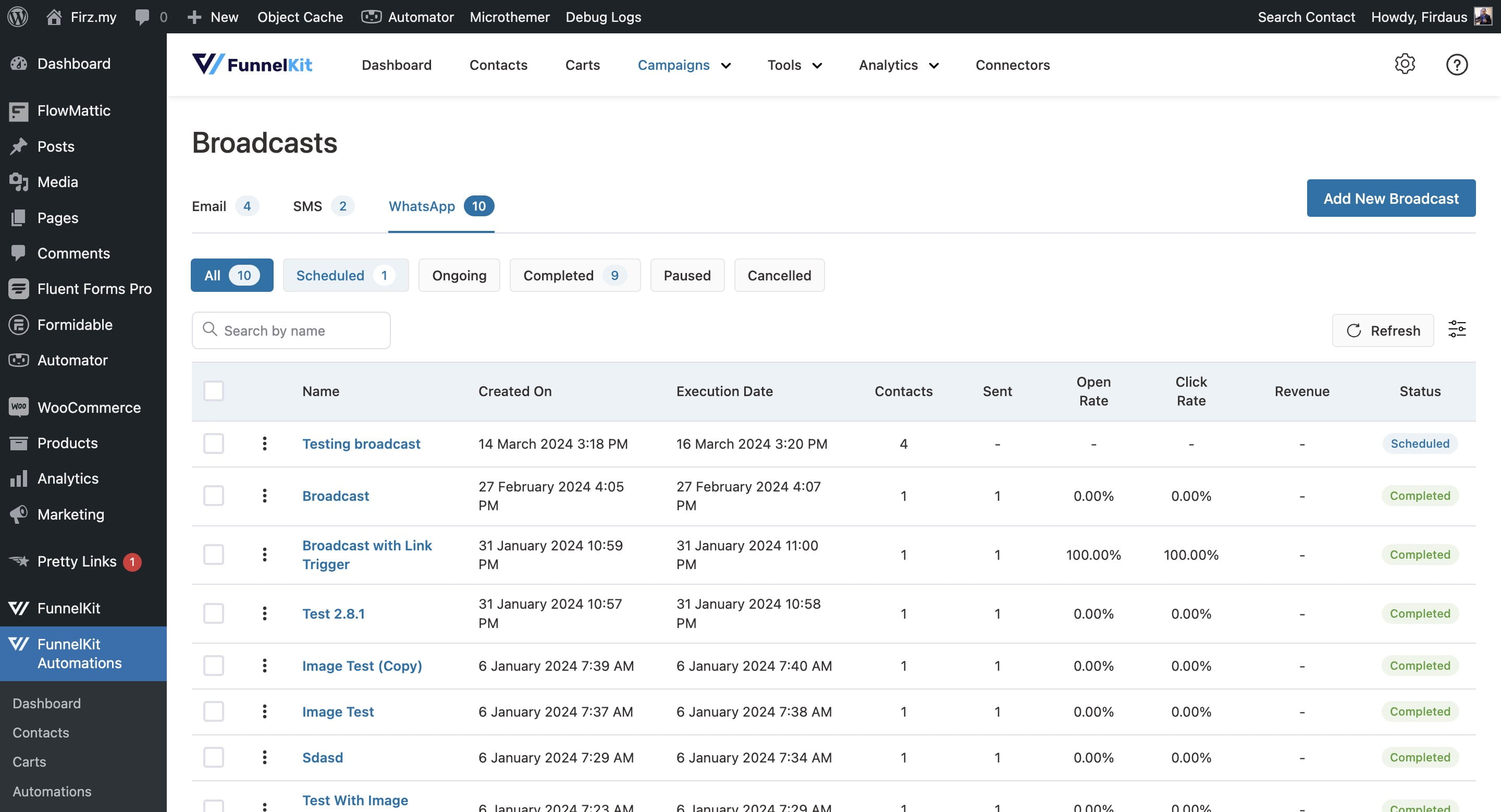
Your broadcast has been scheduled 🚀