

How to Change WhatsApp Number / Instance ?
Your number suddenly got banned and you simply want to change to a new phone number in Wabot? No need to delete the WhatsApp number, simply follow the tutorial below.
Navigate to https://app.wabot.my/dashboard
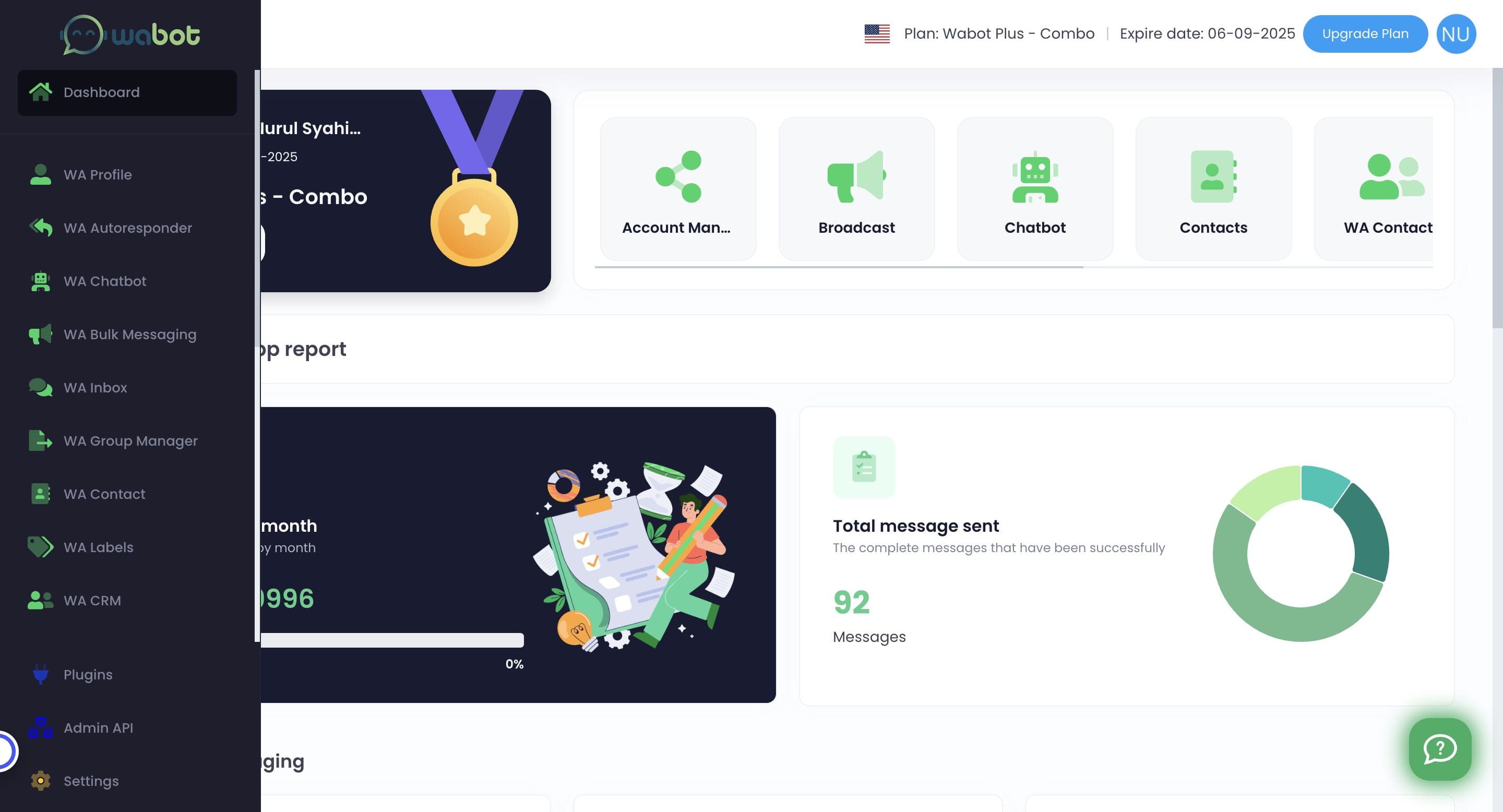
Click on "WA Profile"

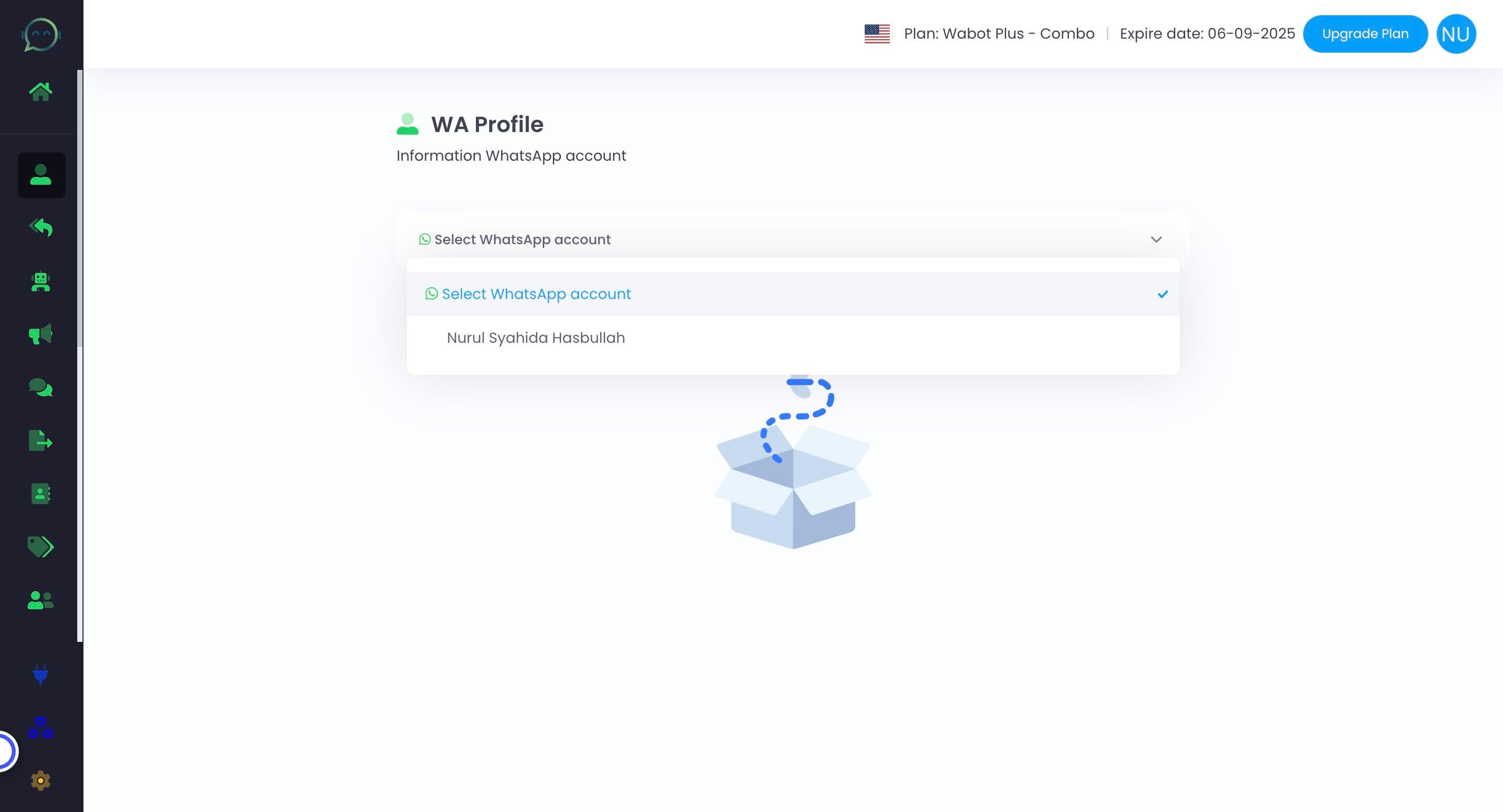
Select the profile that you want to change the number / remove from Wabot
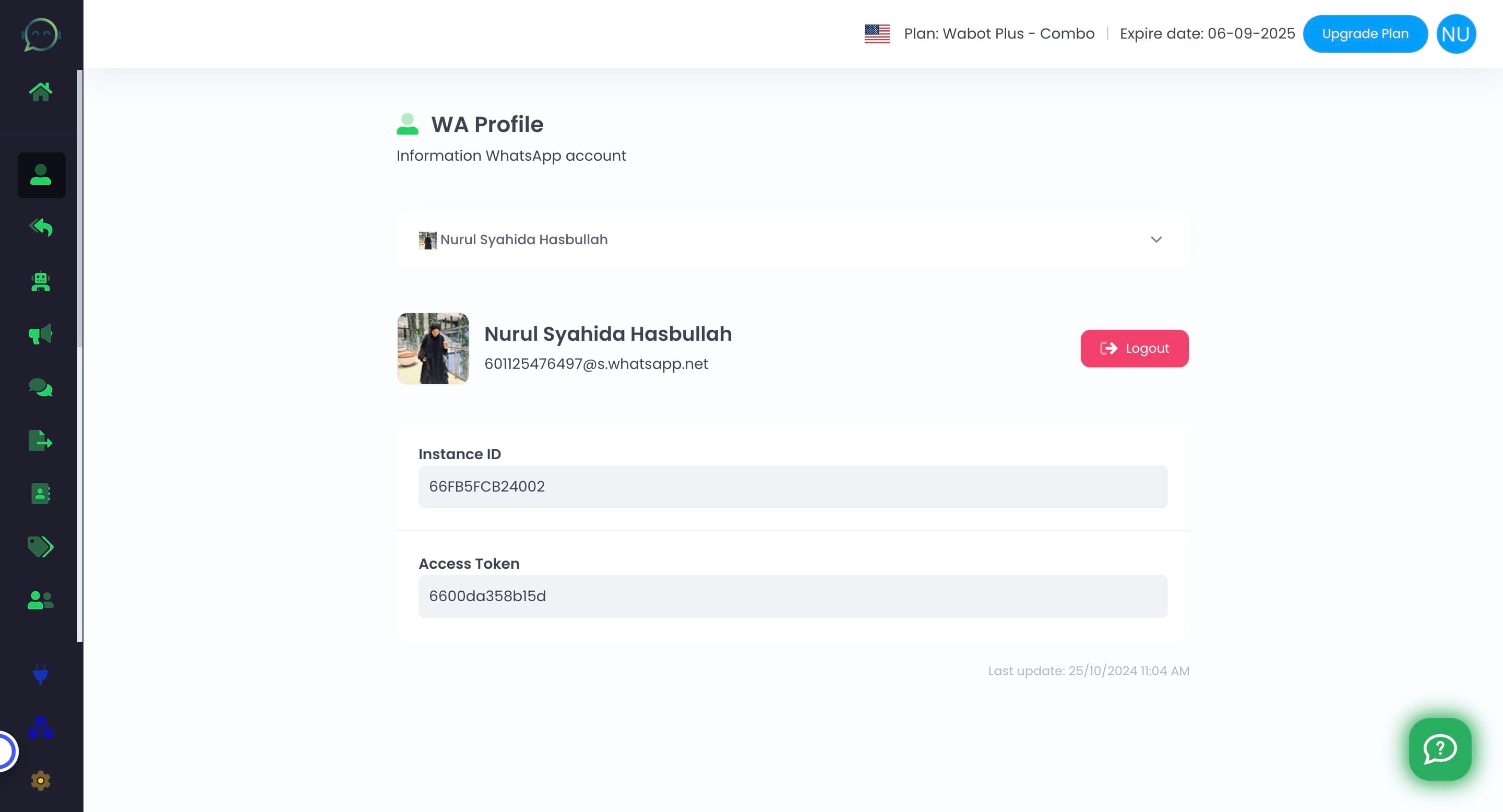
Click this icon to make it logout from Wabot
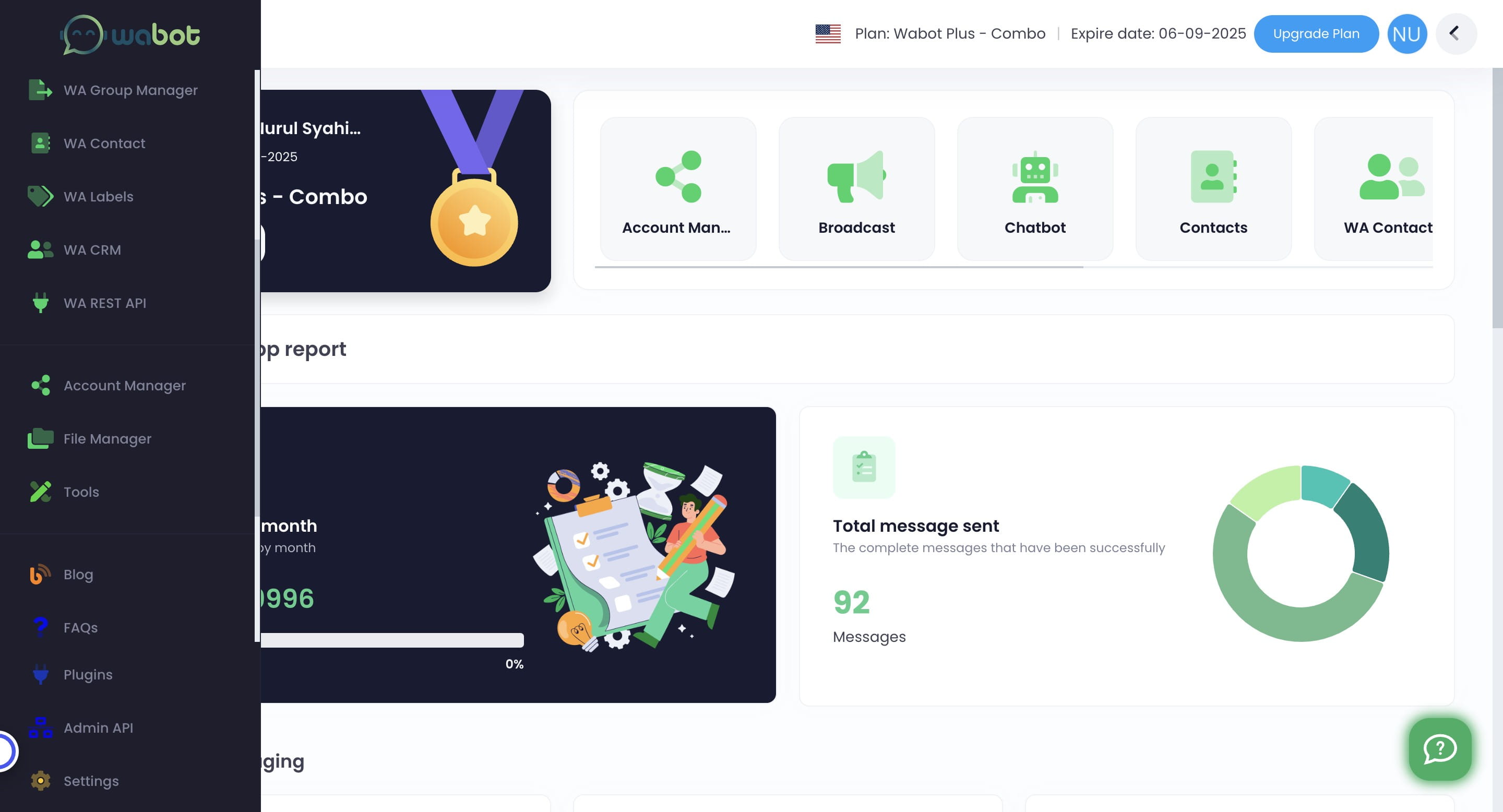
If your number has been disconnected / logout from Wabot, simply go straight to Account Manager (skip step 1-4)
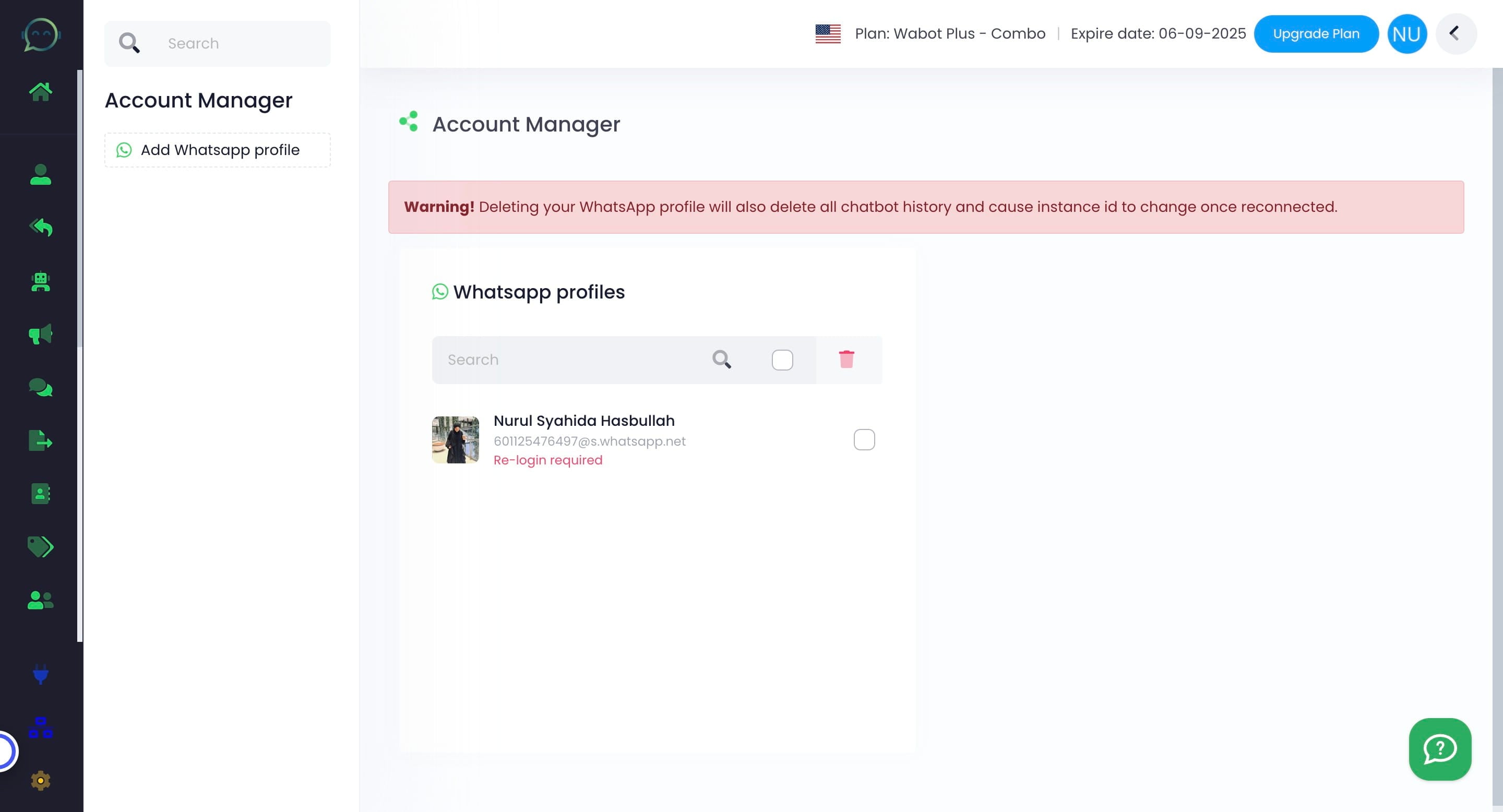
Then click on "Account Manager"
Click on the profile you want to change
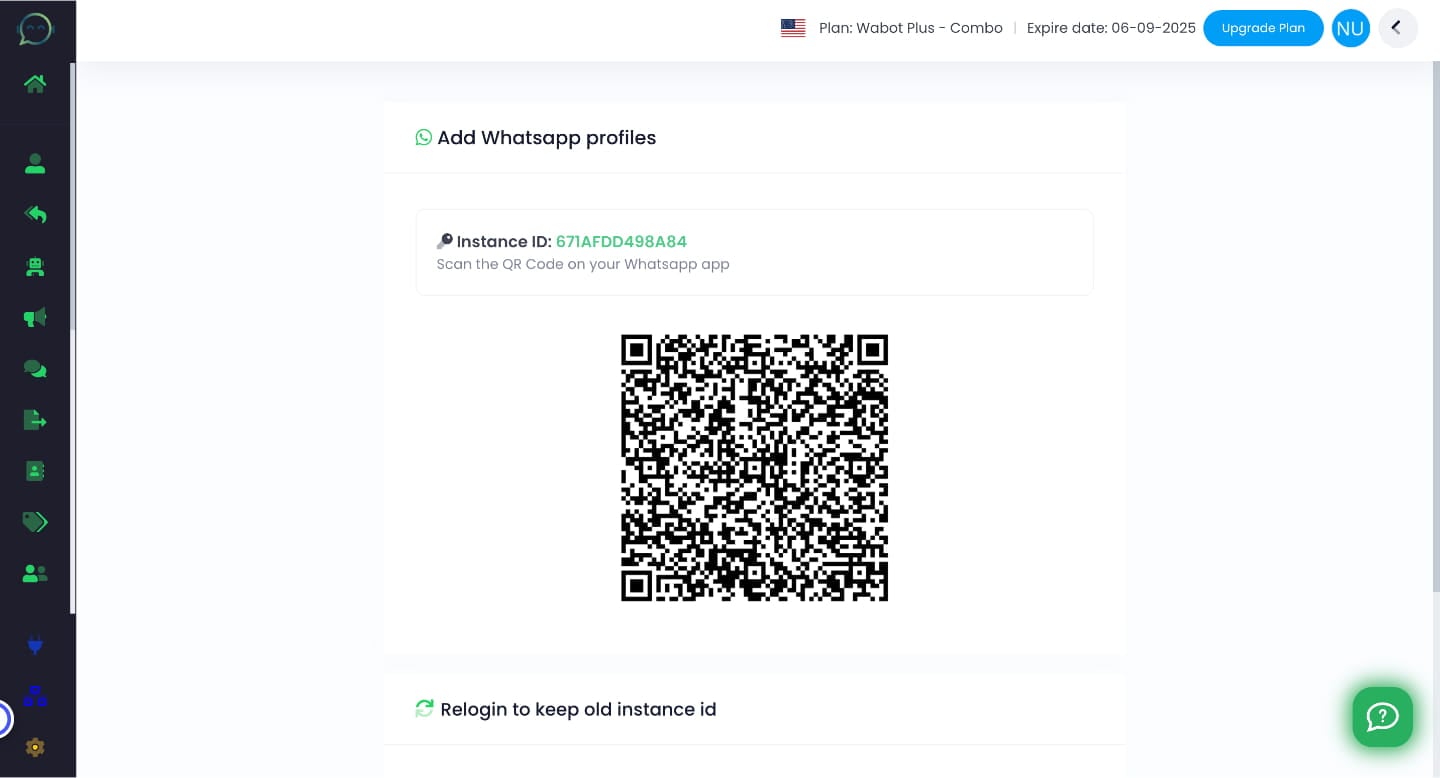
Scan the QR Code with the new WhatsApp number that you want to connect with Wabot
Once the new number and profile picture shown in Wabot, it means it has already been connected
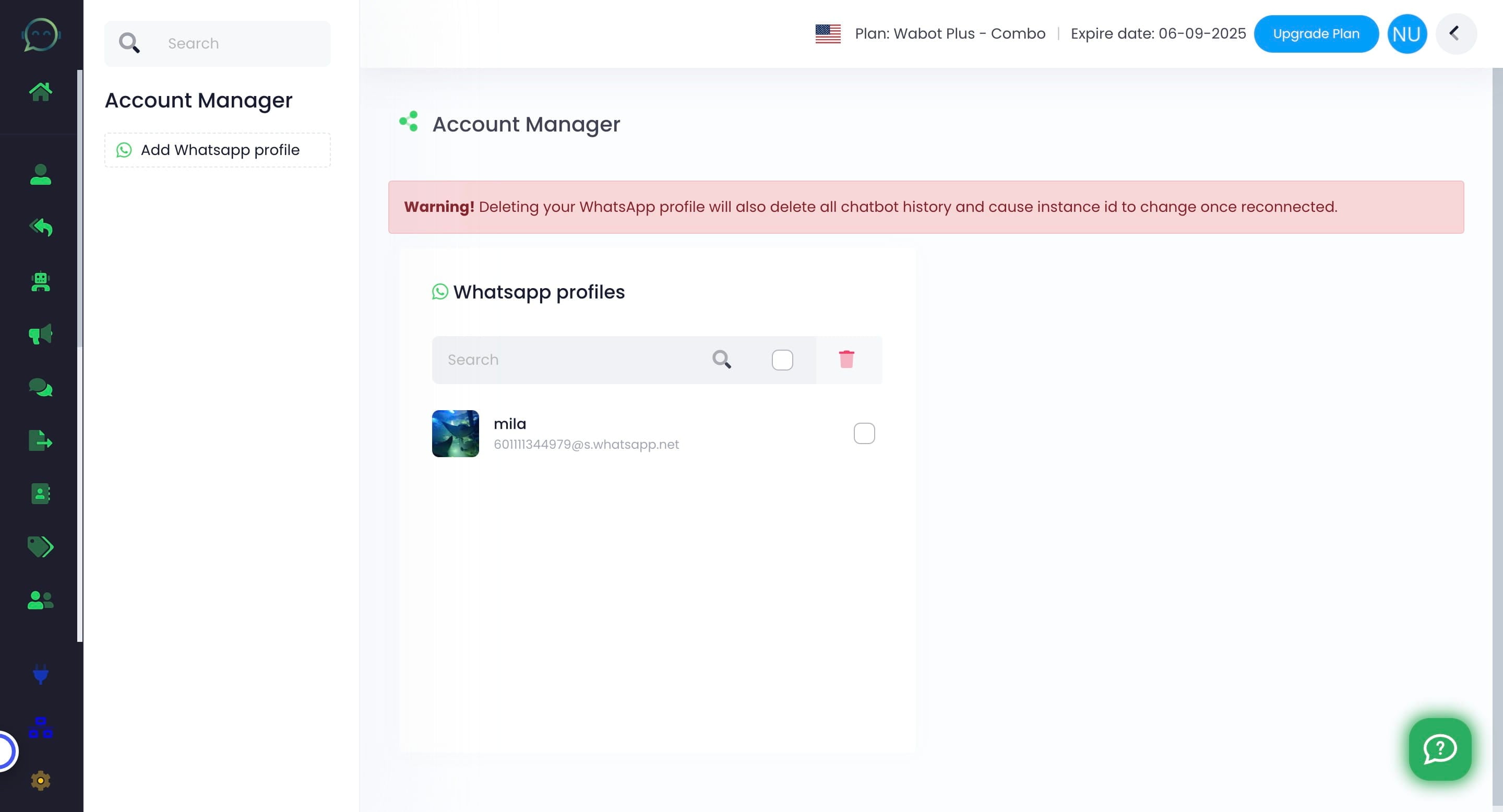
Changing number like the above tutorial will not change the instance ID and access token from the previous WhatsApp profile. It will remain the same
Make sure to not DELETE the WhatsApp profile as it will result in losing the chatbot setup and changes of instance ID and access token