How To Set Autoresponder / Default Reply
With default reply, customers get instant responses on WhatsApp, maintaining communication even when you're not on your phone
Navigate to https://app.wabot.my/dashboard
Click on "WA Autoresponder" and choose your WhatsApp account
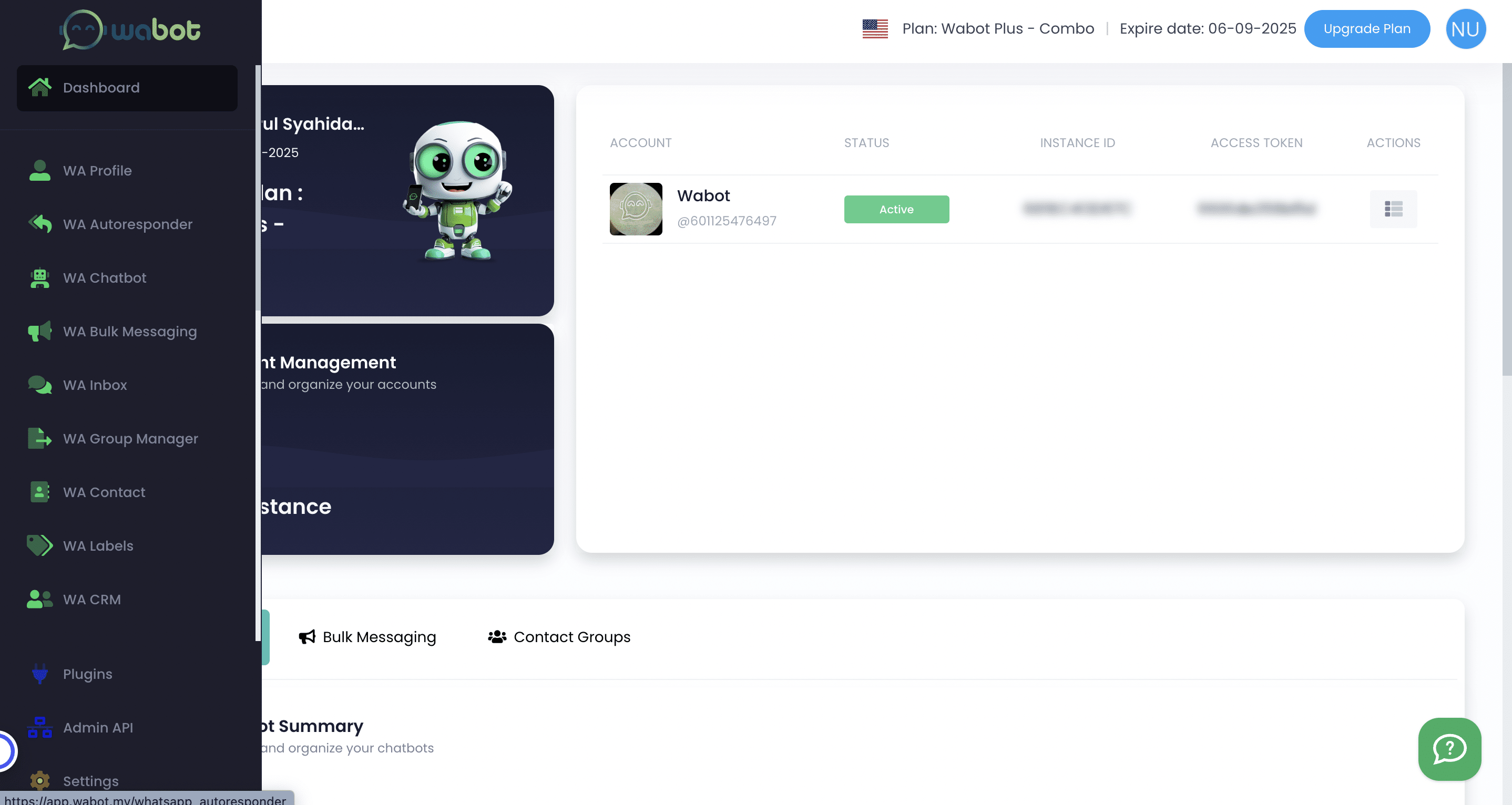

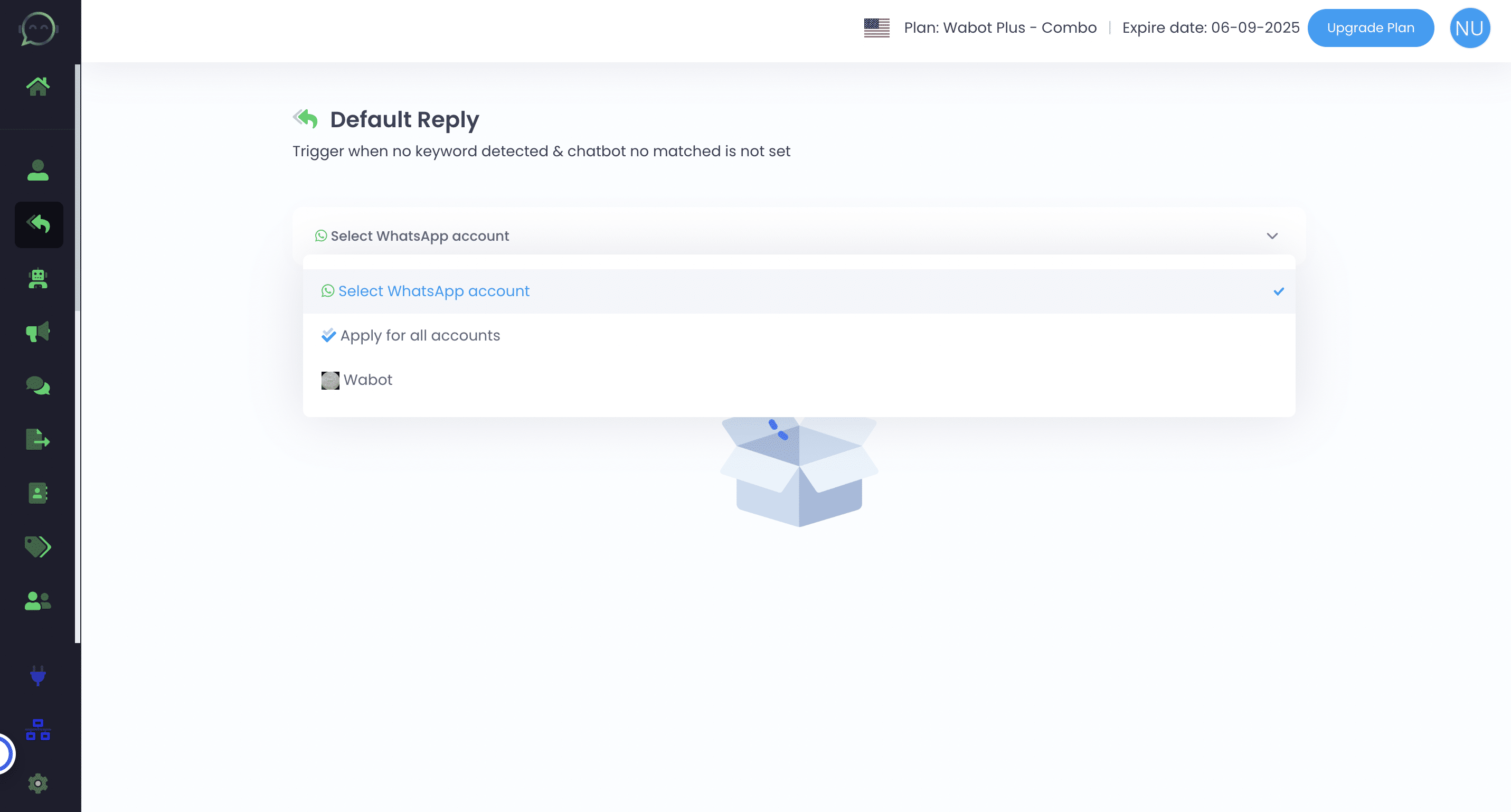
Click on the WhatsApp account that you want to set the default reply on
Enable it
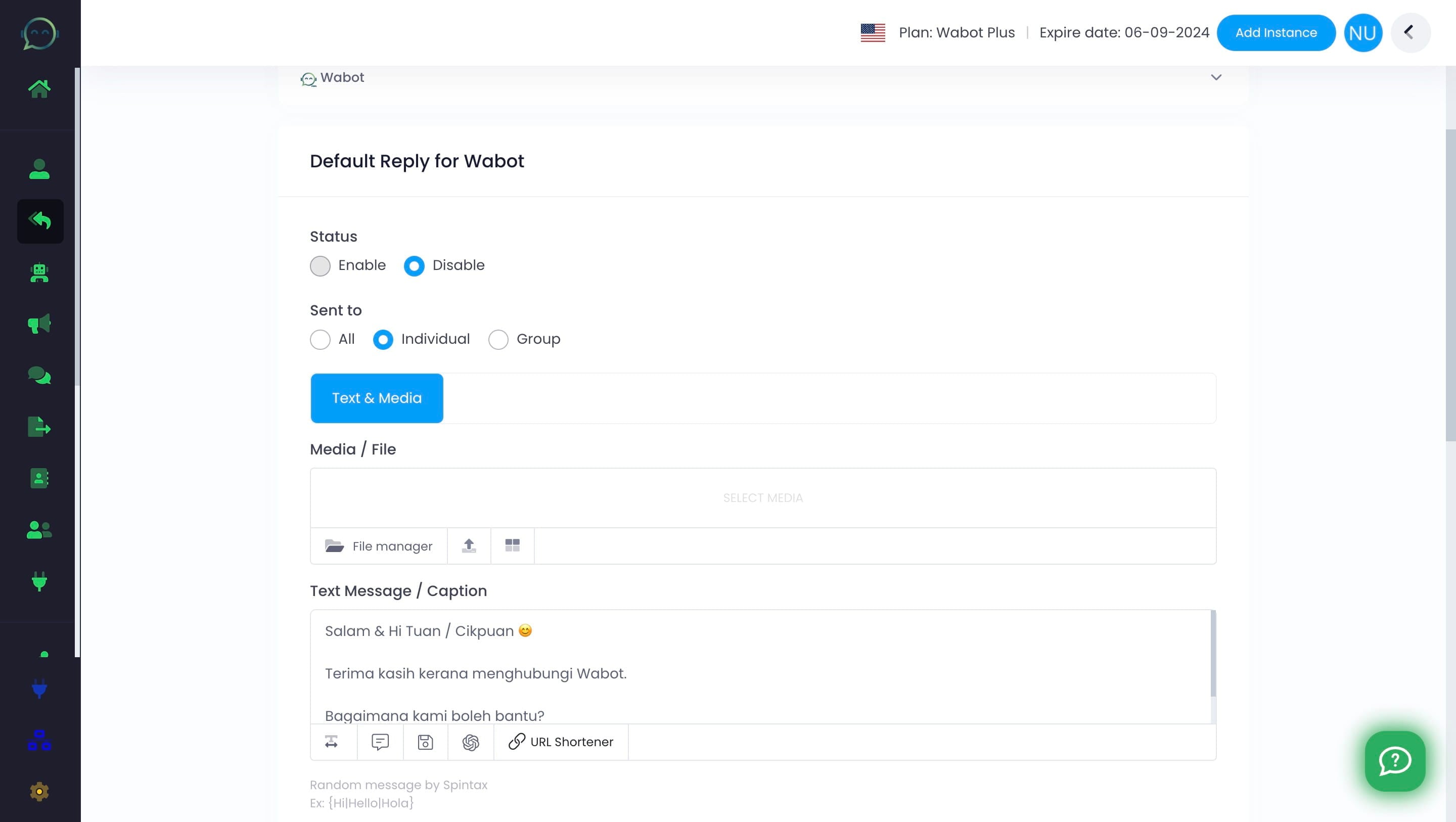
Decide if you want the default reply for everyone, just individuals, or only groups on WhatsApp
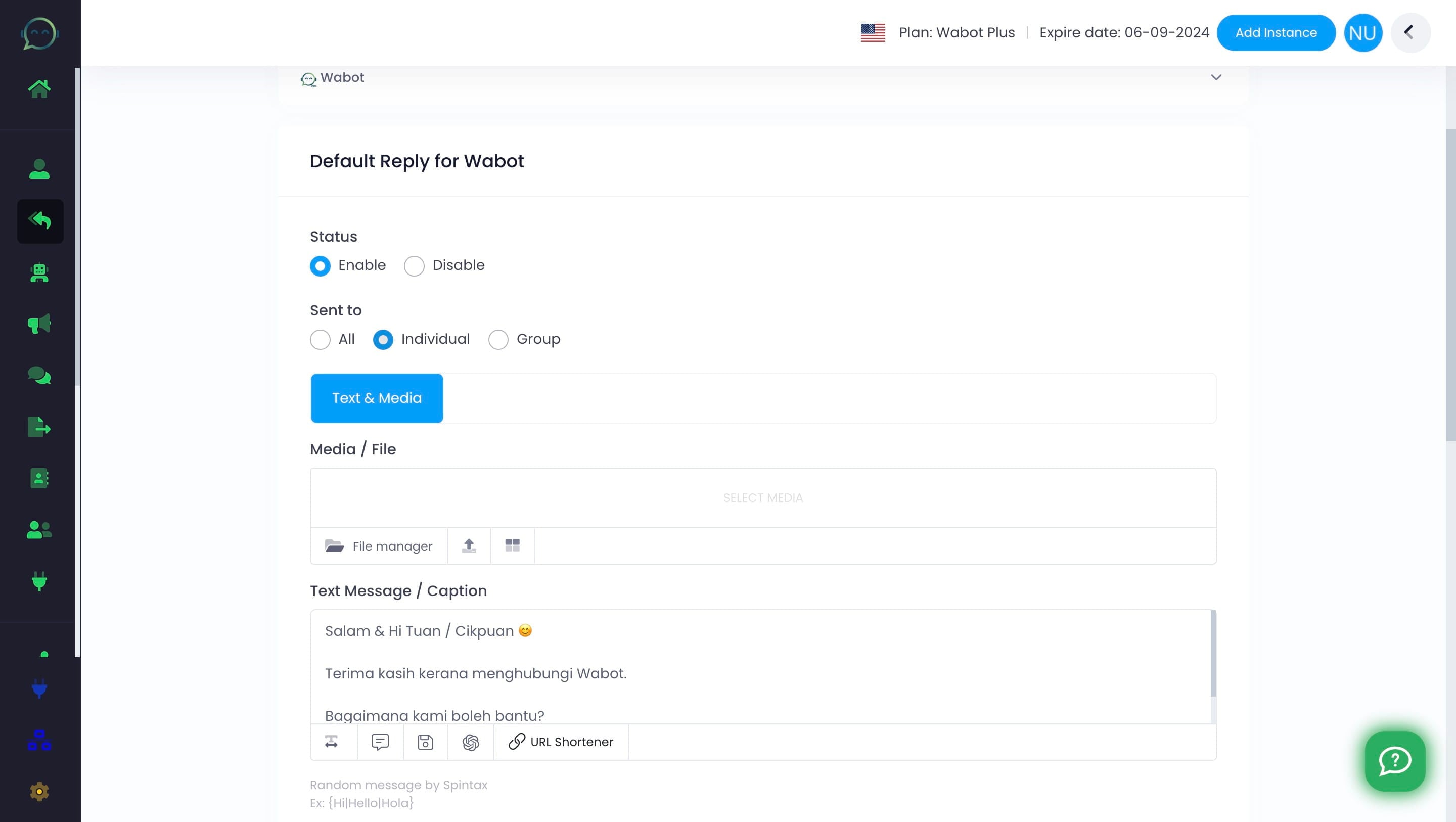
Add your text and media (if necessary). The default reply shares essential info like business hours or support contacts, often serving as a friendly welcome based on your business needs
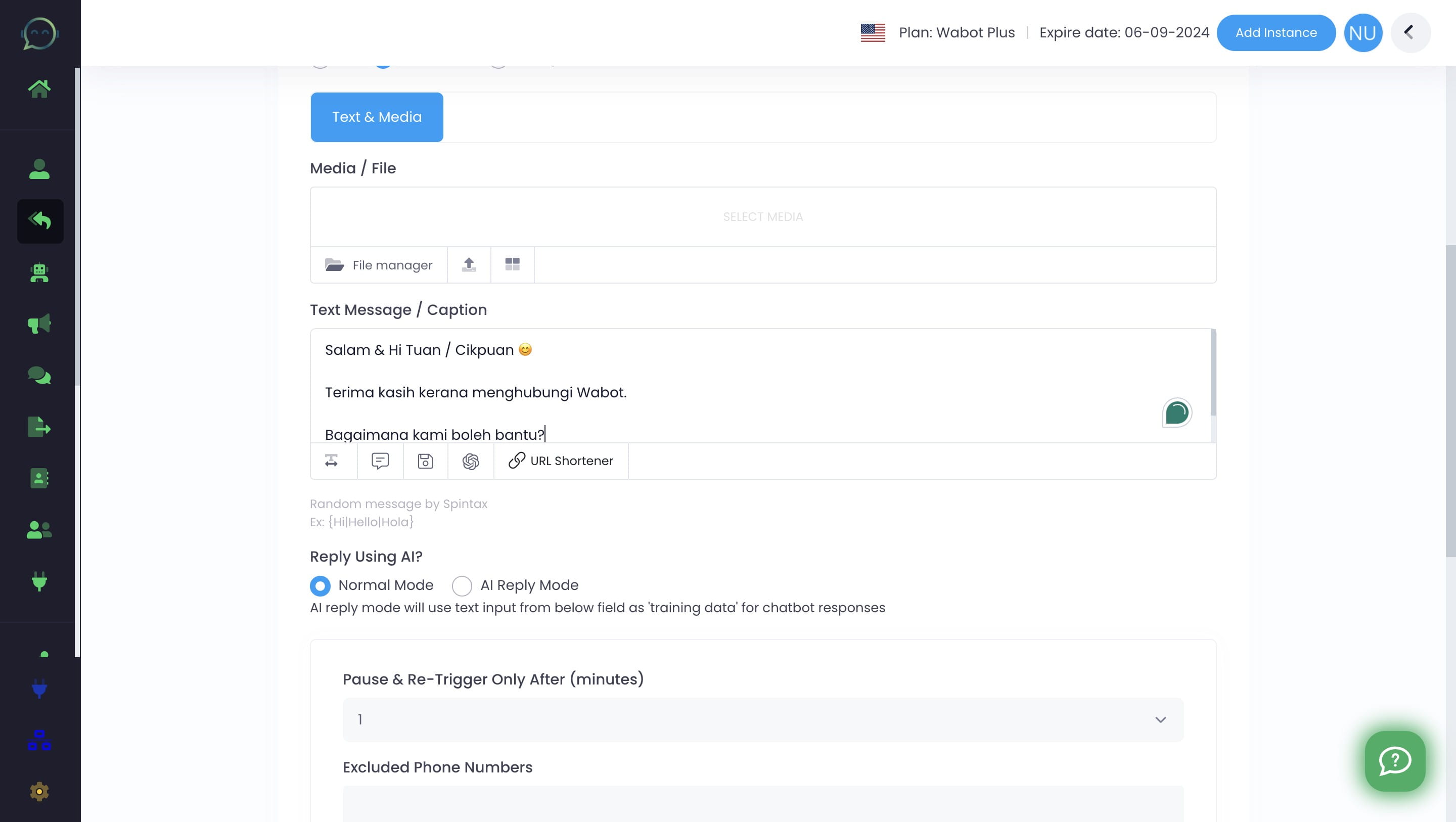
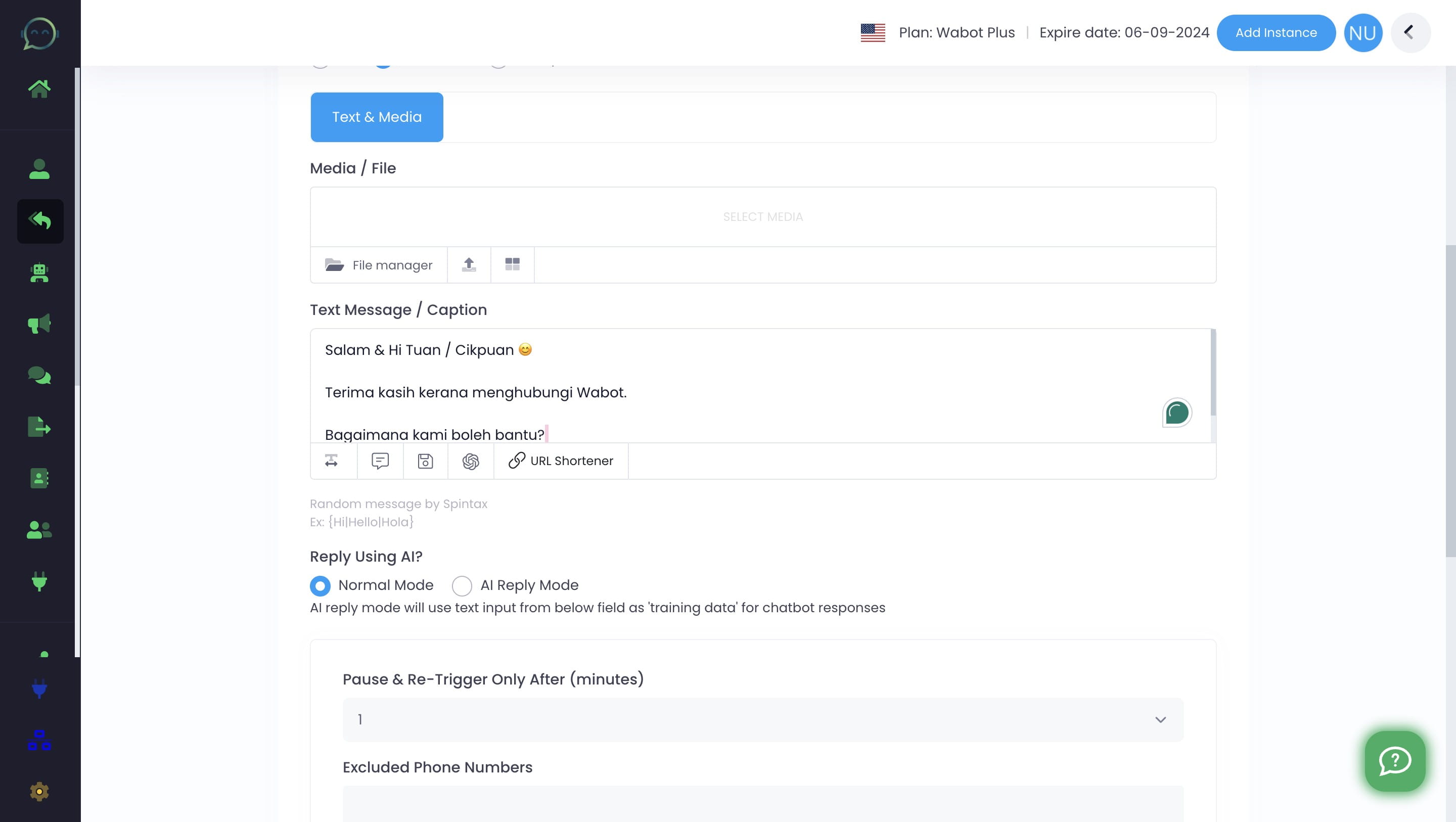
You can also set AI to reply. But remember, it also might result in inaccurate answers if instructions aren't clear and detailed enough
After the first response, the system will take a short break before replying again to keep conversation moving smoothly
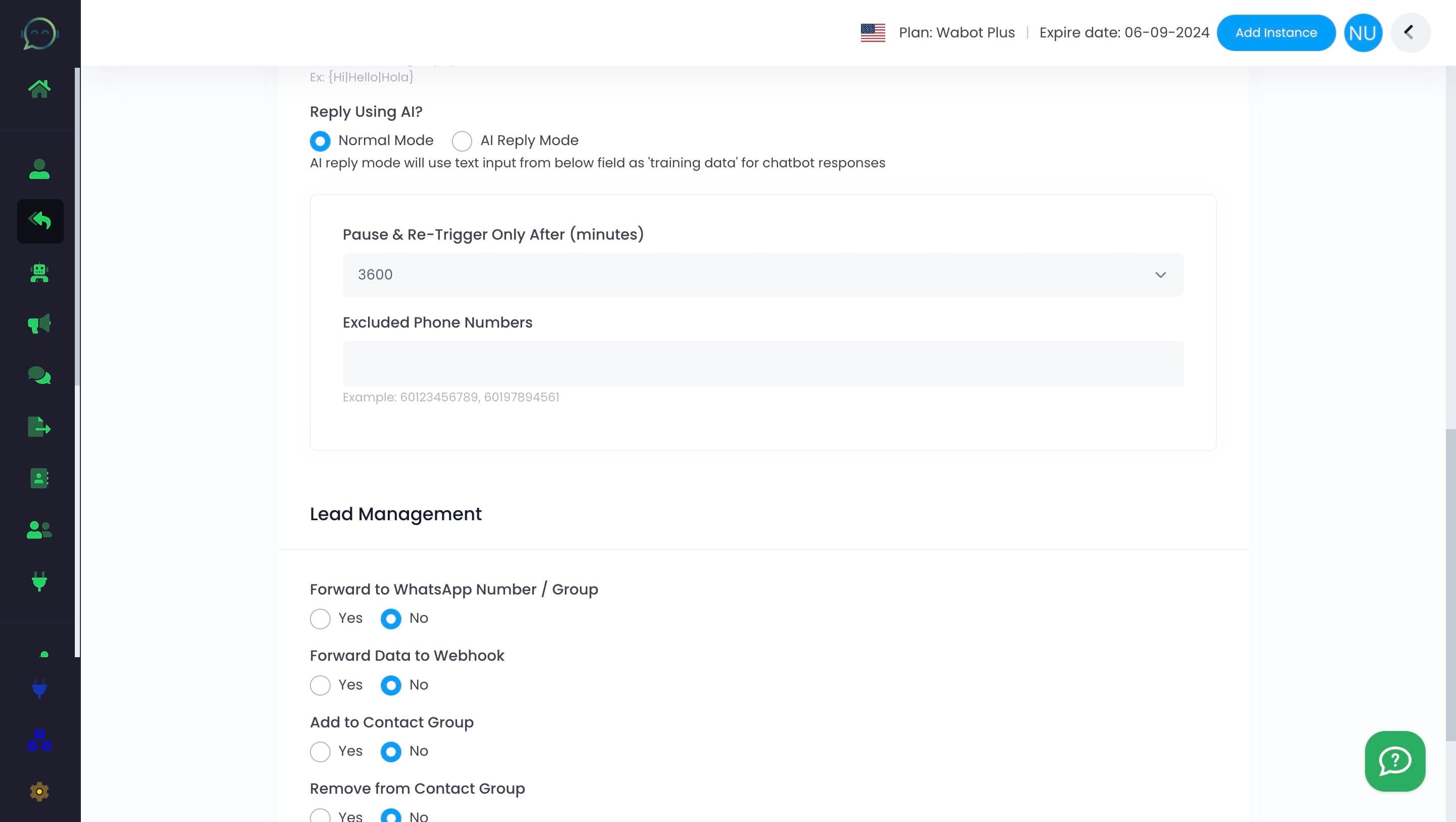
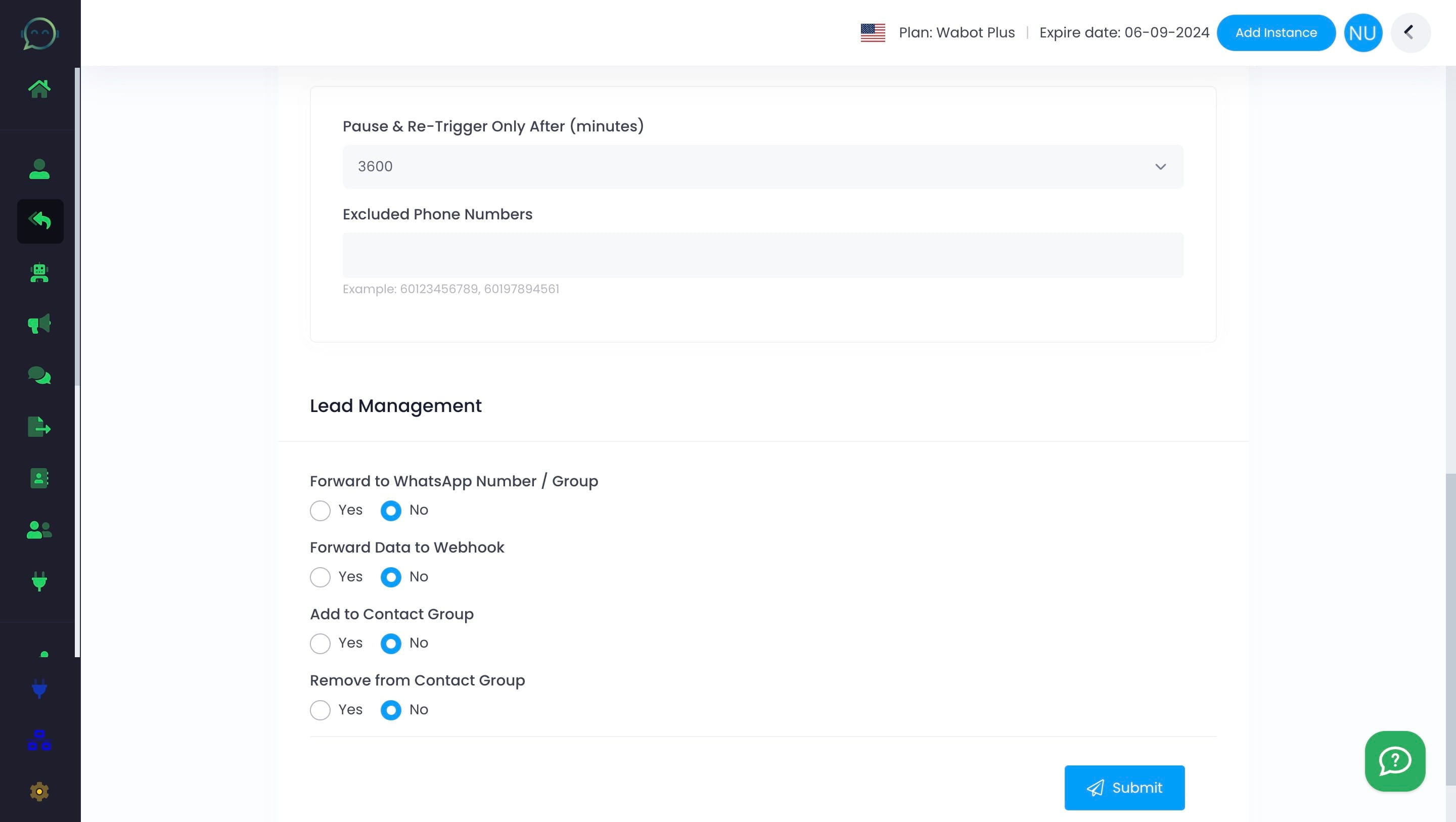
Exclude specific phone numbers, such as sales team, colleagues, or your own, from triggering default replies. Also please include country codes for each number
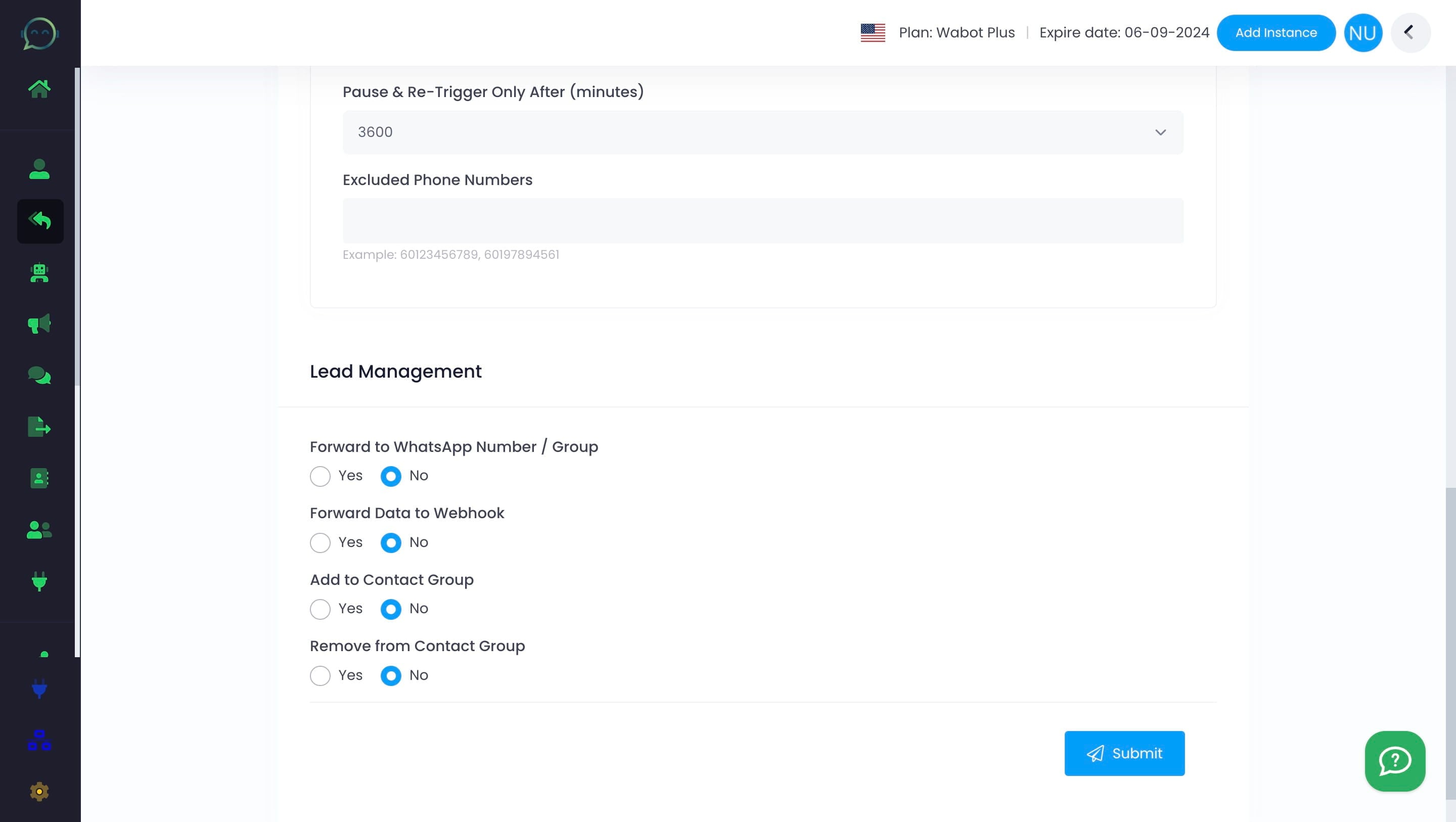
If customers reach out on WhatsApp, you have the option to forward messages to your team, store data for automation, or organize contact groups. Click "No" if this does not apply
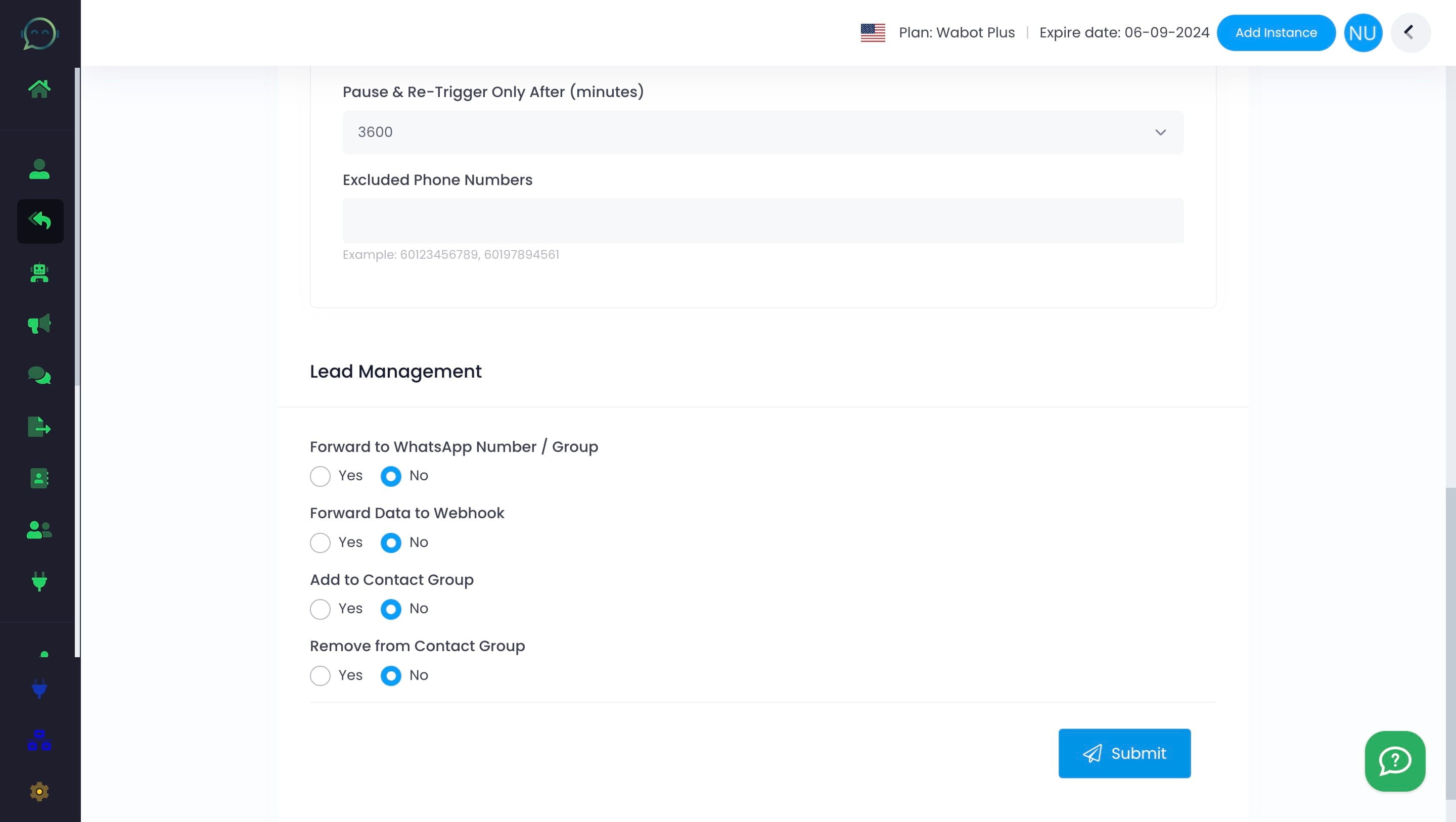
Don't forget to click "Submit" and your default reply is good to go!