How To Create Automation Via Label in Wabot
Kindly note that WA Automation only available for Wabot Plus, Premier and Platinum only
Navigate to https://app.wabot.my/dashboard
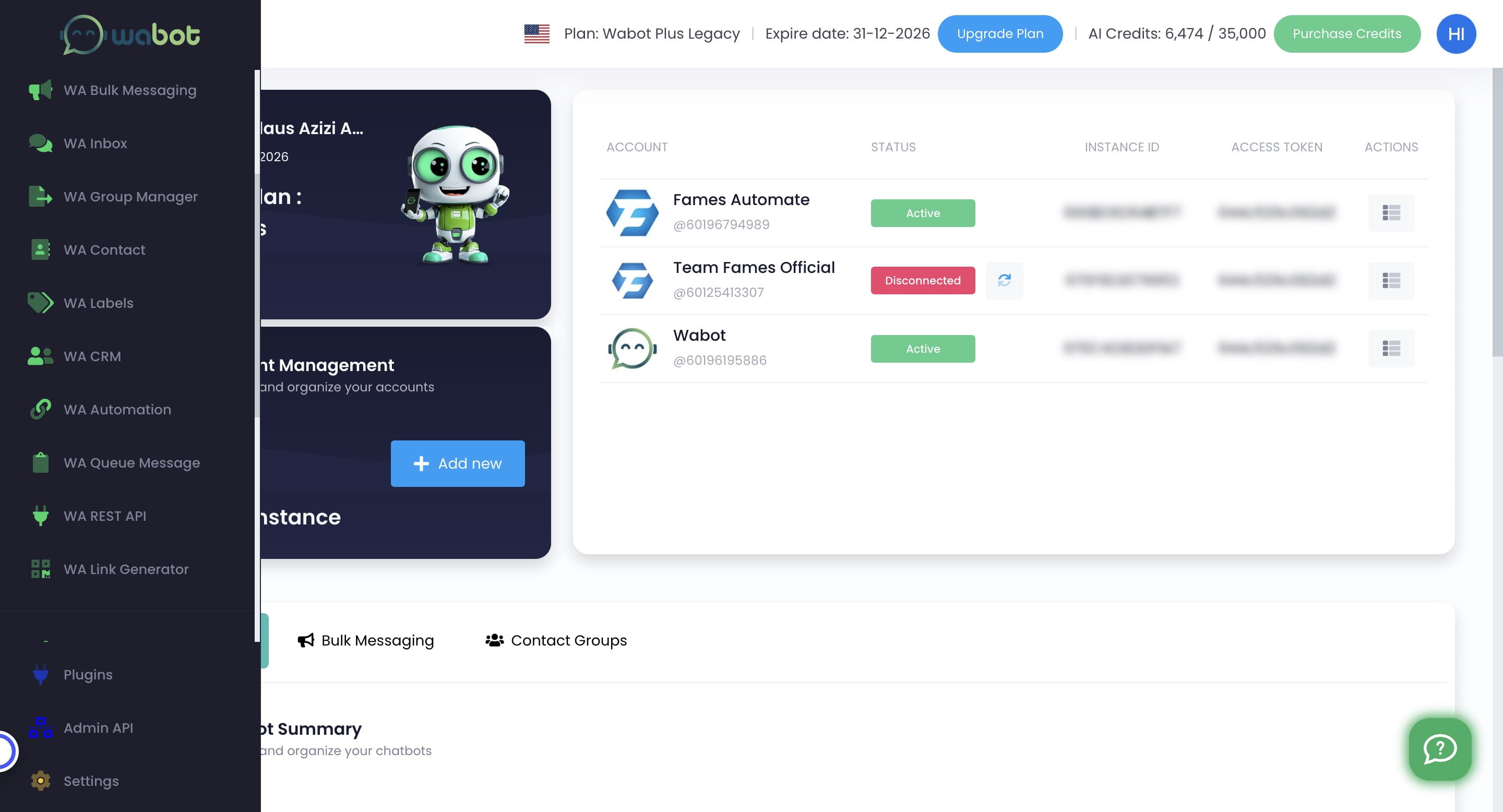
Click on "WA Automation"

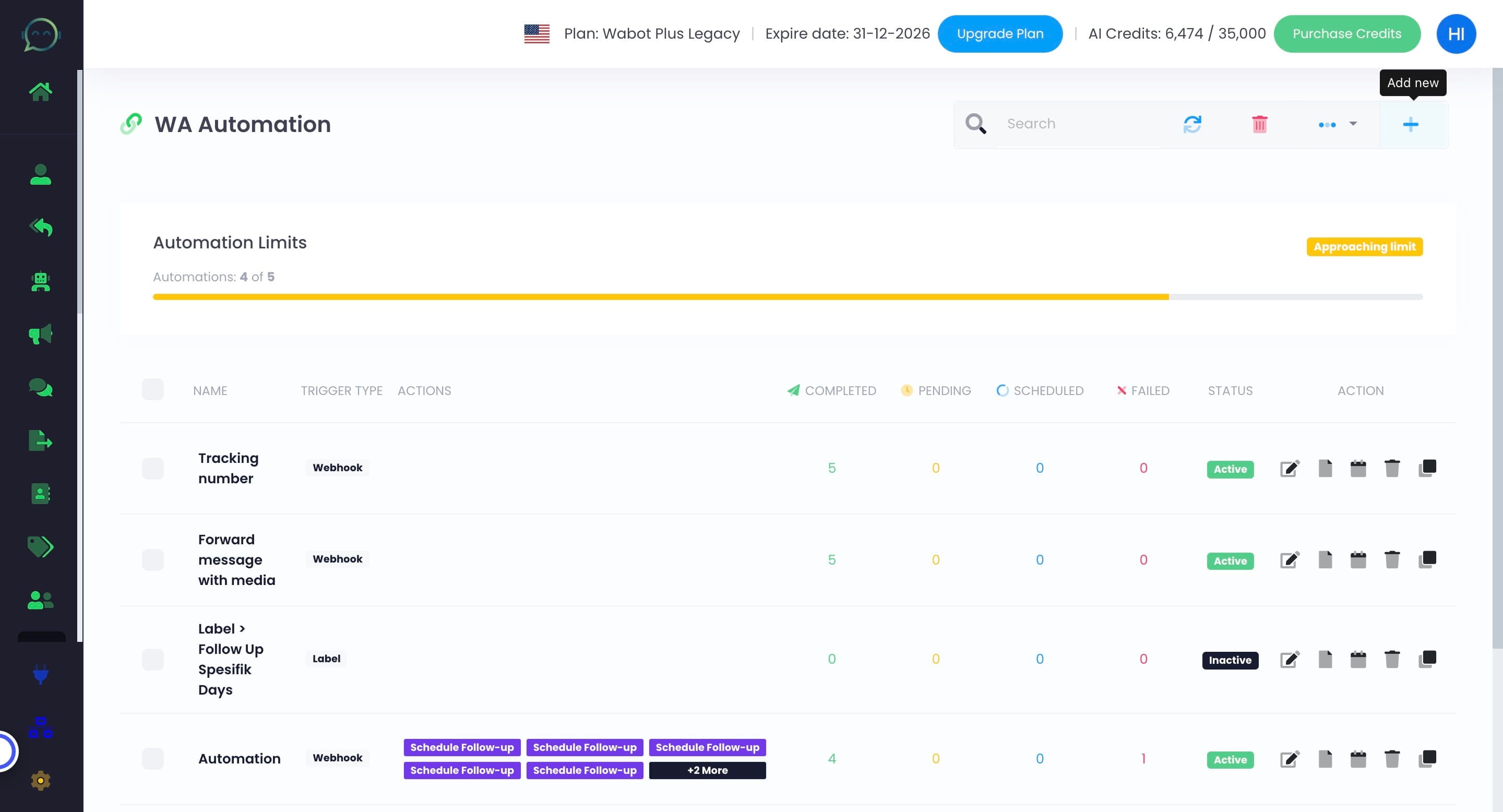
Click this icon to add new automation
Click on "Webhook" and choose "Label"
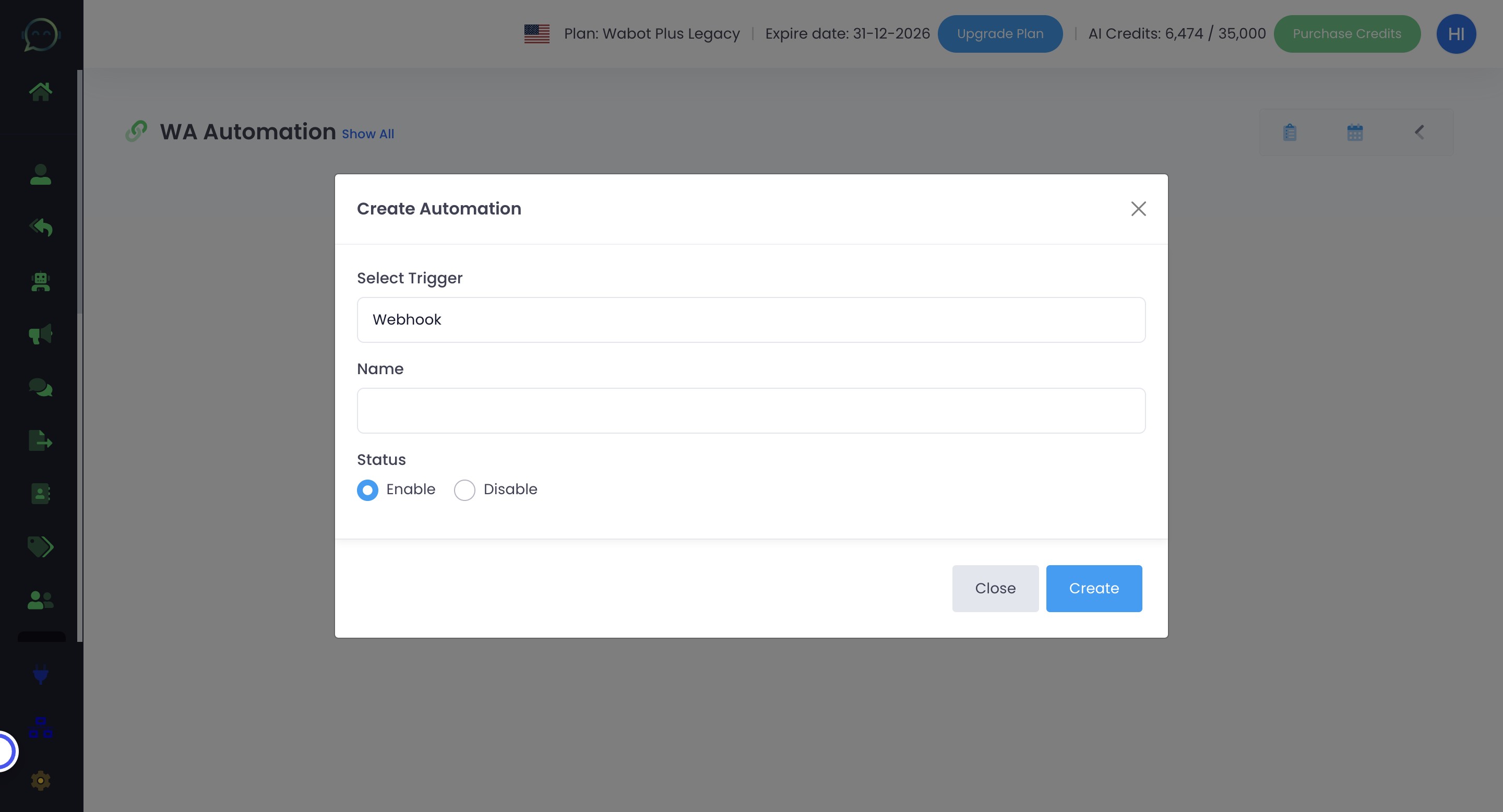
Name your automation
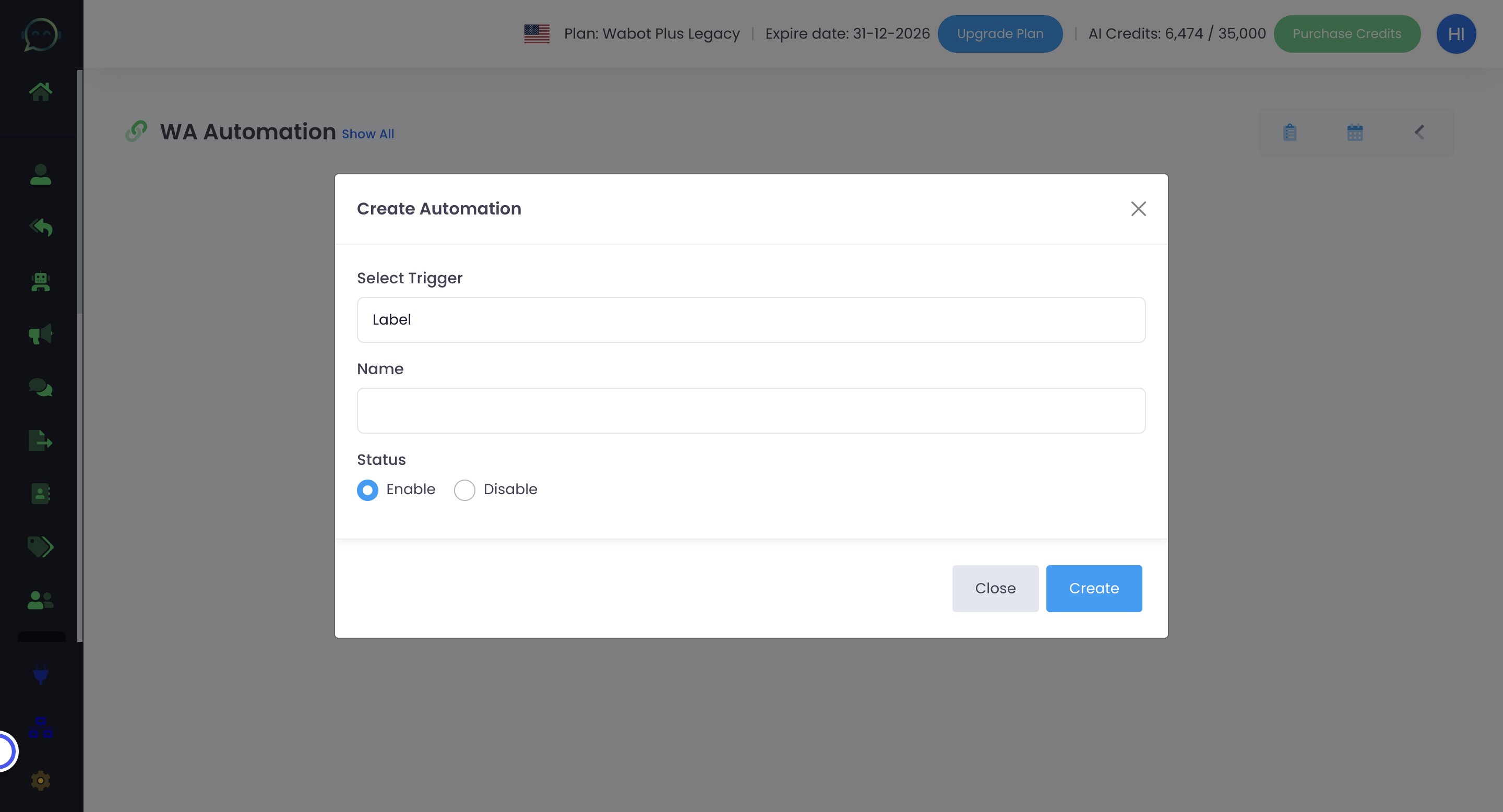
Enable the automation
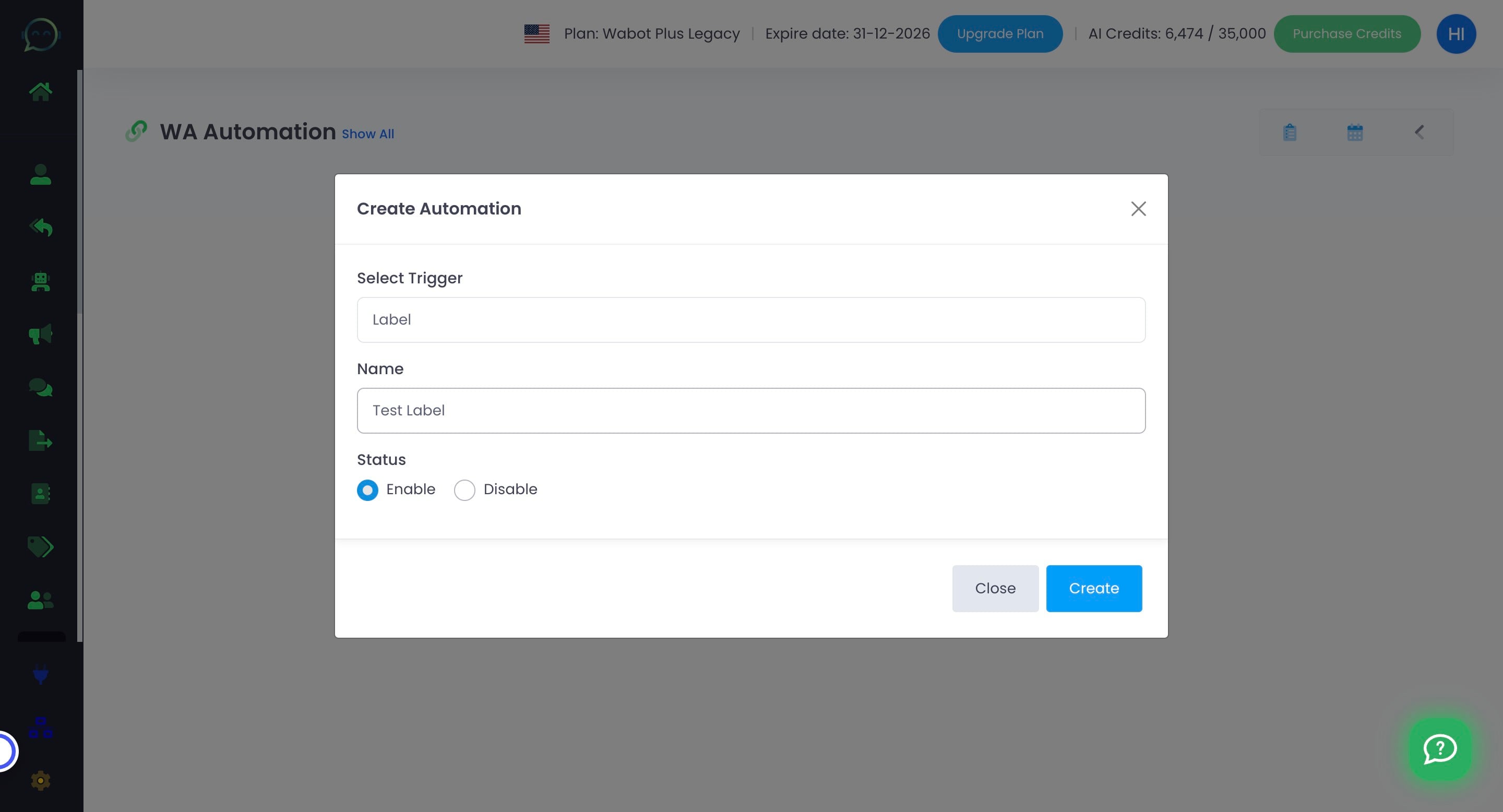
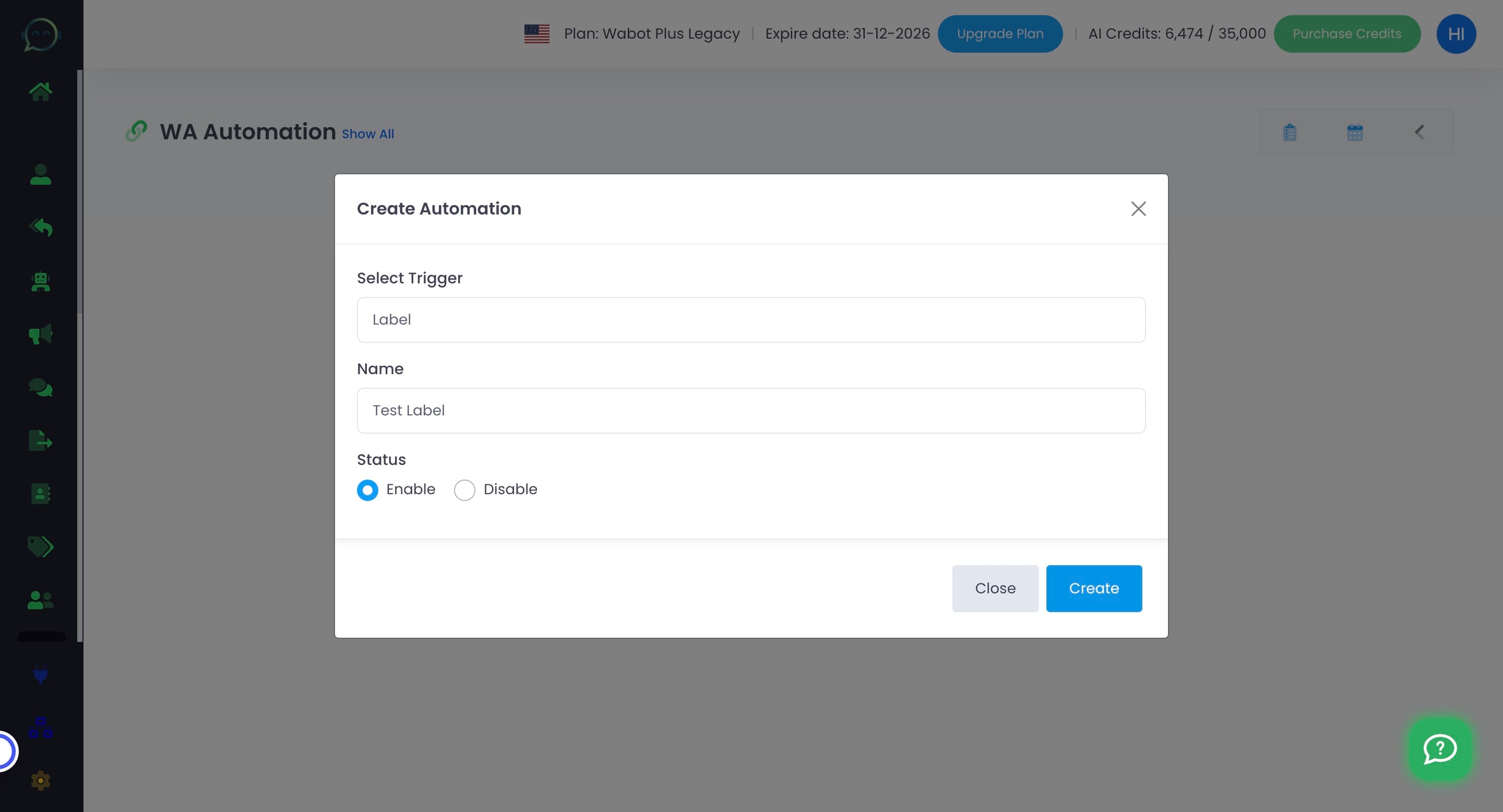
Click on "Create"
Click here to enable
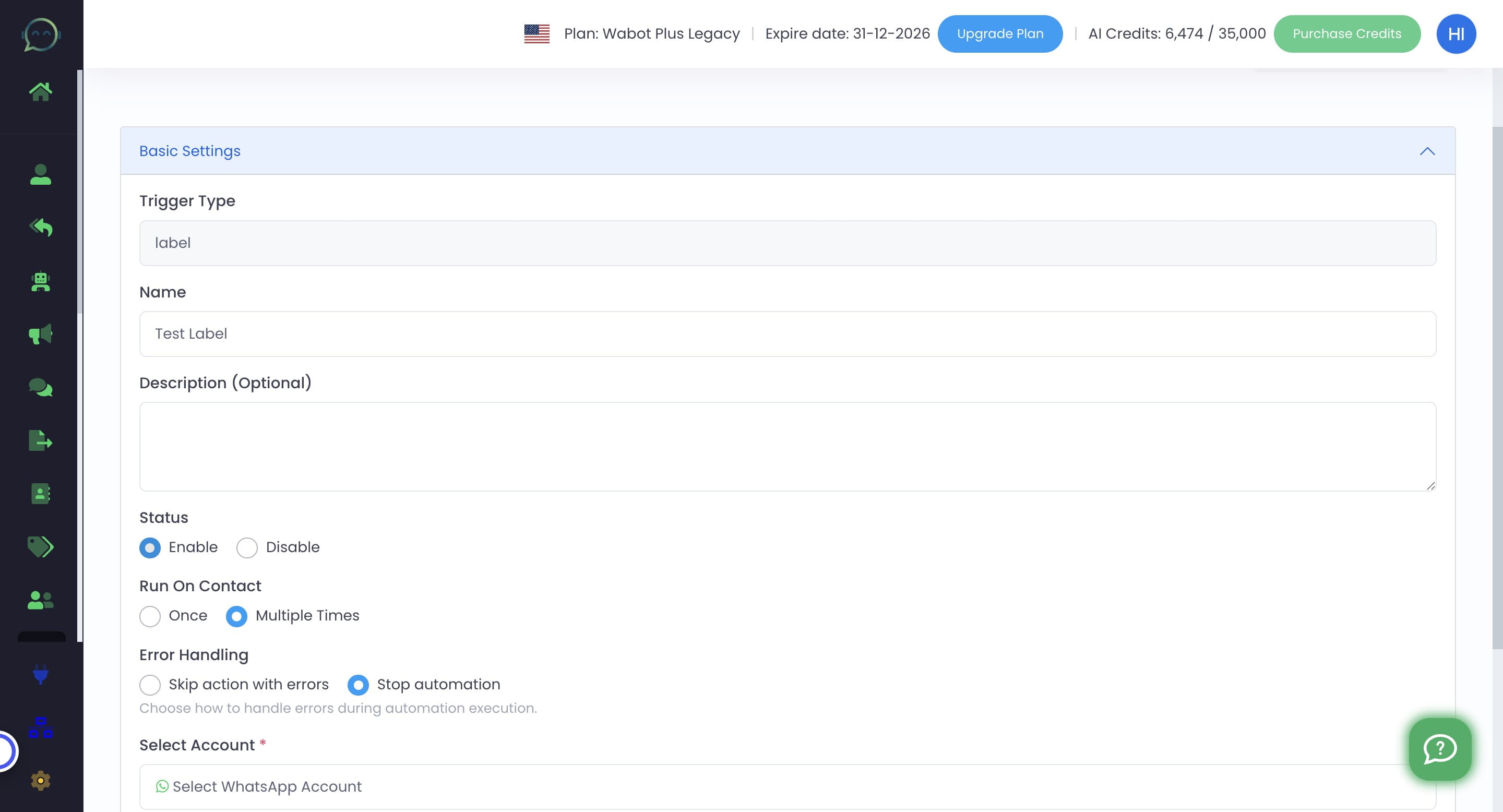
Choose whether you want the automation to run once or multiple times for a contact
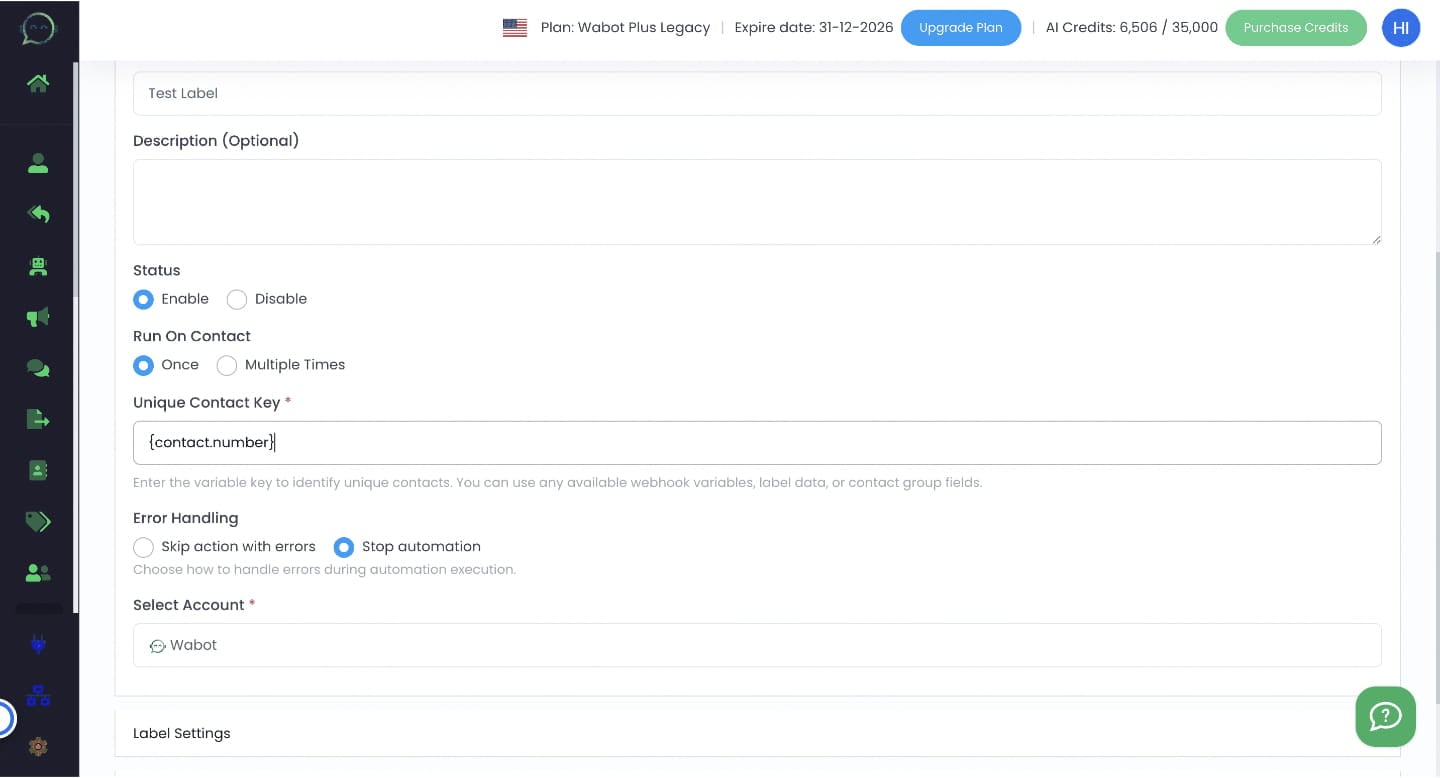
Either "once" or "multiple times" depends on your flow. But for label, we usually suggest to run only "once"
Enter unique contact key : {contact.number}
Choose whether to skip action or stop automation immediately during error
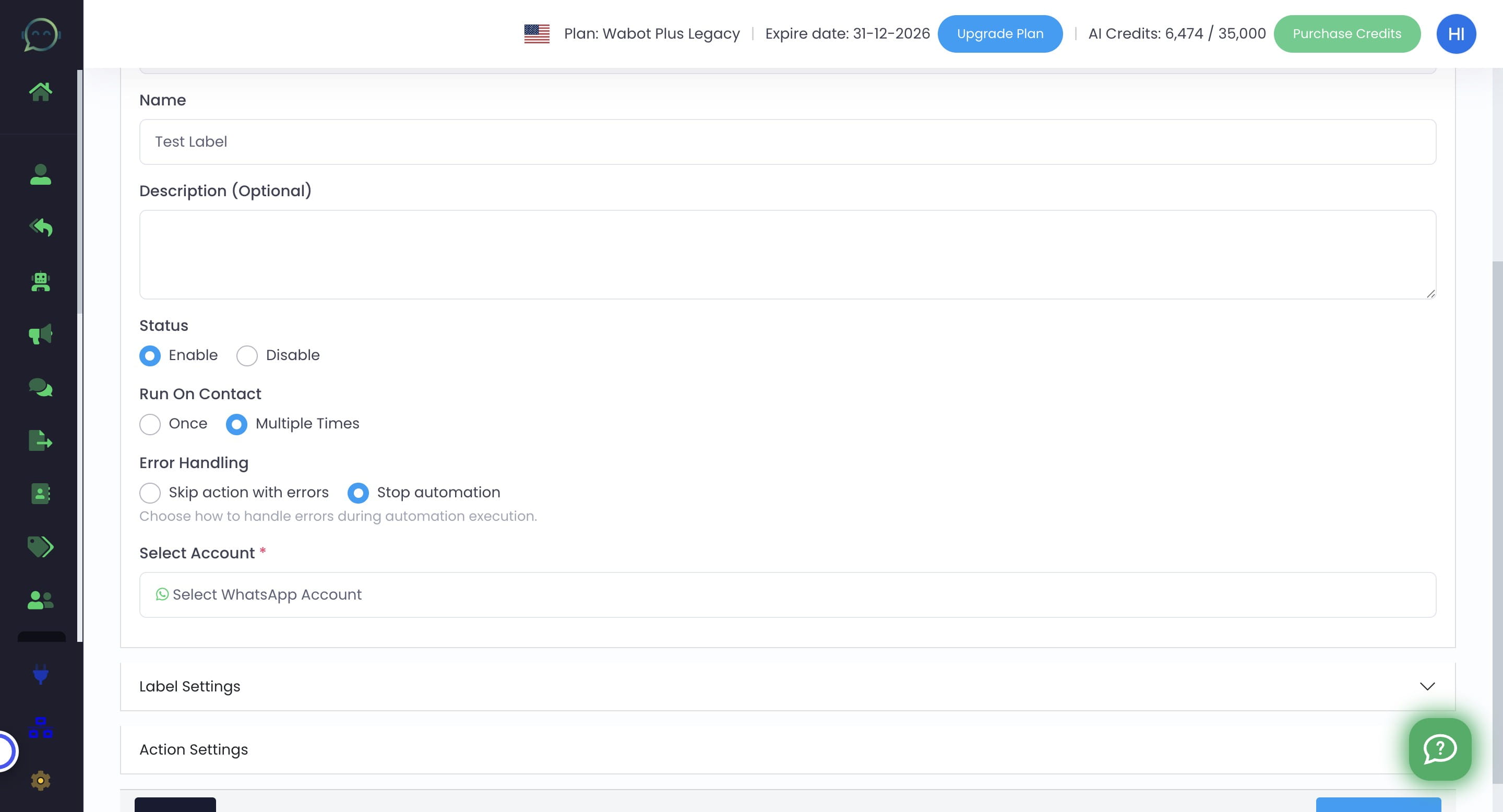
Skrip Action With Errors means that the automation will still run, but it will only skip the automation that shows an error. Automation that involves many actions, preferably choose to skip the error instead of stopping all at once
Stop automation is recommended for automation that doesn't involve many actions.
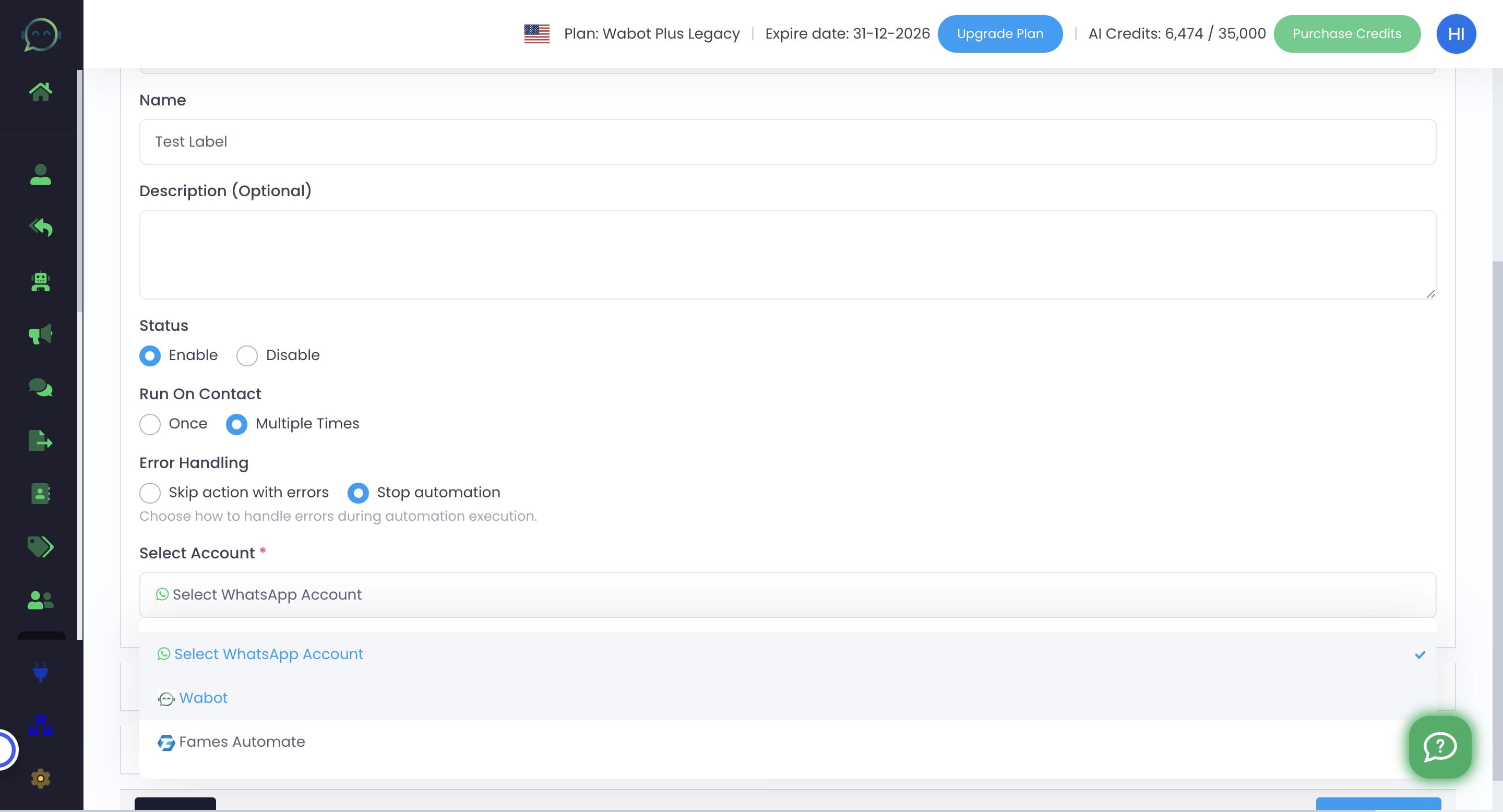
Click this icon to select WhatsApp account
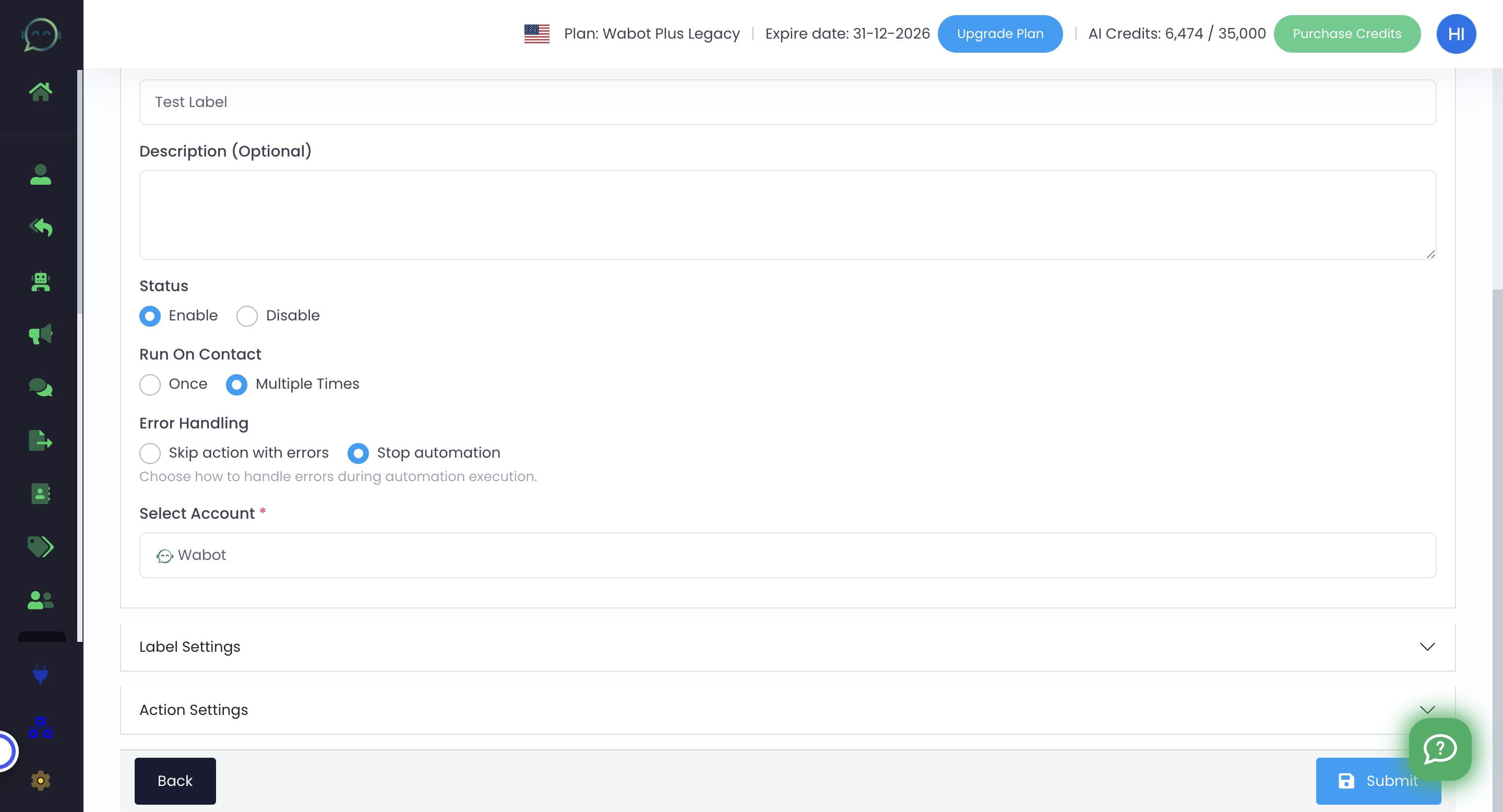
Click the profile
Click on "Label Settings"
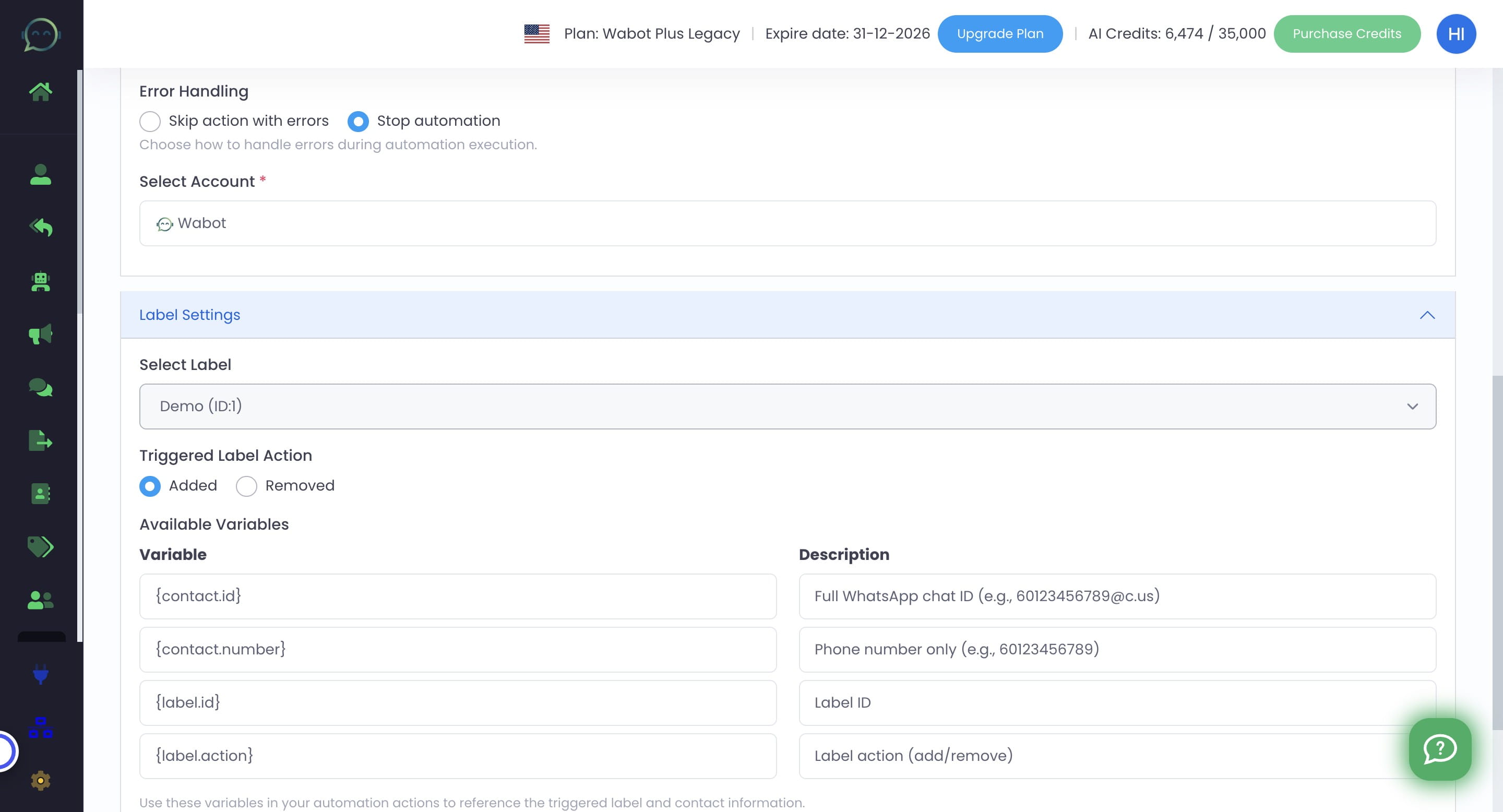
Click on "Search and select a label..." to choose the label needed
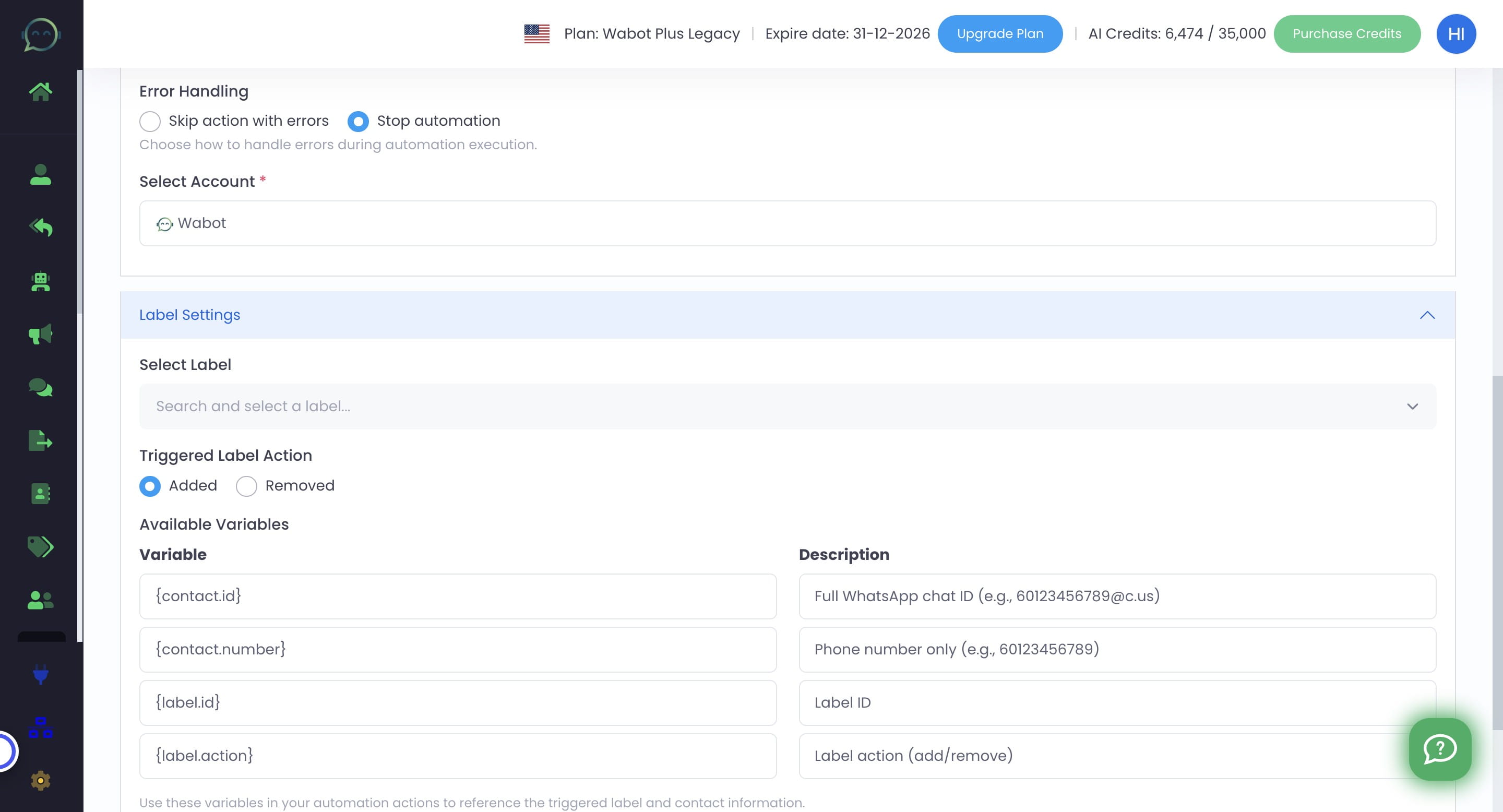
Choose whether add or remove the label that will trigger the action in automation
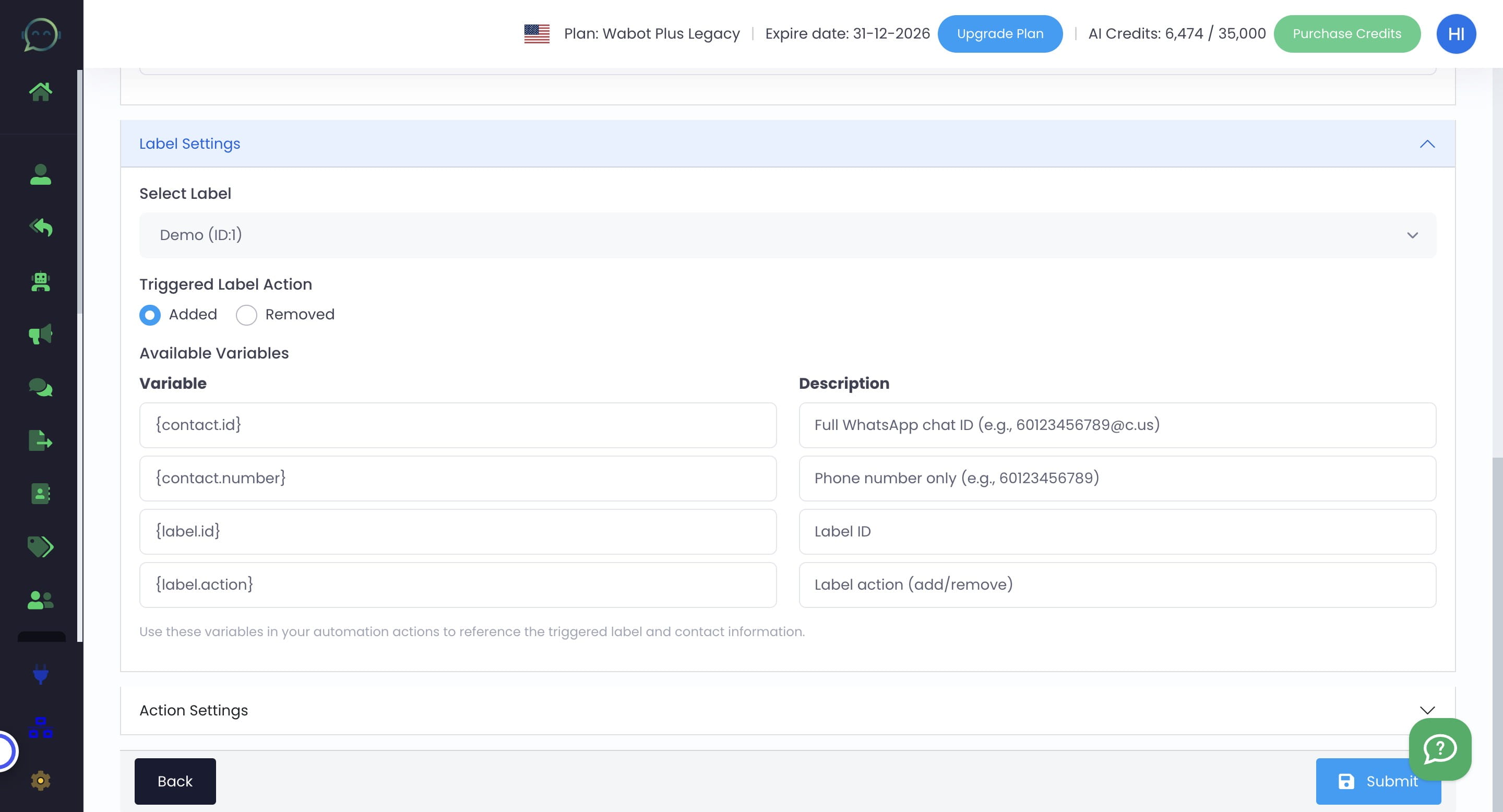
Click on "Action Settings"
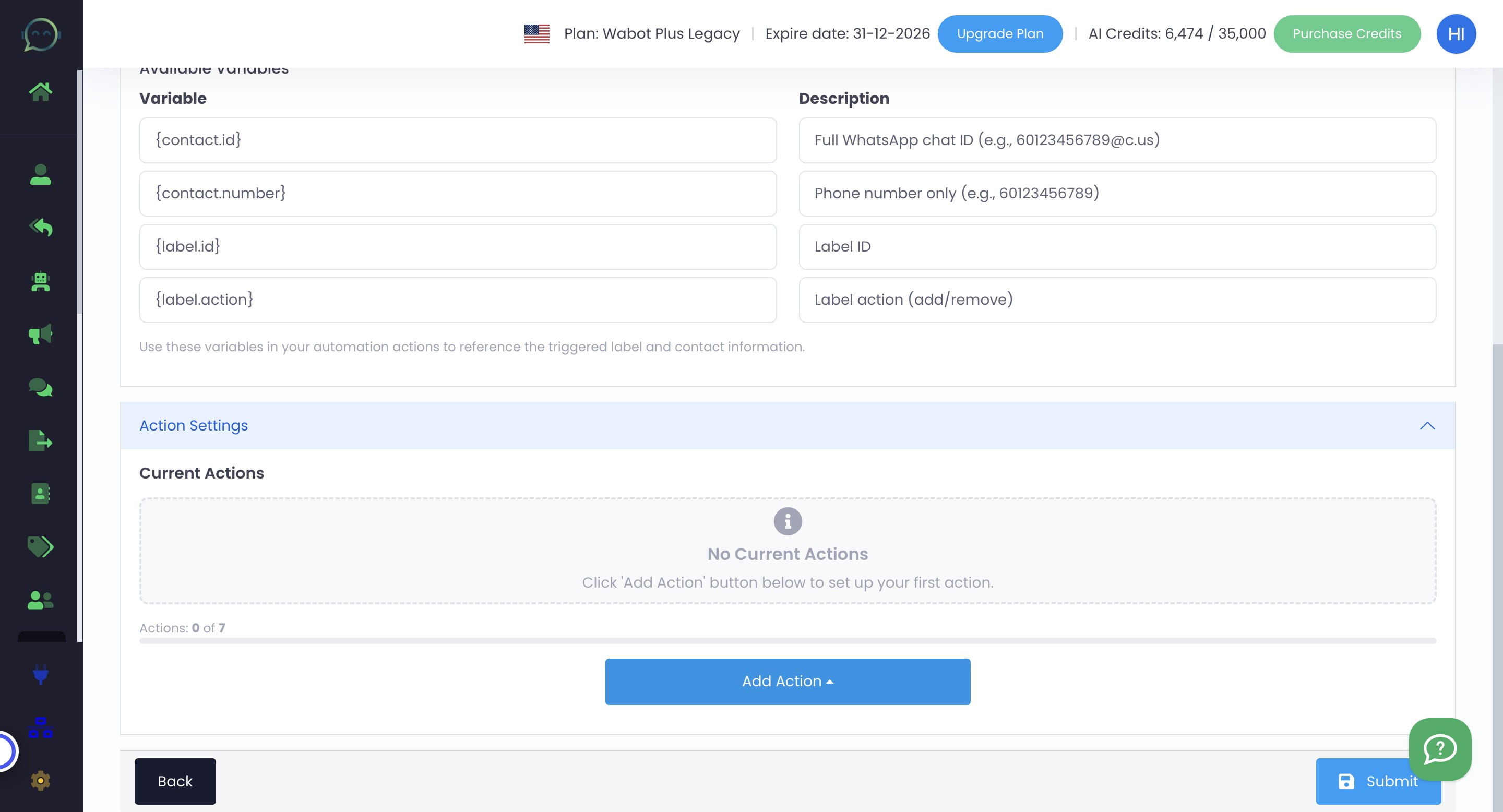
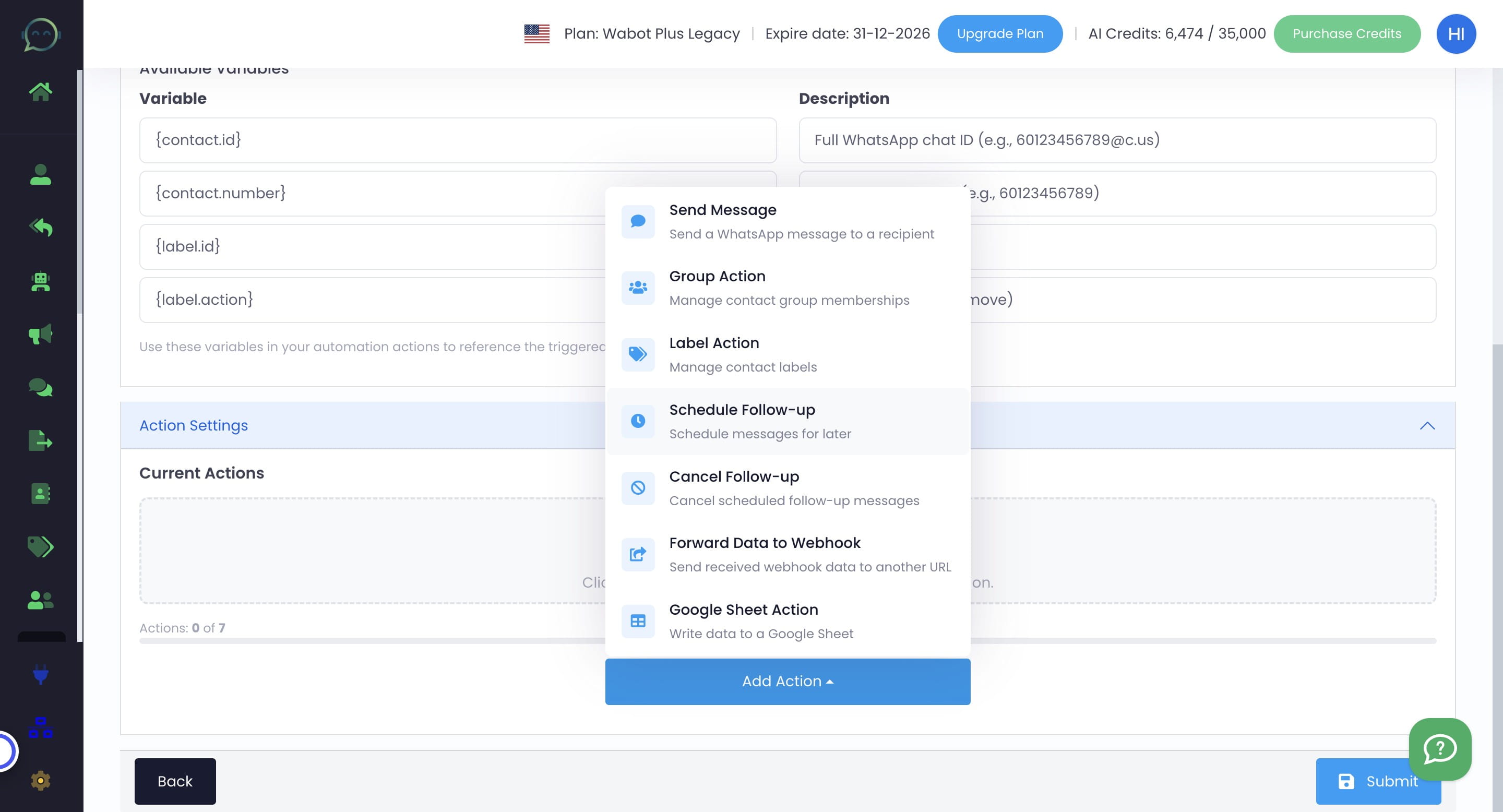
Click on "Add Action"
Click on "Schedule Follow-up" or any action based on your preferred flow
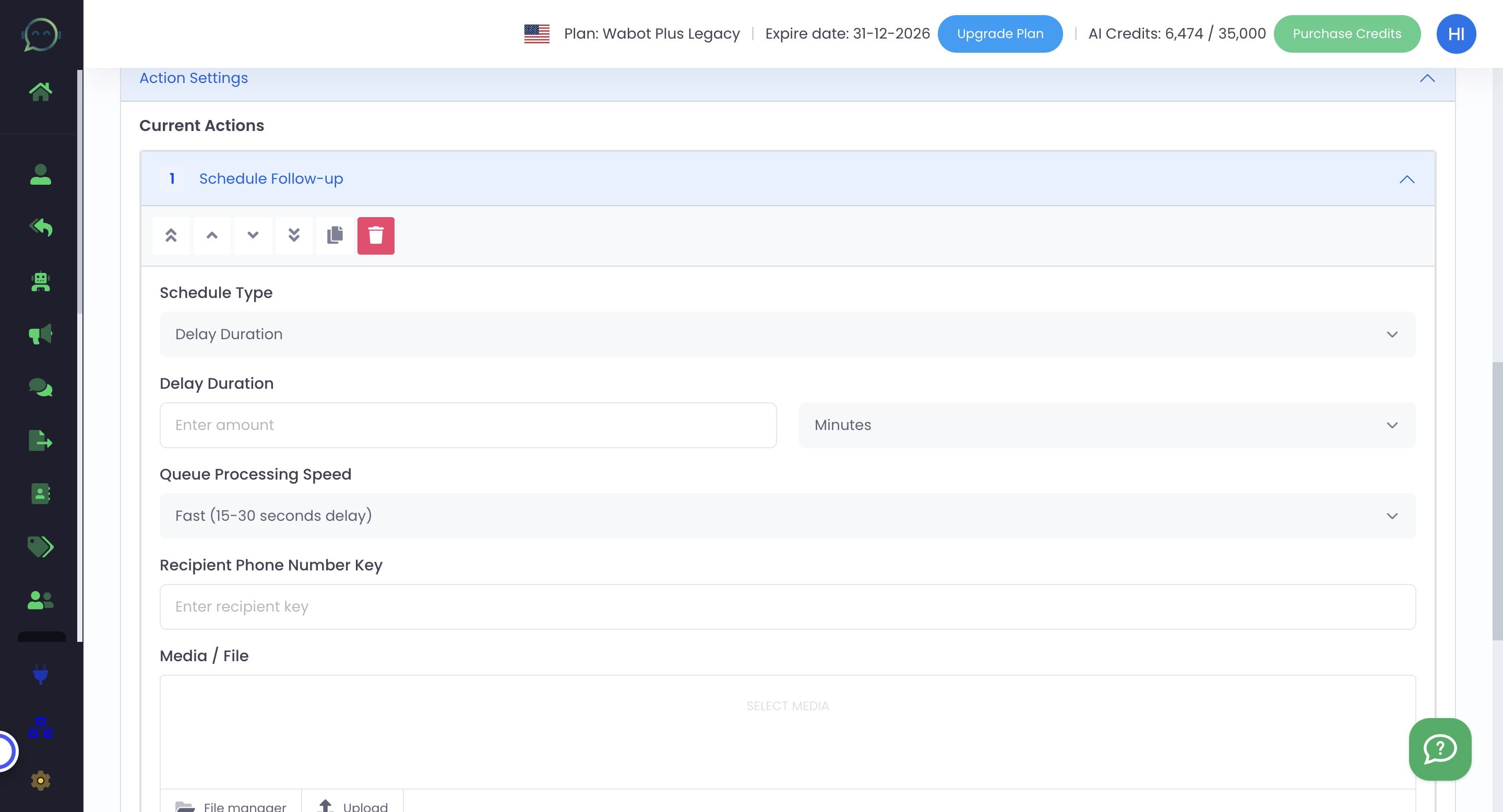
Click on "Delay Duration"
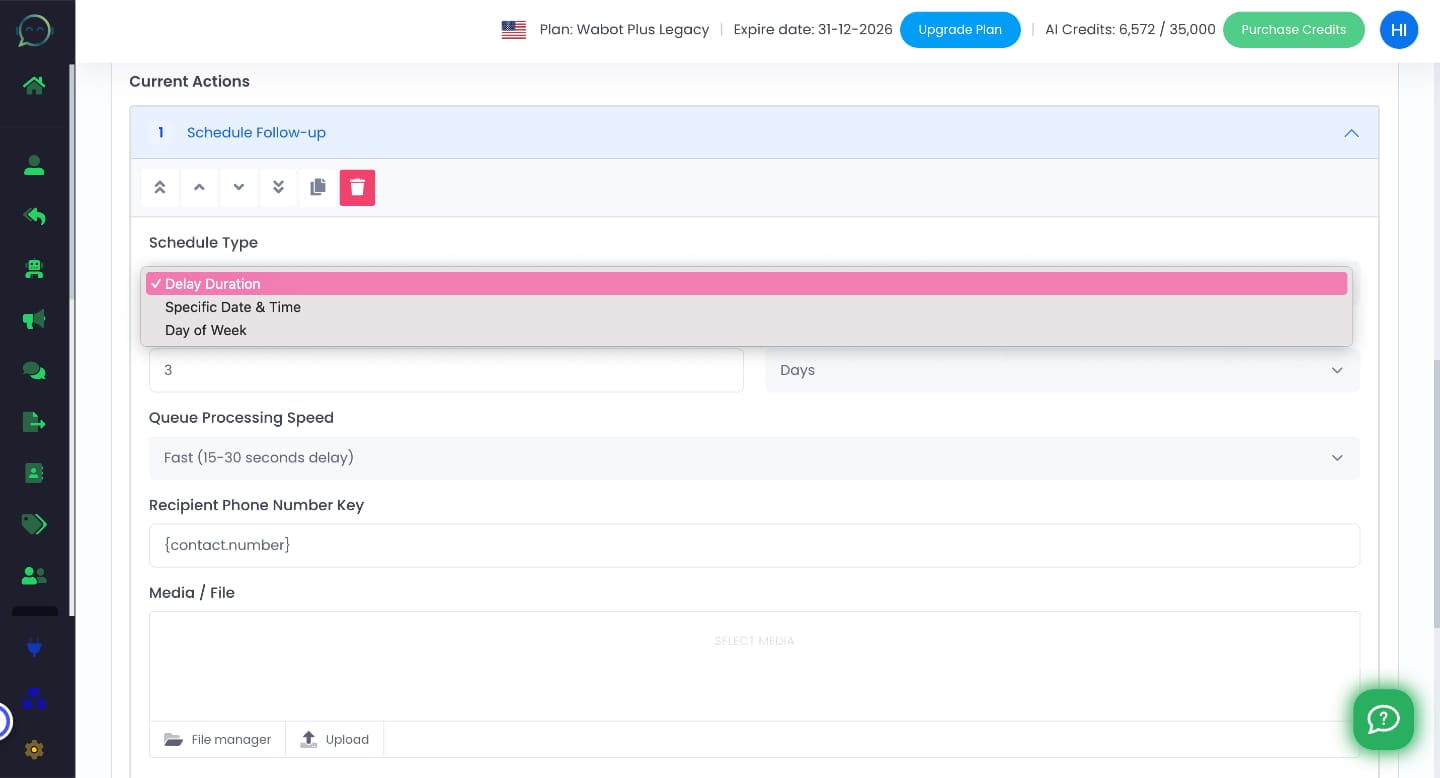
Click on "Delay Duration" or choose any schedule type you need
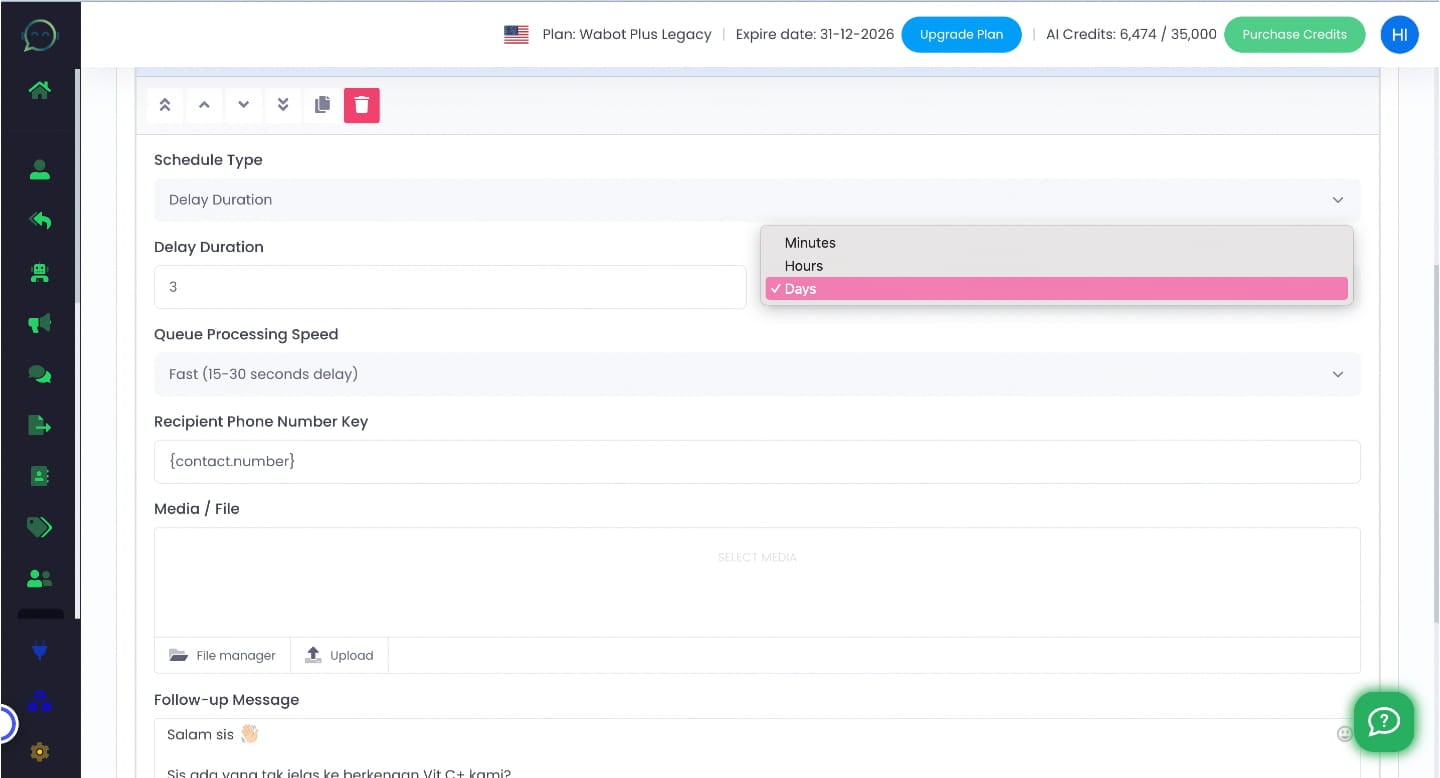
Choose the duration whether minutes, hours or days then insert the delay duration
Click on "Fast (15-30 seconds delay)" or choose the speed depending on your preferences
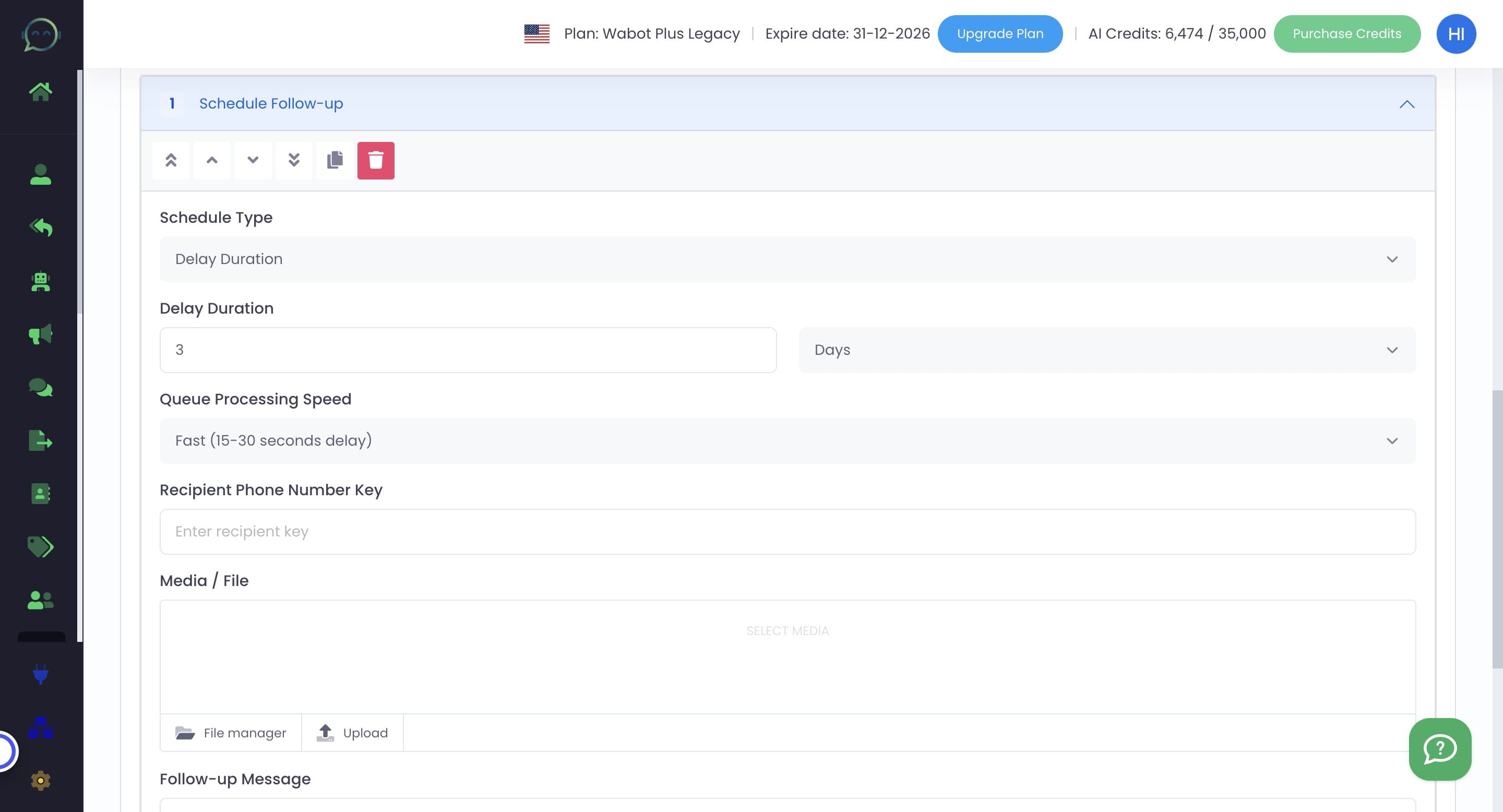
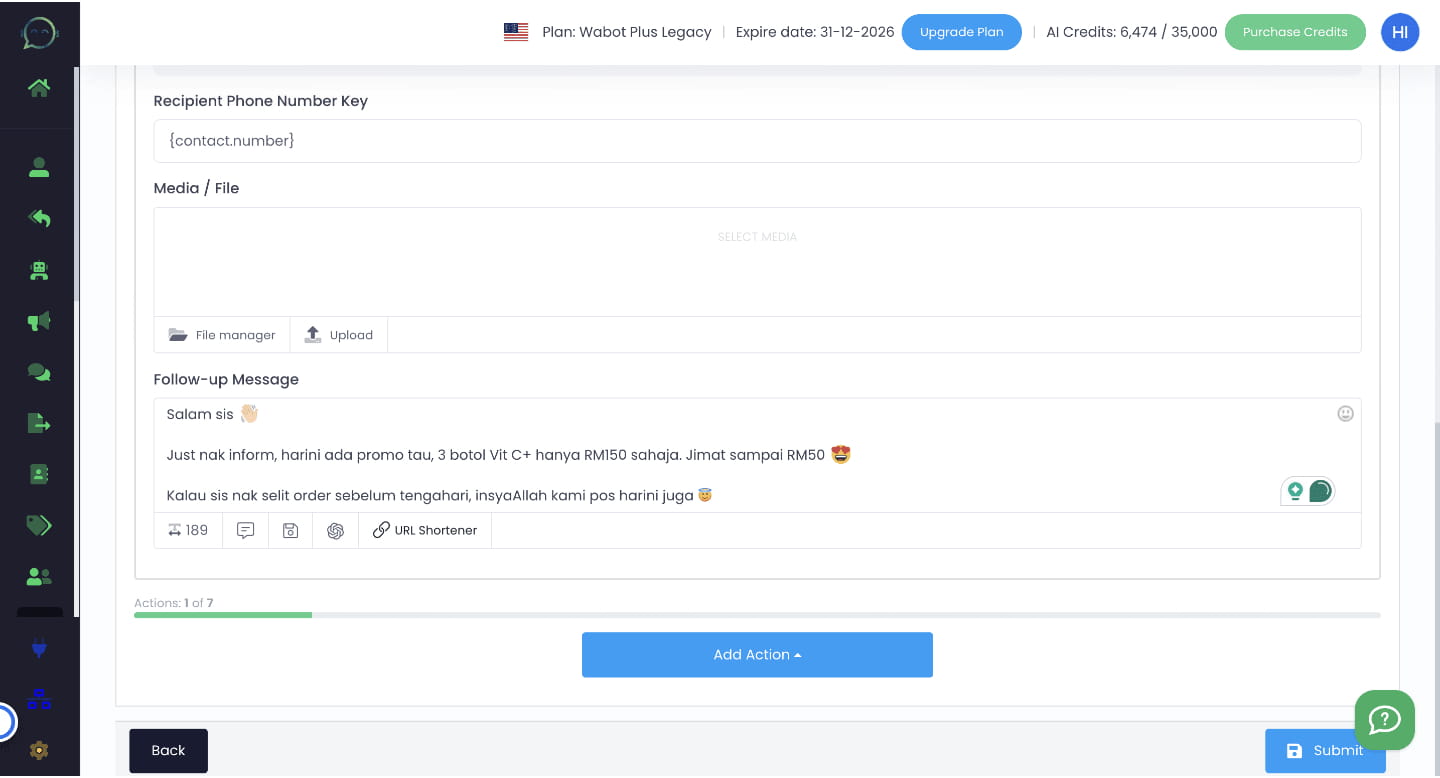
Enter recipient phone number key : {contact.number}
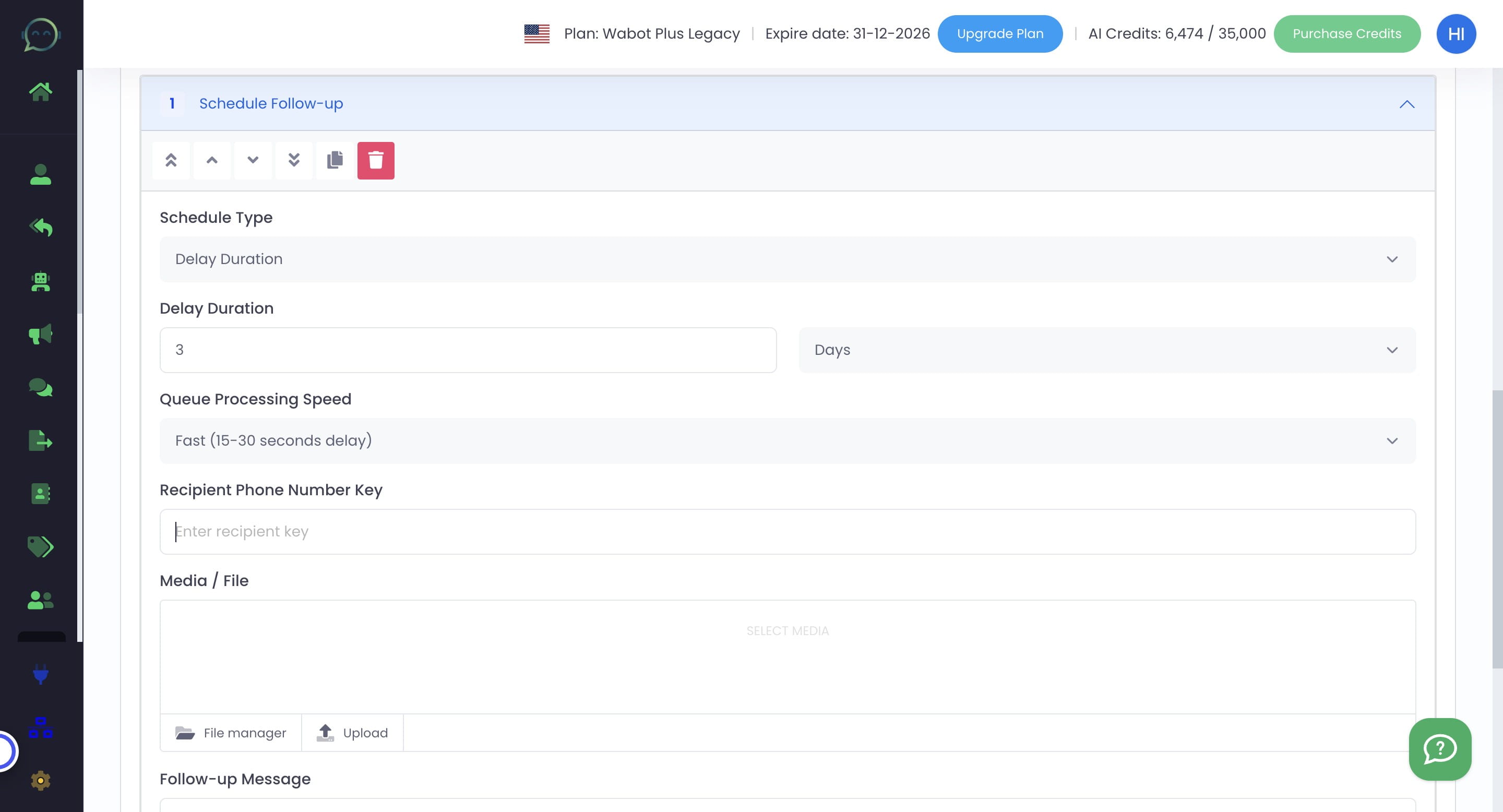
Click this icon to upload media if needed
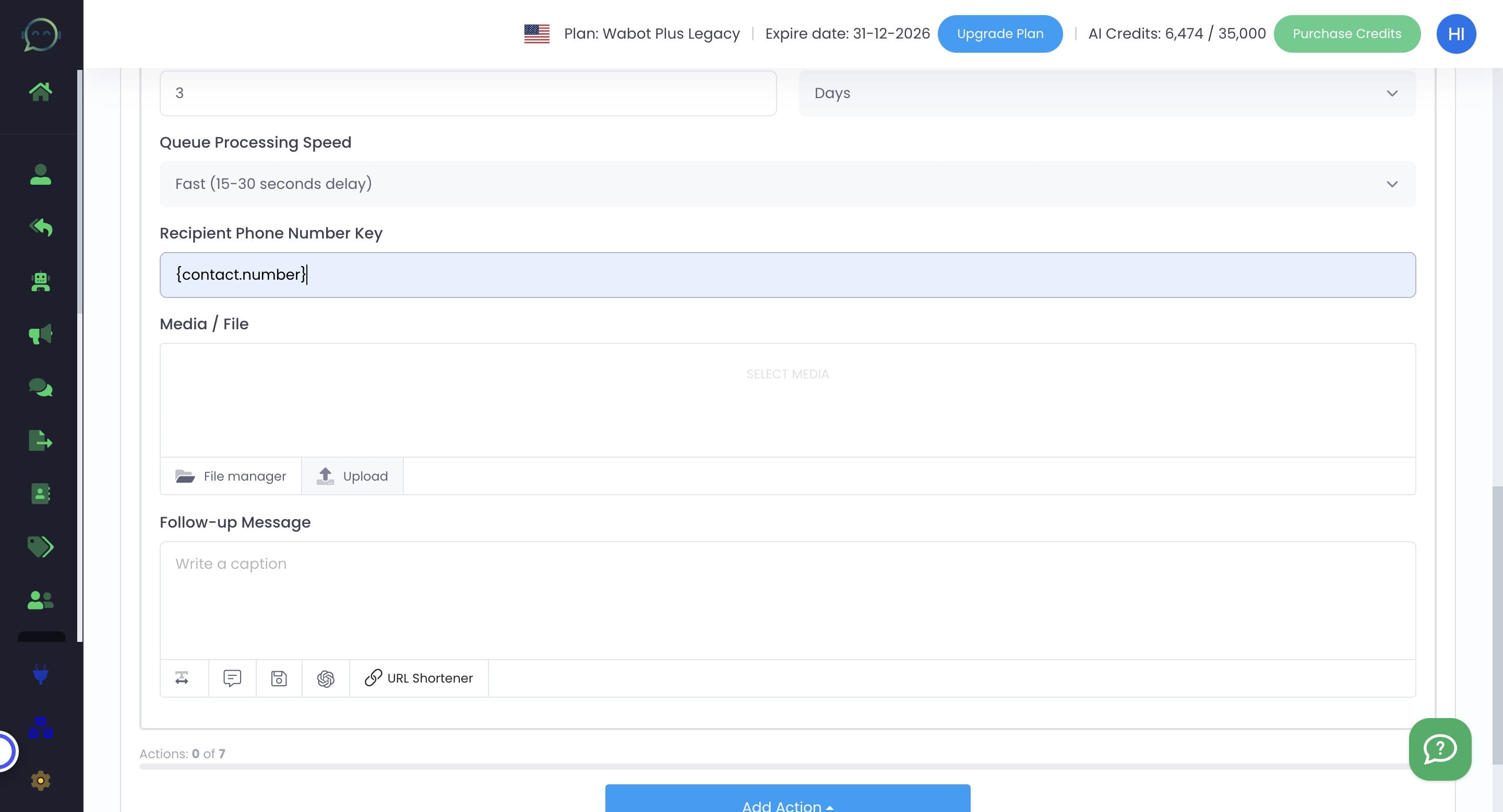
Enter the messages
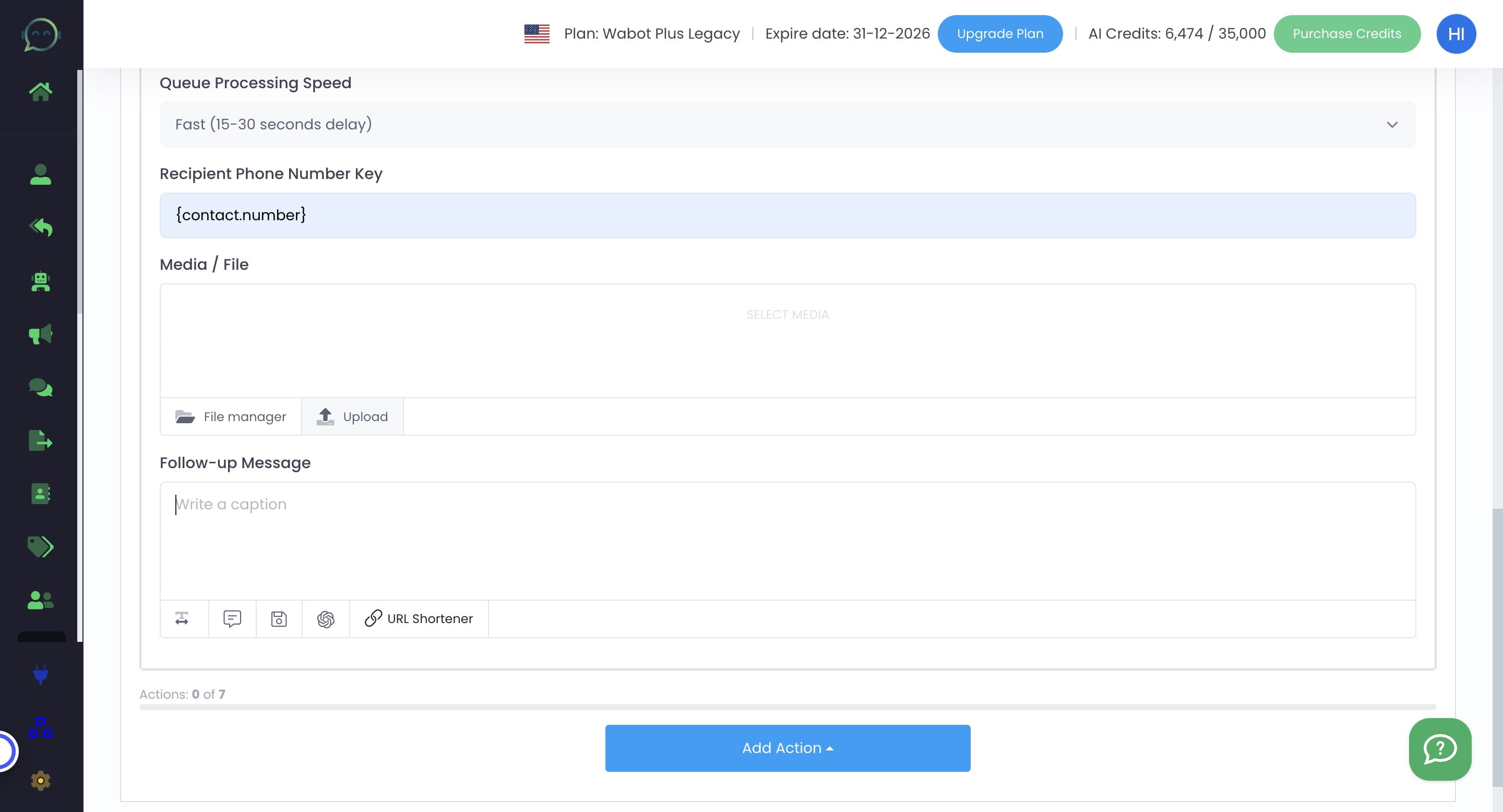
You can still add action after another. The limit is based on your Wabot plan whether it is Plus, Premier or Platinum
Click on "Submit"
Done 🚀