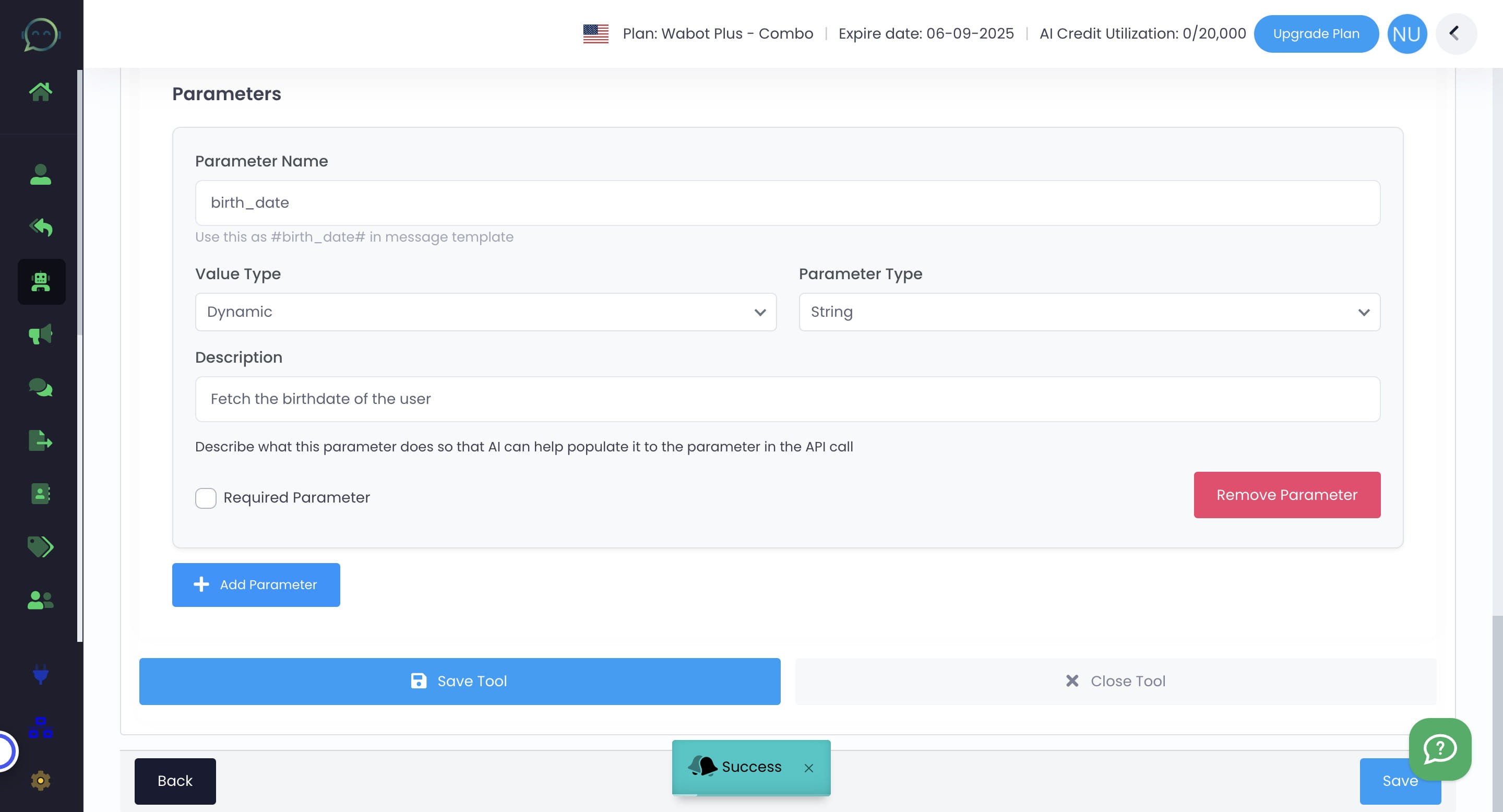
How to Set Parameter in Tools
Jan 03, 2025●
1
A parameter is information or messages you want to get from conversations with customers. This parameter will be used to send the message to your team later
The parameter you set can be used in any tools you choose
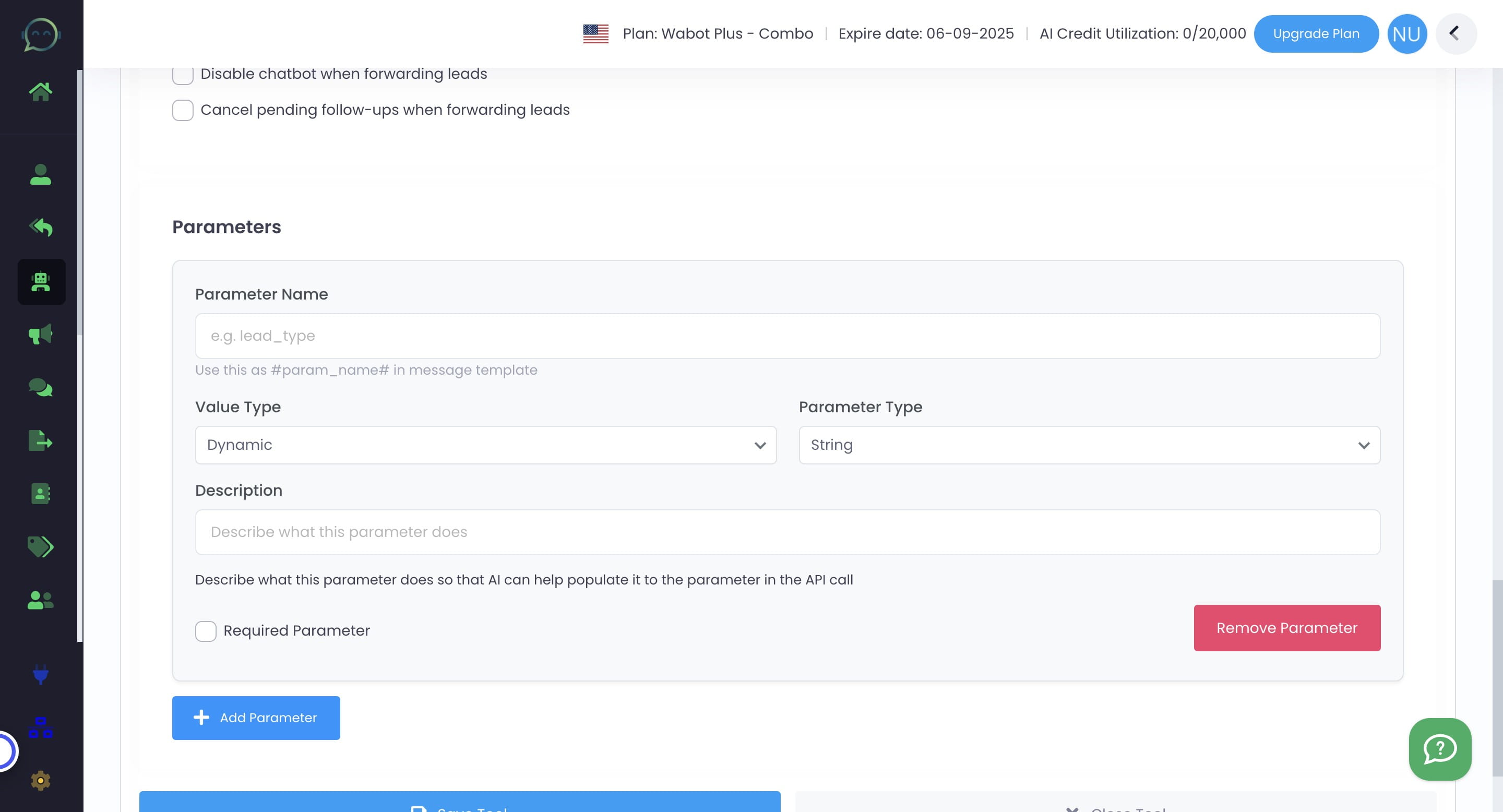
2
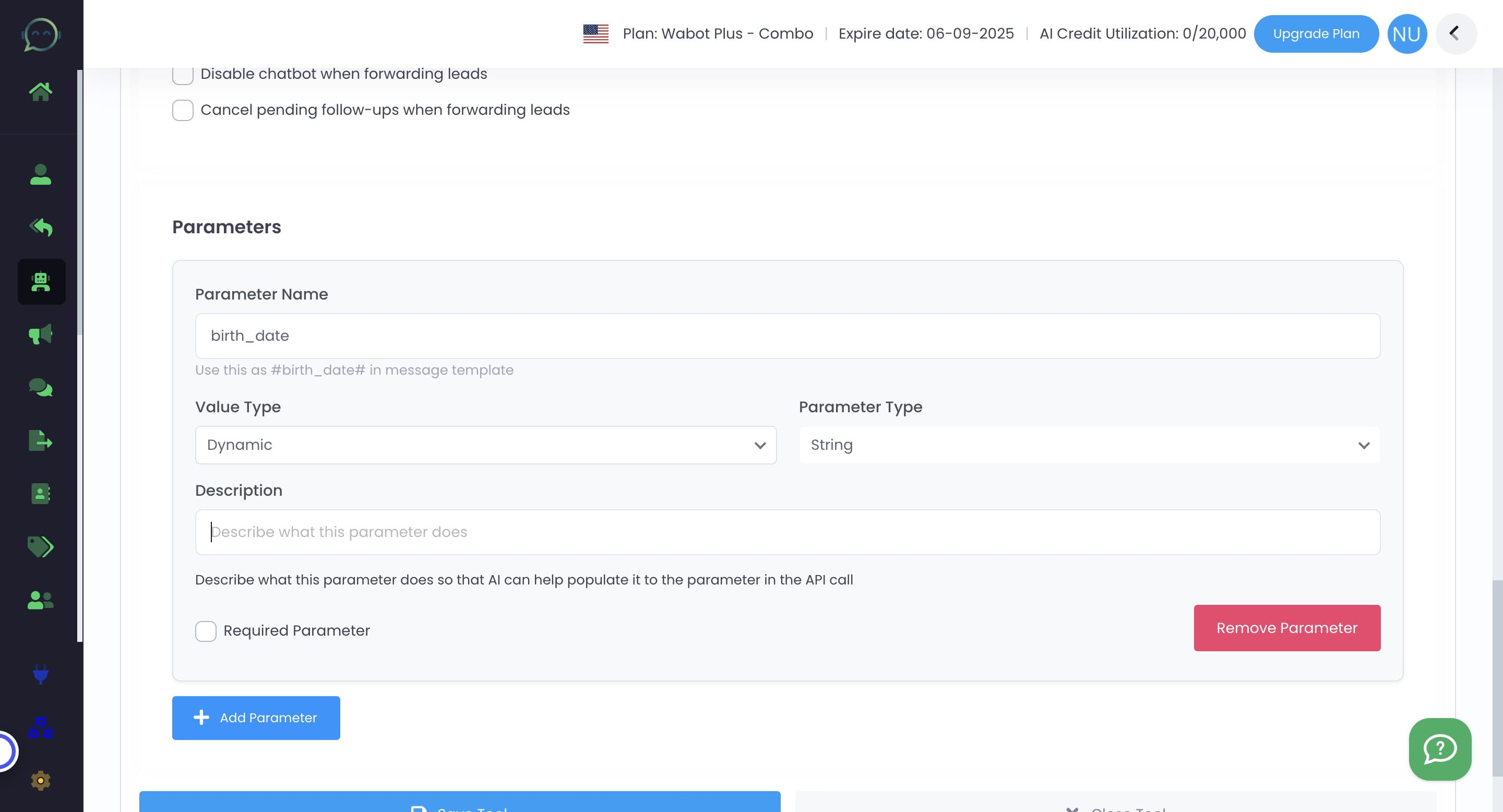
Name the parameter

3
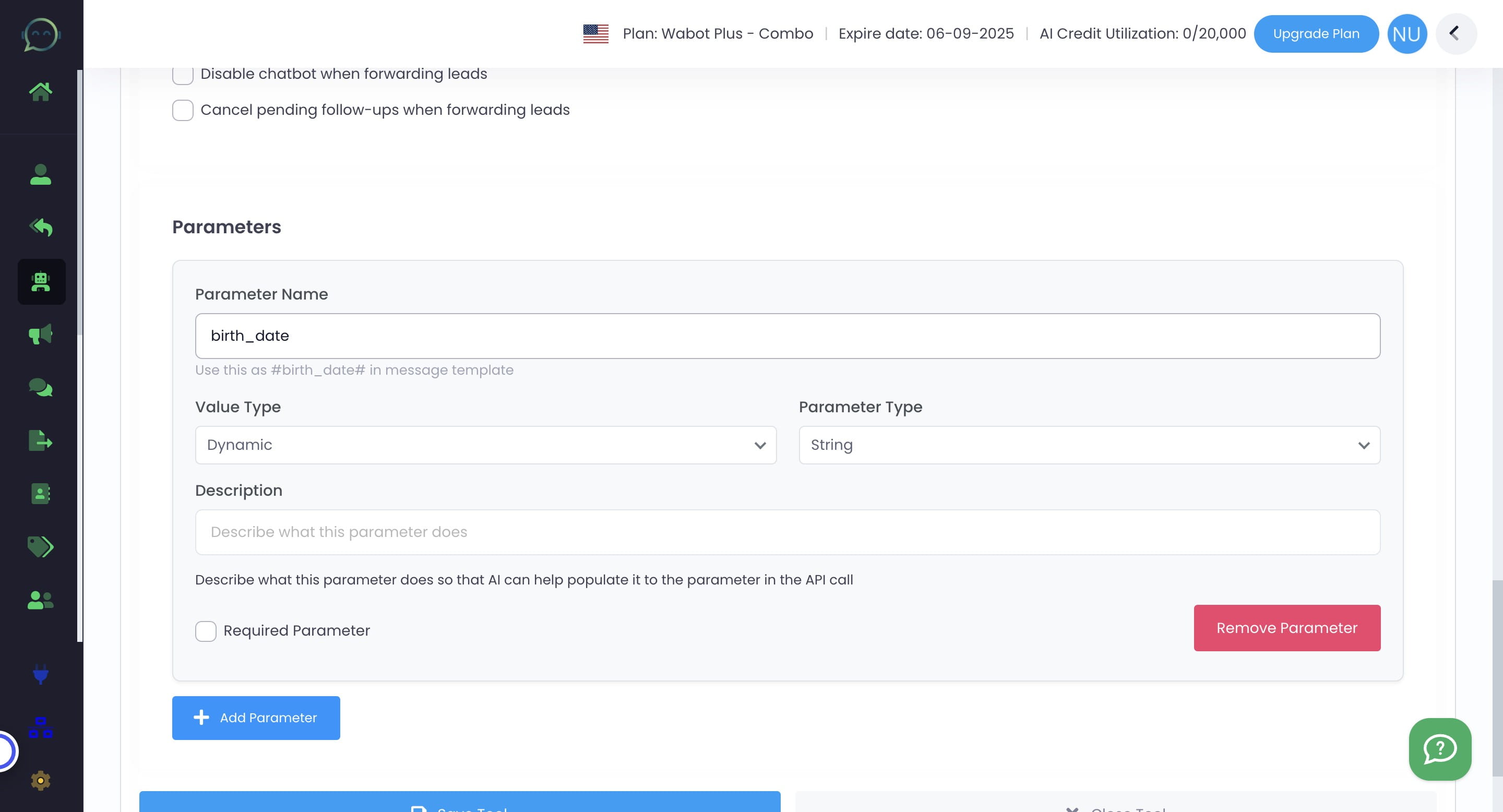
Choose the value type either "Dynamic" or "Fixed"
4
Dynamic
You can choose the parameter type either string, number, boolean or enum. The most commonly used is string
5
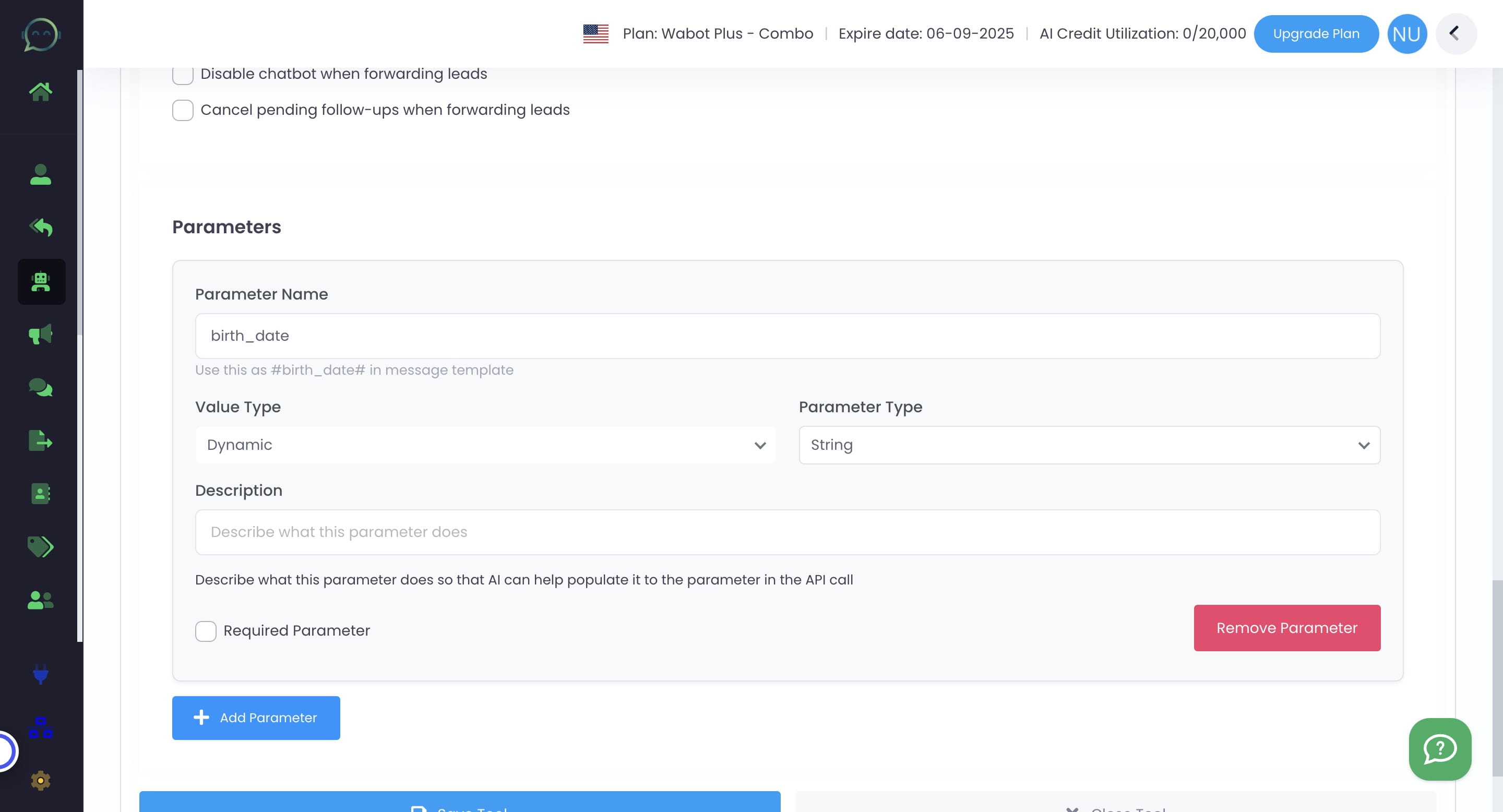
Describe the function of this parameter
6
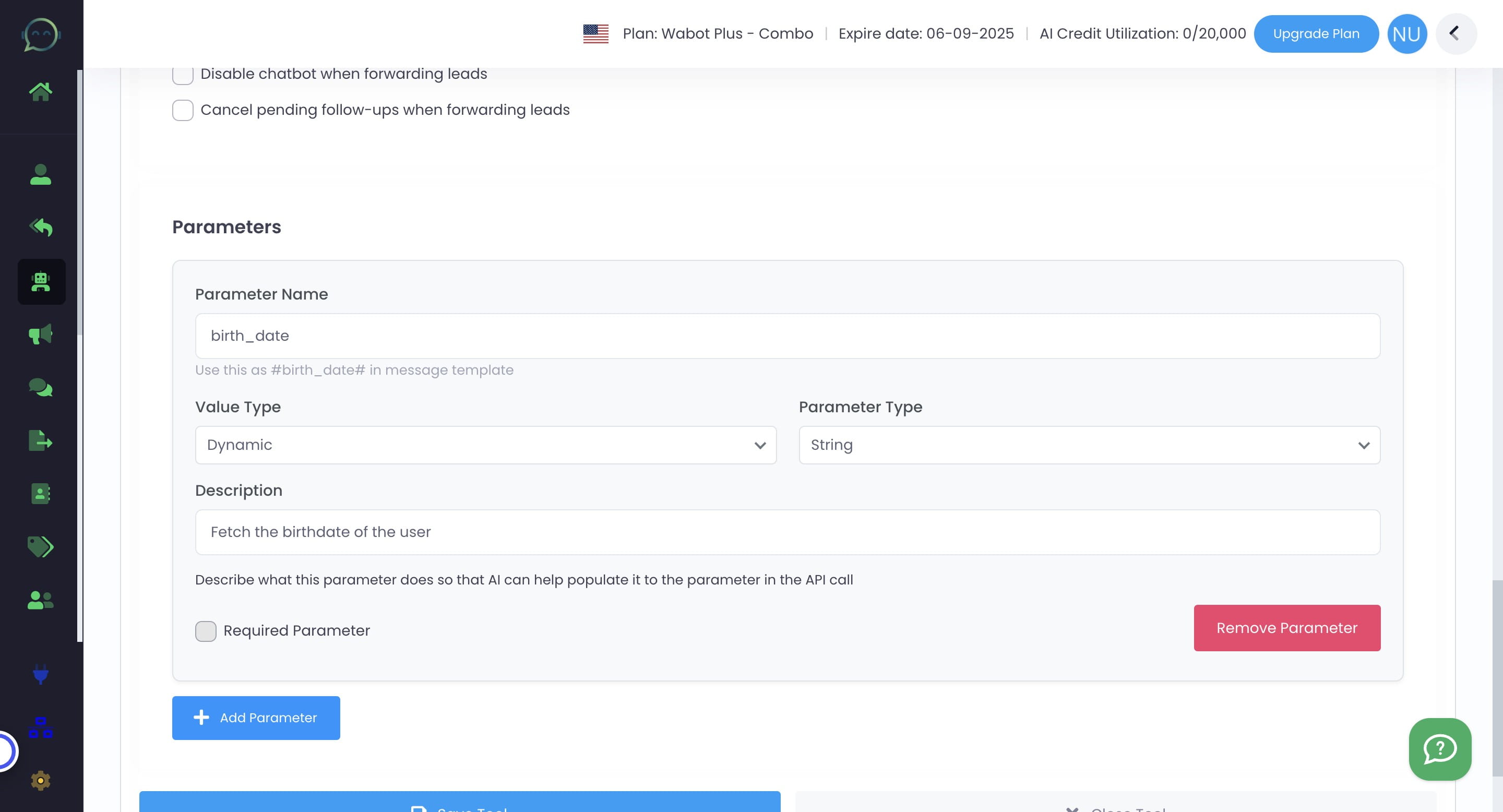
Click on "Required Parameter" if it is a required parameter
7
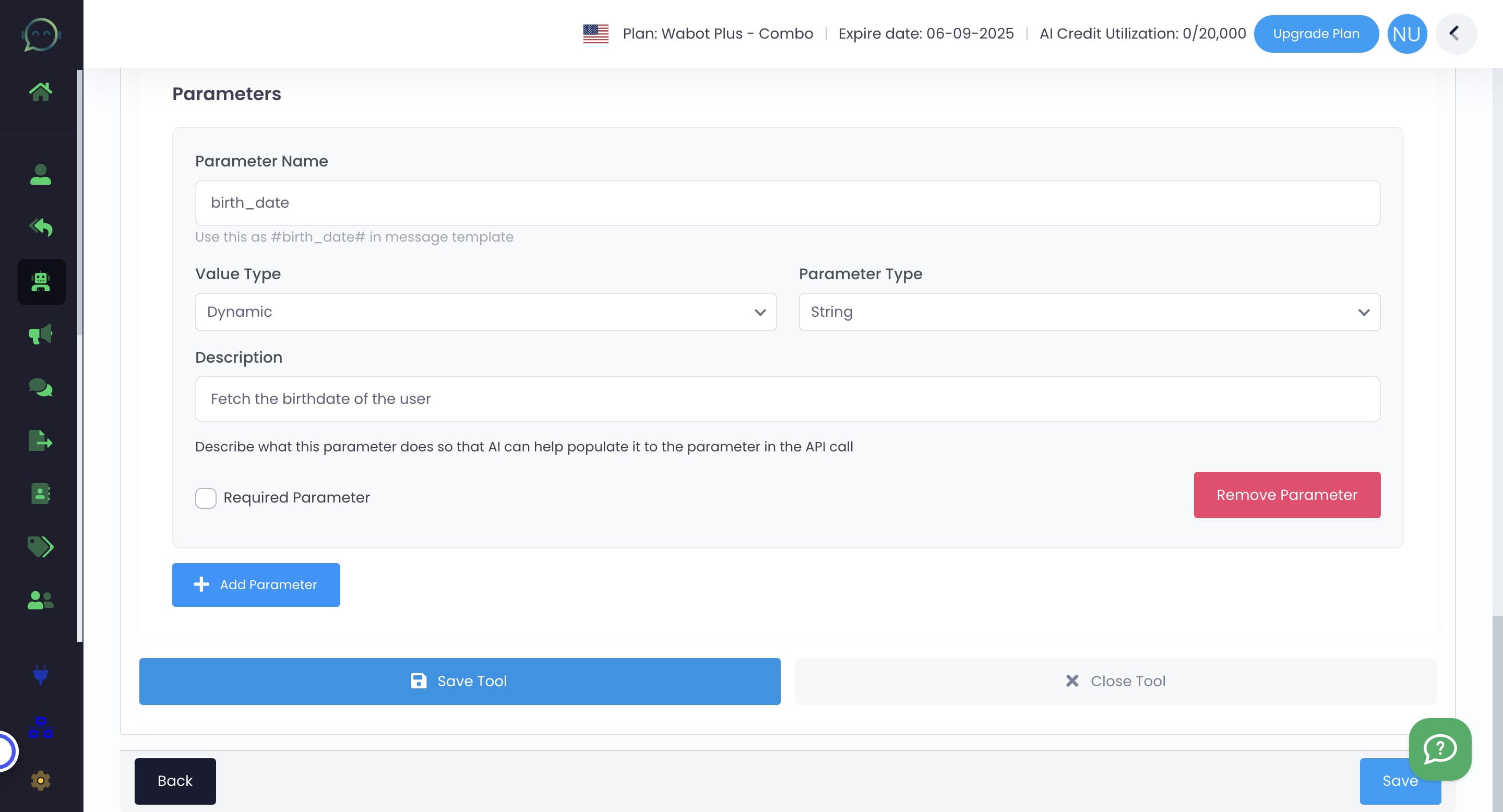
Click "Save Tool"
8
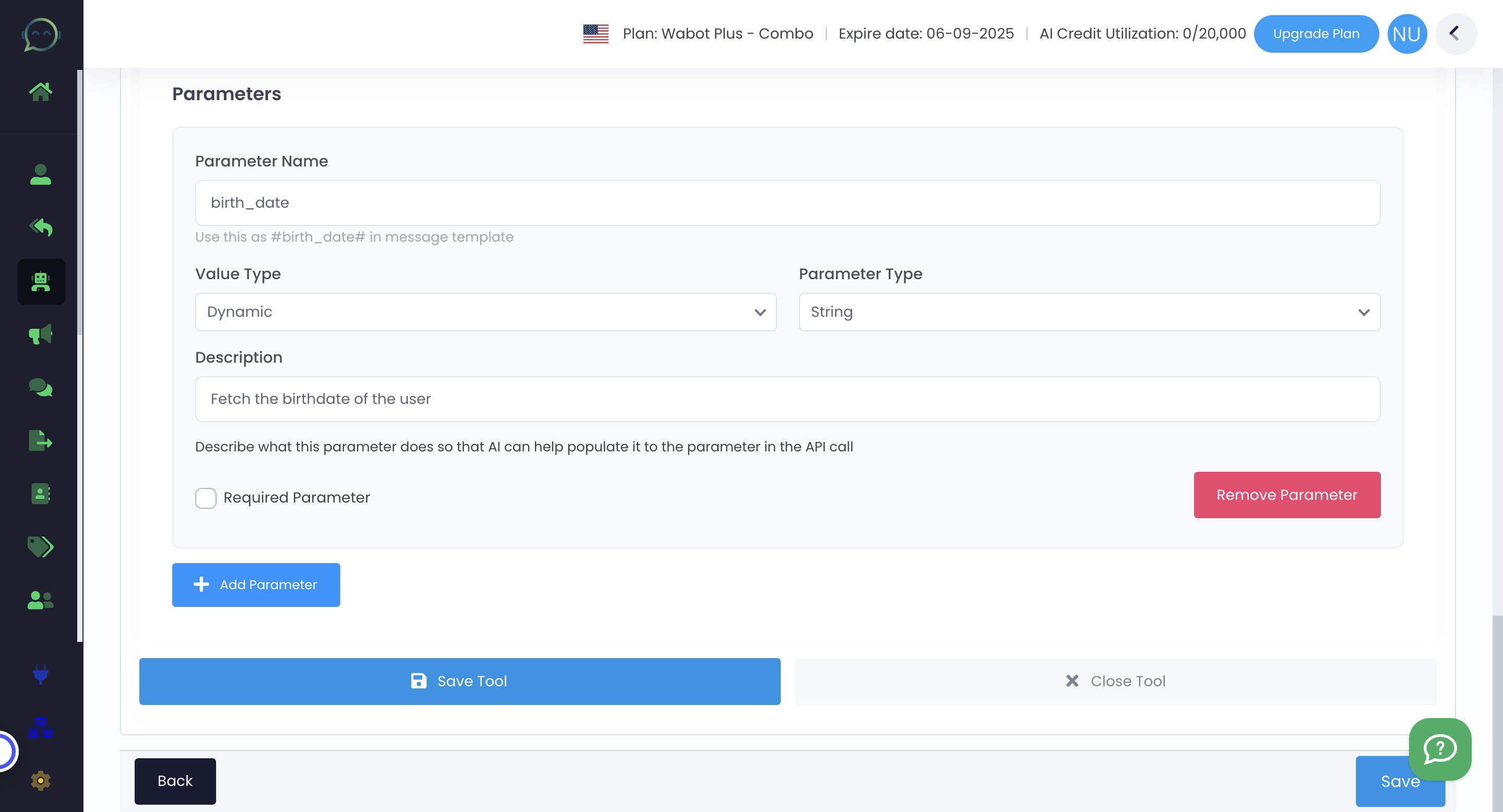
Click on "Save"
9
Done 🚀