How to Update Profile and Change Password
Mar 07, 2024●
1
Navigate to https://dash.wabot.plus/dashboard
2
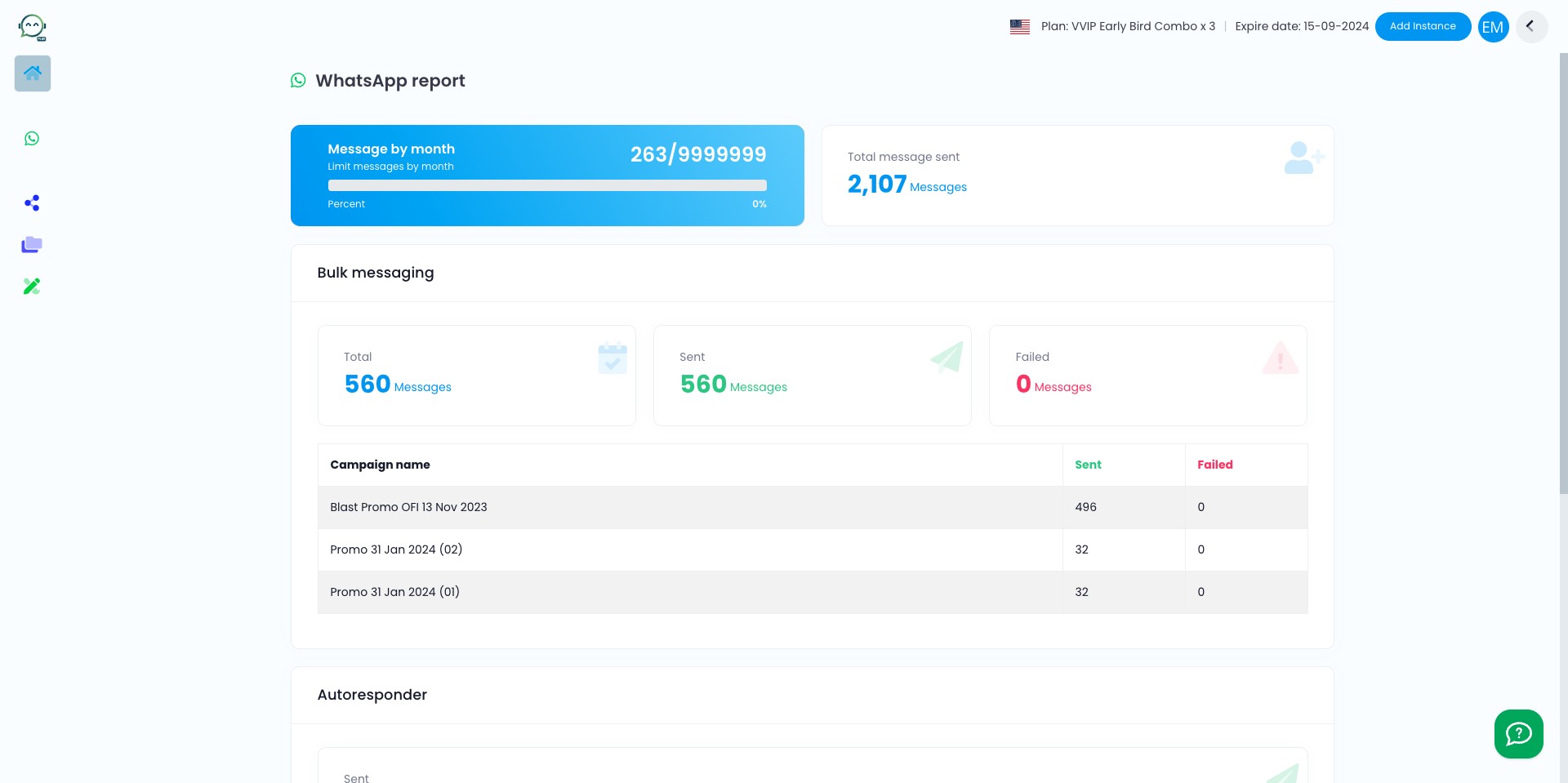
Click this icon

3
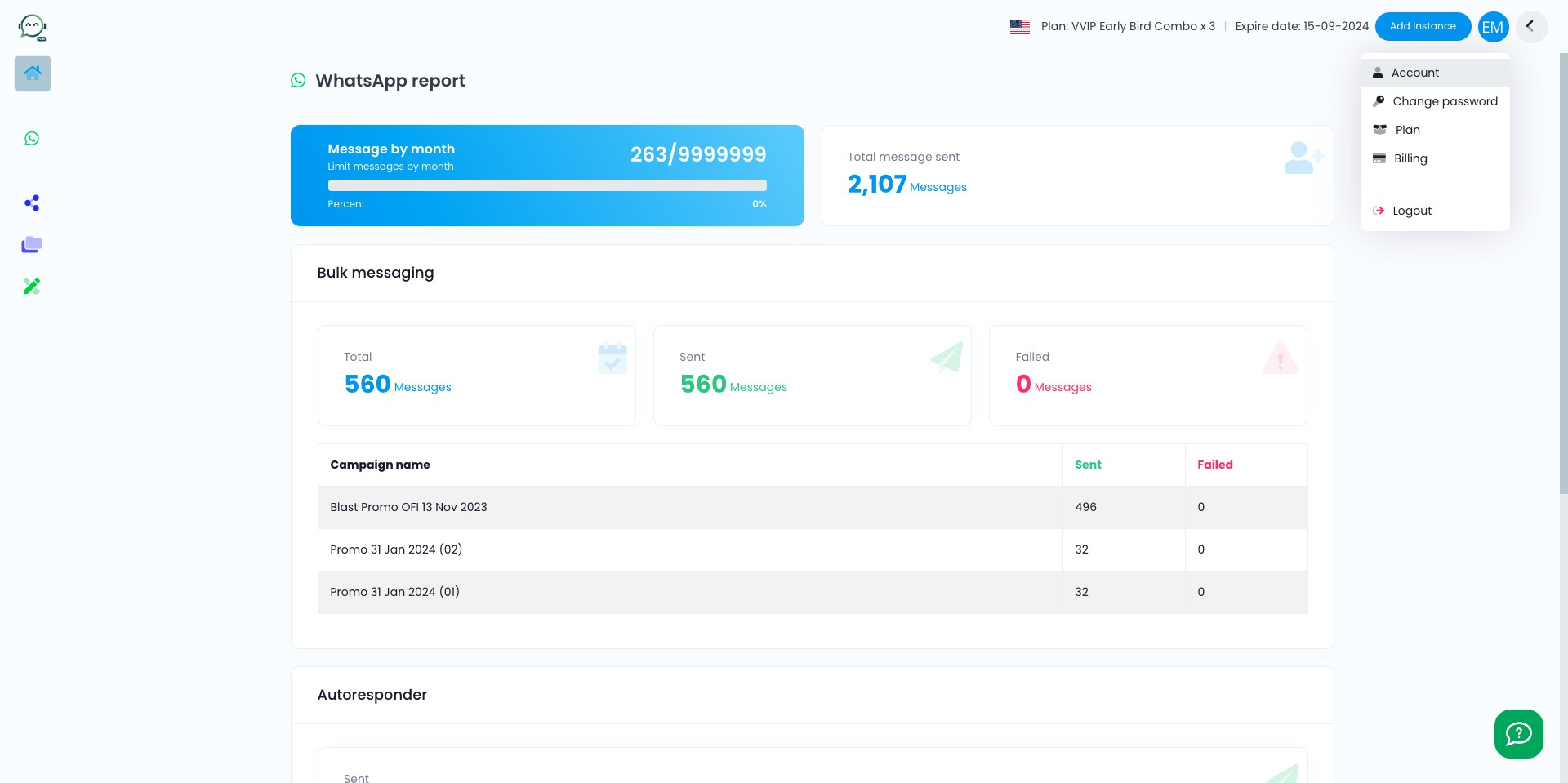
Click this icon
4
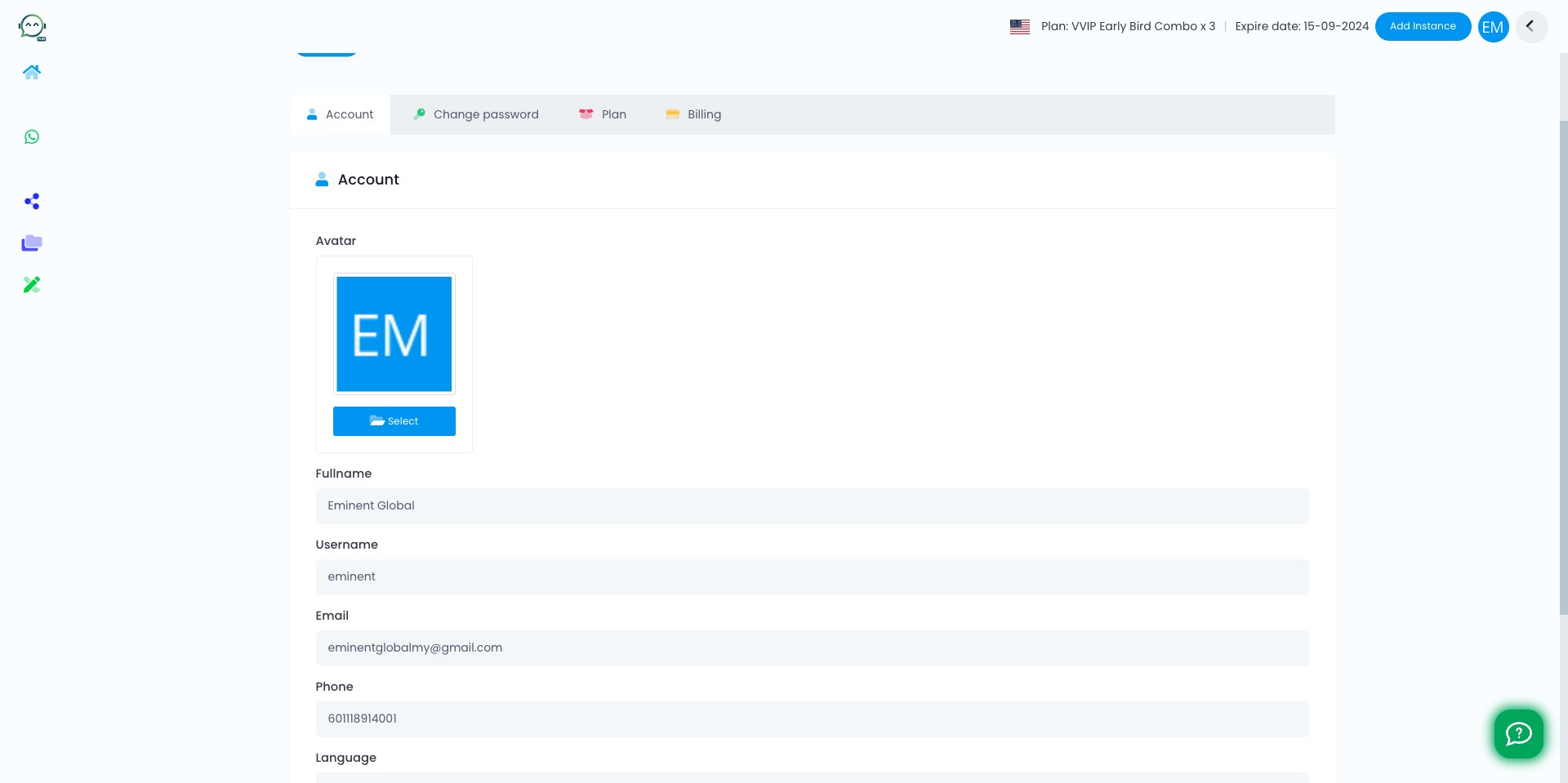
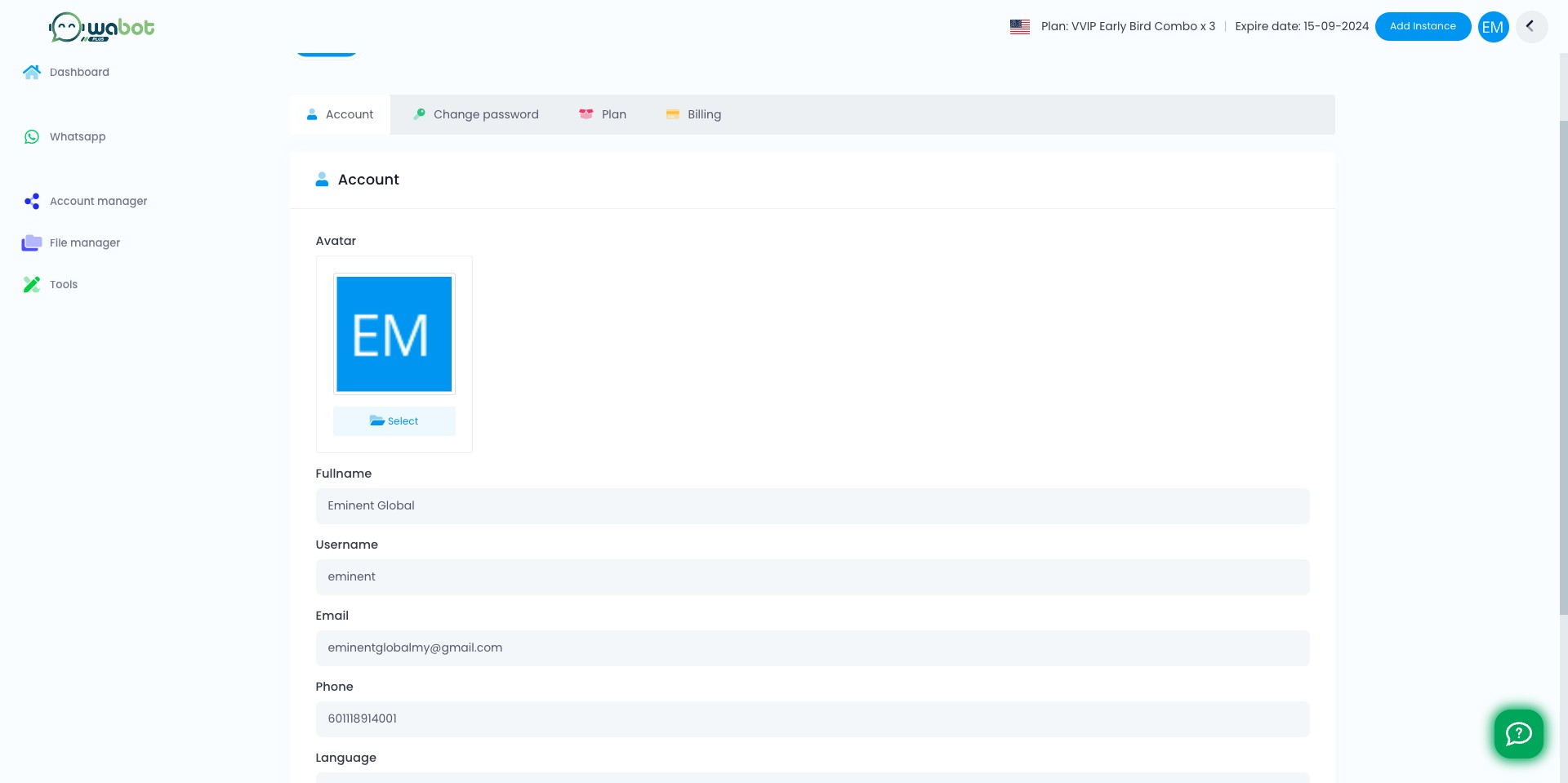
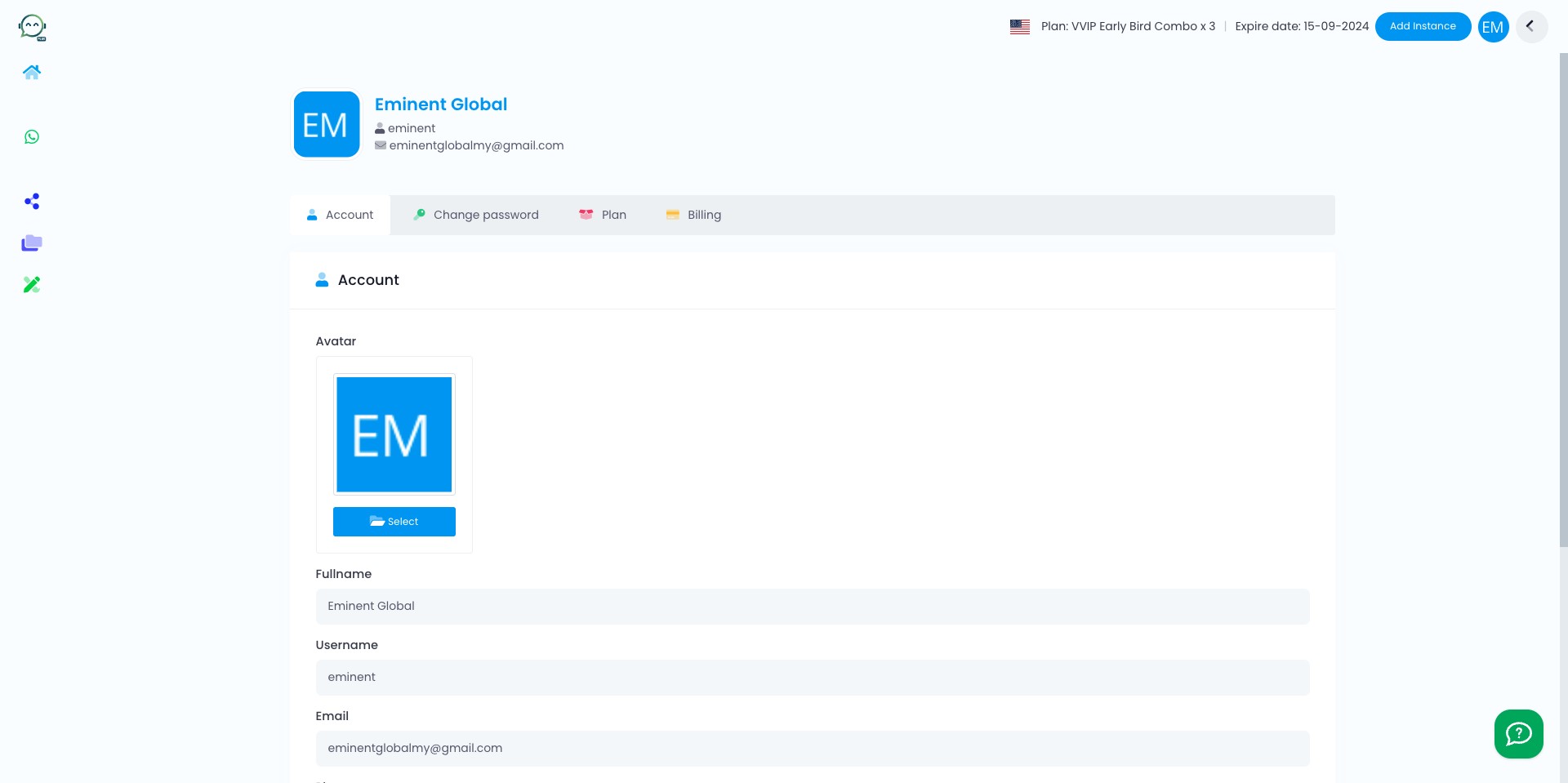
You can change your profile picture here, including your name, username & phone number.
5
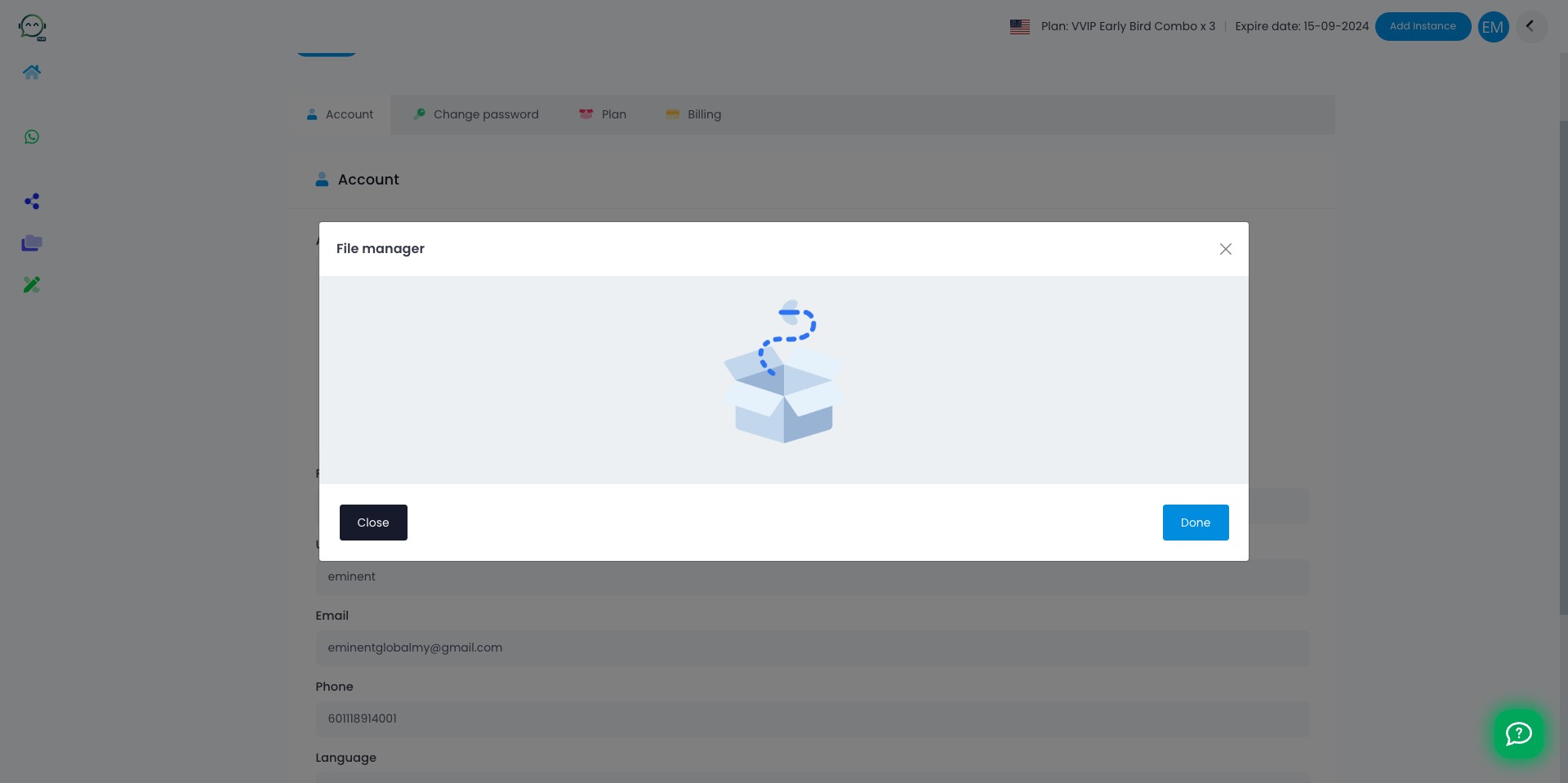
To update profile picture, you have to upload it first in file manager
6
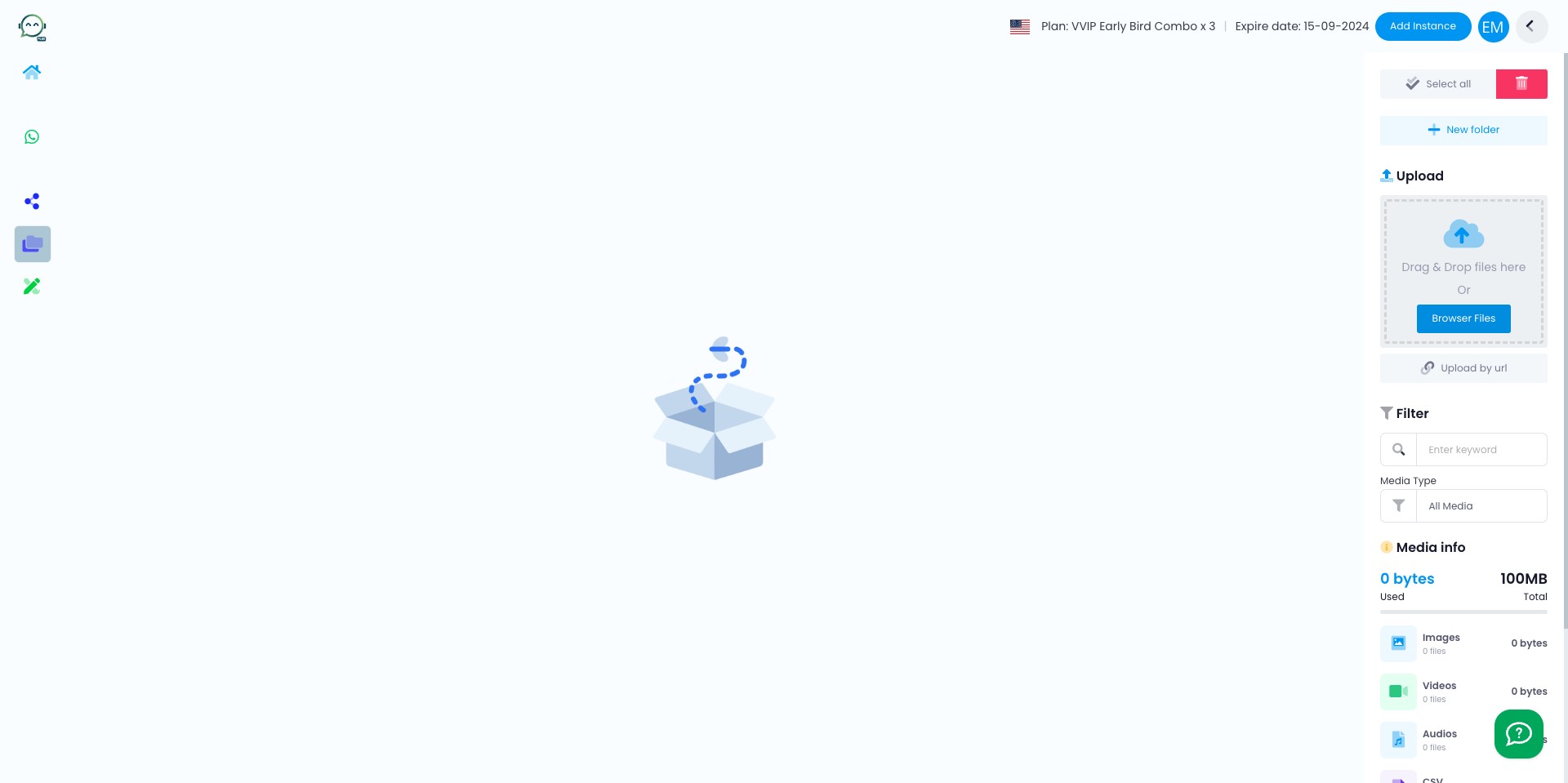
Click on "File manager"
7
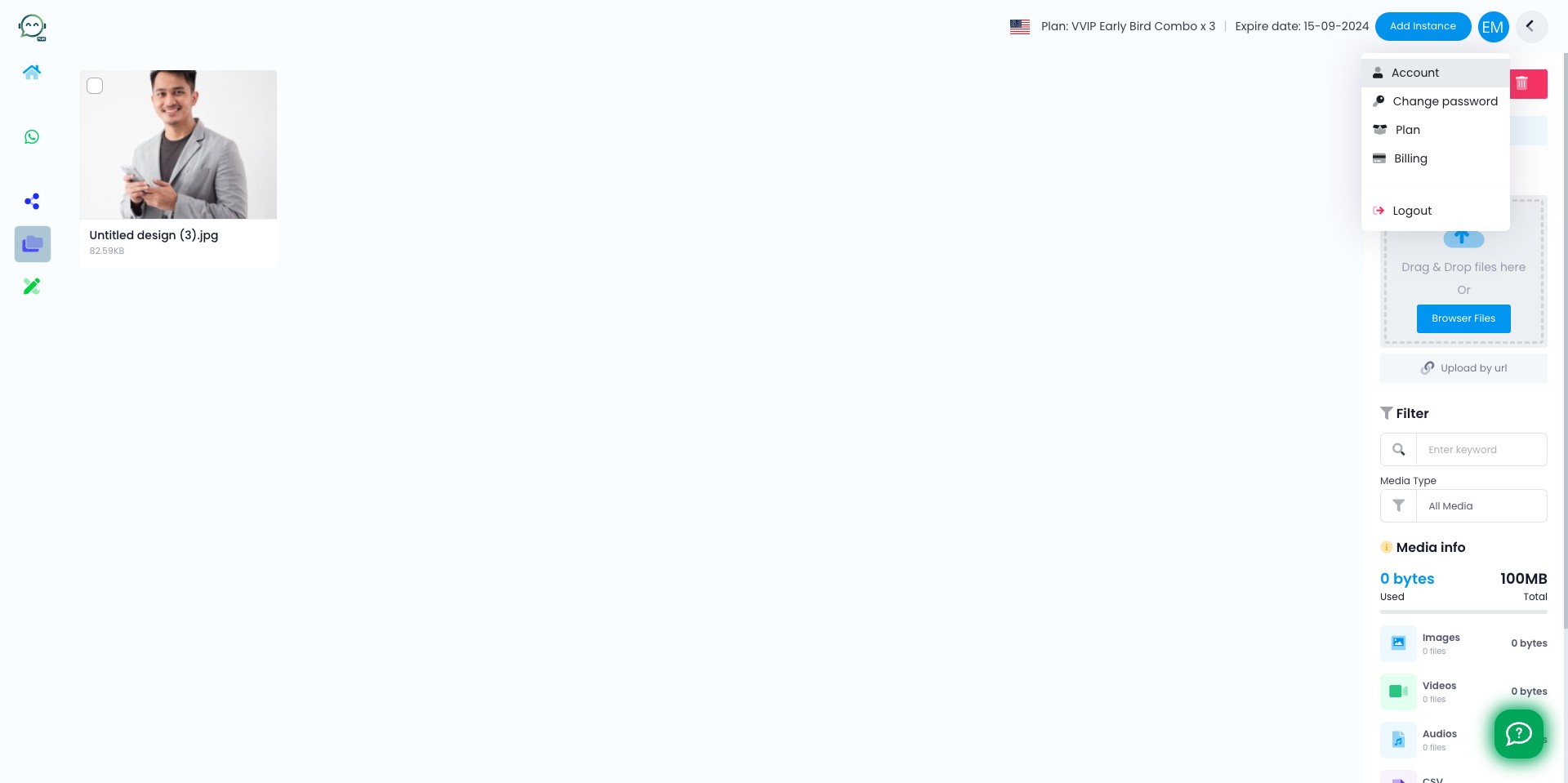
Click here to upload your image
8
Go back to "Account"
9
Click this icon to upload you picture
10
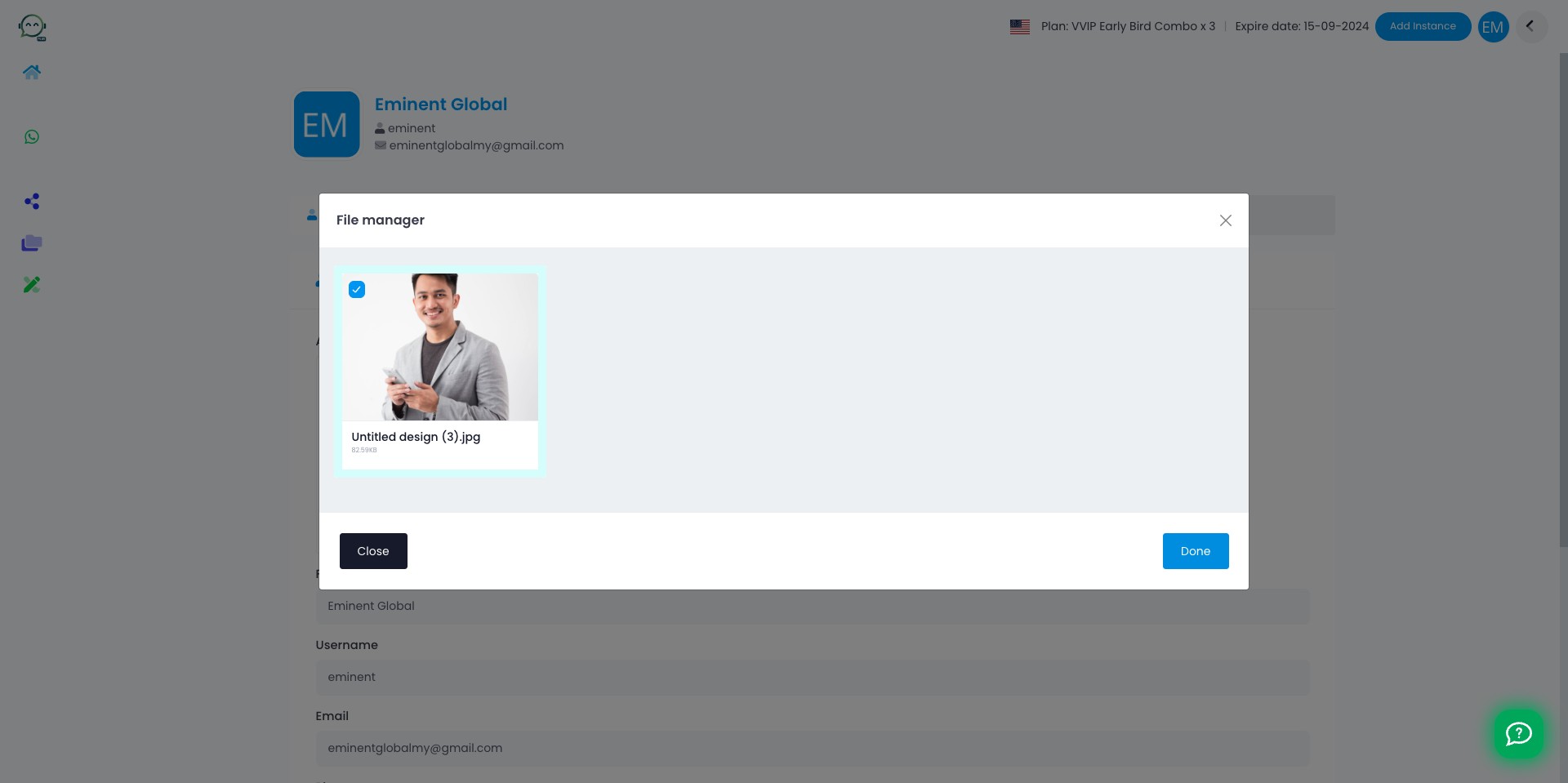
Select your picture and click on "Done"
11
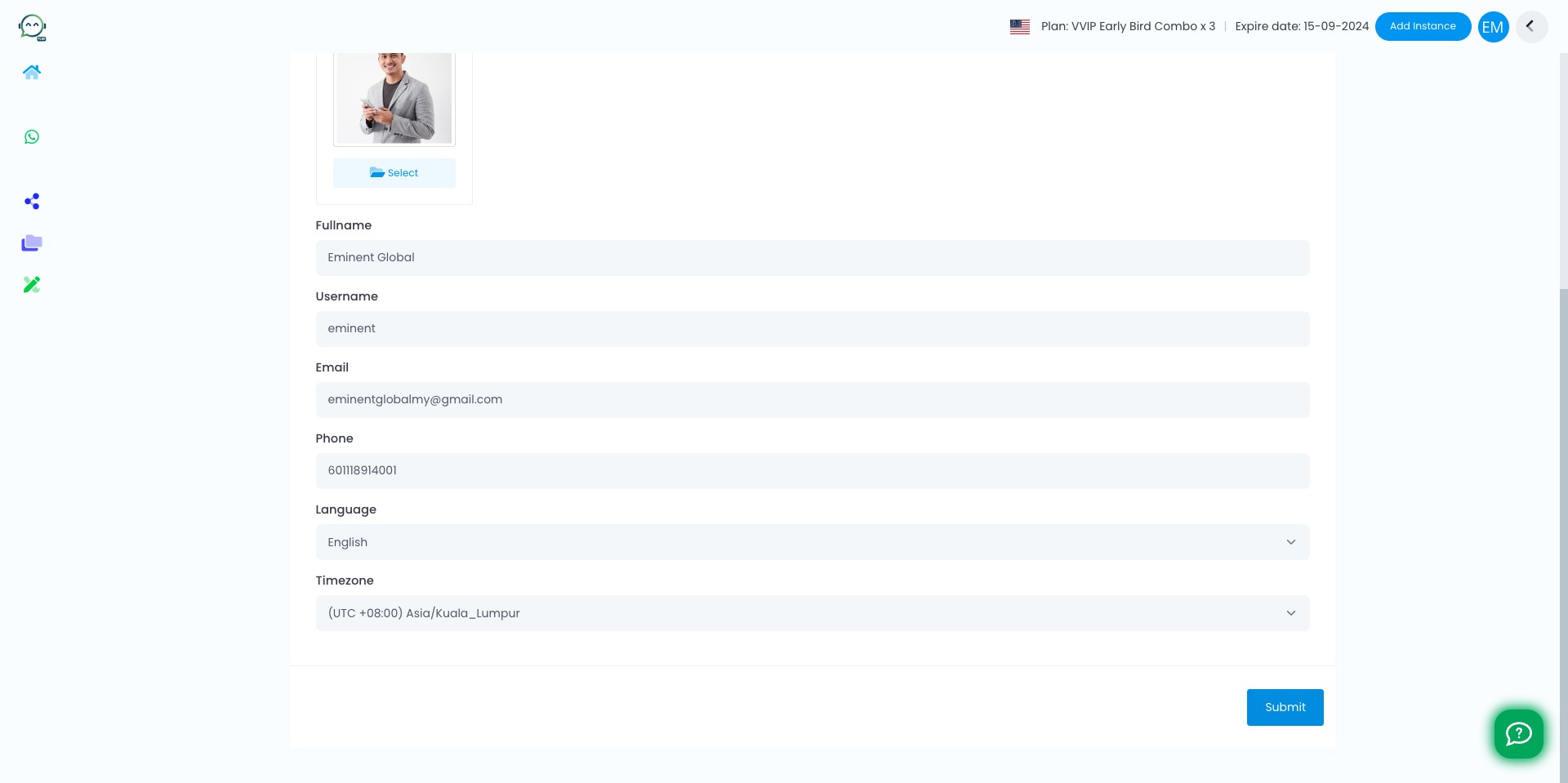
Click on "Submit"
12
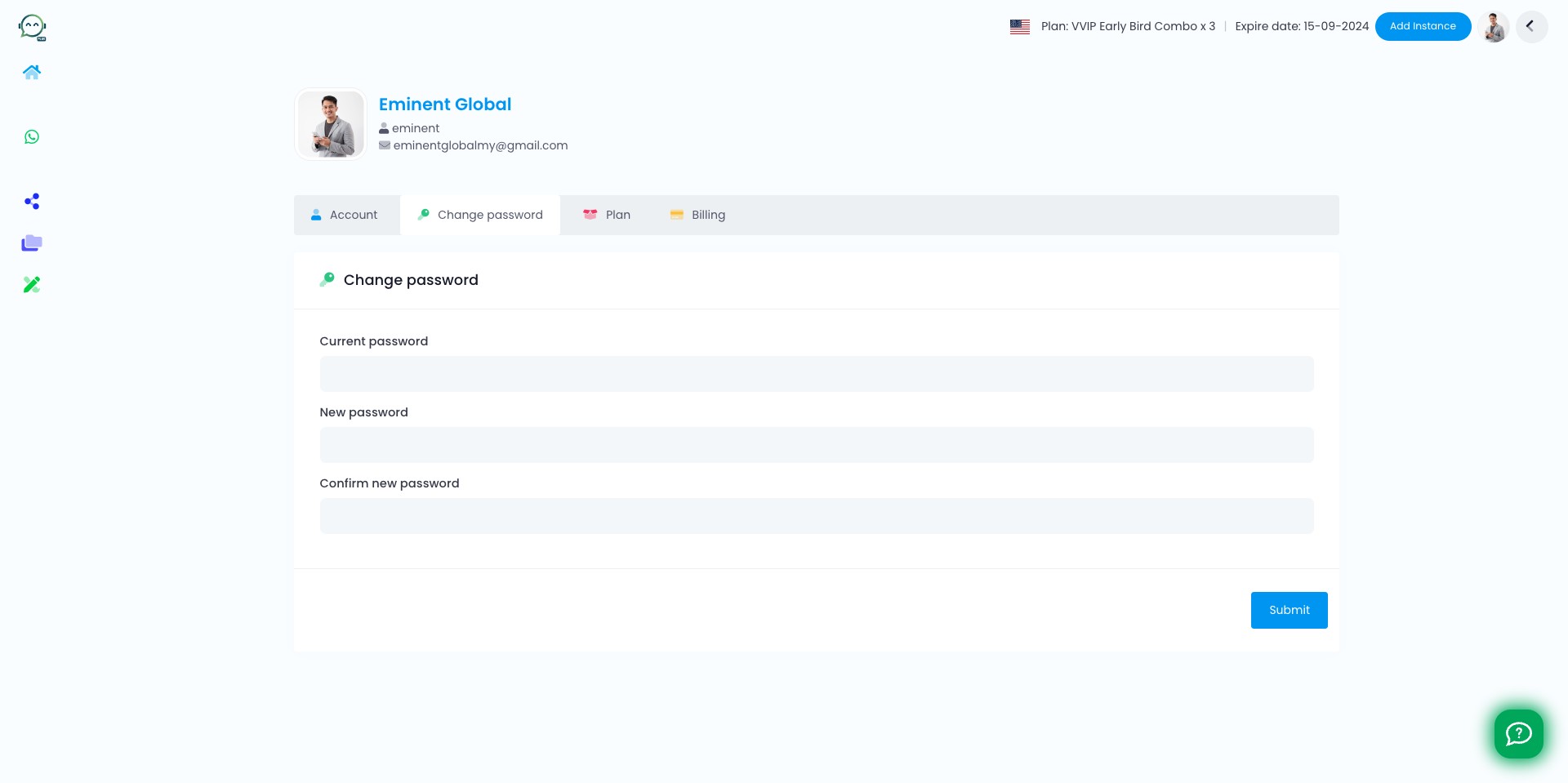
You can change your password here as well and don't forget to click "Submit". Good to go 🚀