How To Get API Key From Elevenlabs
Click on this link to signup for a free account https://try.elevenlabs.io/wabot.
New step
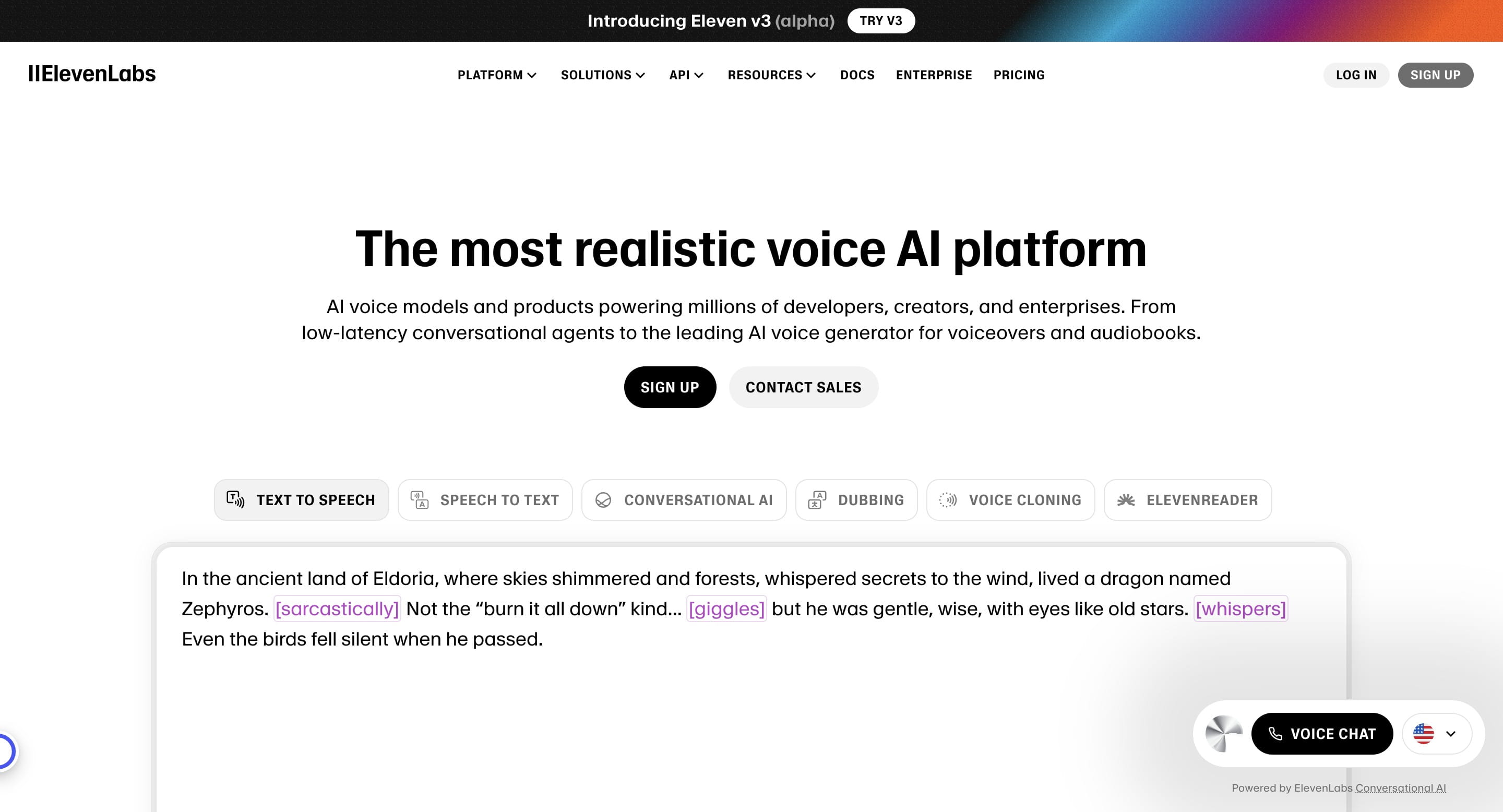
Click on "Sign up"

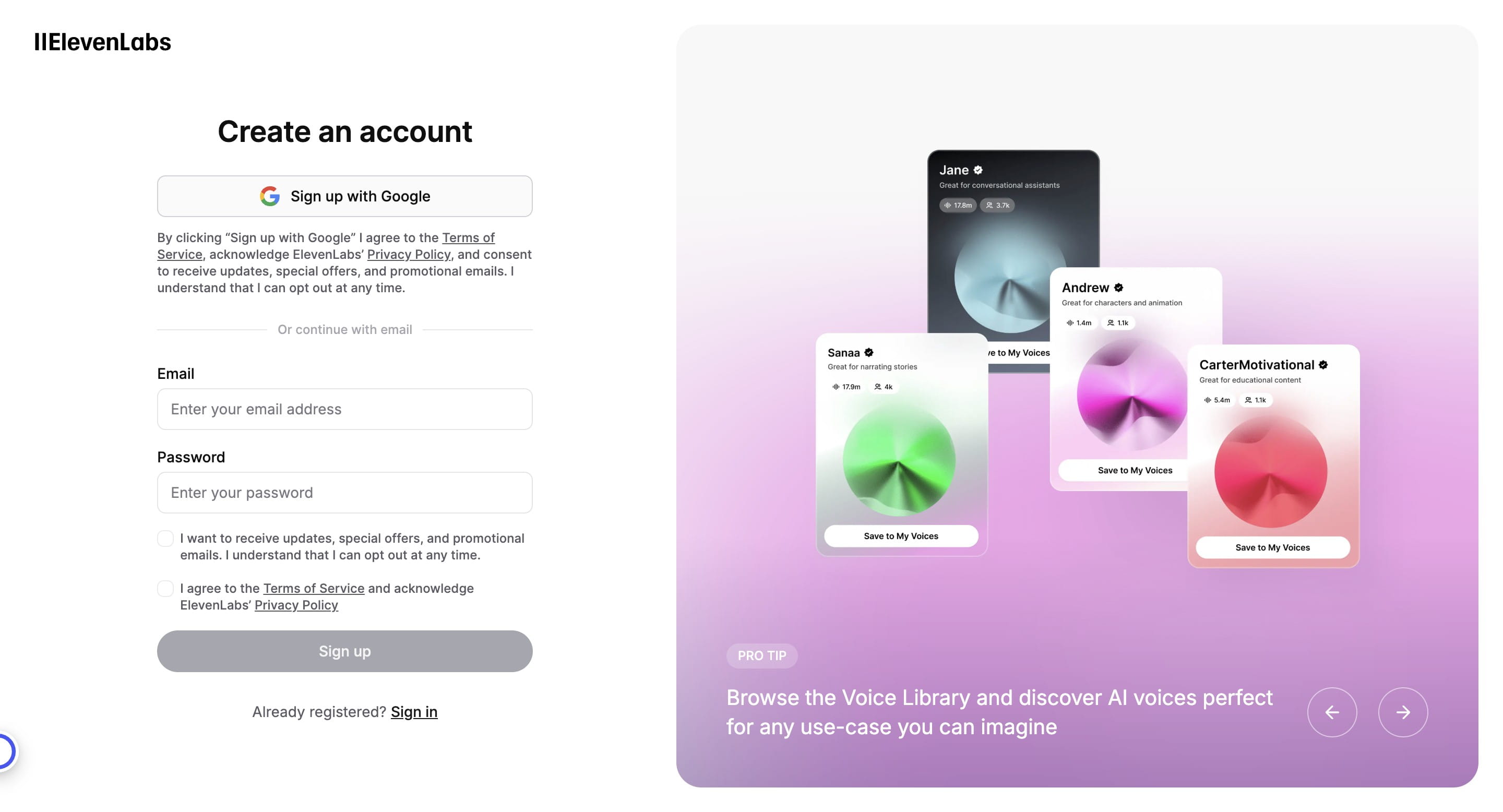
Choose whether to sign up using Google account or another email
Choose the Gmail profile you want to sign up with
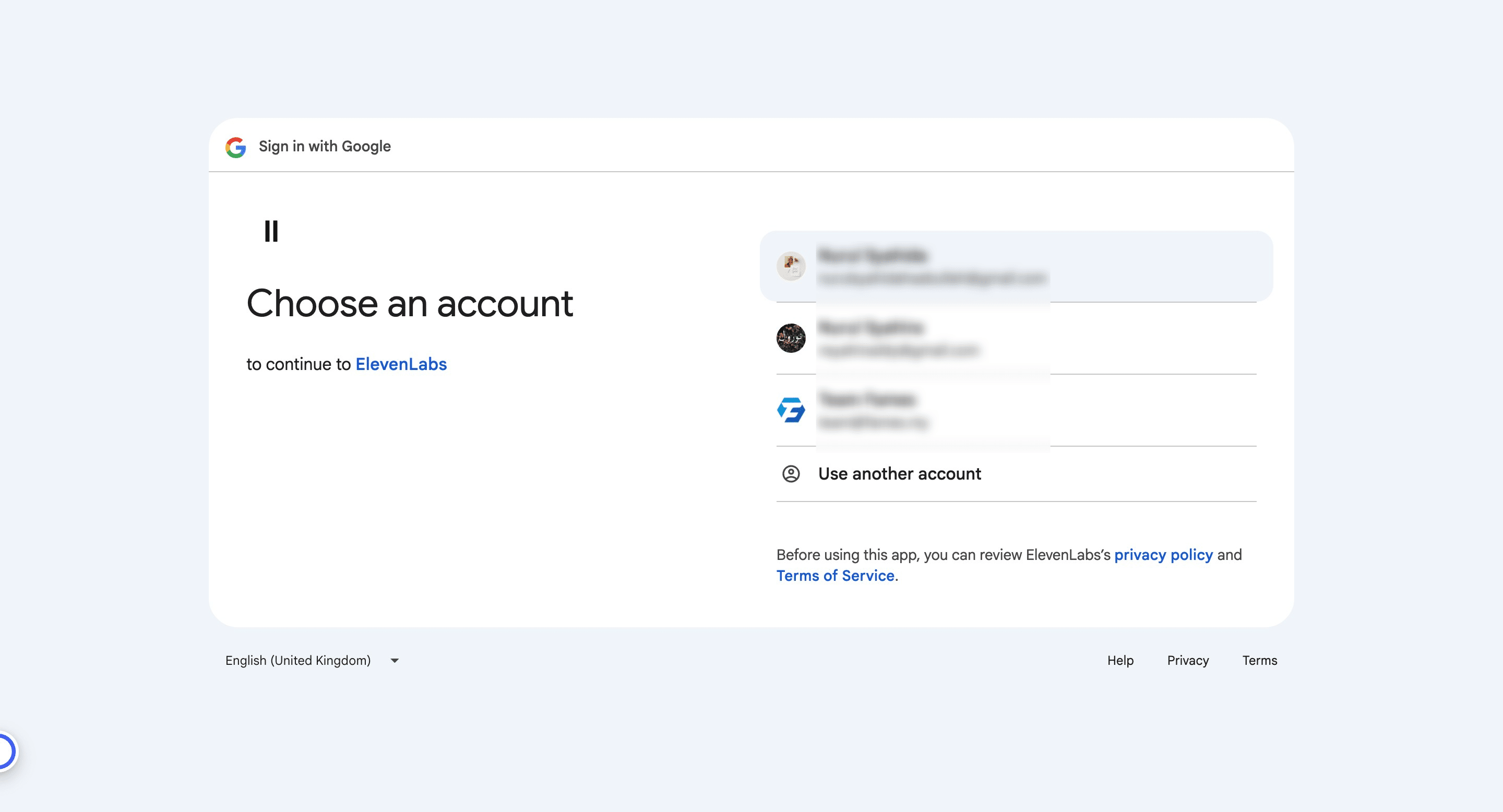
Click continue
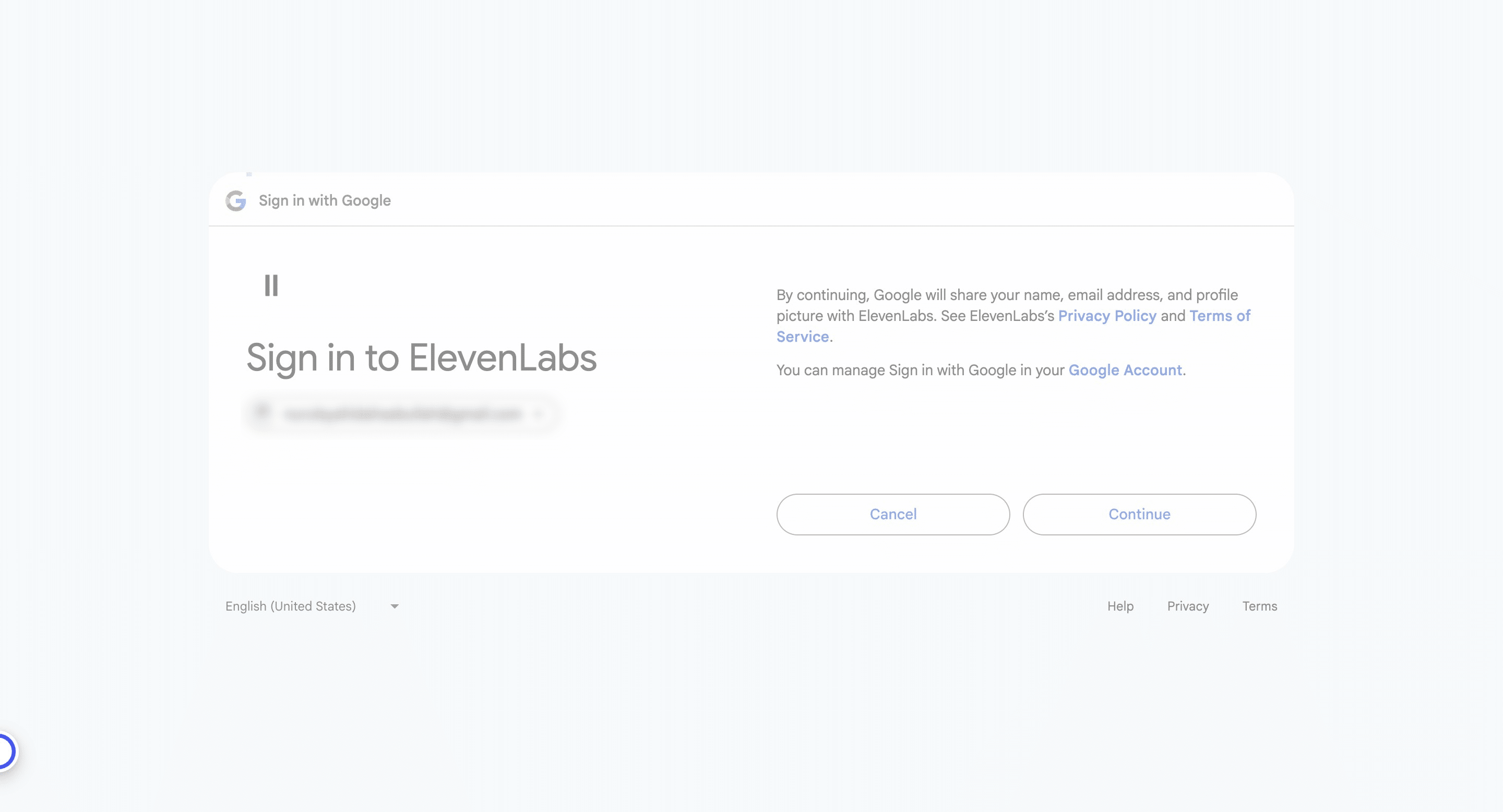
Click on "Continue"
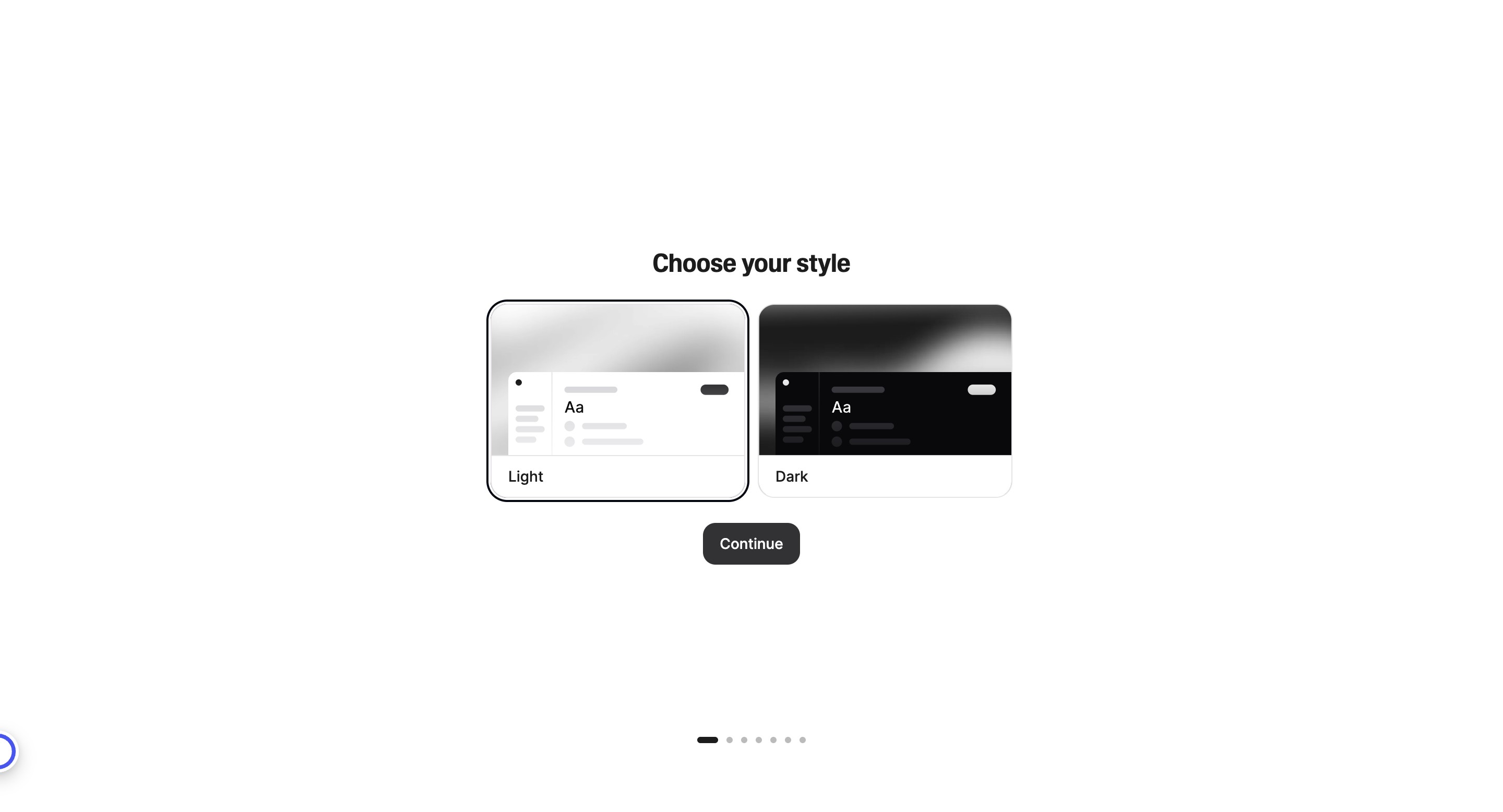
Fill in your details
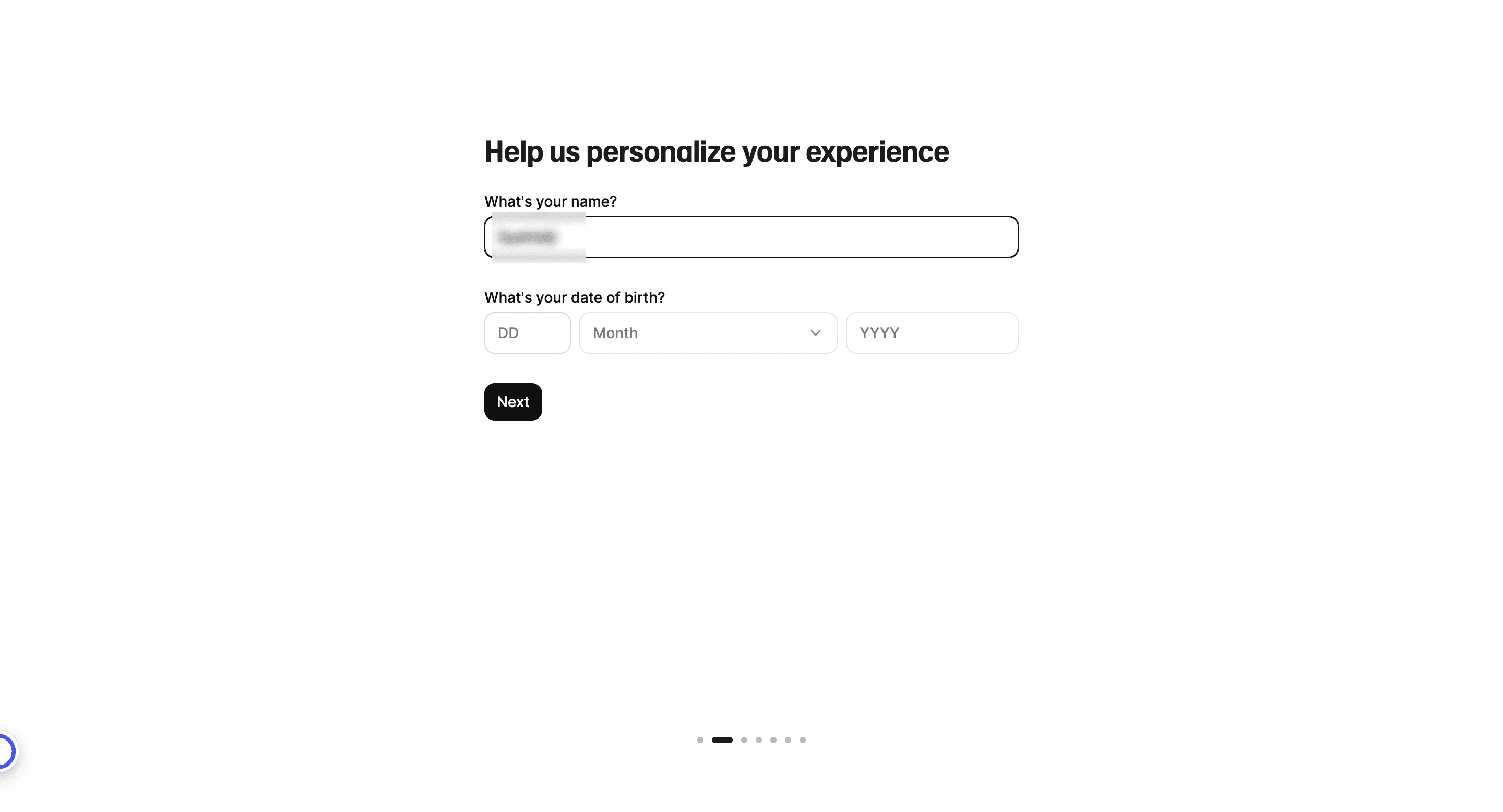
Click on "Next"
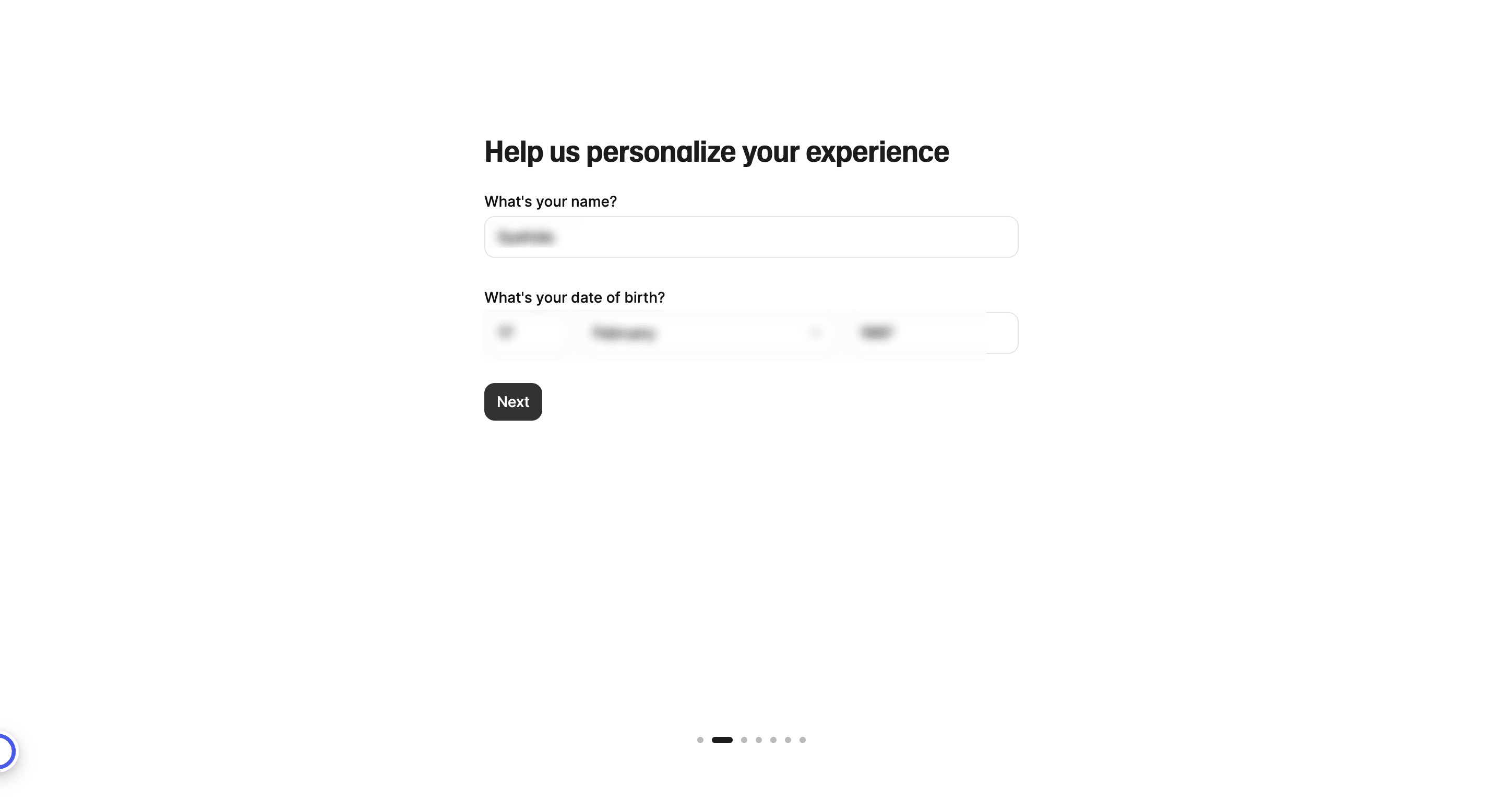
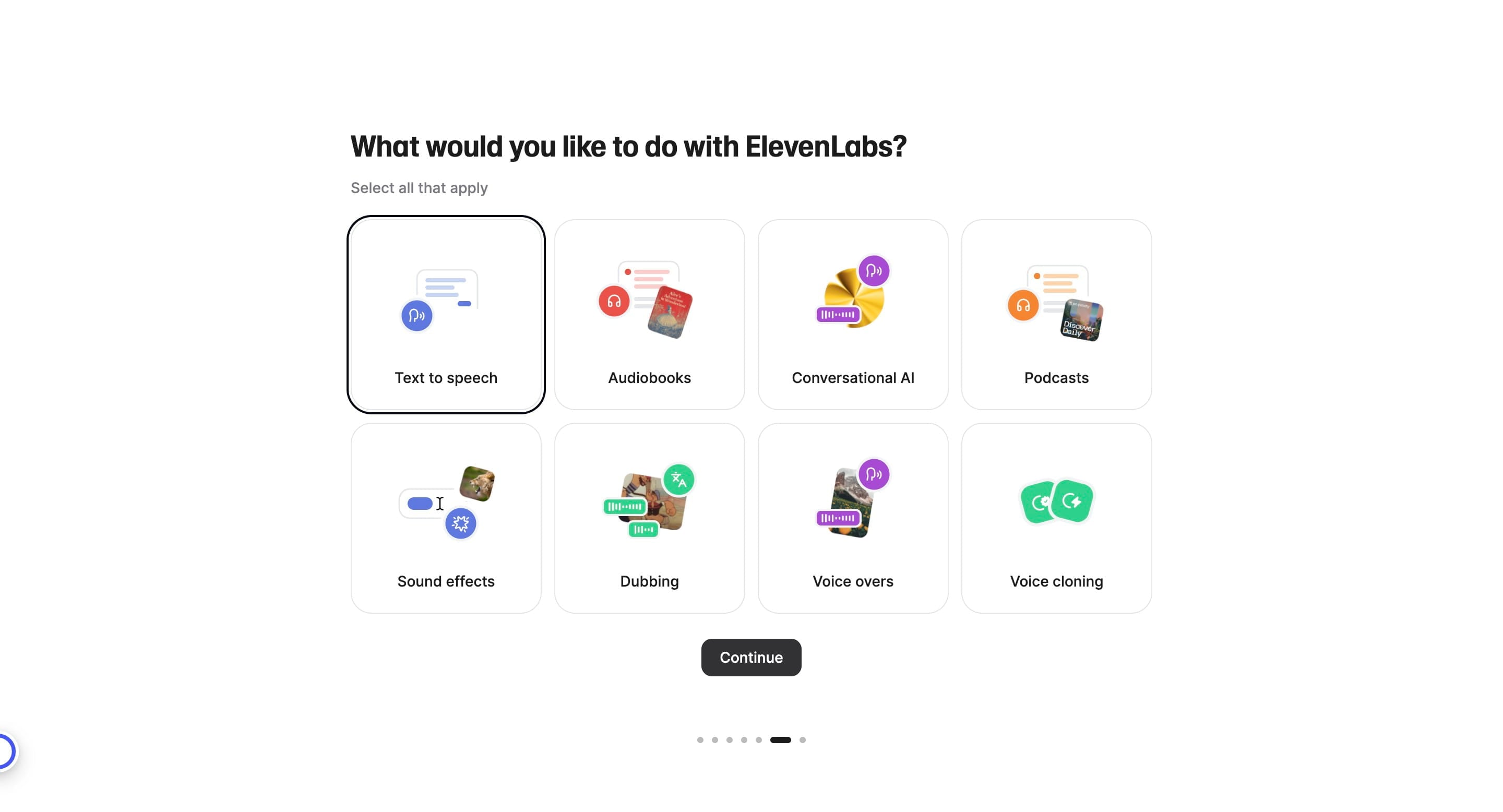
Just choose based on your preferences
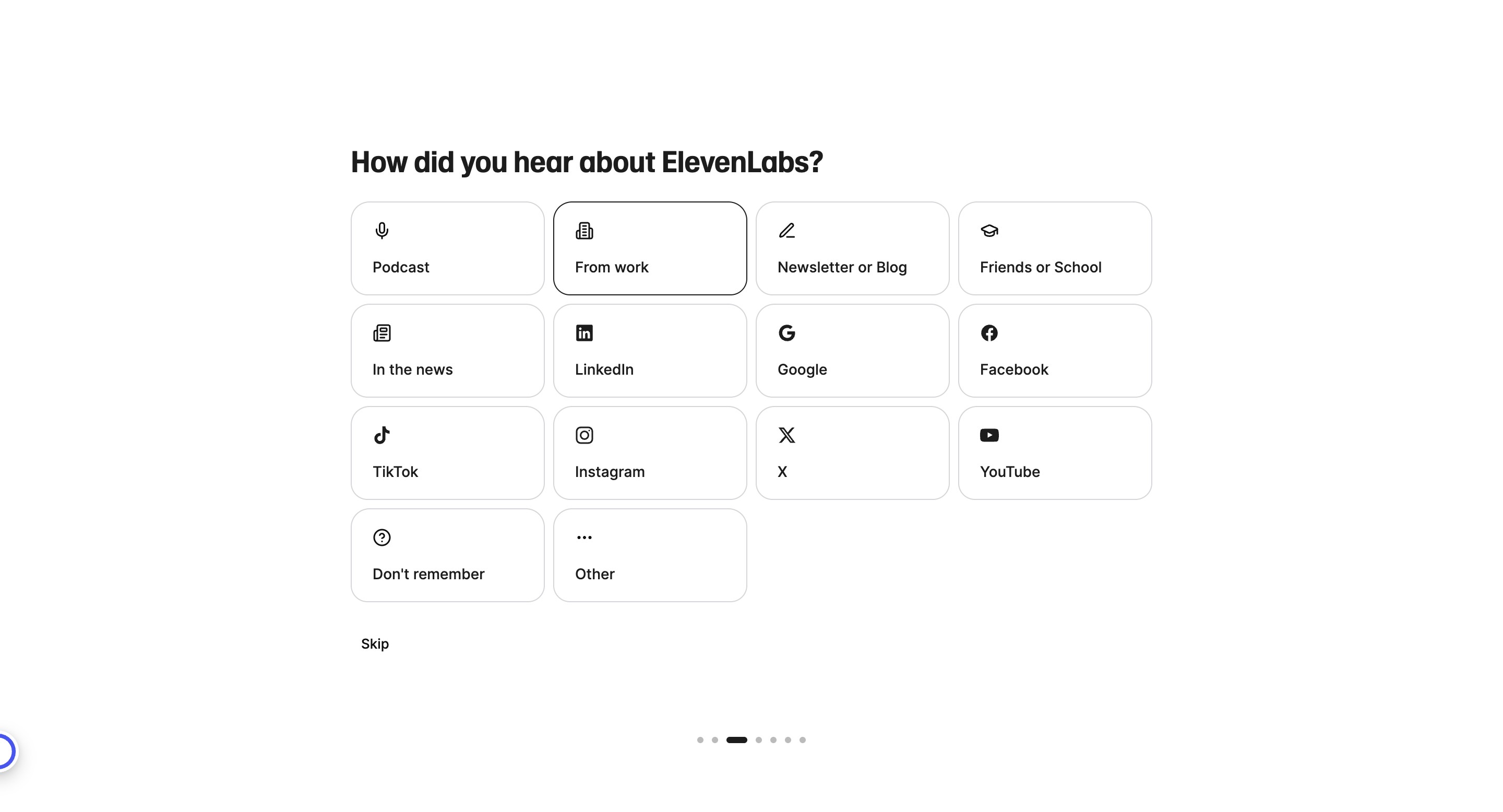
Just choose based on your preferences
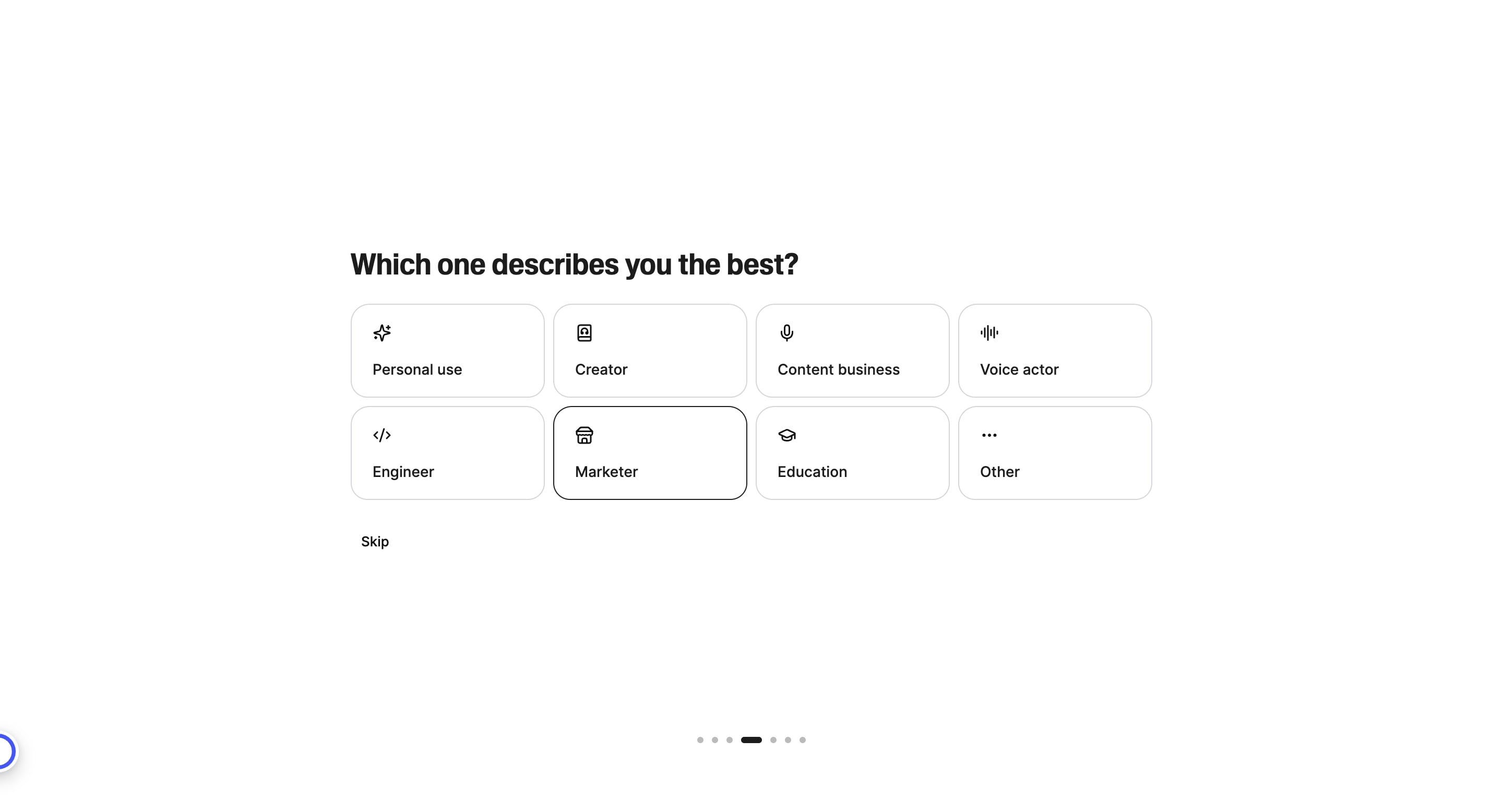
Just choose based on your preferences
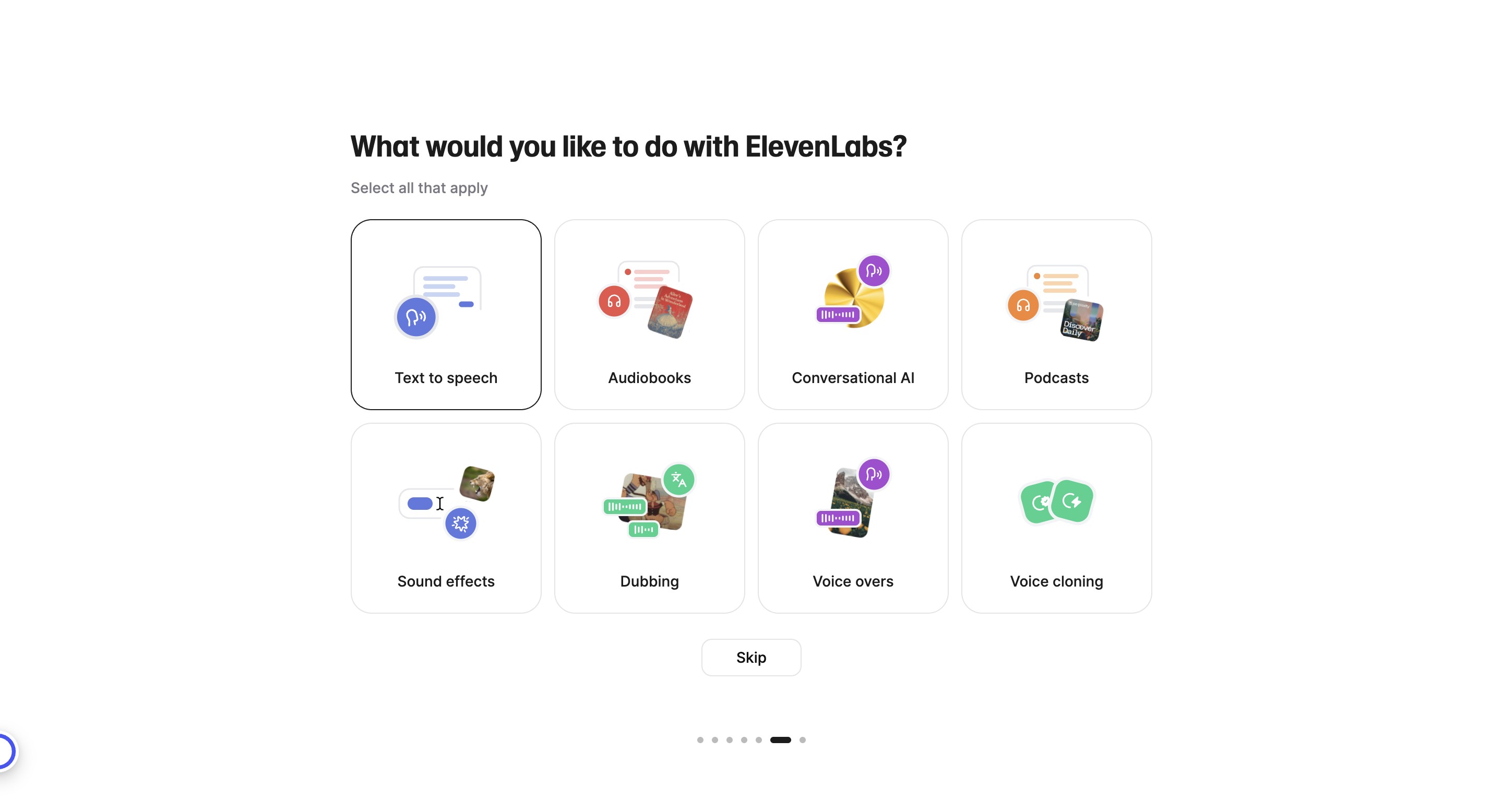
Click on "Continue"
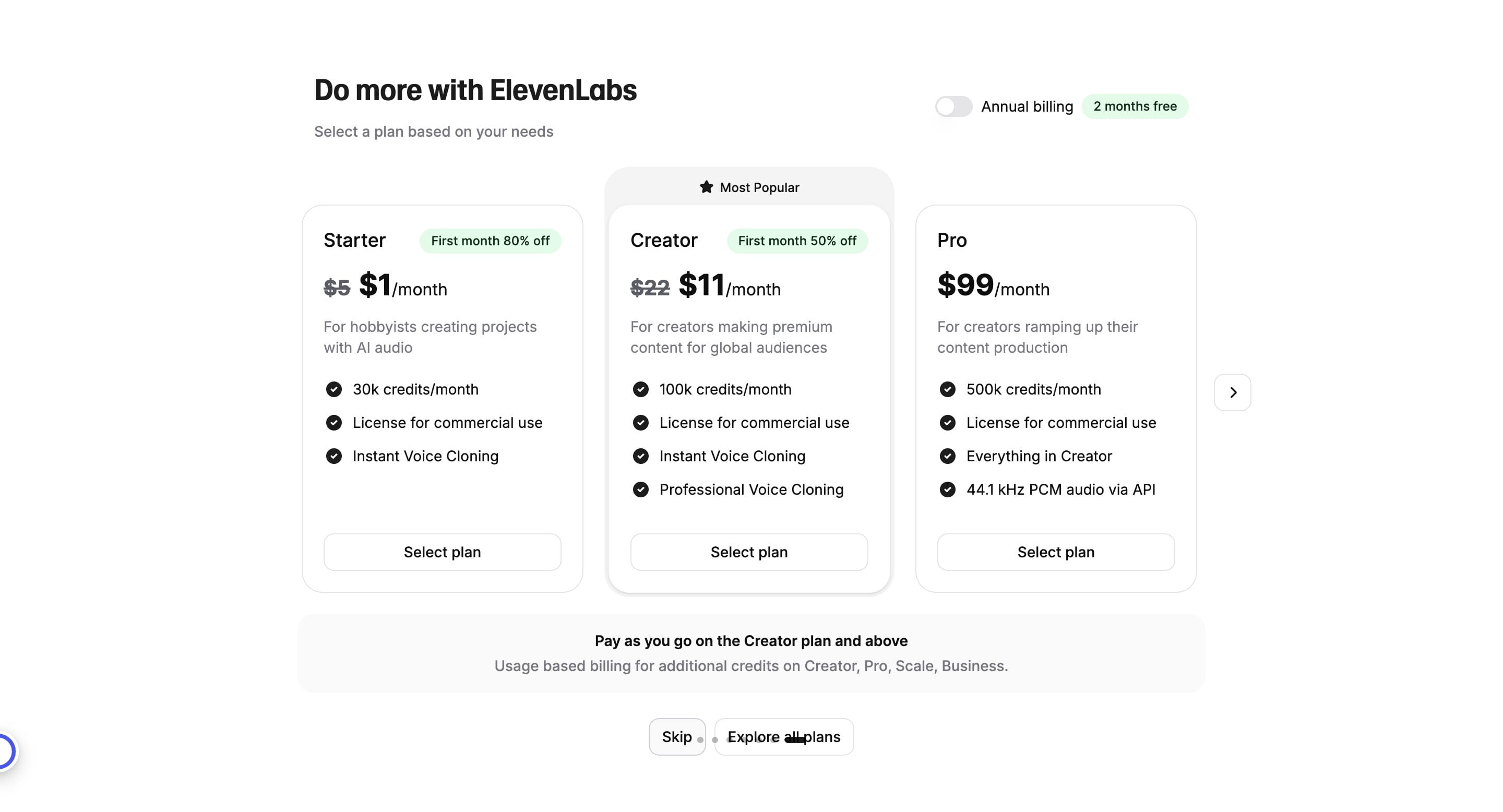
Click on "Skip"
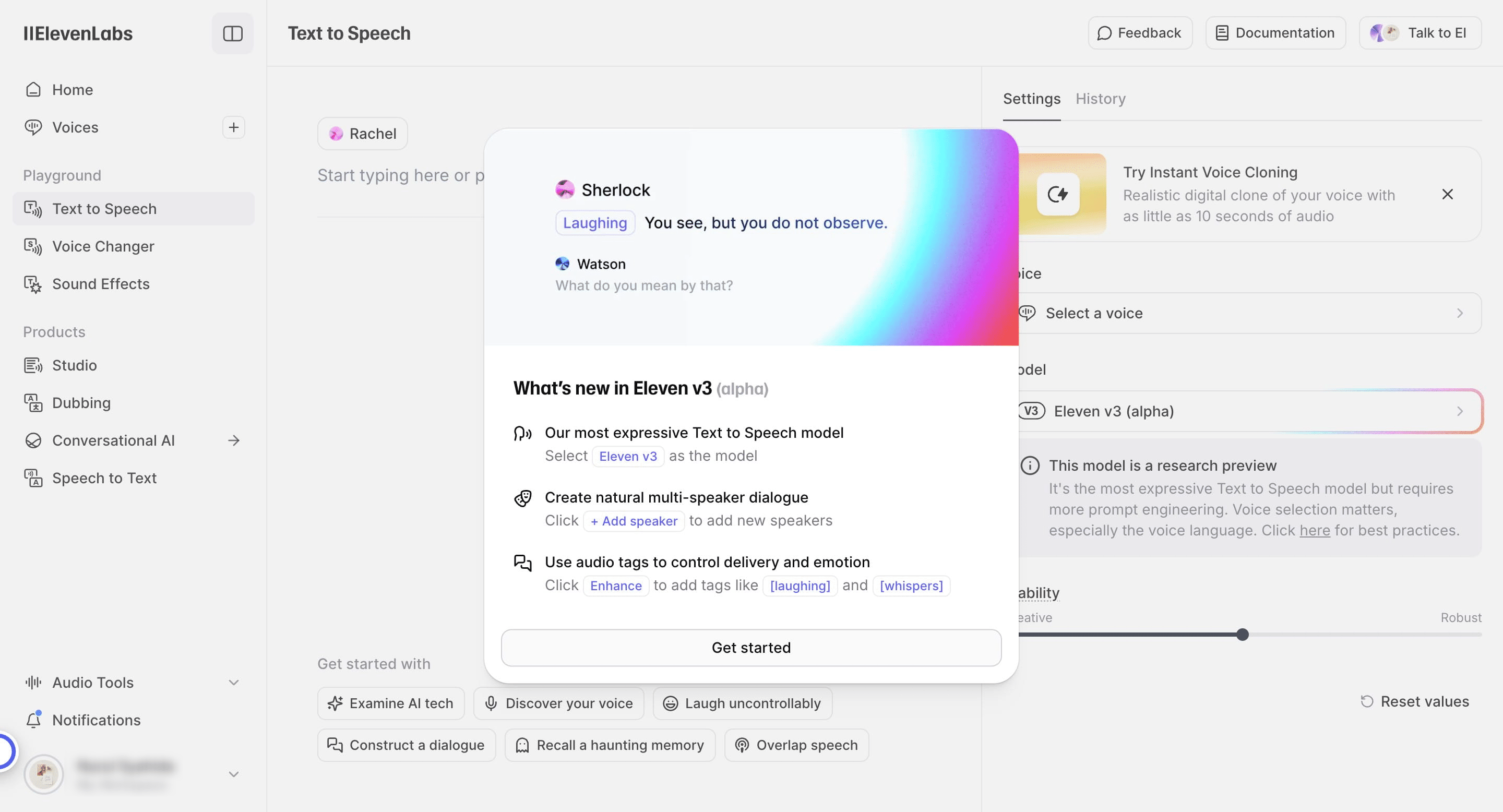
Click on "Get started"
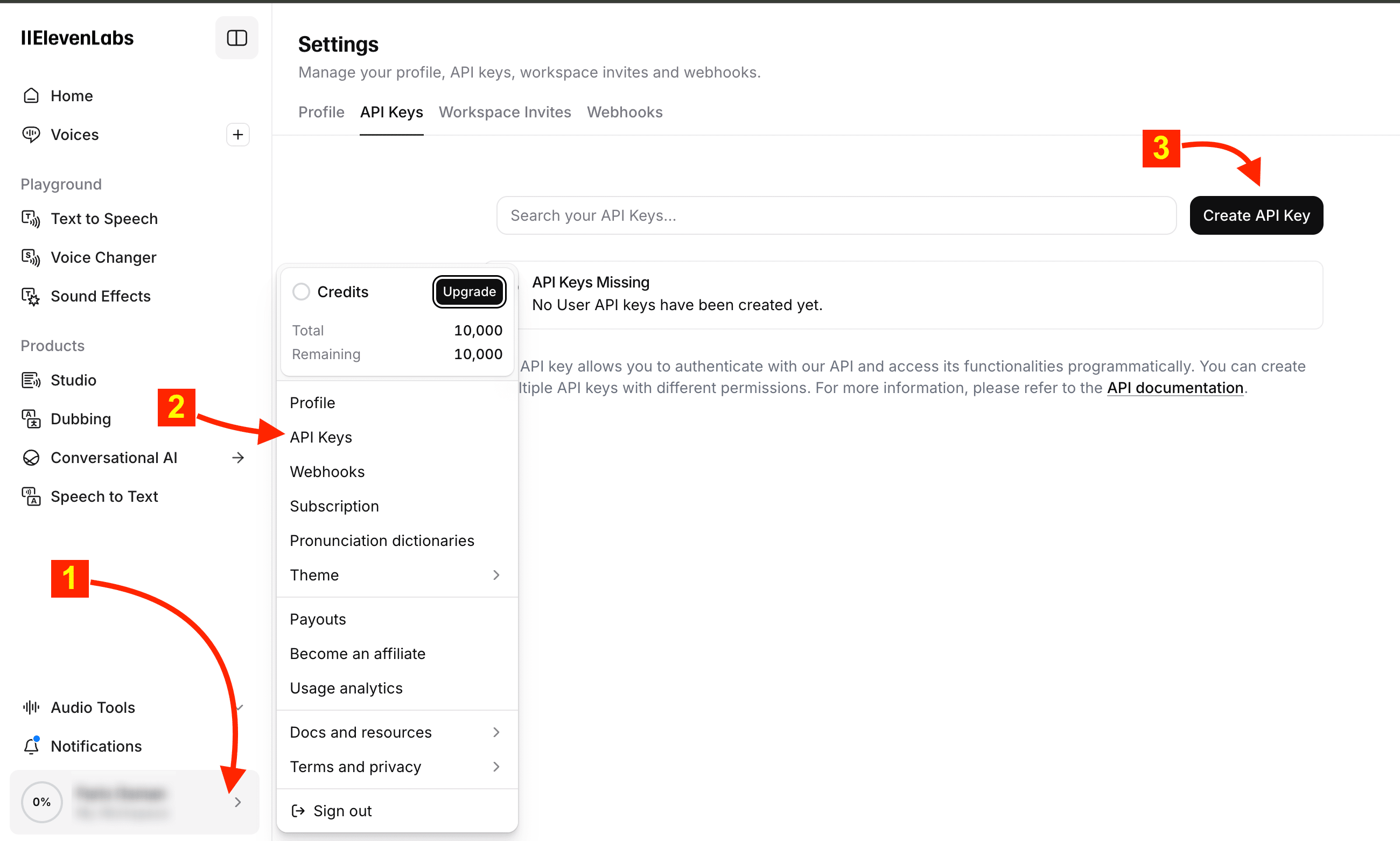
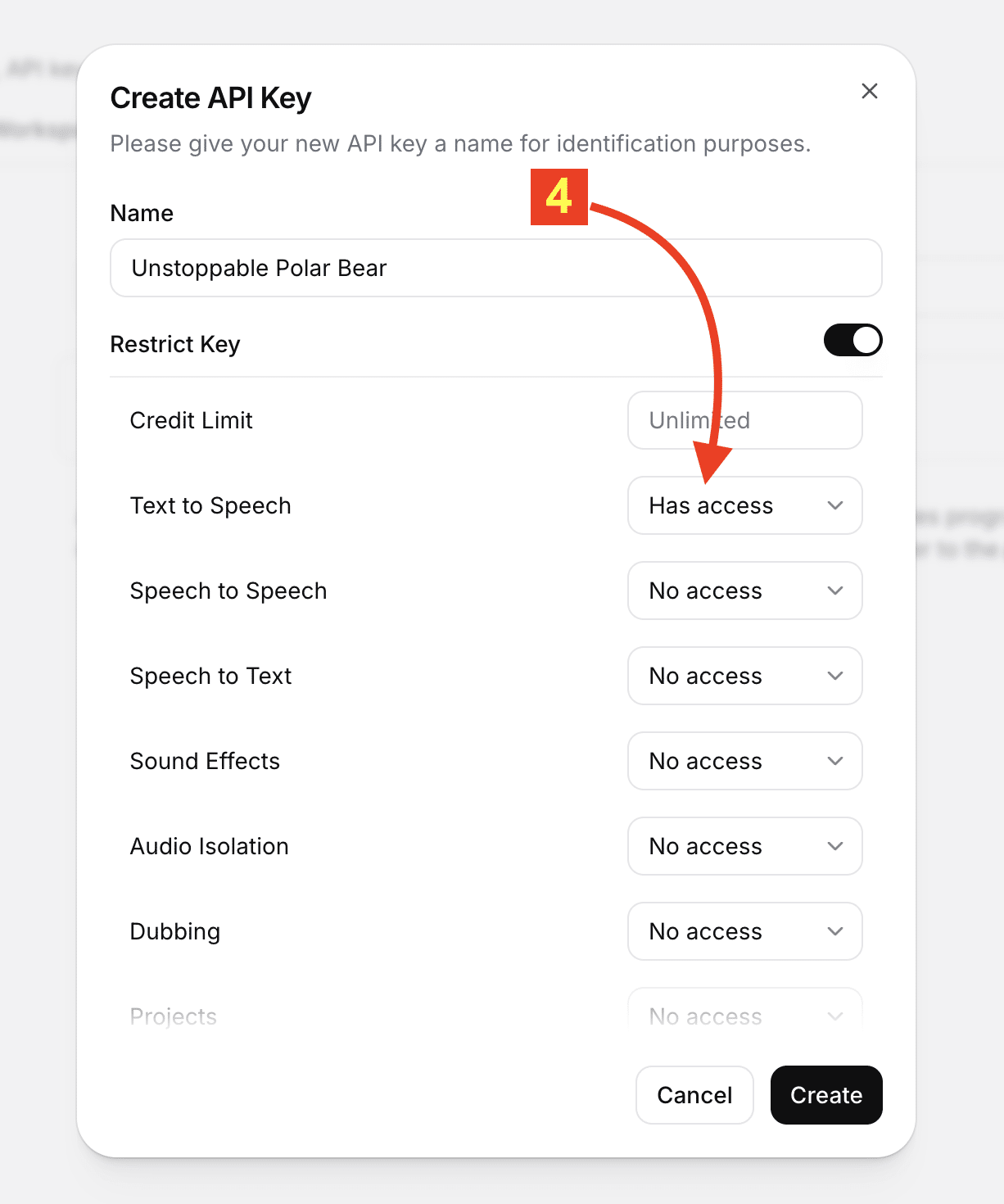
Click on your profile > API Keys > Create API Key
Give access to Text To Speech
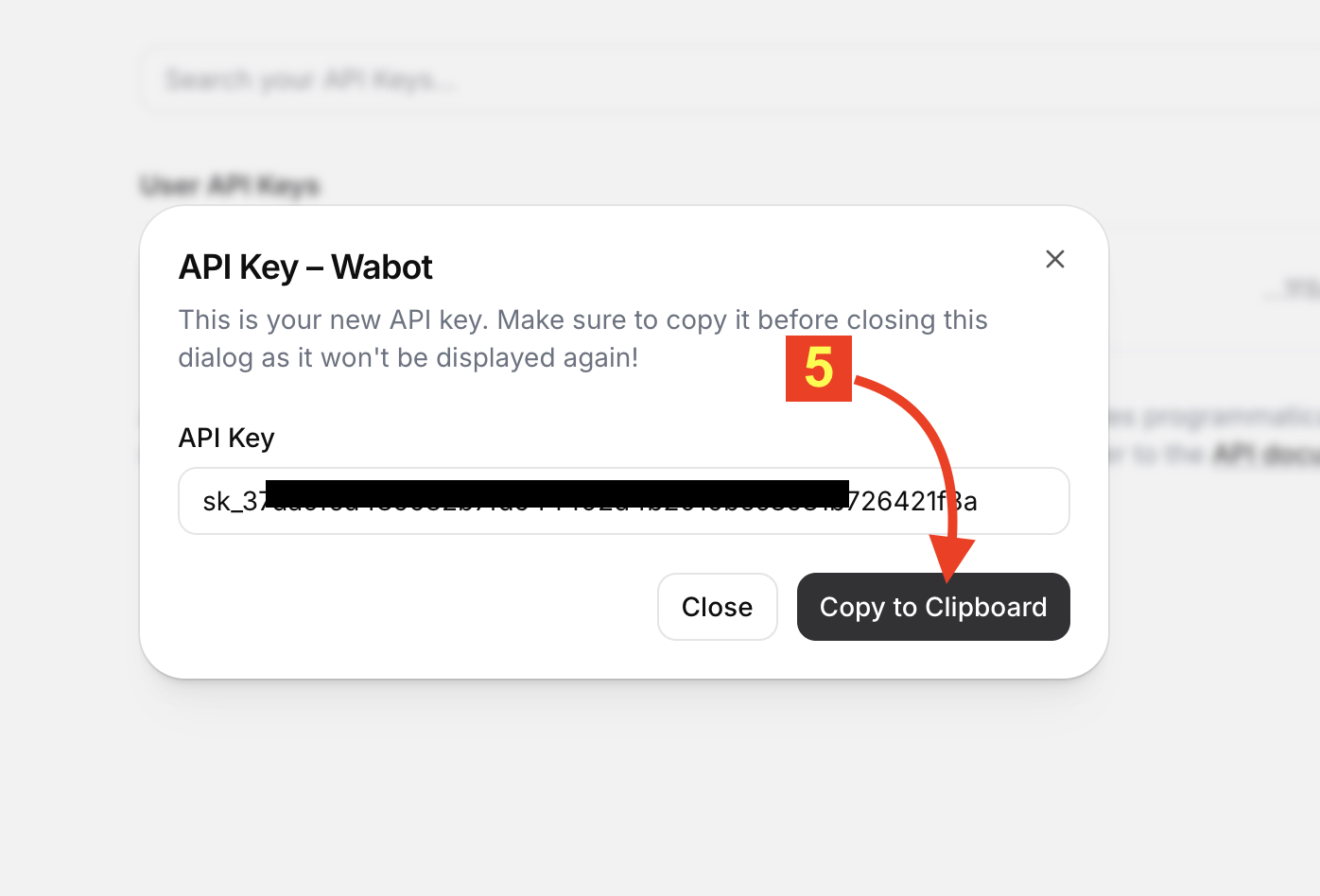
Then copy the key
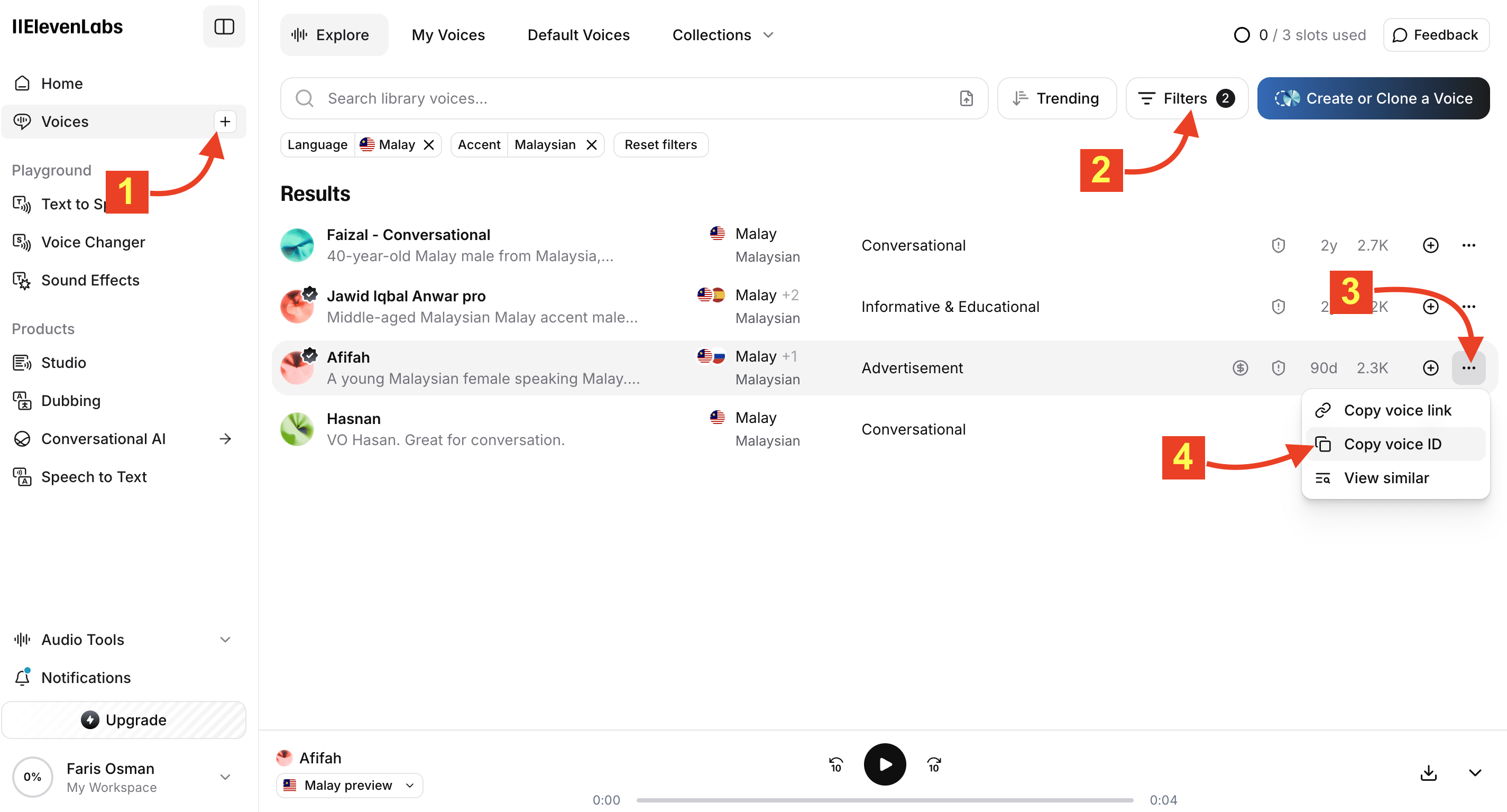
You can also get the Voice ID here
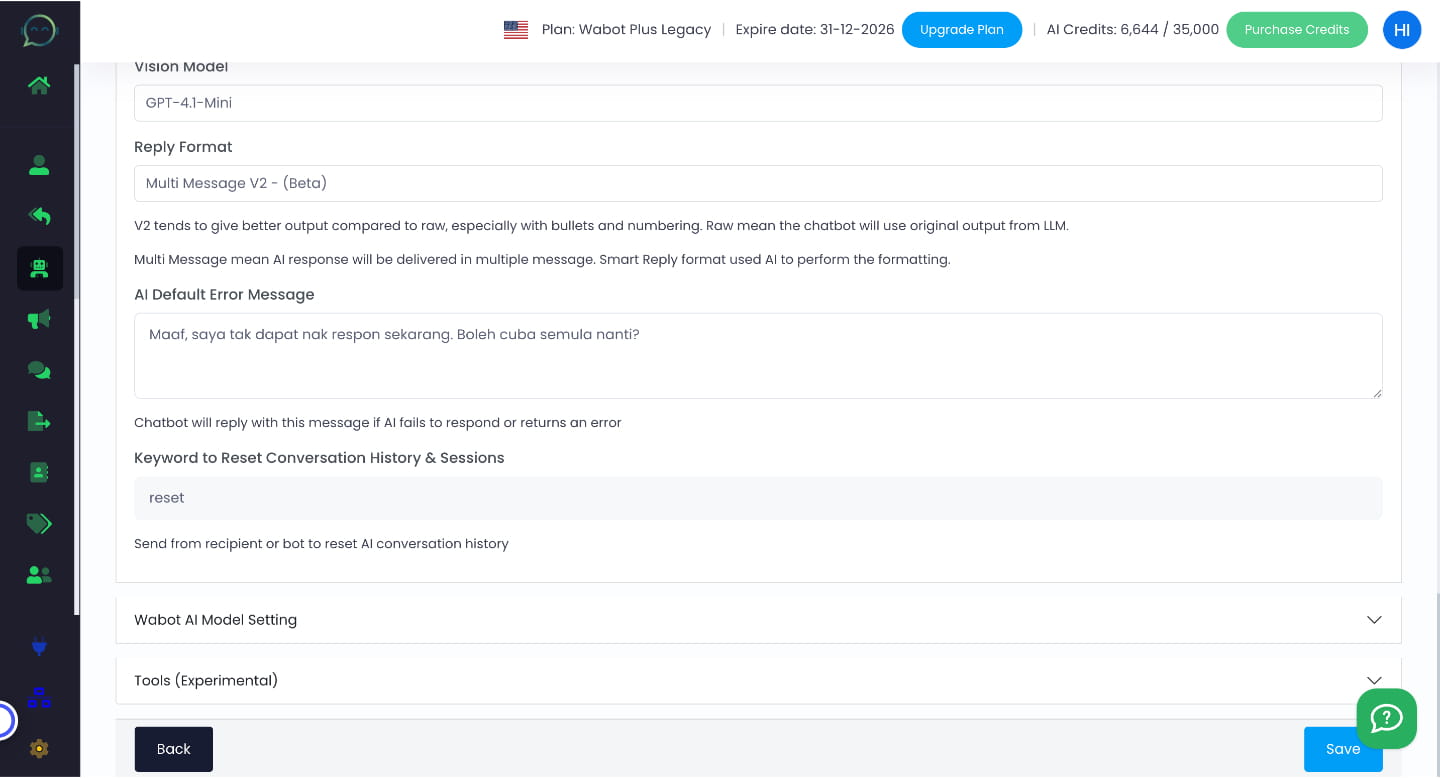
Insert the key in Wabot dashboard
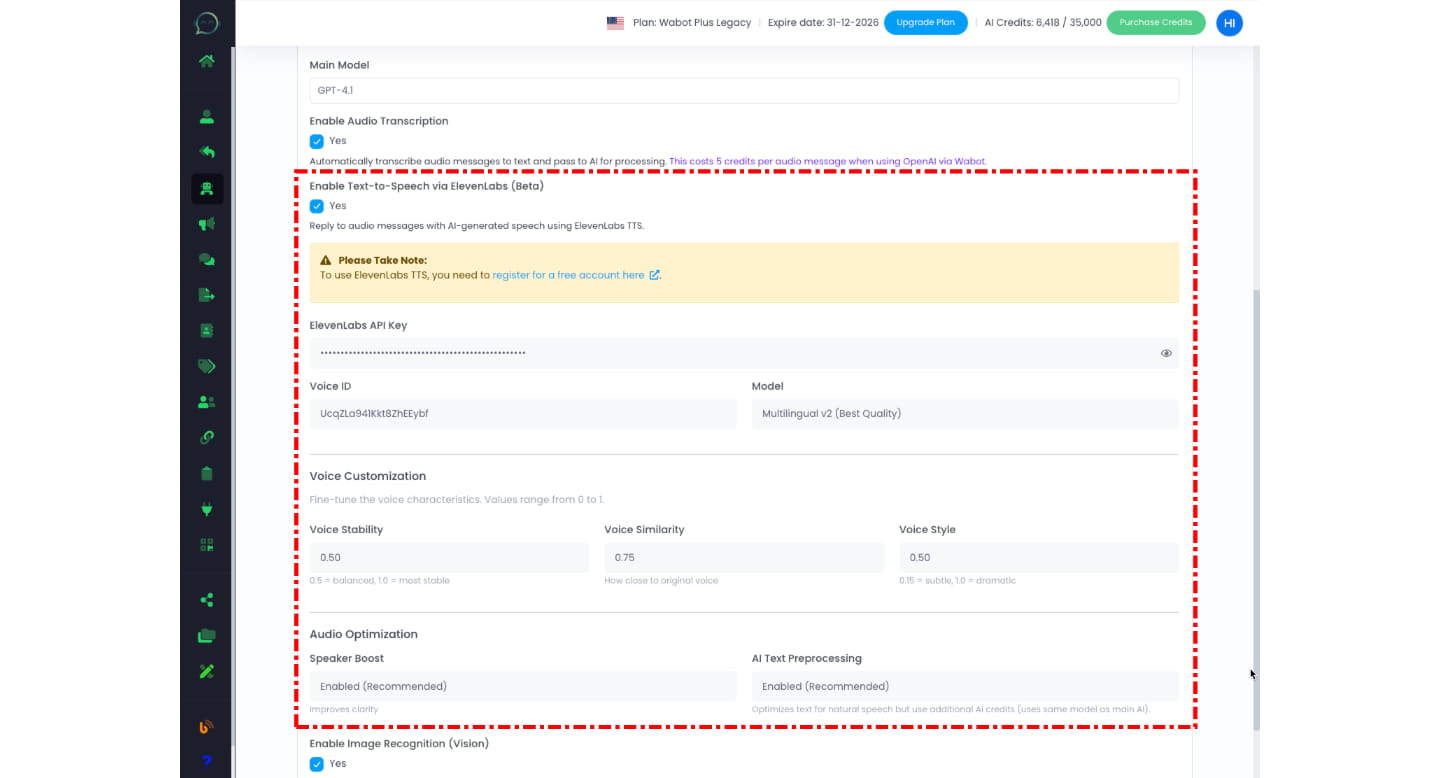
Click on "Save" and you are done
Testing The Voice
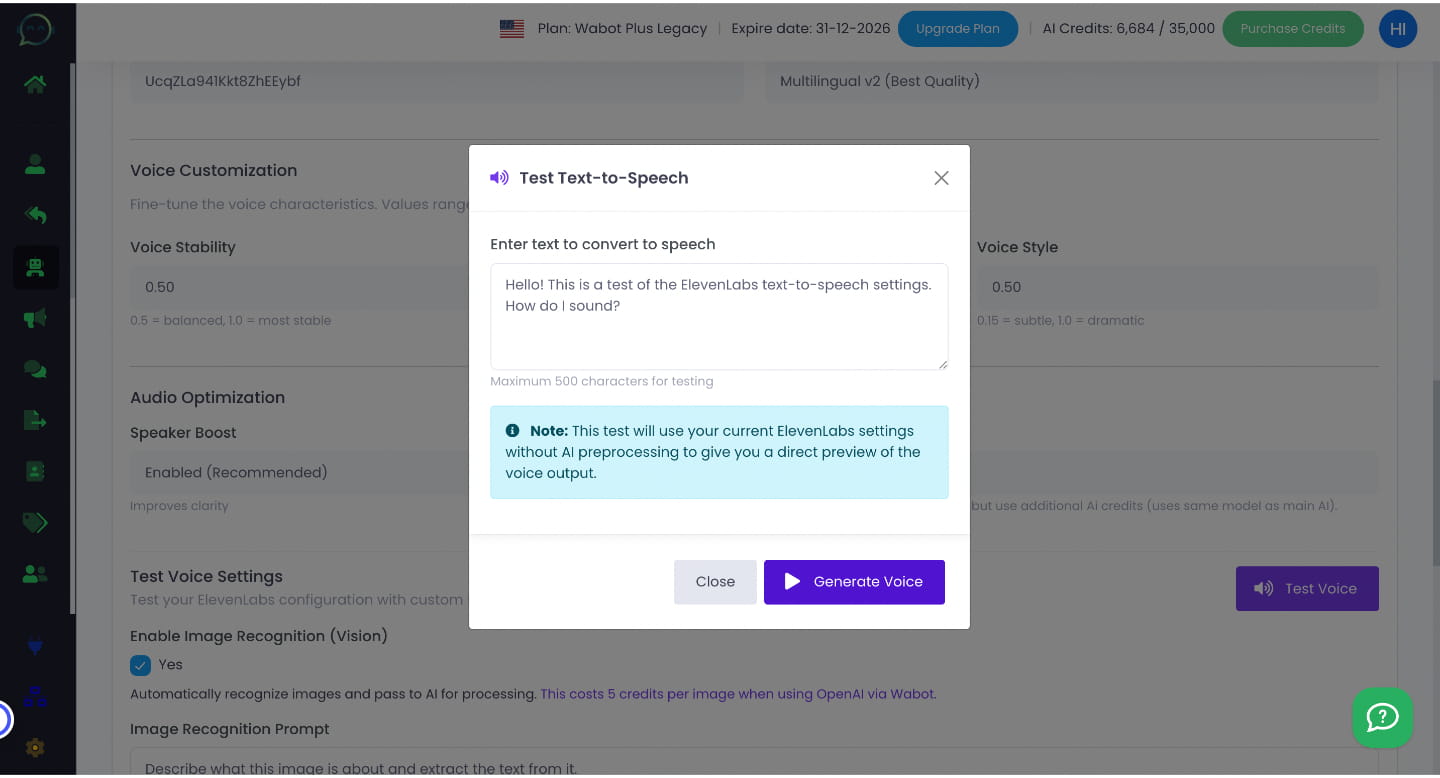
You can test the voice by clicking "Test Voice" button
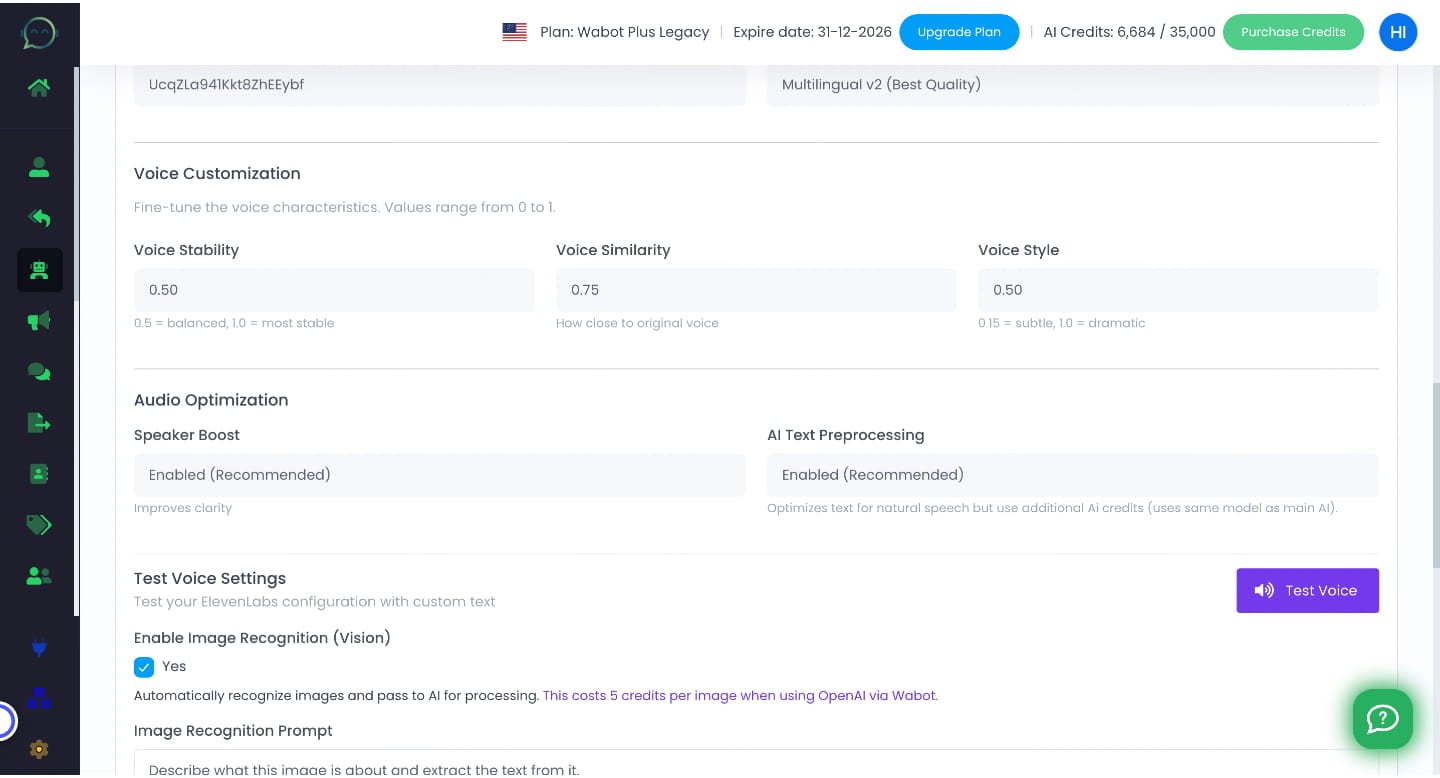
You can enter the text and click "Generate Voice" to test the voice. Done 🚀