

How To Renew Your Subscription
This only applies if your subscription has expired. If your subscription is still active and you want to renew it, contact support for a discounted price.
Mar 05, 2024●
1
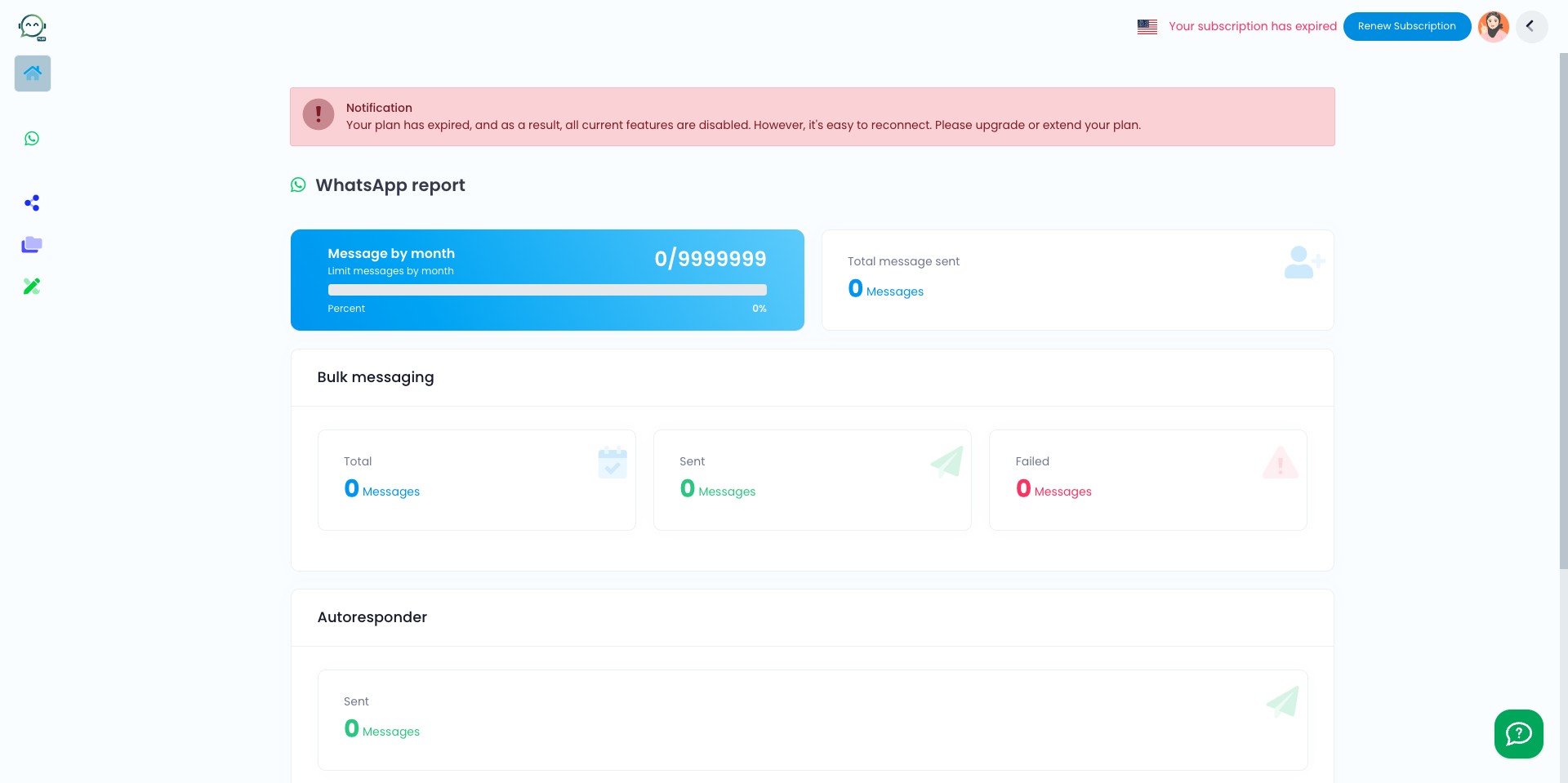
Navigate to https://dash.wabot.plus/dashboard
2
Click on "Renew Subscription" and it will redirect you to payment page

3
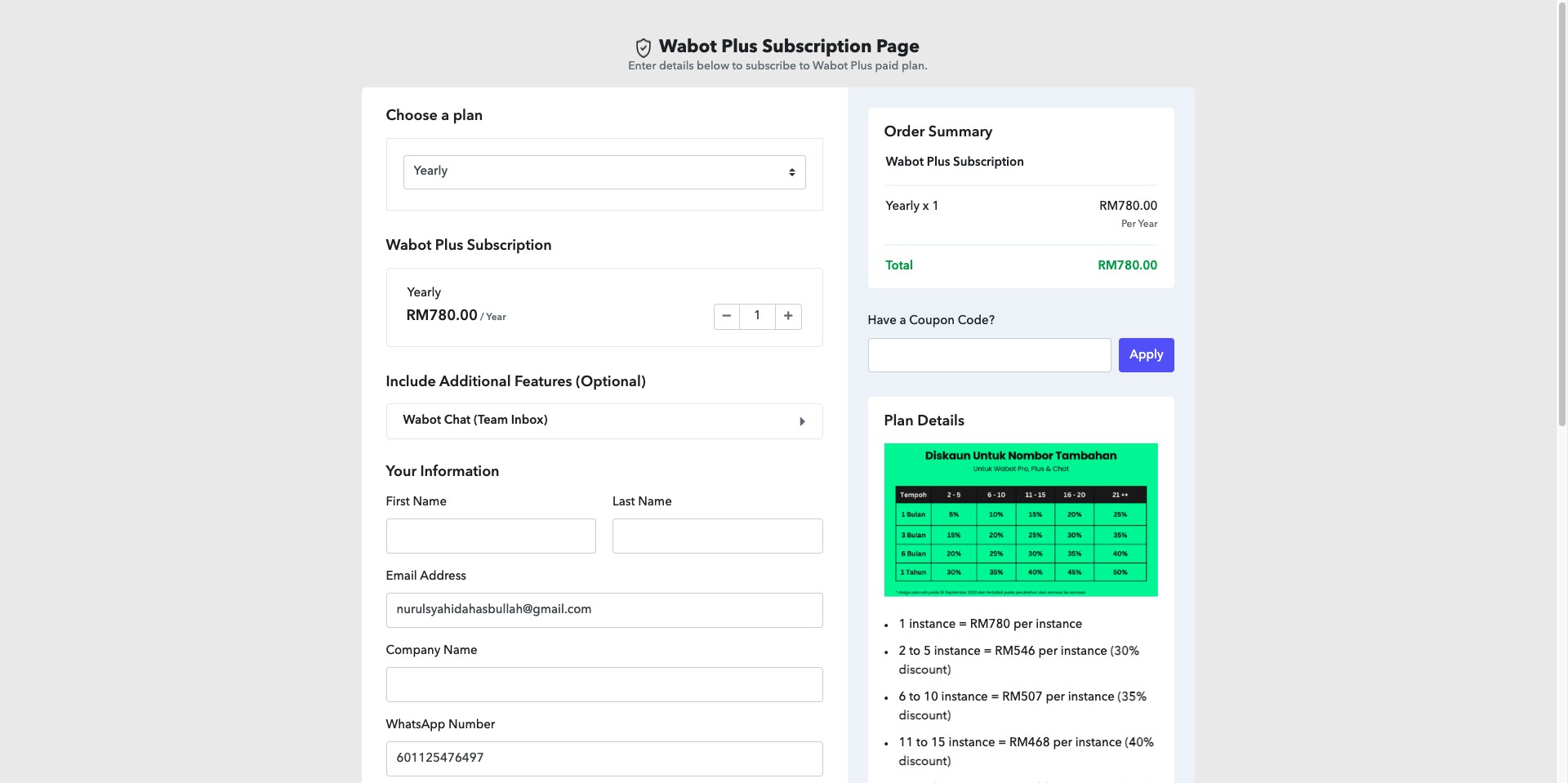
Choose a plan by clicking "Select Plan"
4
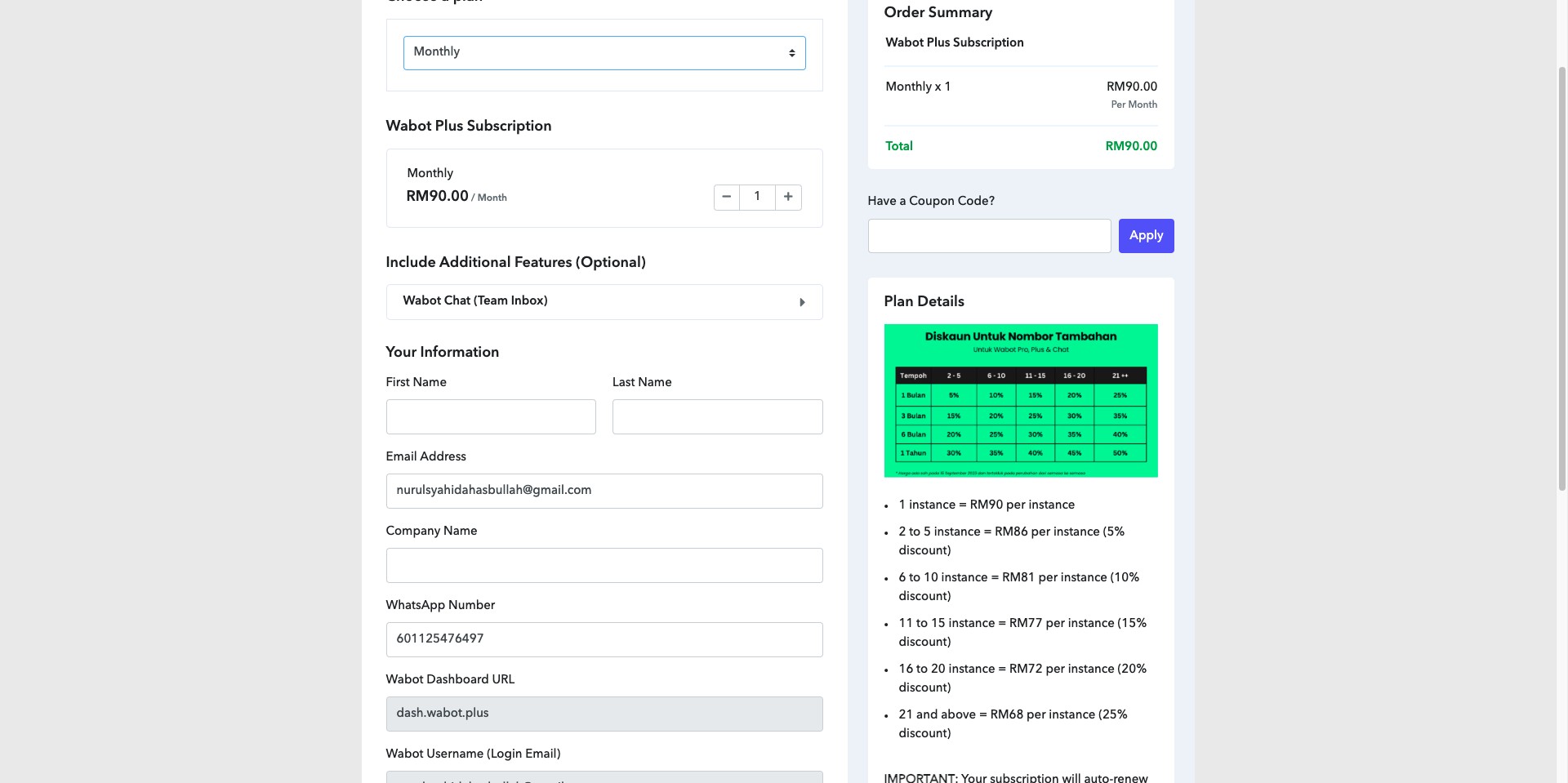
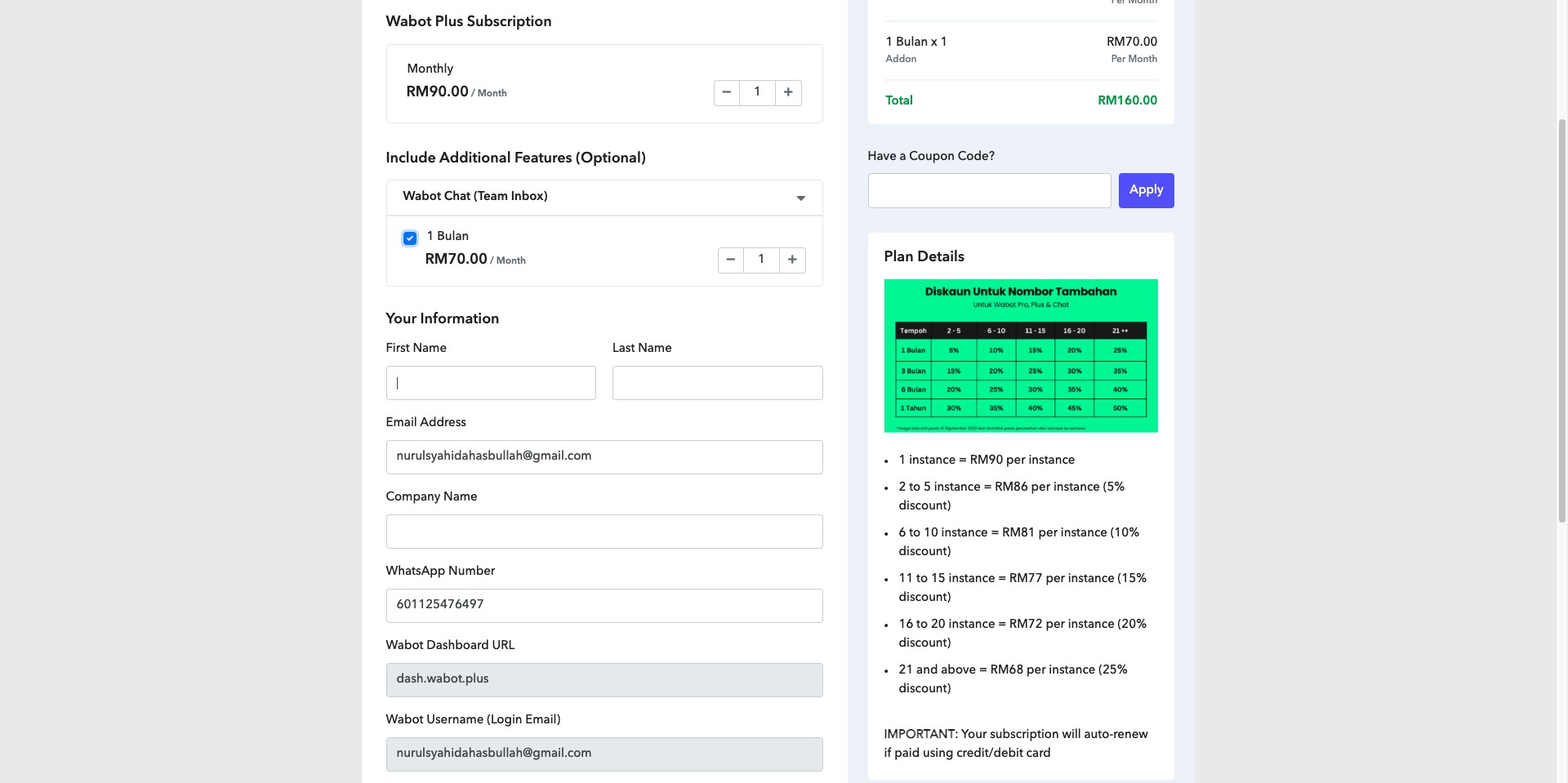
Click on "Wabot Chat (Team Inbox)" if you need one
5
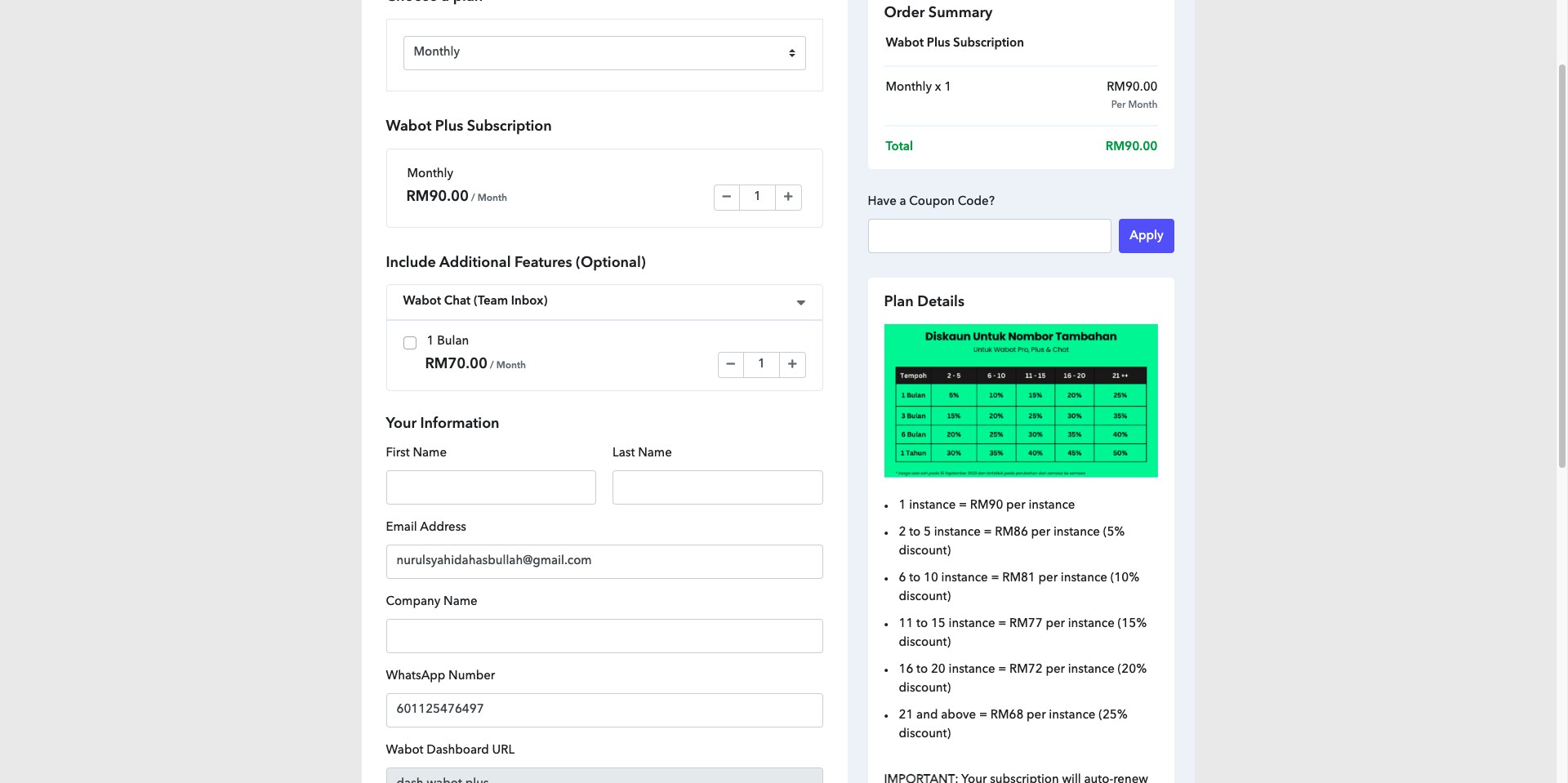
Select subscription duration for Wabot Chat
6
Enter your details
7
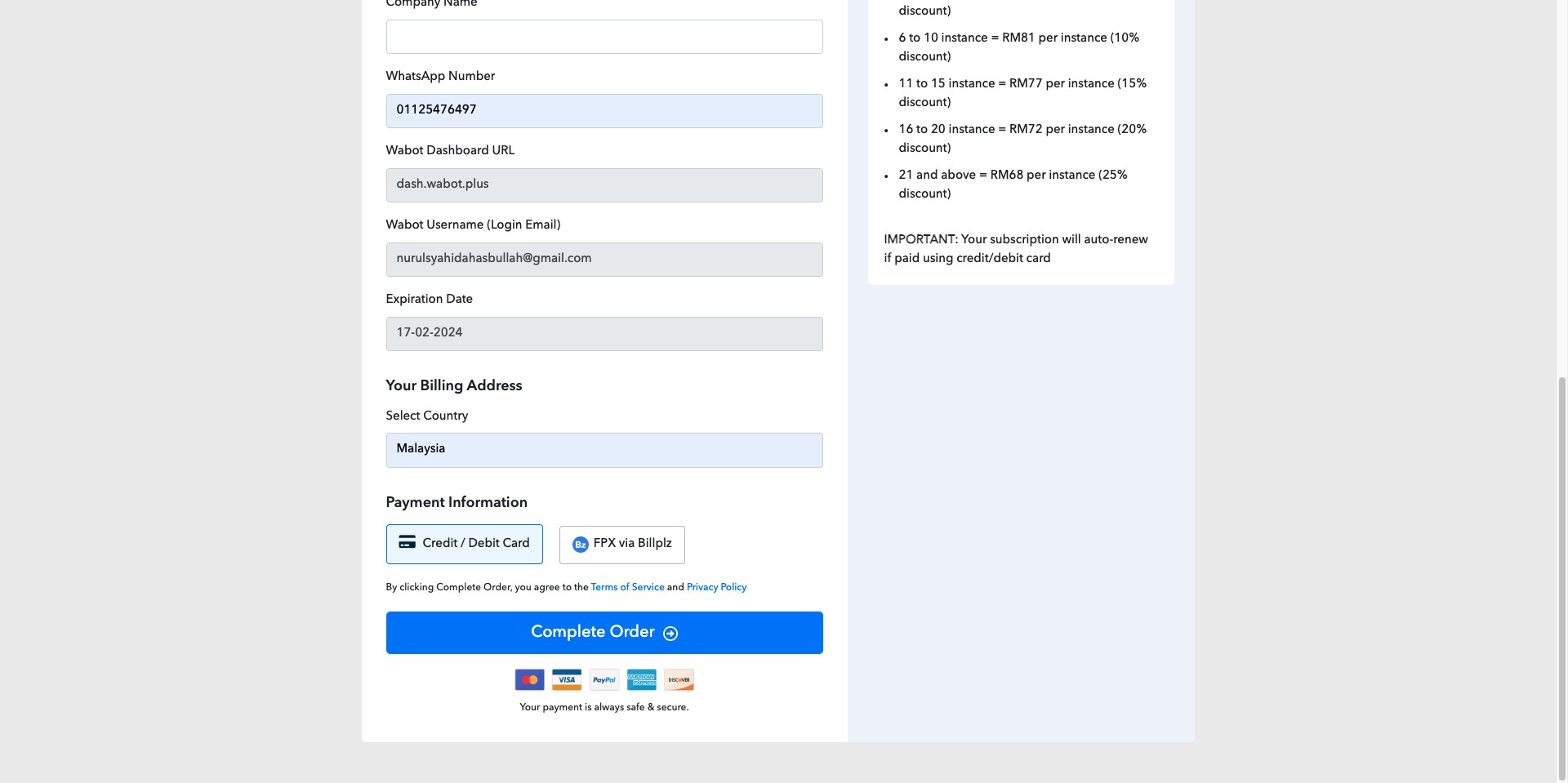
Choose your payment method
8
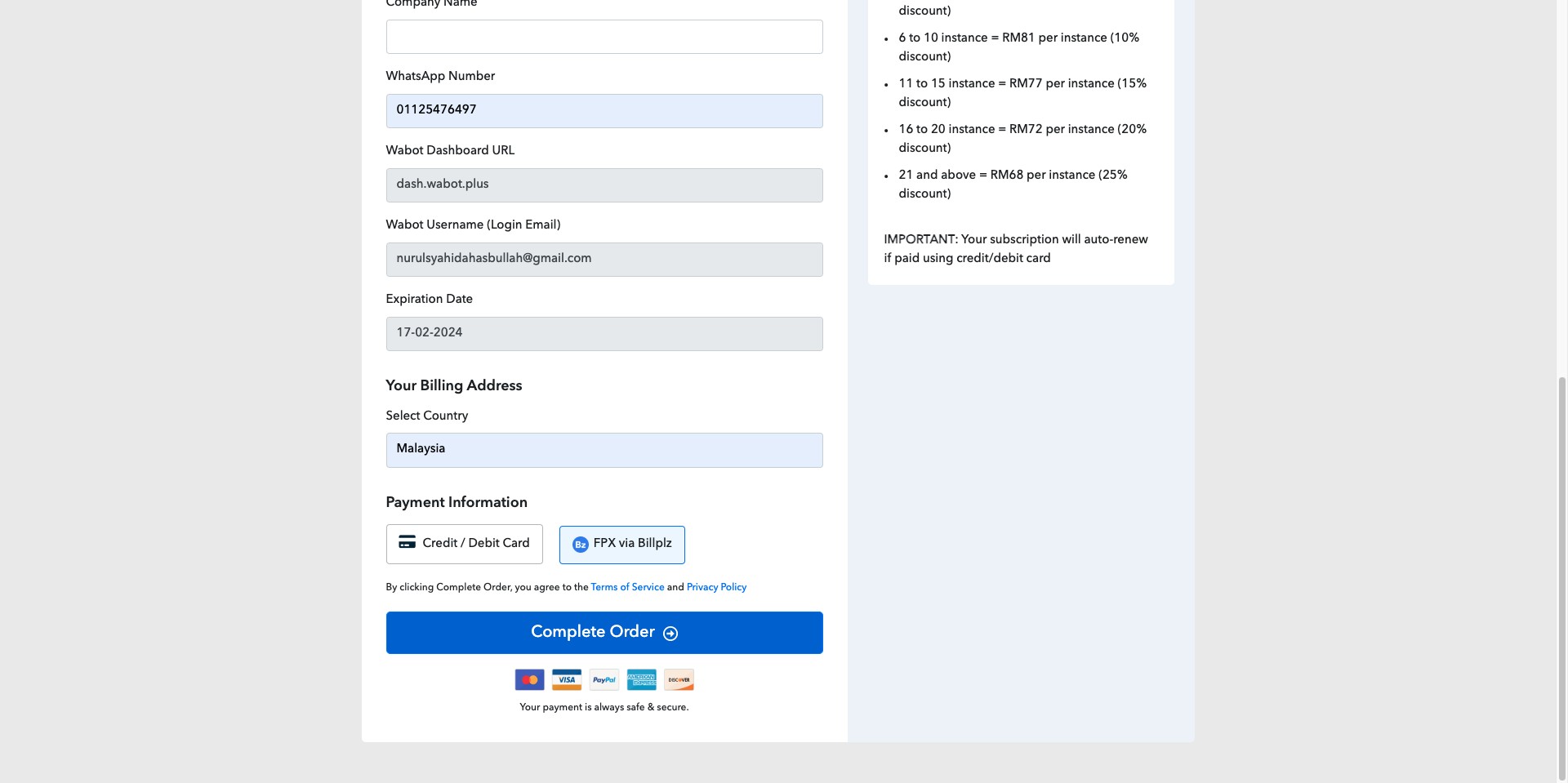
Click "Complete Order" to proceed to the payment gateway
Your account will be upgraded automatically. If it remains inactive after subscribing, contact support at m.me/wabot.my or WhatsApp 60125153307