How to Extract Contacts From WhatsApp Group
Mar 14, 2024●
1
Navigate to https://dash.wabot.plus/login
2
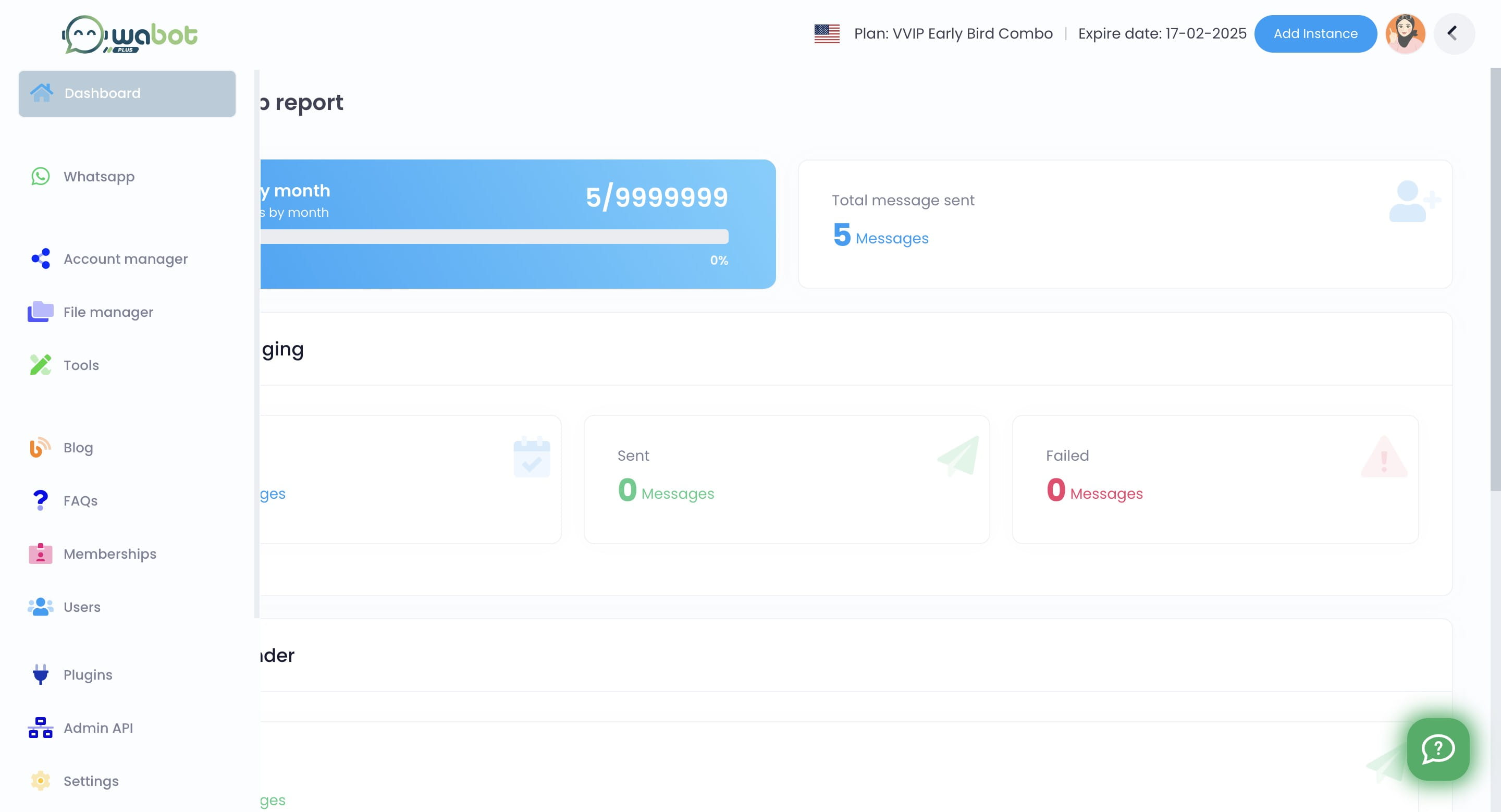
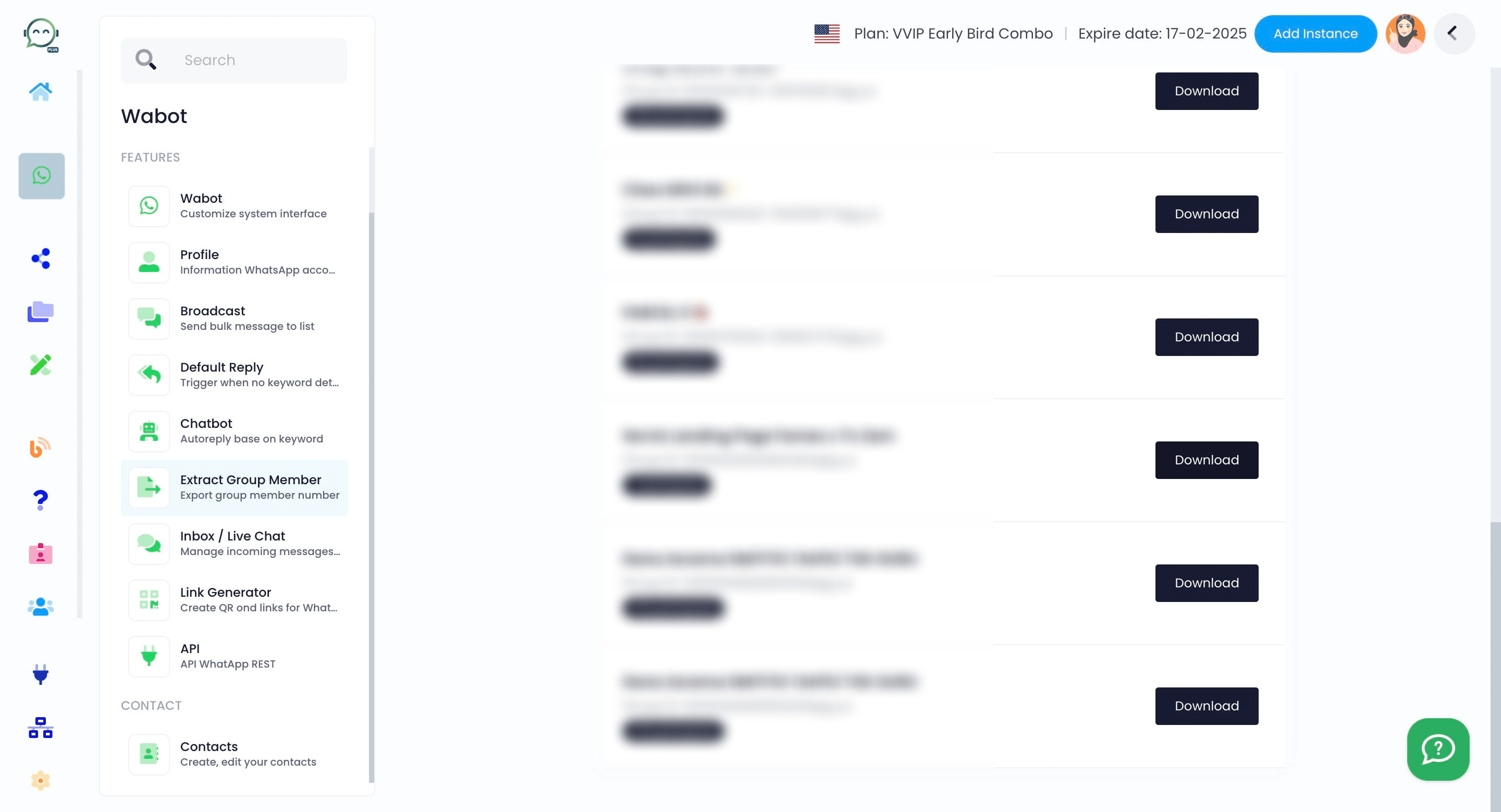
Click on "Whatsapp"

3
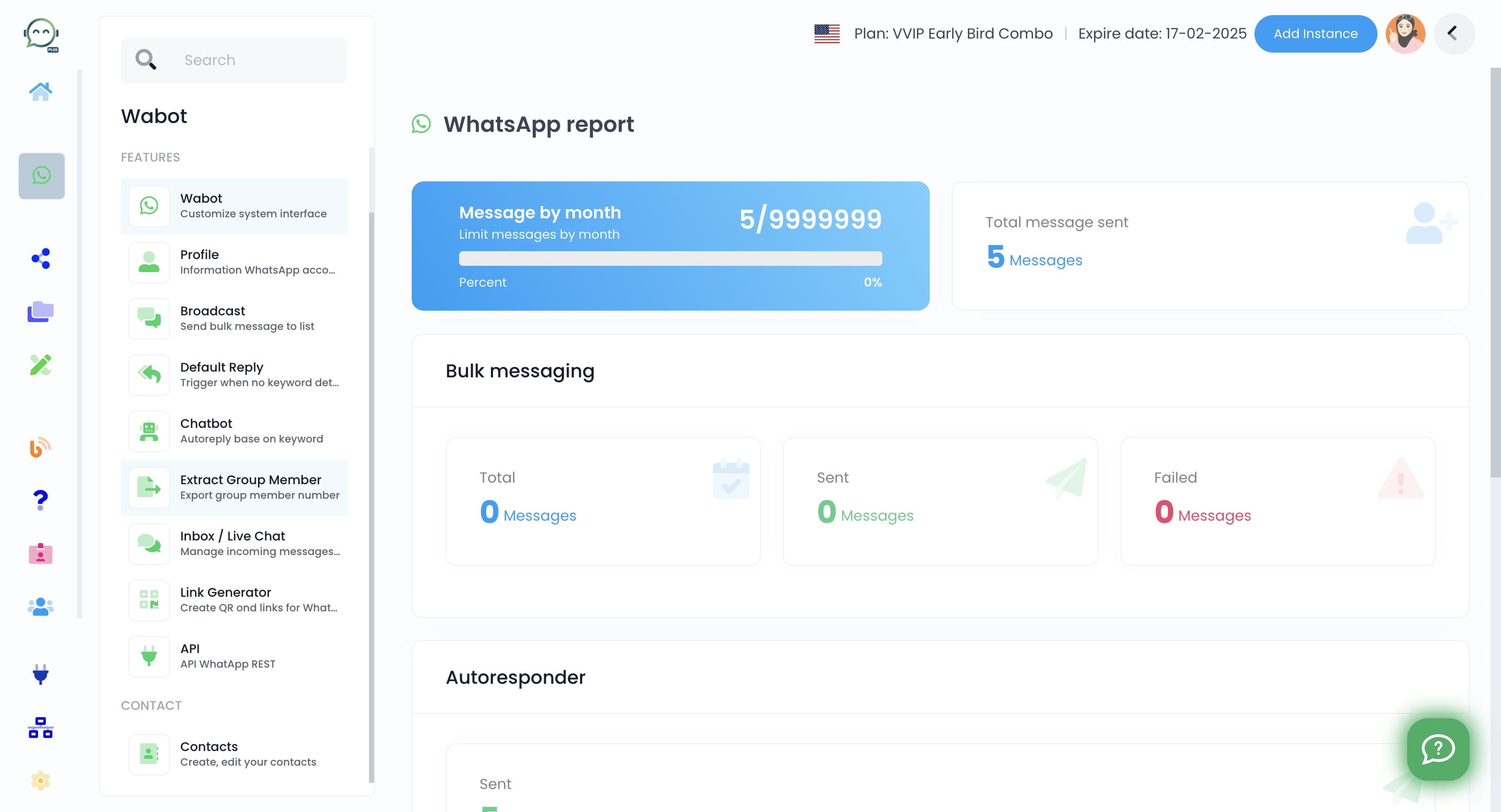
Click on "Extract Group Member"
4
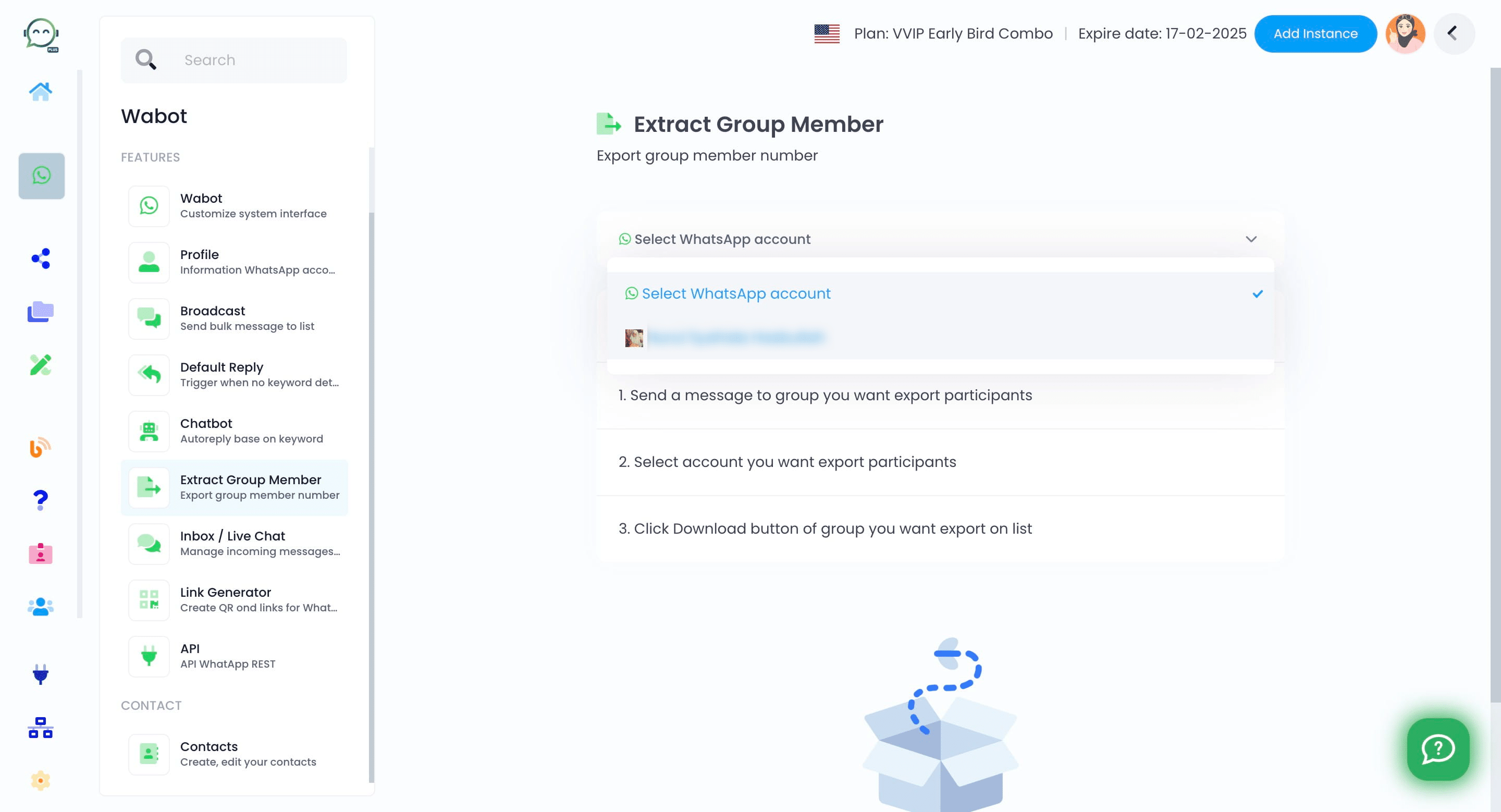
Select the WhatsApp account you want
5
Click on "Download" for the group from which you want to extract
6
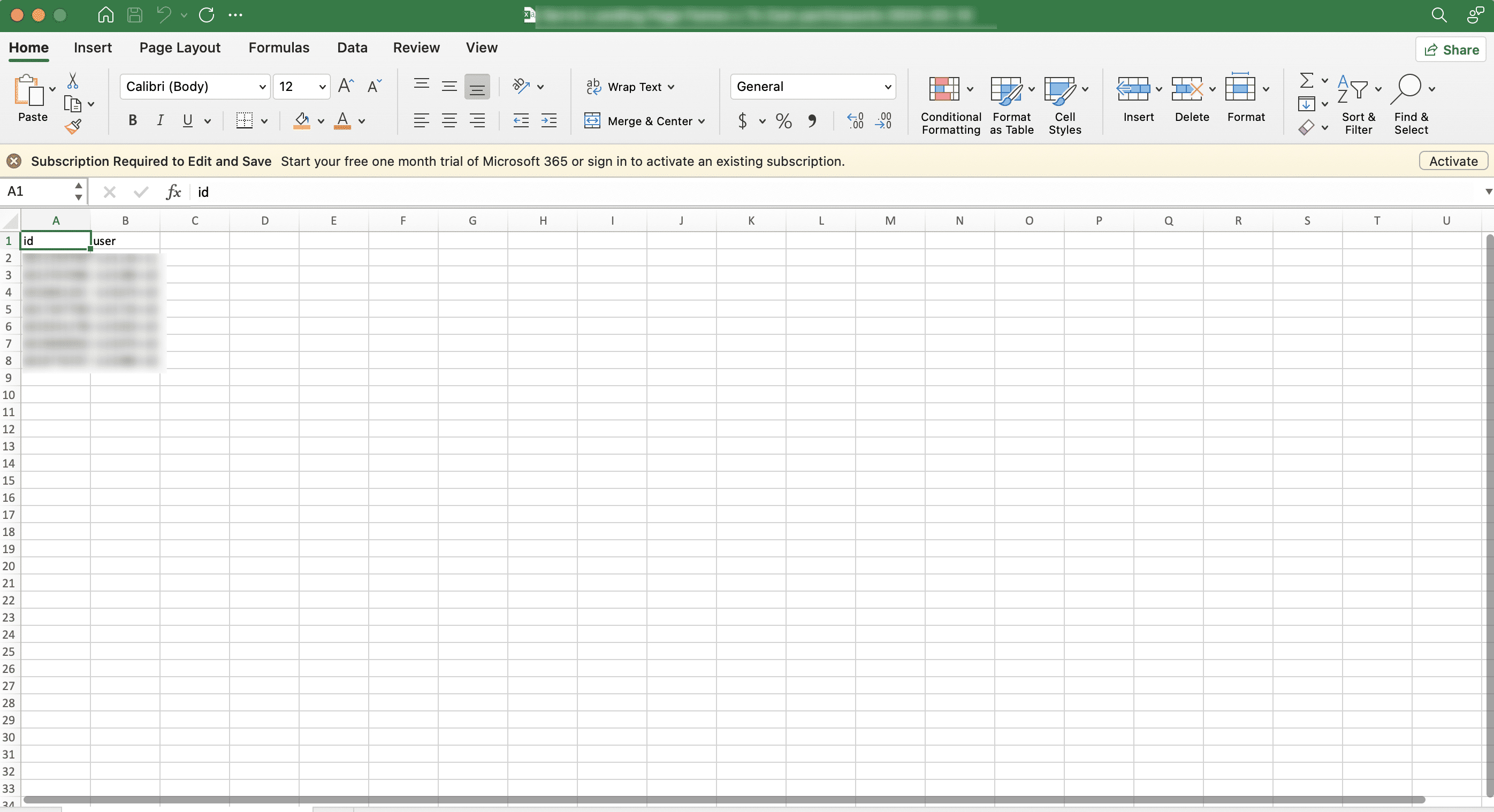
The contact list will be downloaded in CSV file, ready to be used 🚀