

How to Read Report & Retarget Failed Recipient in Broadcast Campaign
Jun 24, 2025●
1
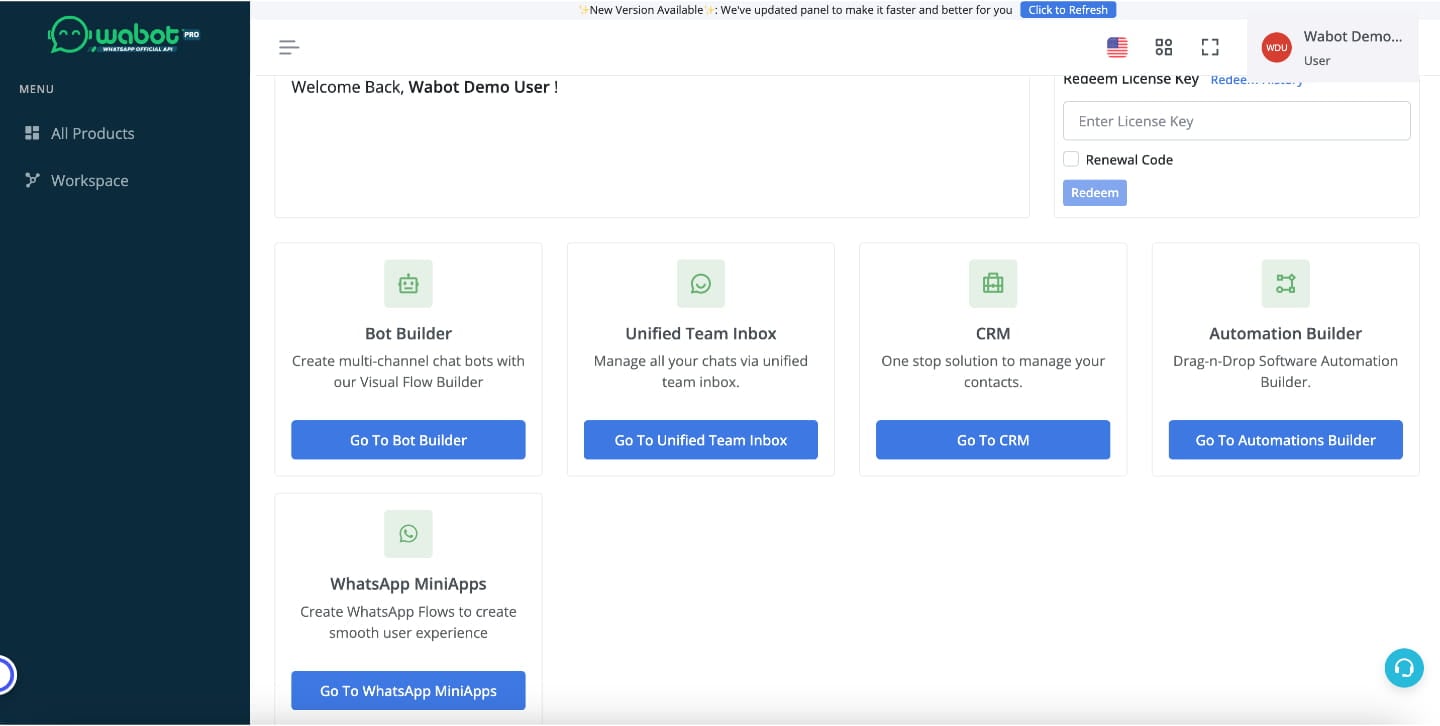
Navigate to https://dash.wabot.pro/products
2
Click on "Go To CRM"
3
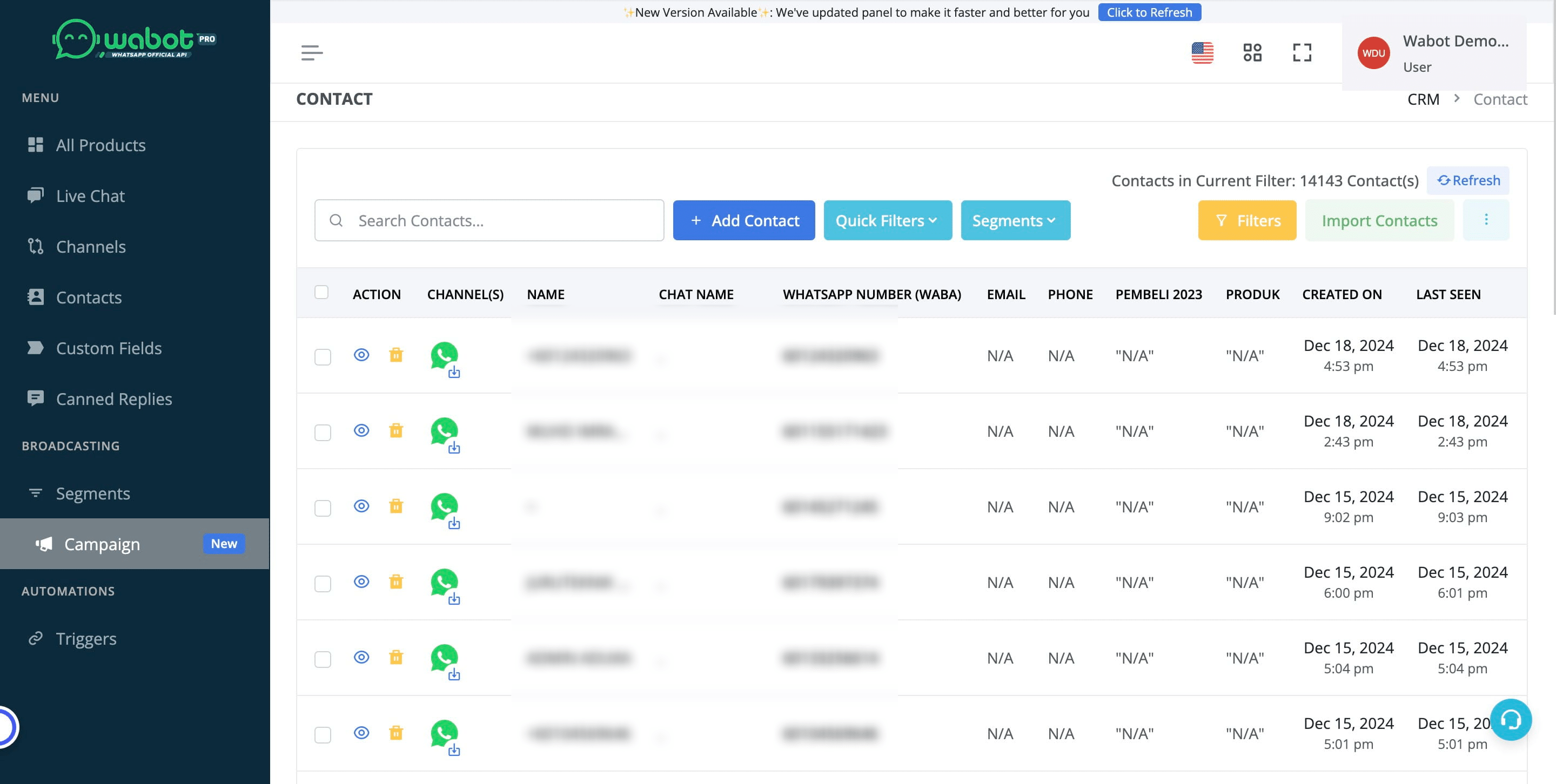
Click on "Campaign"

4
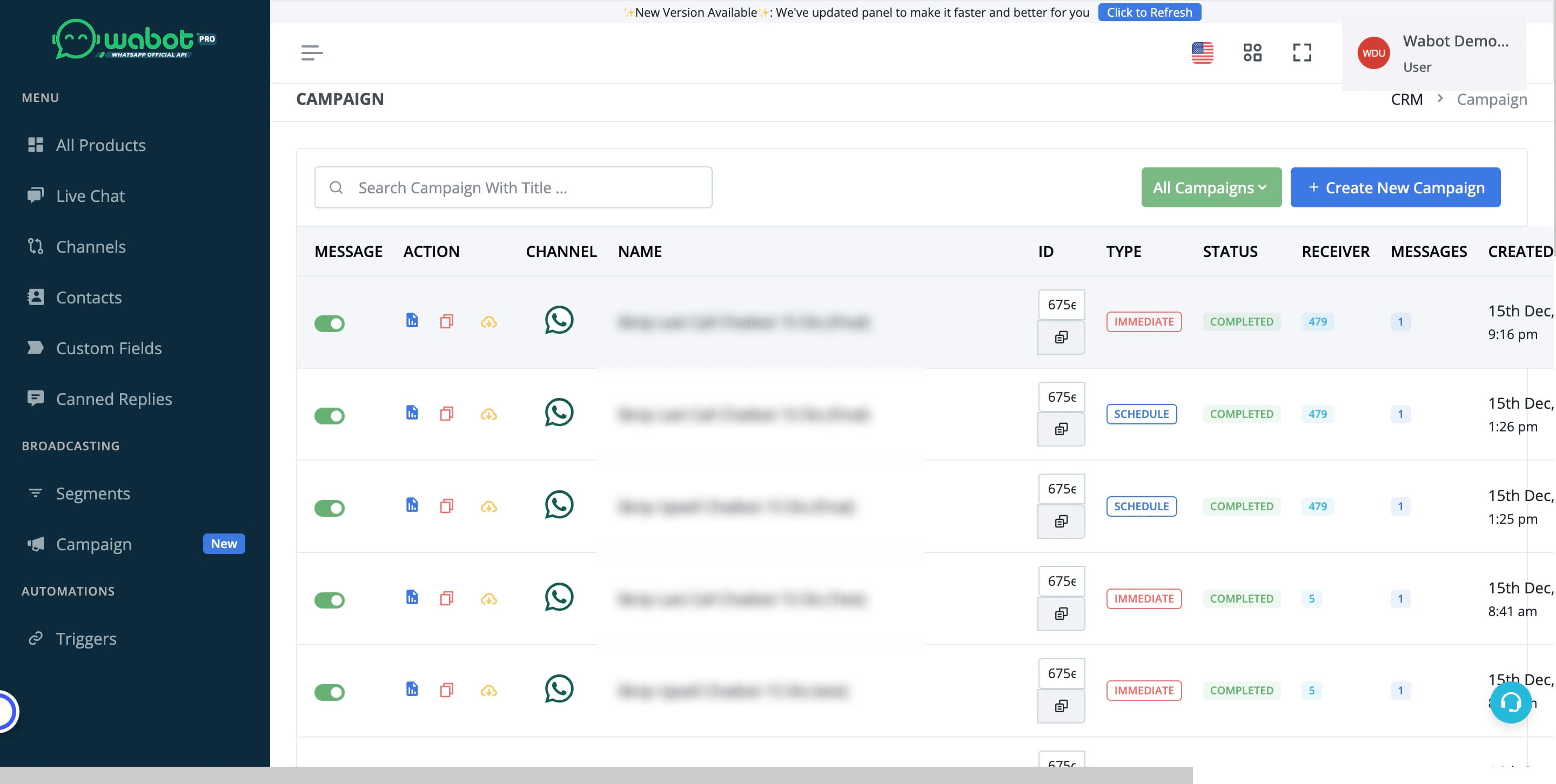
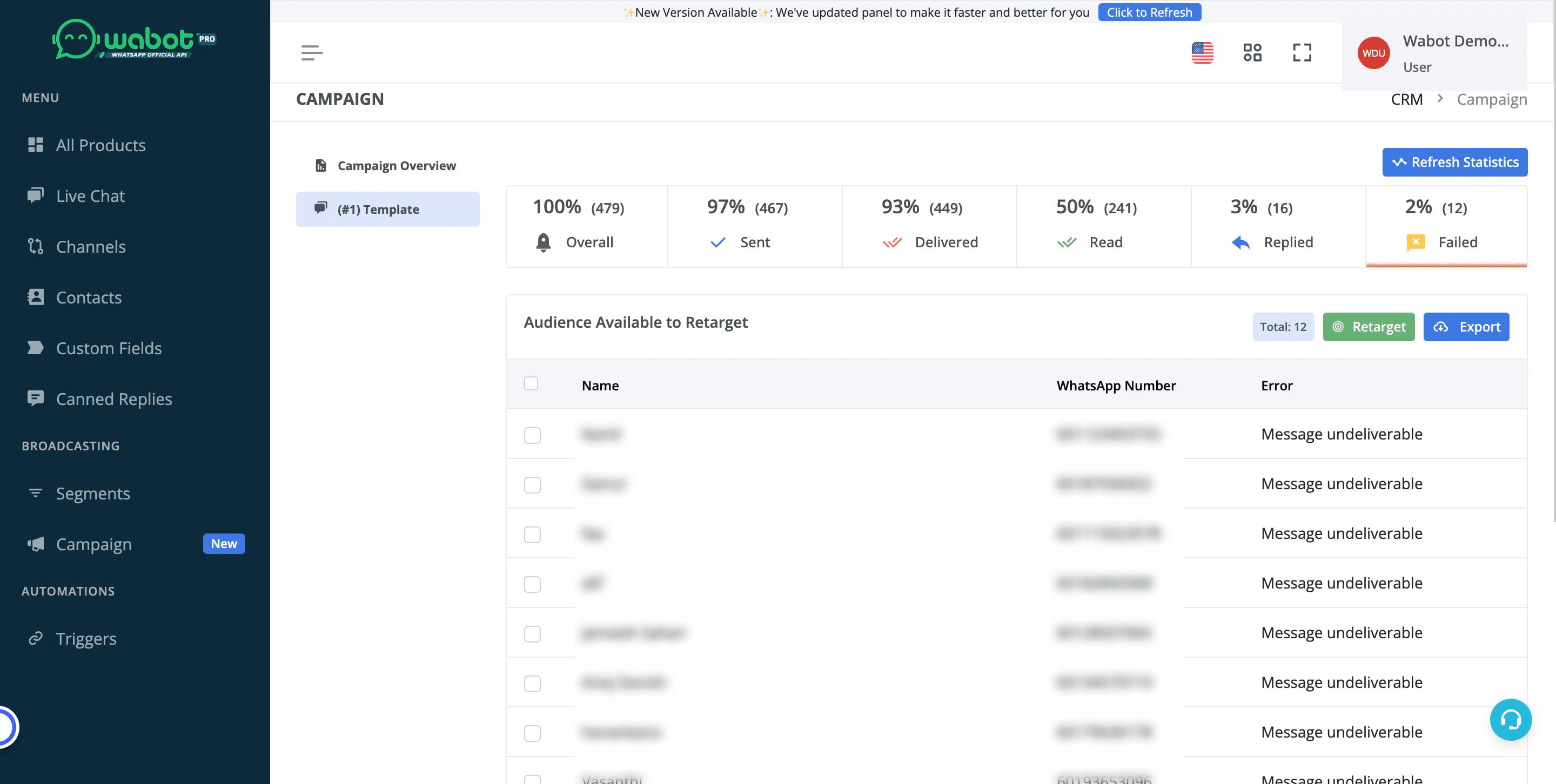
Choose the campaign that you want to retarget and click on the blue icon
5
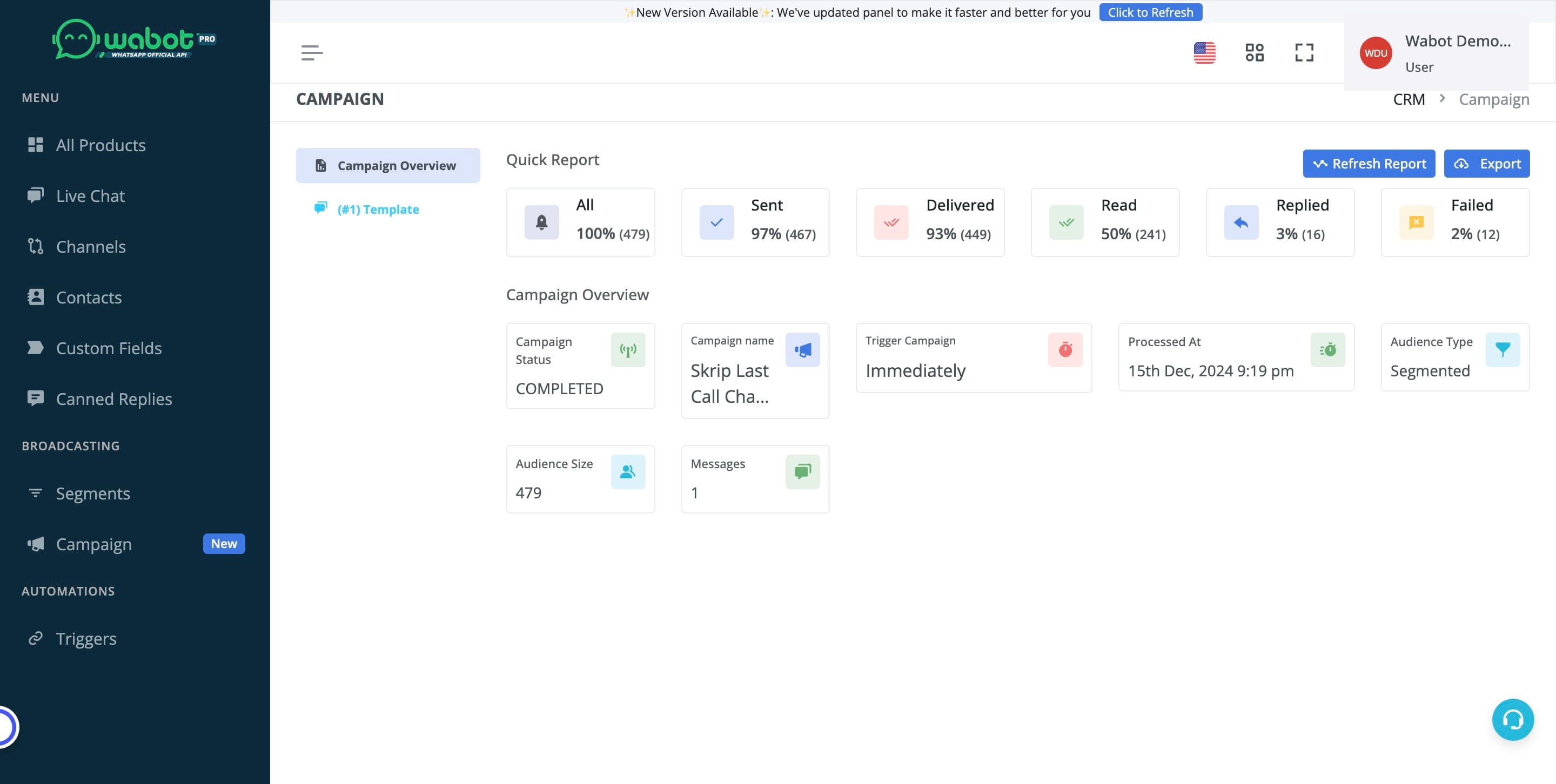
Click on "(#1) Template"
6
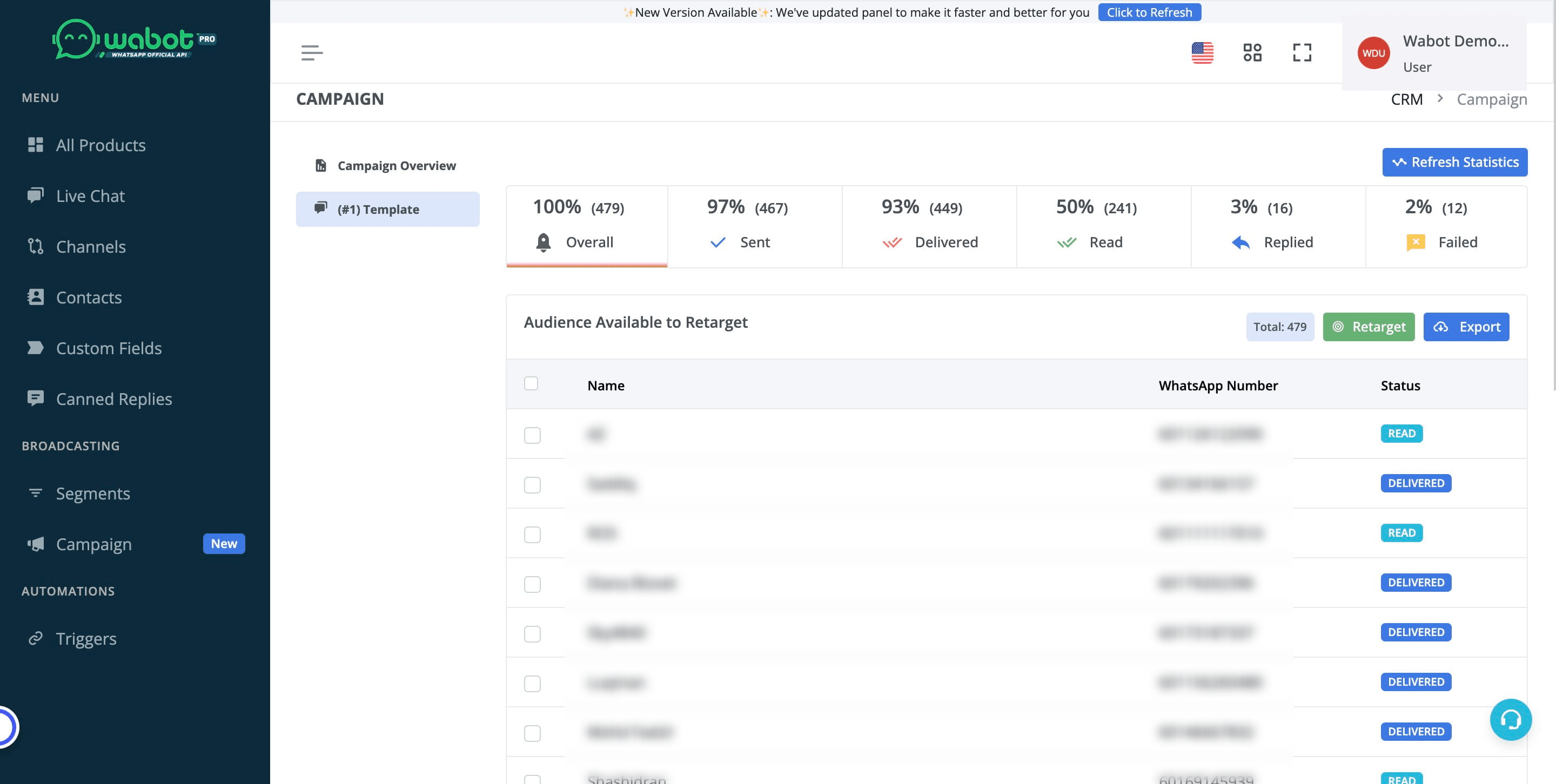
Go to "Failed"
7
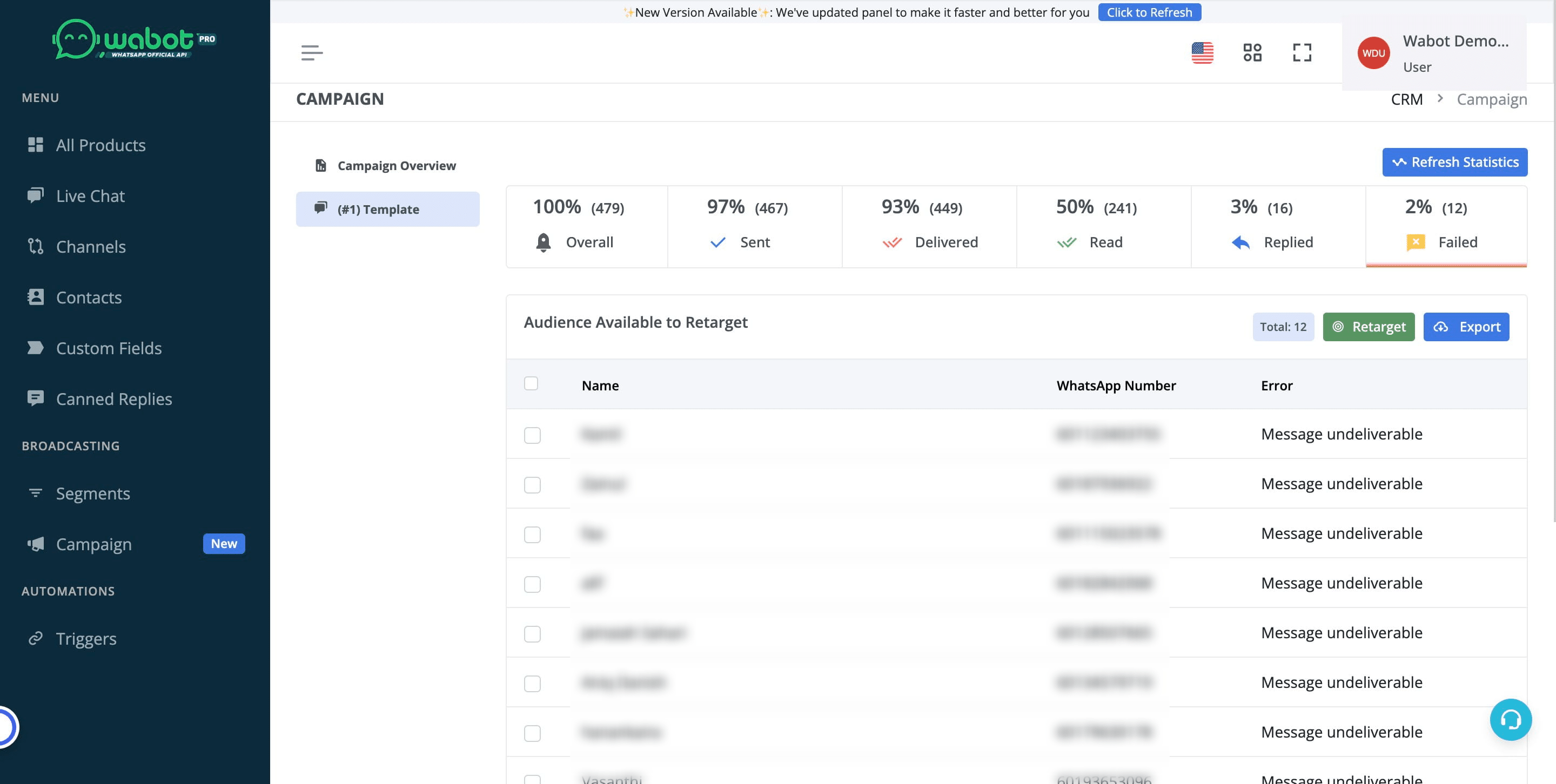
Click on "Retarget"
8
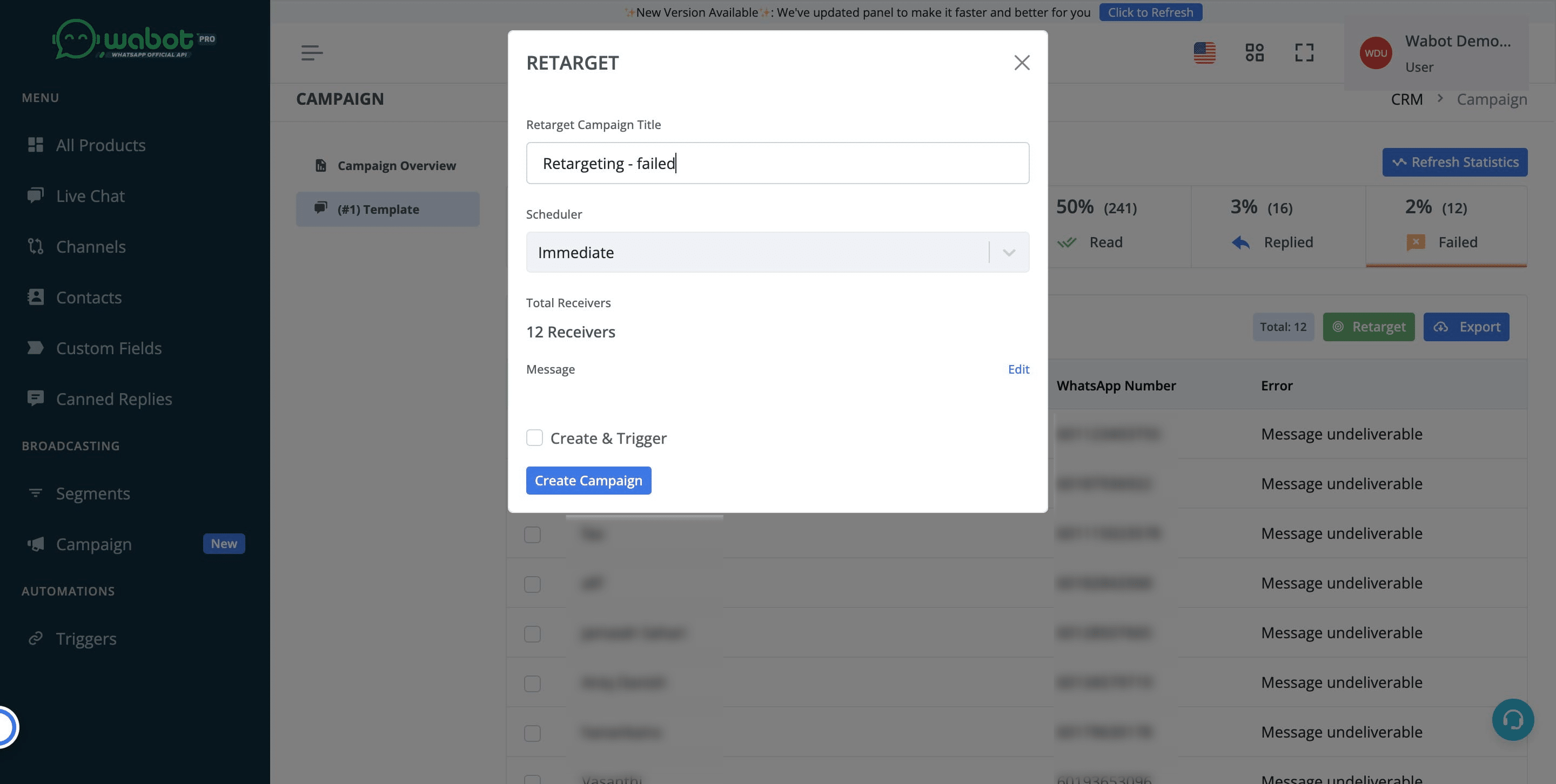
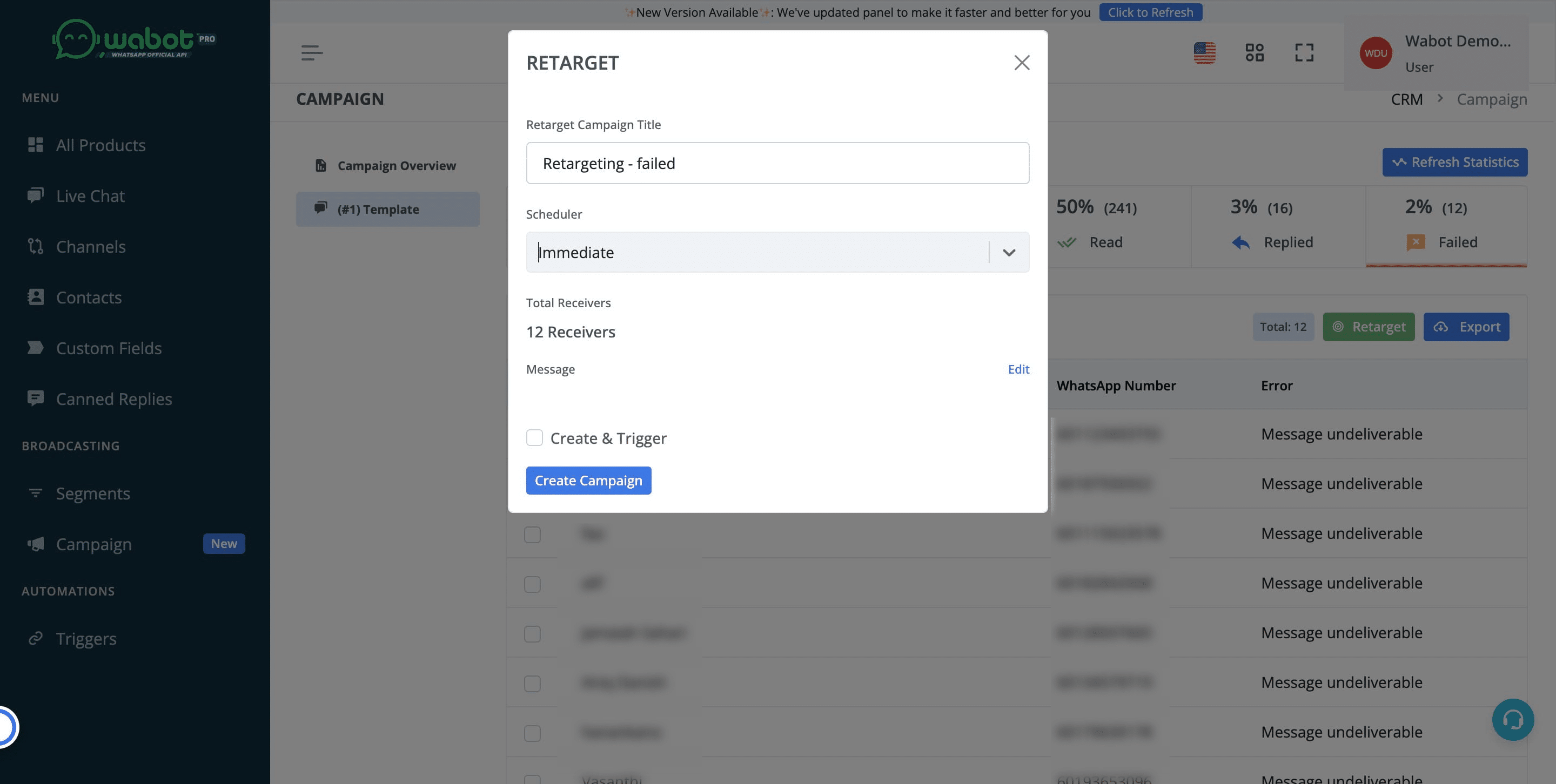
Rename the campaign if needed
9
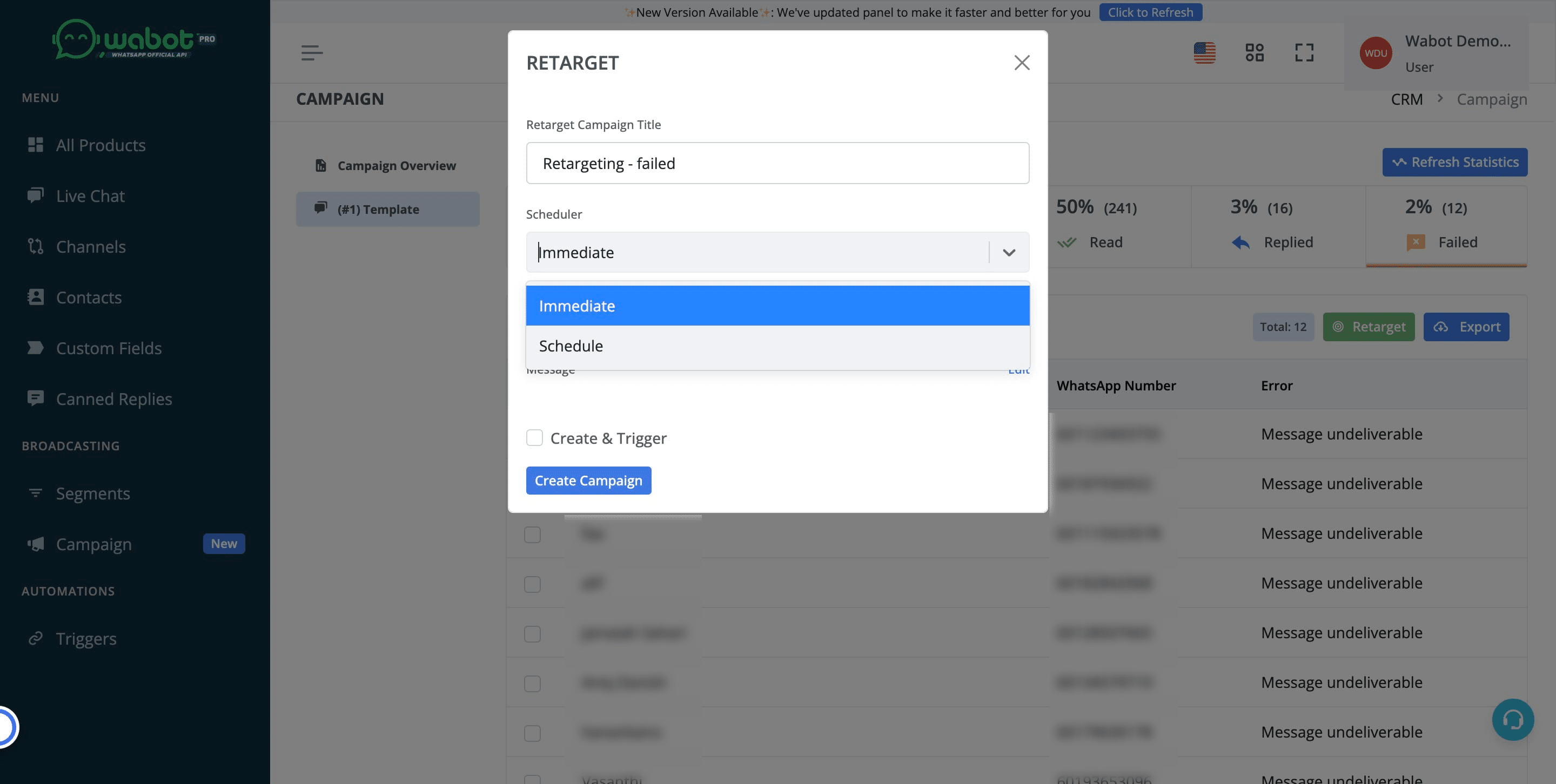
Choose whether to blast immediately or by schedule
10
Click on "Edit"
11
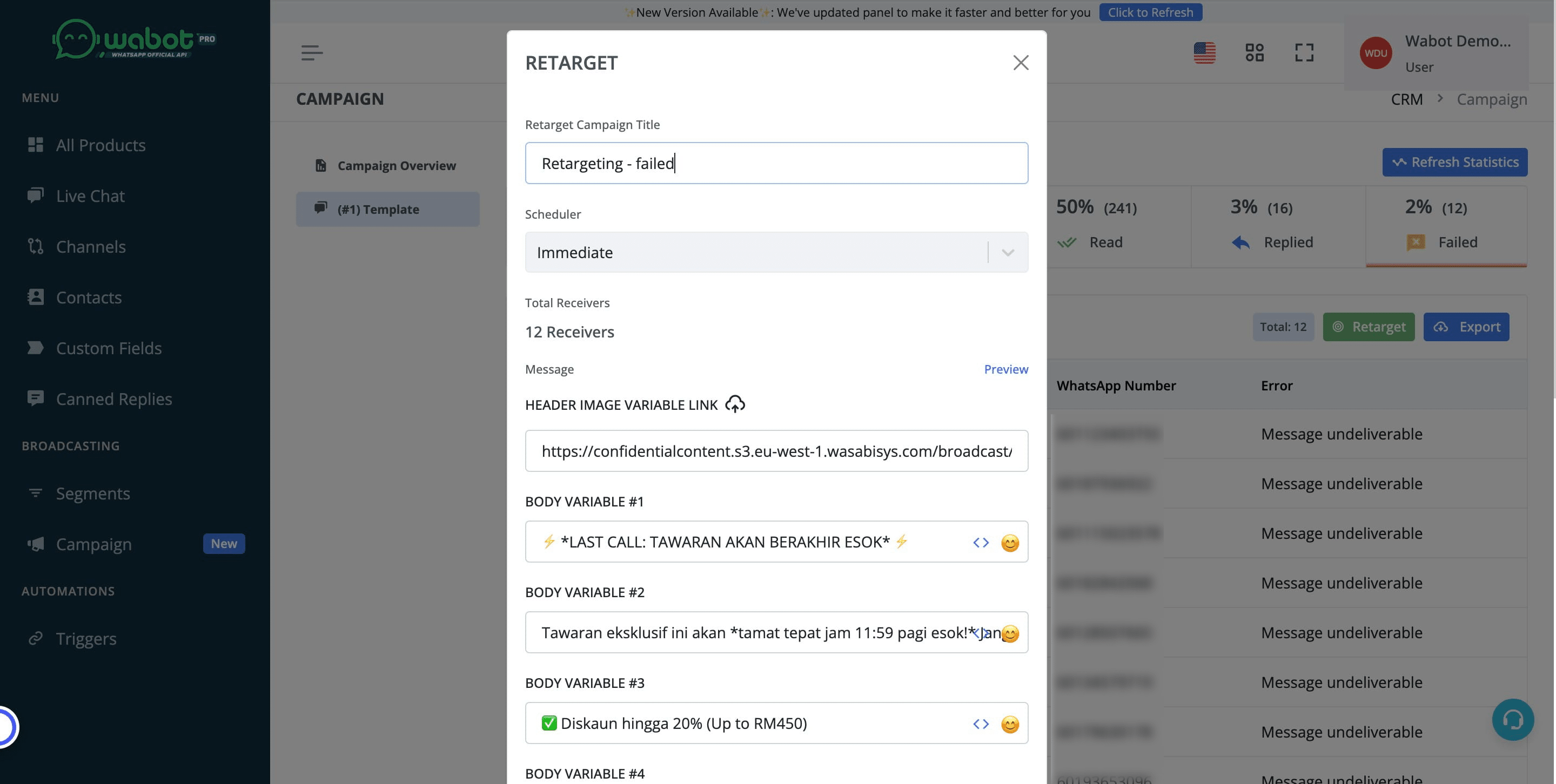
Check on the template details. Make sure the data is correct and if any adjustments are needed, kindly do so here
12
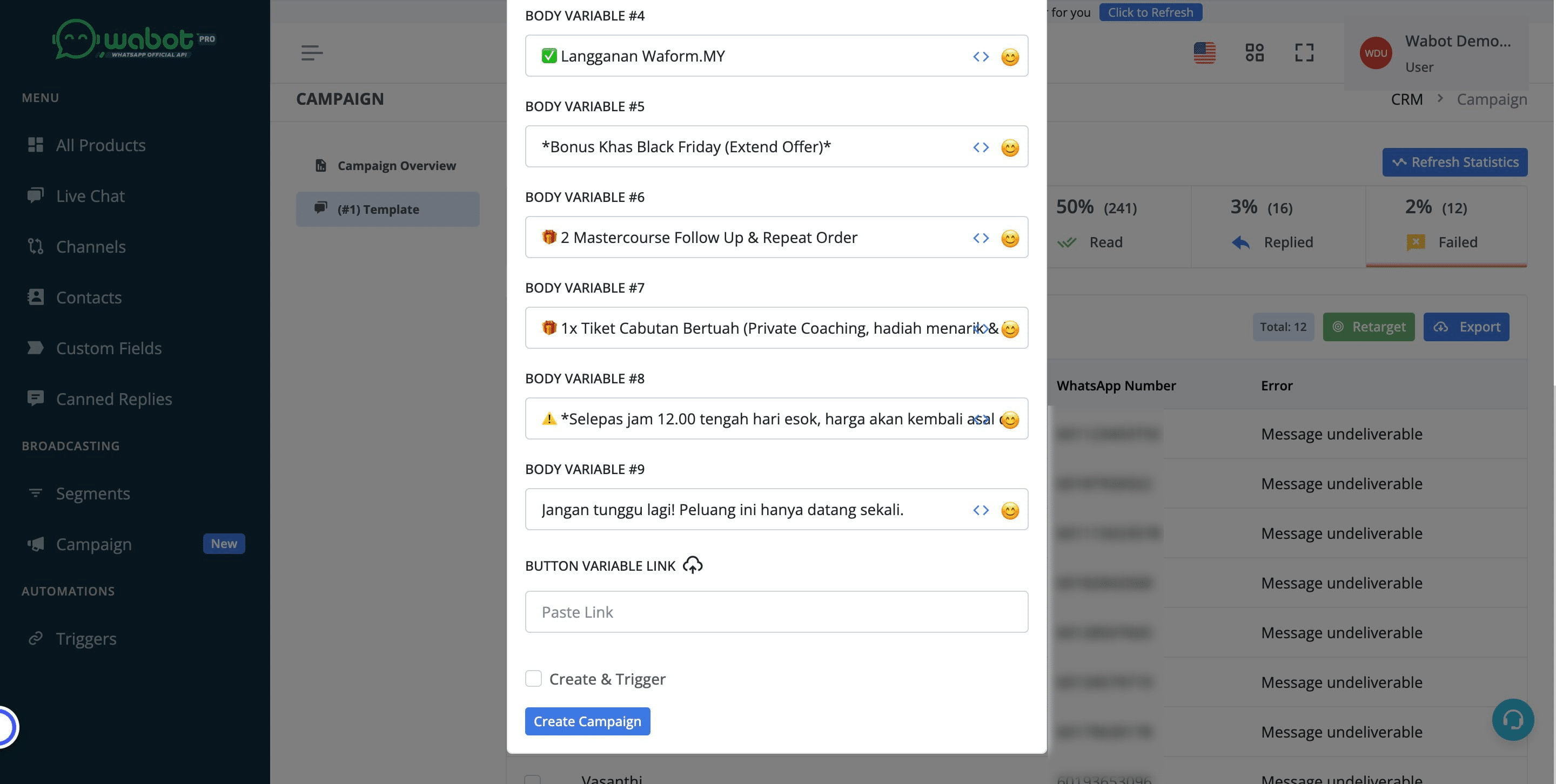
Click on "Create Campaign"
13
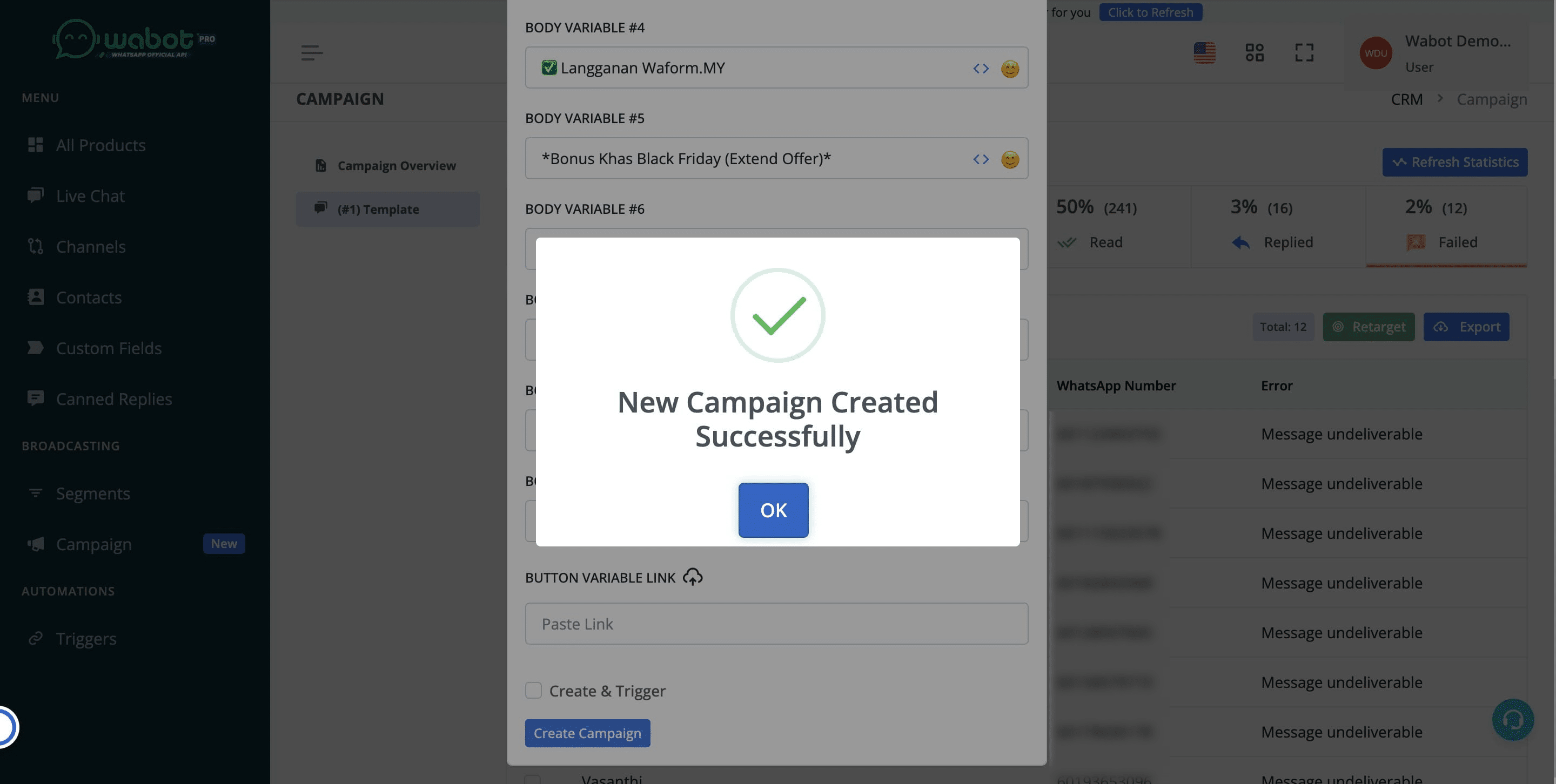
Click on "OK"
14
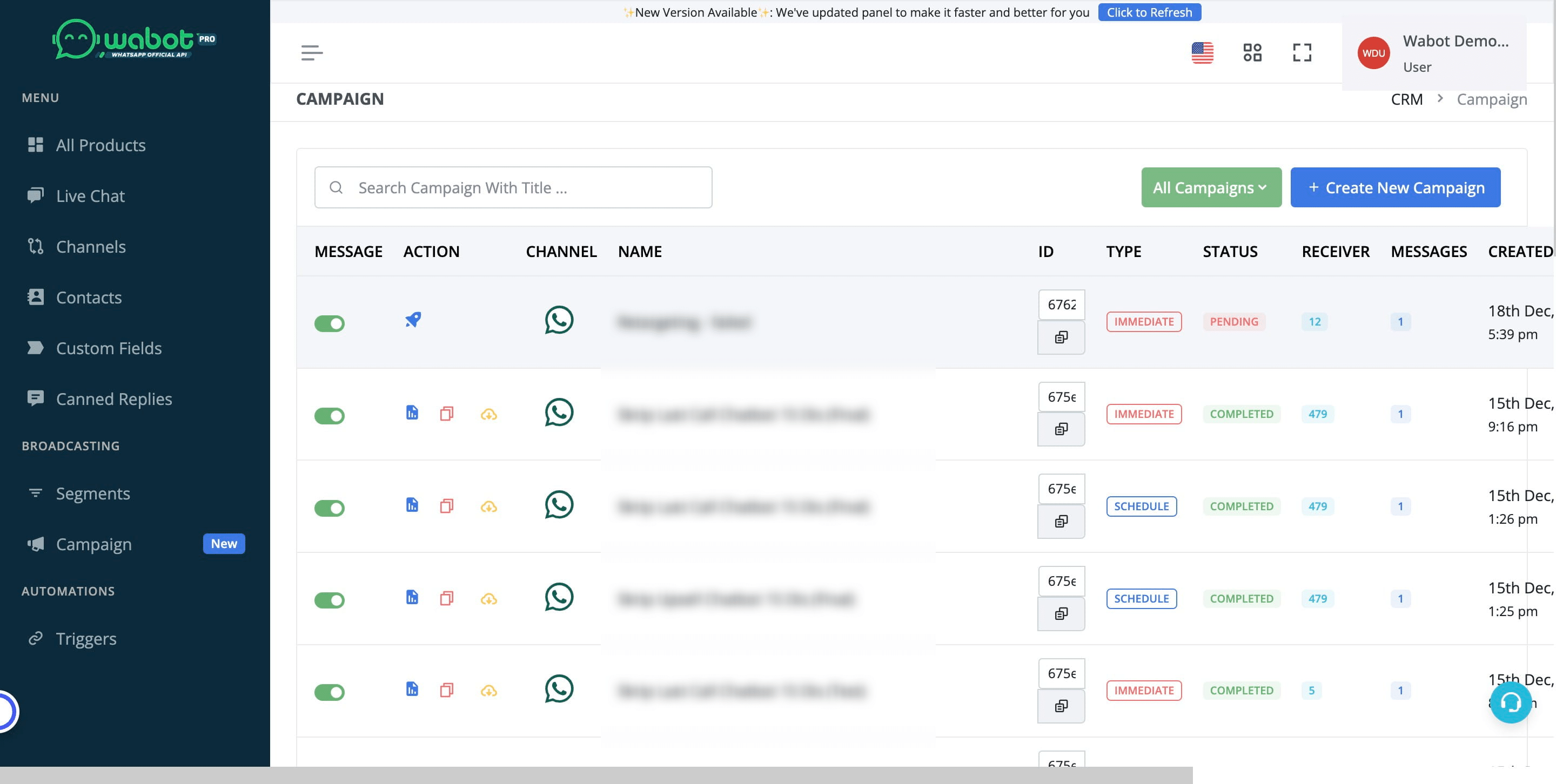
Click on "CRM"
15
Click this 🚀 icon and the blast shall start. You are done!
16
Video Tutorial