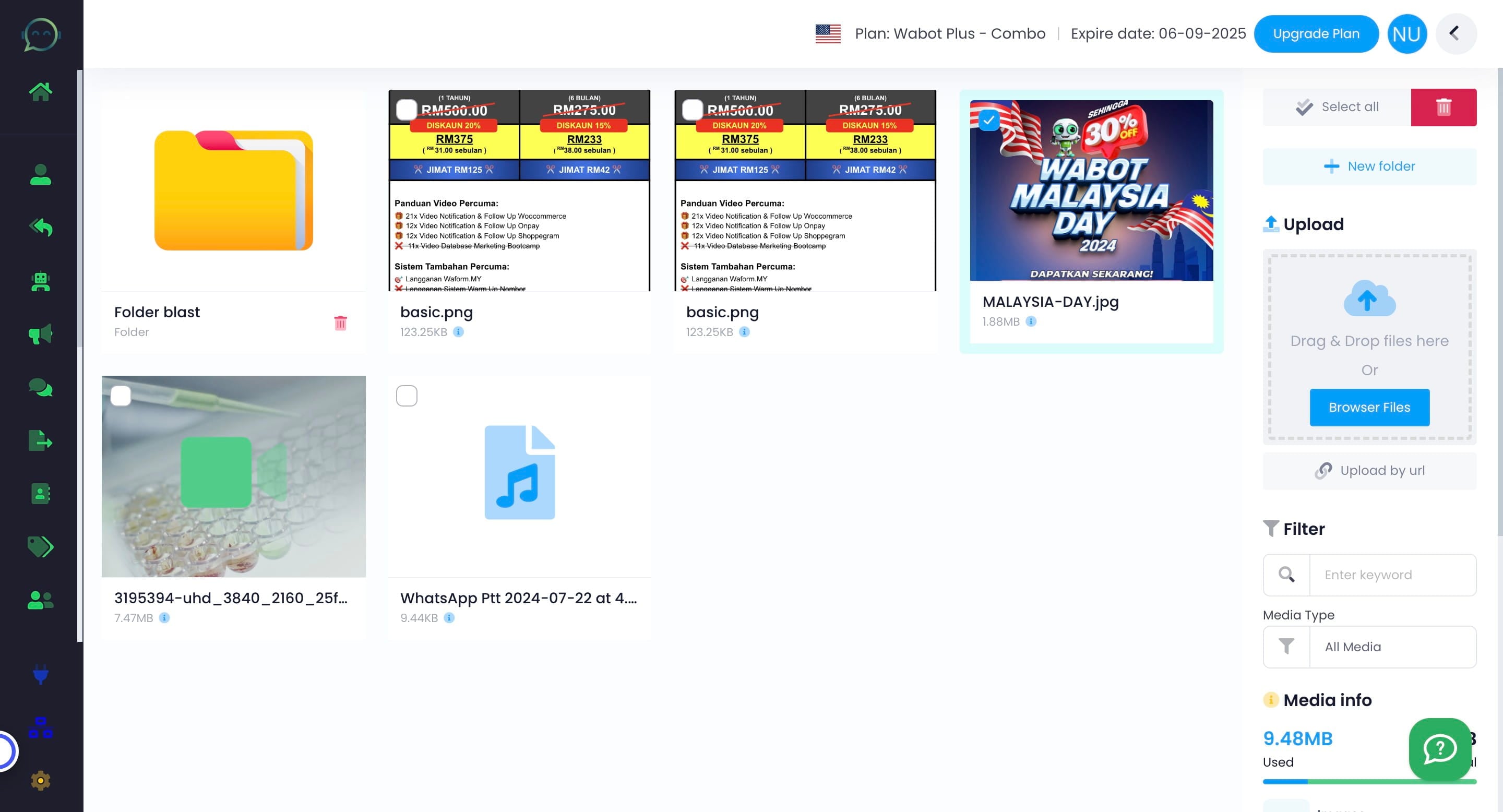
The Usage of File Manager
In File Manager, you can keep files such as images, videos, or audio for blasting and chatbot. The link needed to be put in the chatbot AI prompt can also be generated here.
Oct 28, 2024●
1
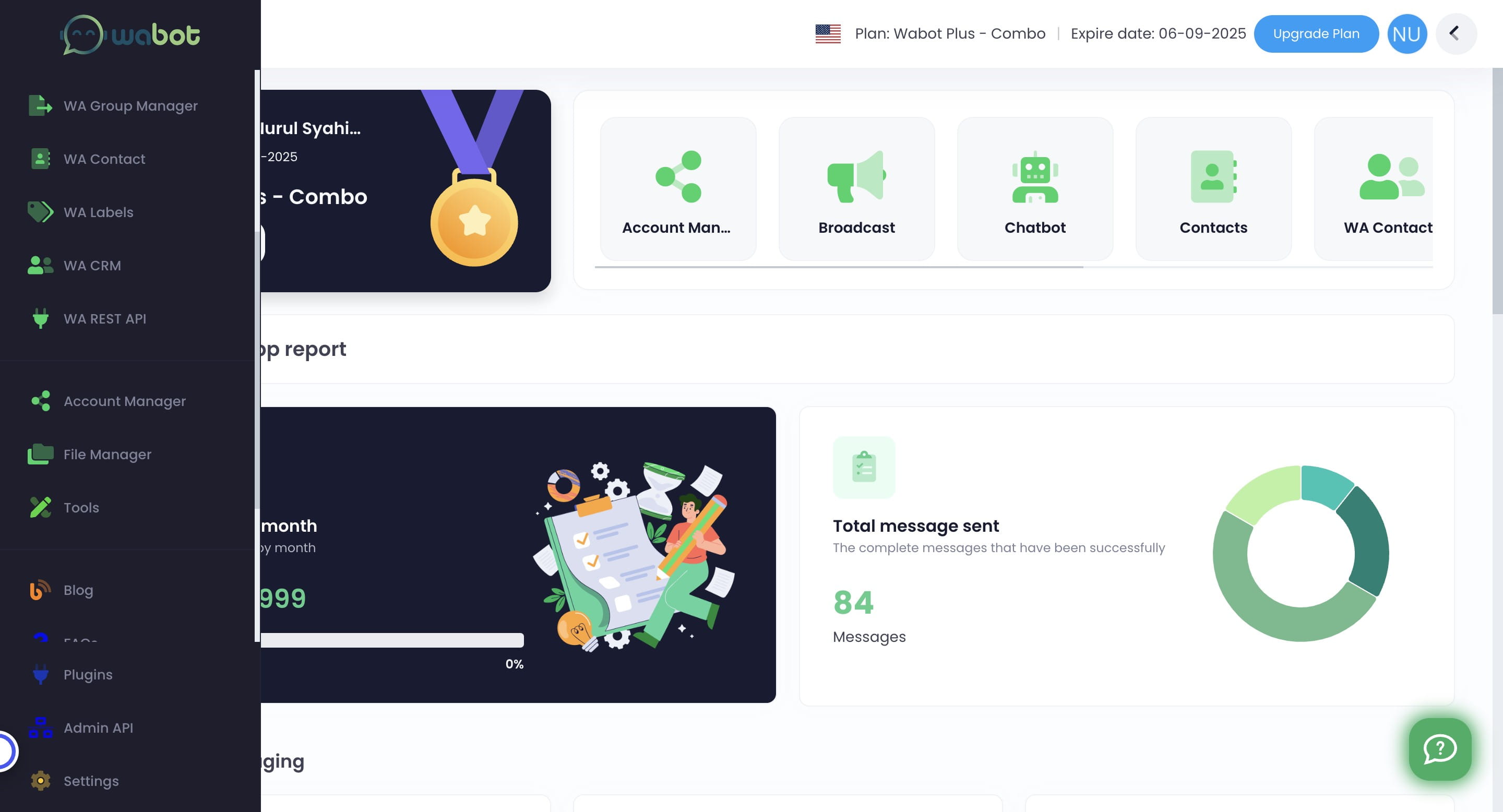
Navigate to https://app.wabot.my/dashboard
2
Click on "File Manager"

3
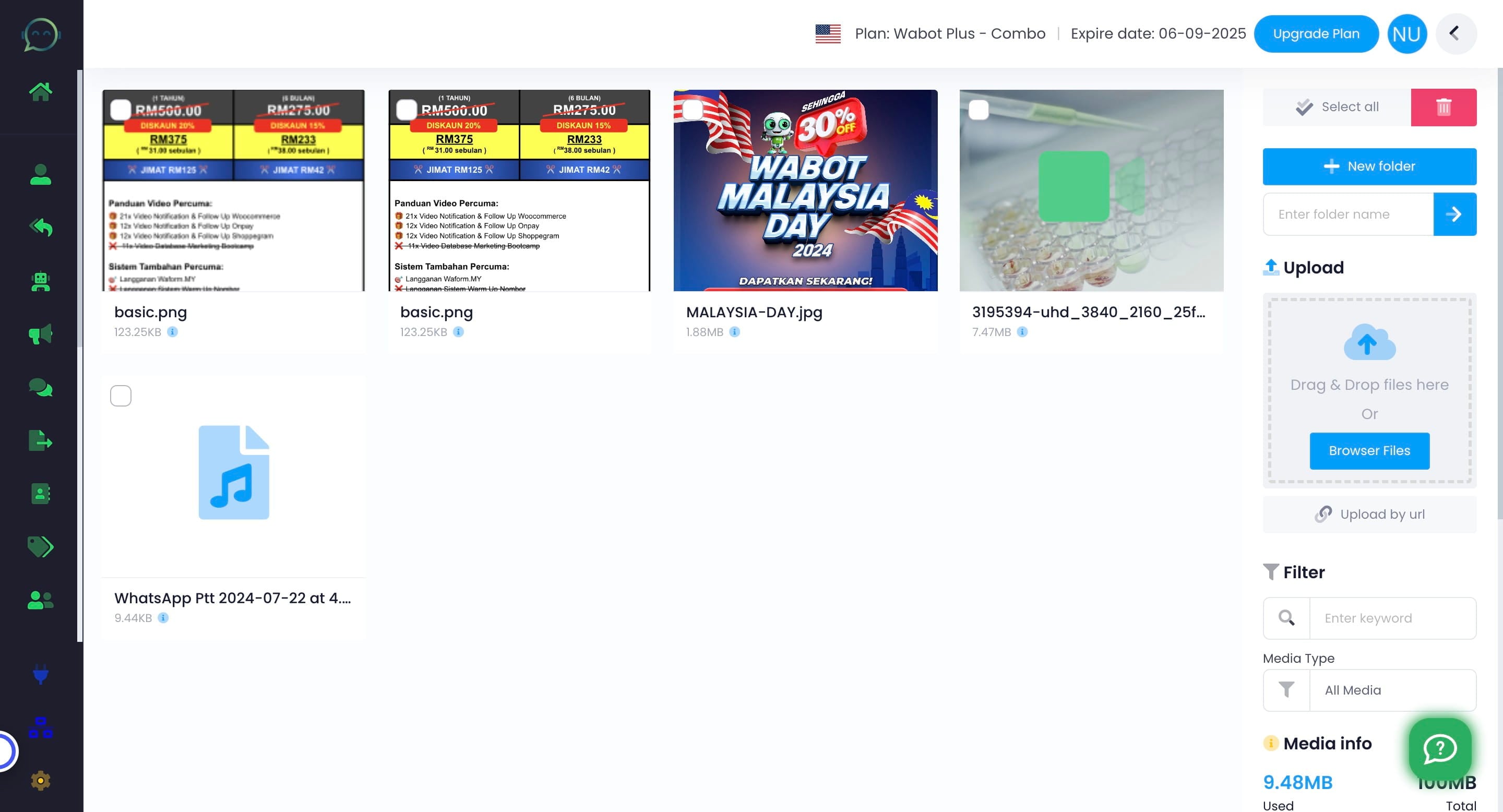
You can upload various files, including images, videos, documents, or audio recordings, to make blast and set up the chatbot easier
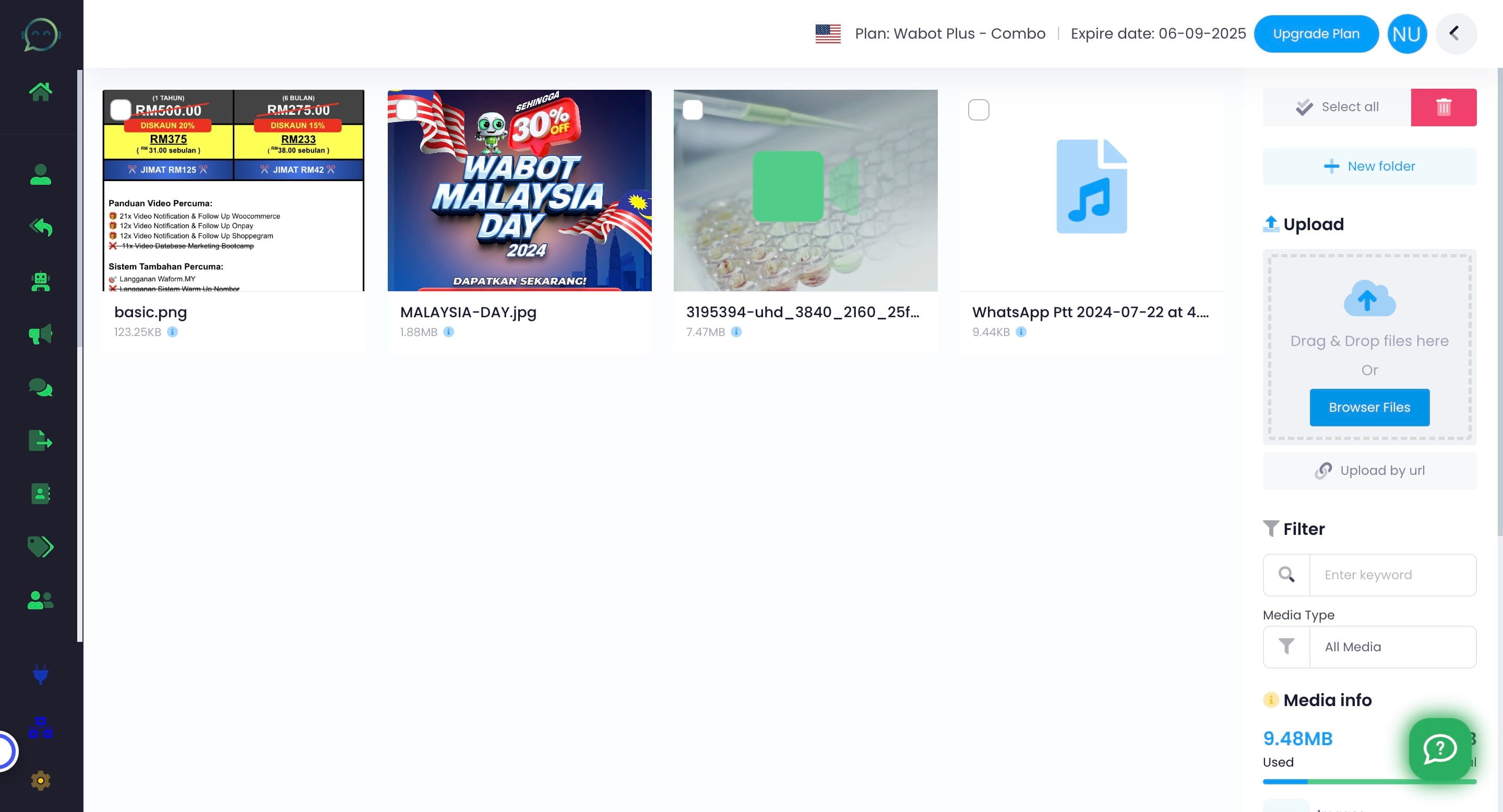
4
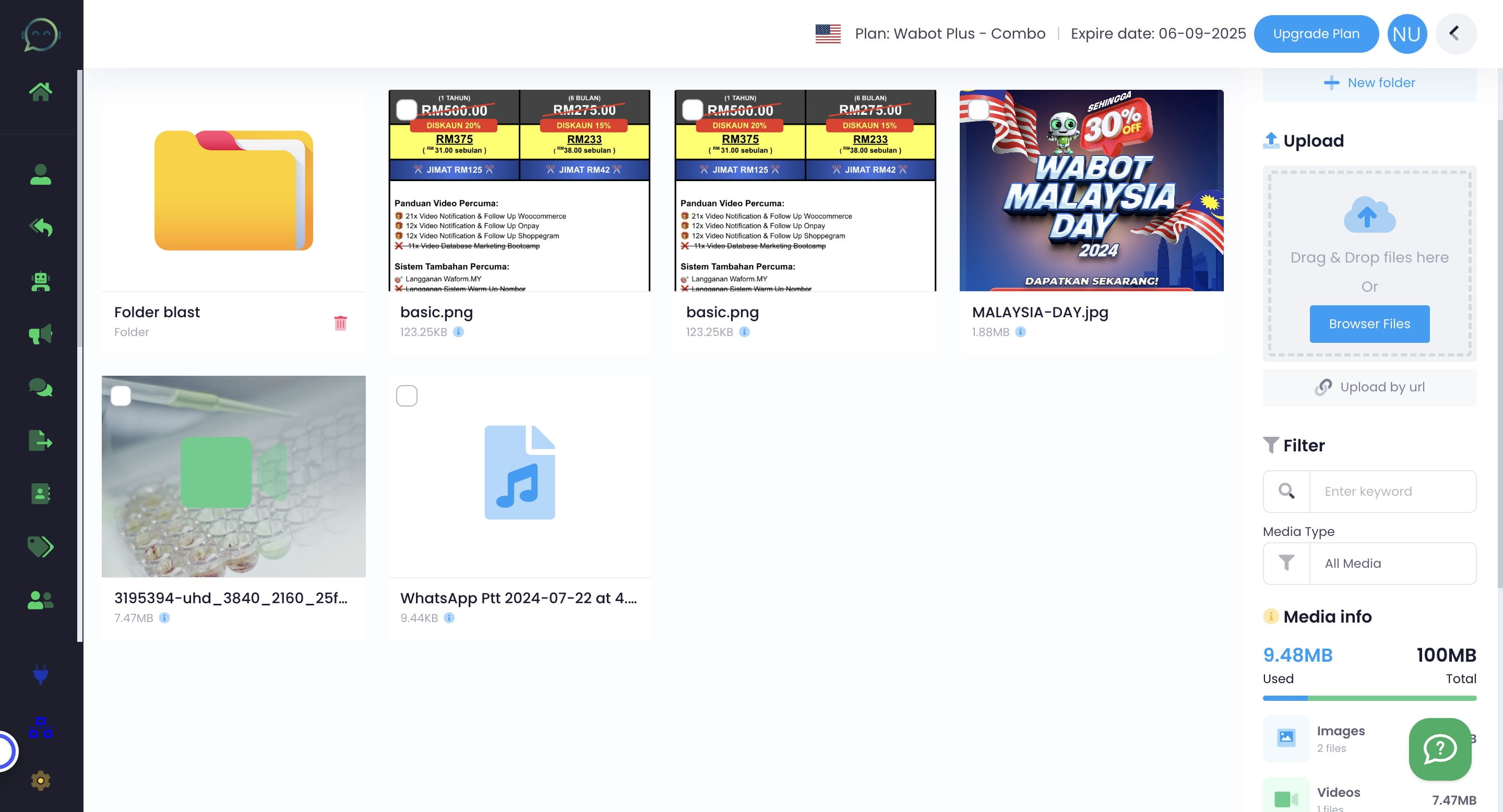
You can also classify the file using folder
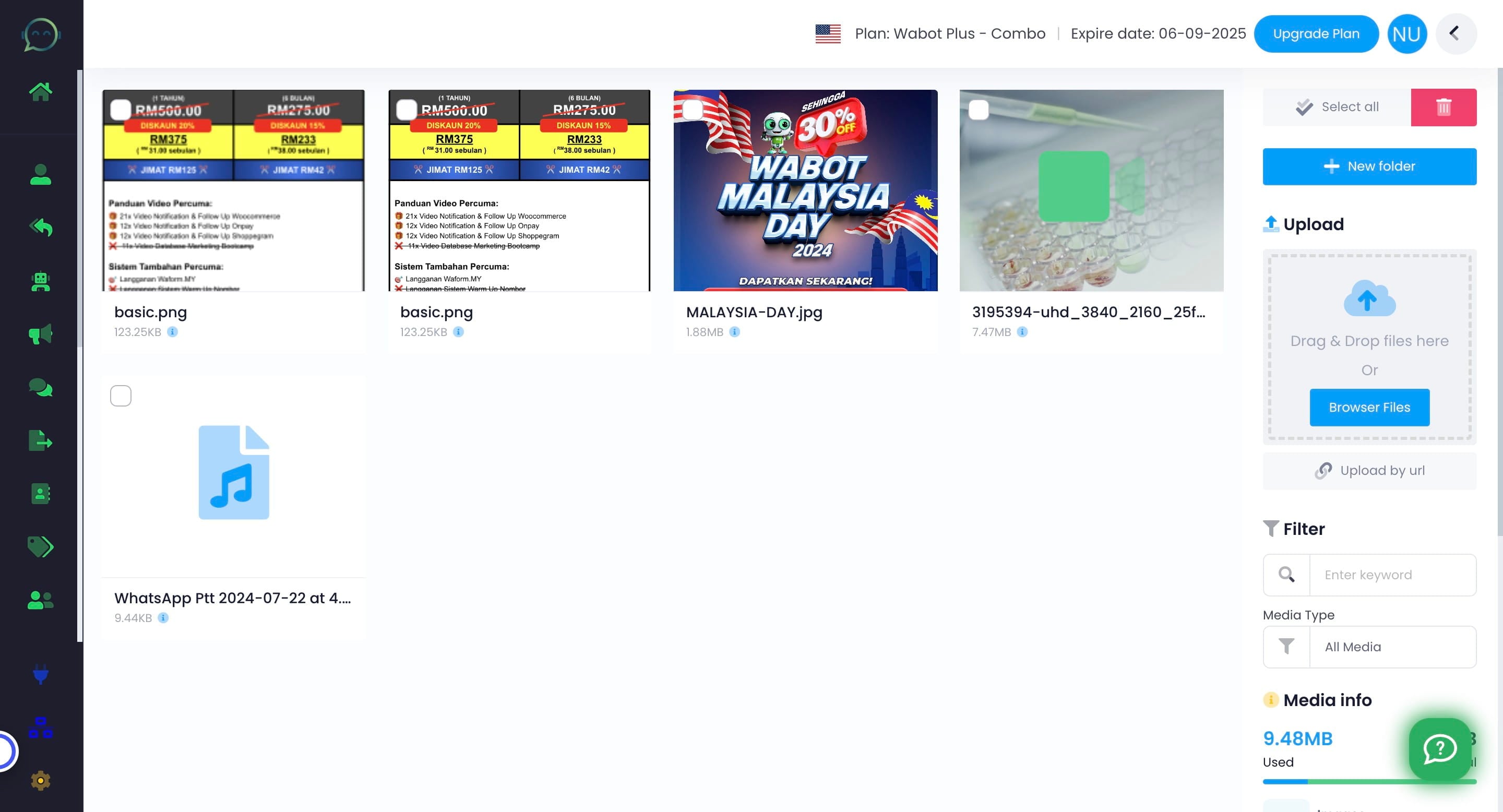
5
Name the folder
6
Search for the file that you needed by filter it out based on the media type
7
The maximum storage is 100MB
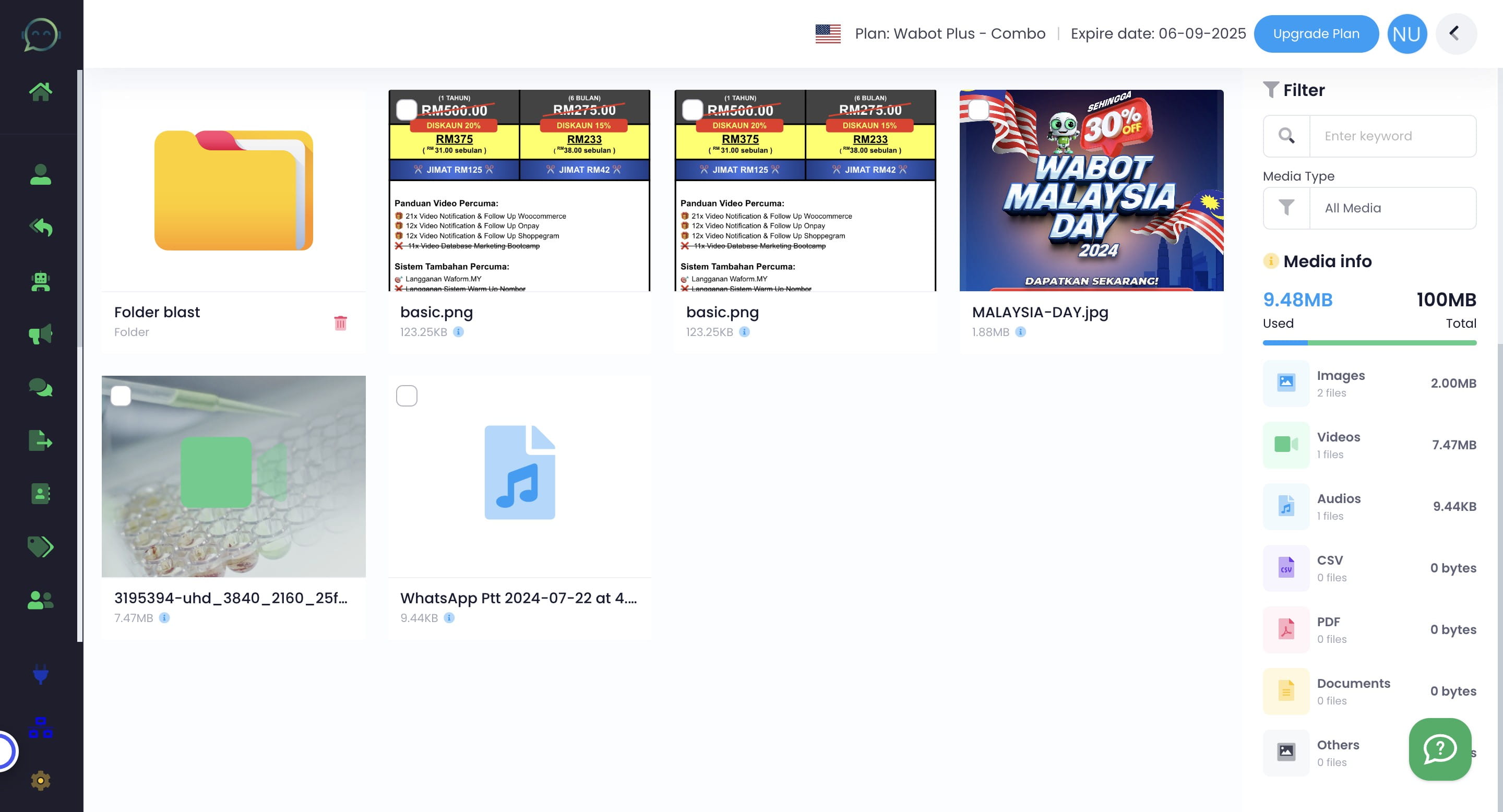
For blasting, the maximum size for each media is 1MB for Free trial account and Wabot Lite. Wabot Basic is 2MB and Wabot Plus is 10MB
8
To delete any file, simply tick on the file and click the dustbin icon