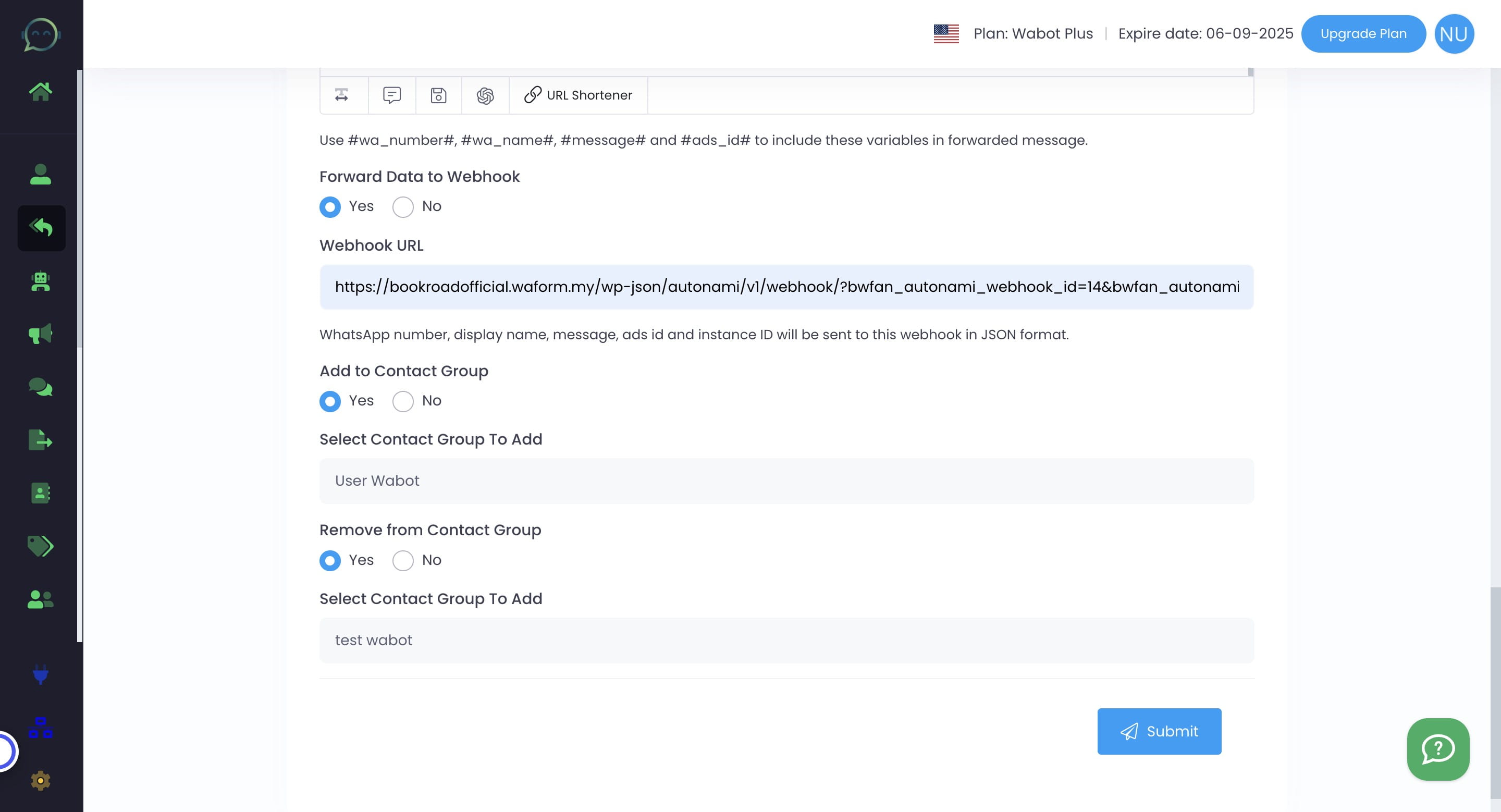
Lead Management Setting
If customers reach out on WhatsApp, you have the option to forward messages to your team, store data for automation, or organize contact groups. Below is step-by-step on how you can achieve it.
There are two options to set up lead management: the autoresponder and the chatbot. Please choose the one you prefer to proceed with.
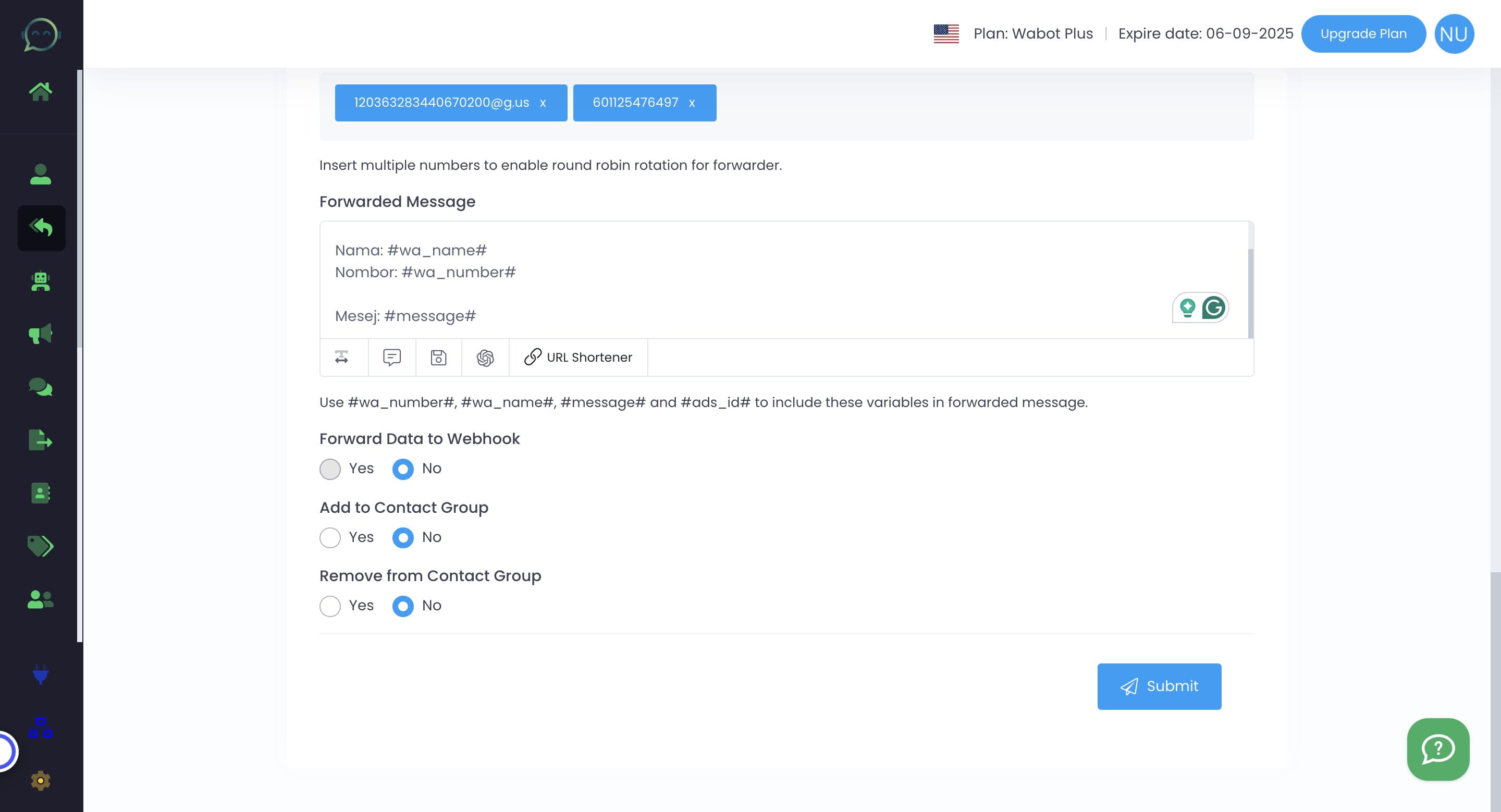
Click "yes" if you want to forward to WhatsApp number or WhatsApp group
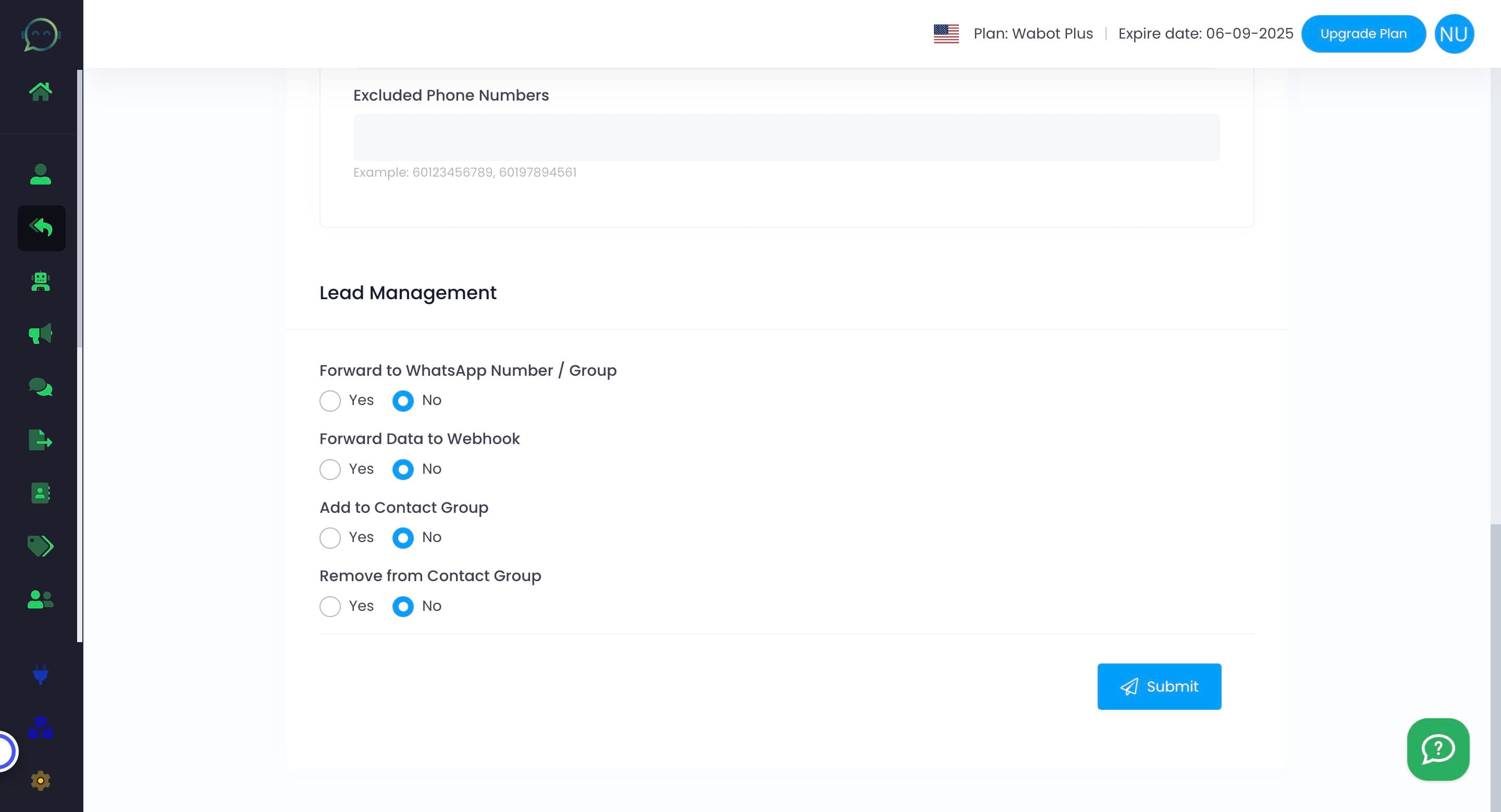

Inser the number that you want to forward the lead to, with the country code. For the WhatsApp group ID, you can take it from WA Group Manager.
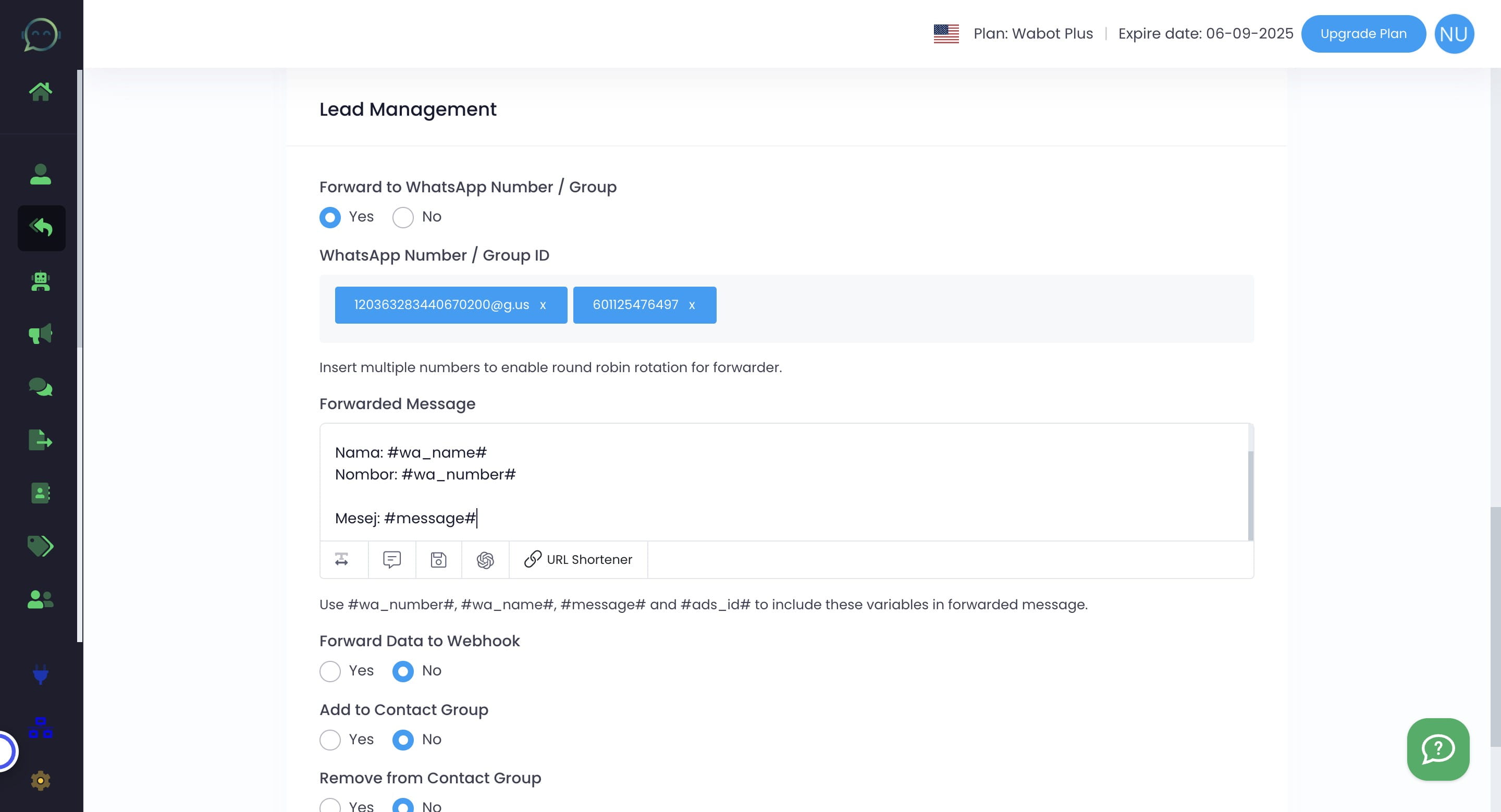
Enter the forwarded message. You can use parameters such as #wa_number#, #wa_name#, #message# and #ads_id#" to mention the respective info
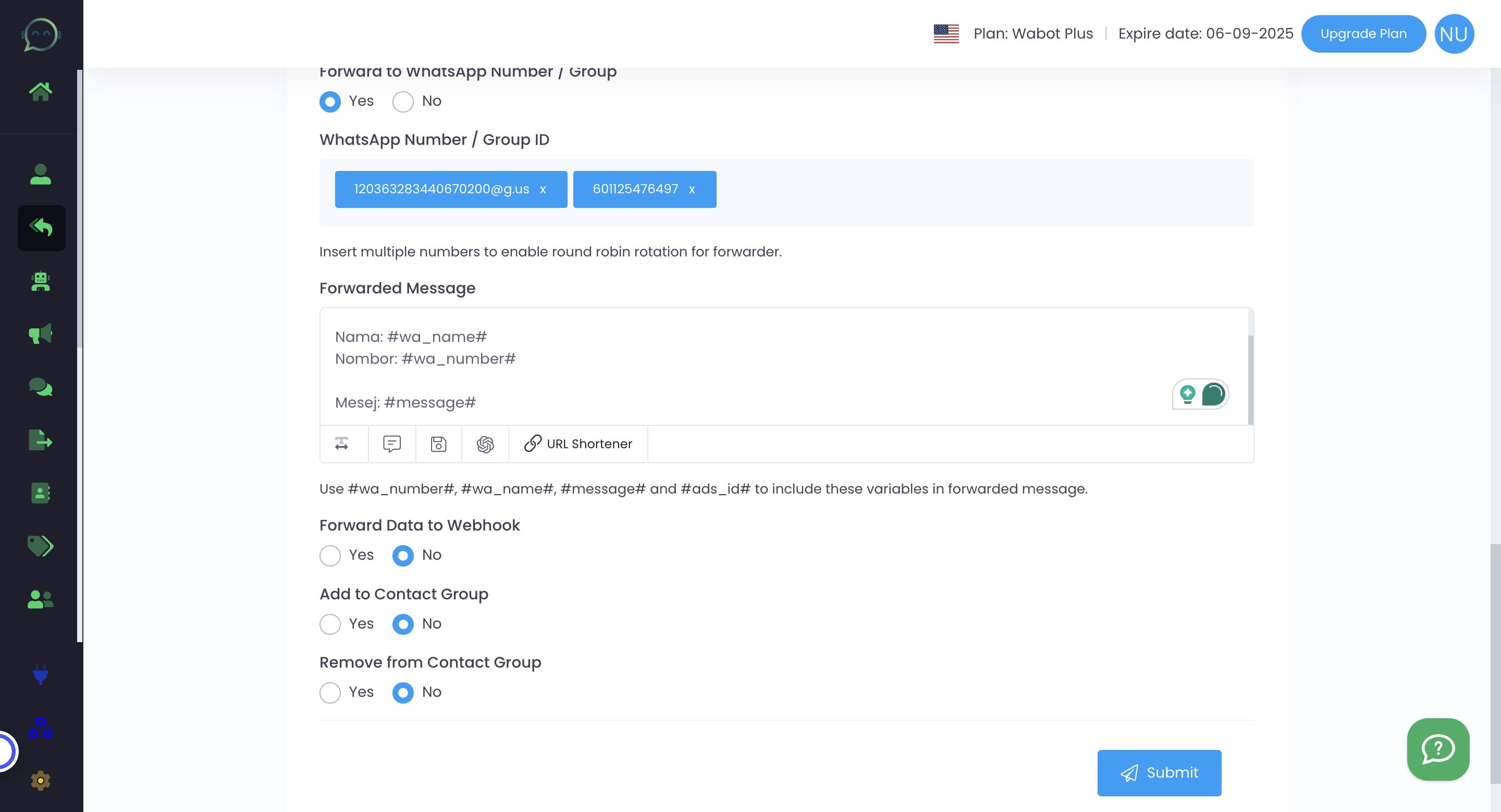
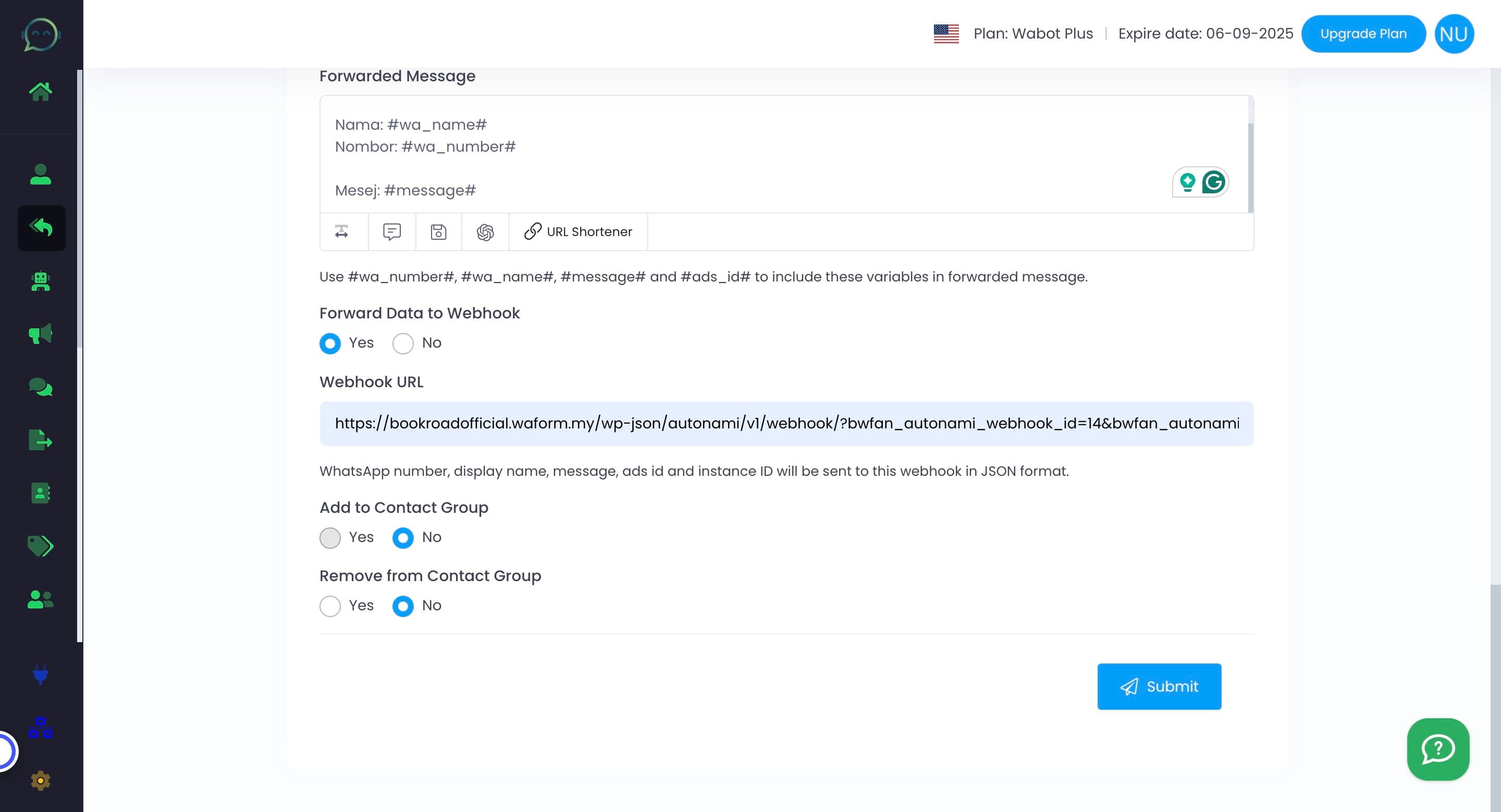
Forwarding data to webhook can be done by inserting the URL here
Here is the url example of wanting to send the data to another website
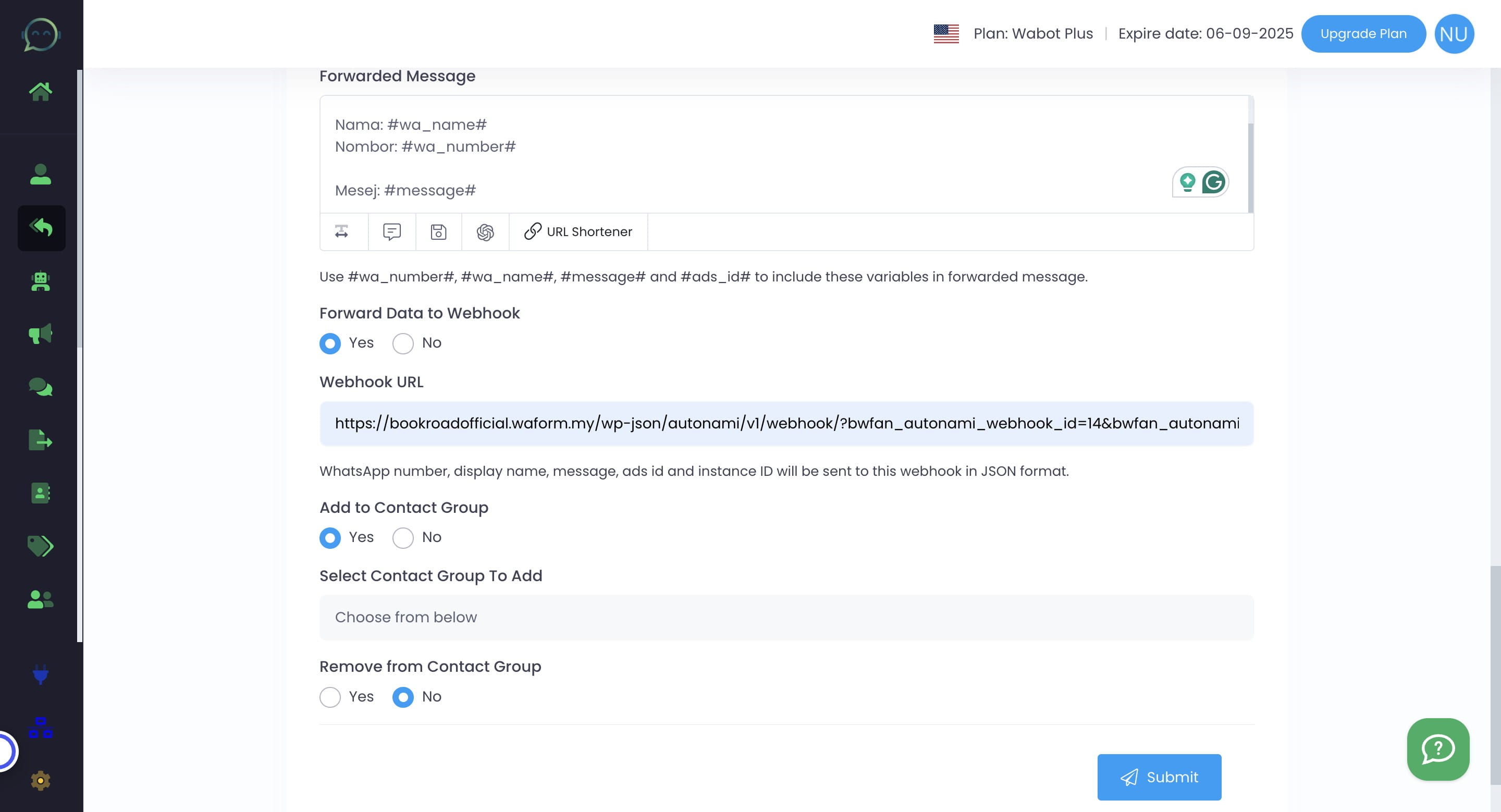
You can also choose to add the leads to any contact group in Wabot. Please select the contact group where you'd like to add the leads in Wabot.
You can also remove them from a certain contact group by clicking "yes" here
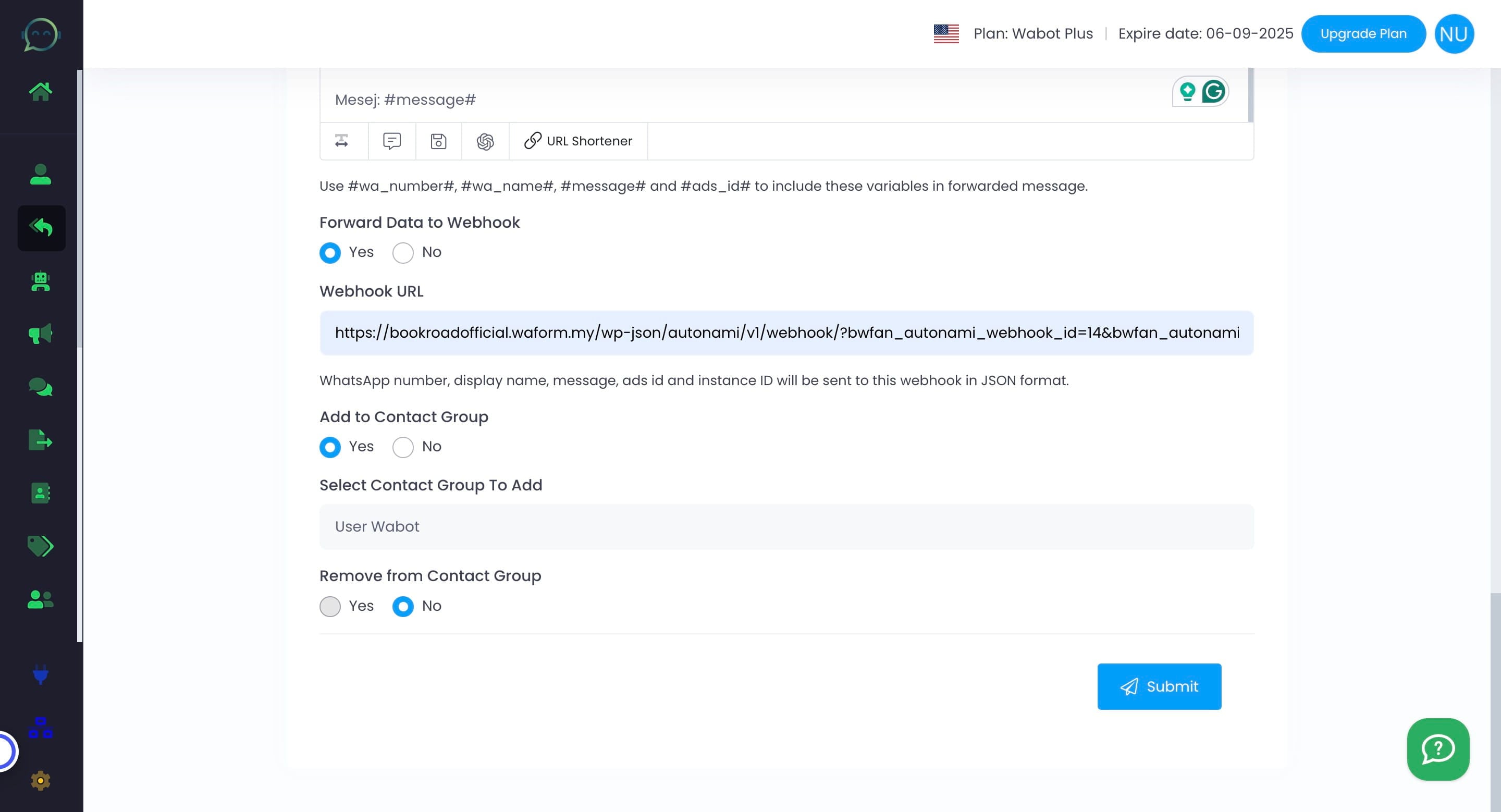
Please select the contact group where you'd like to remove the leads in Wabot.
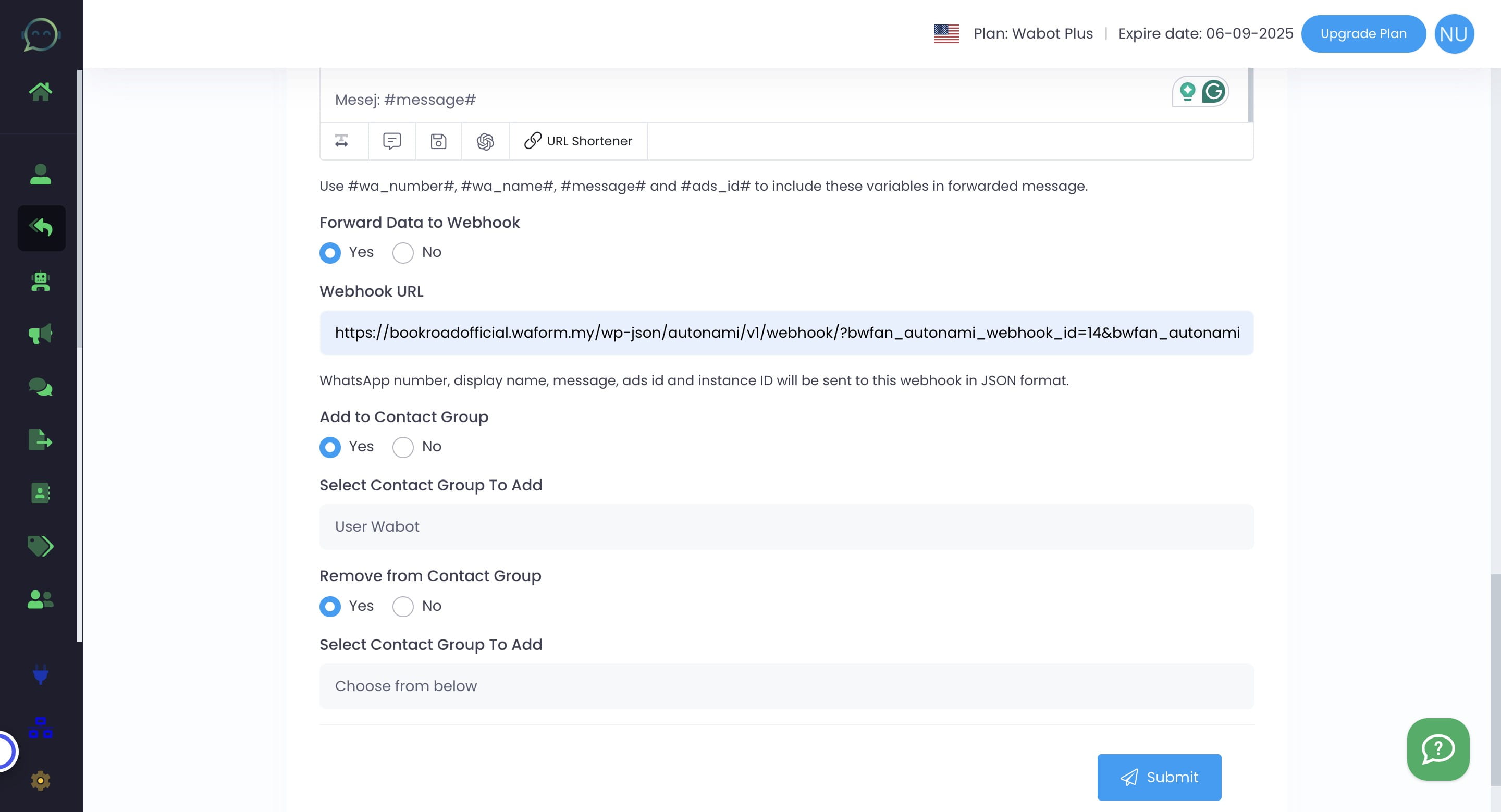
Click on "Submit"
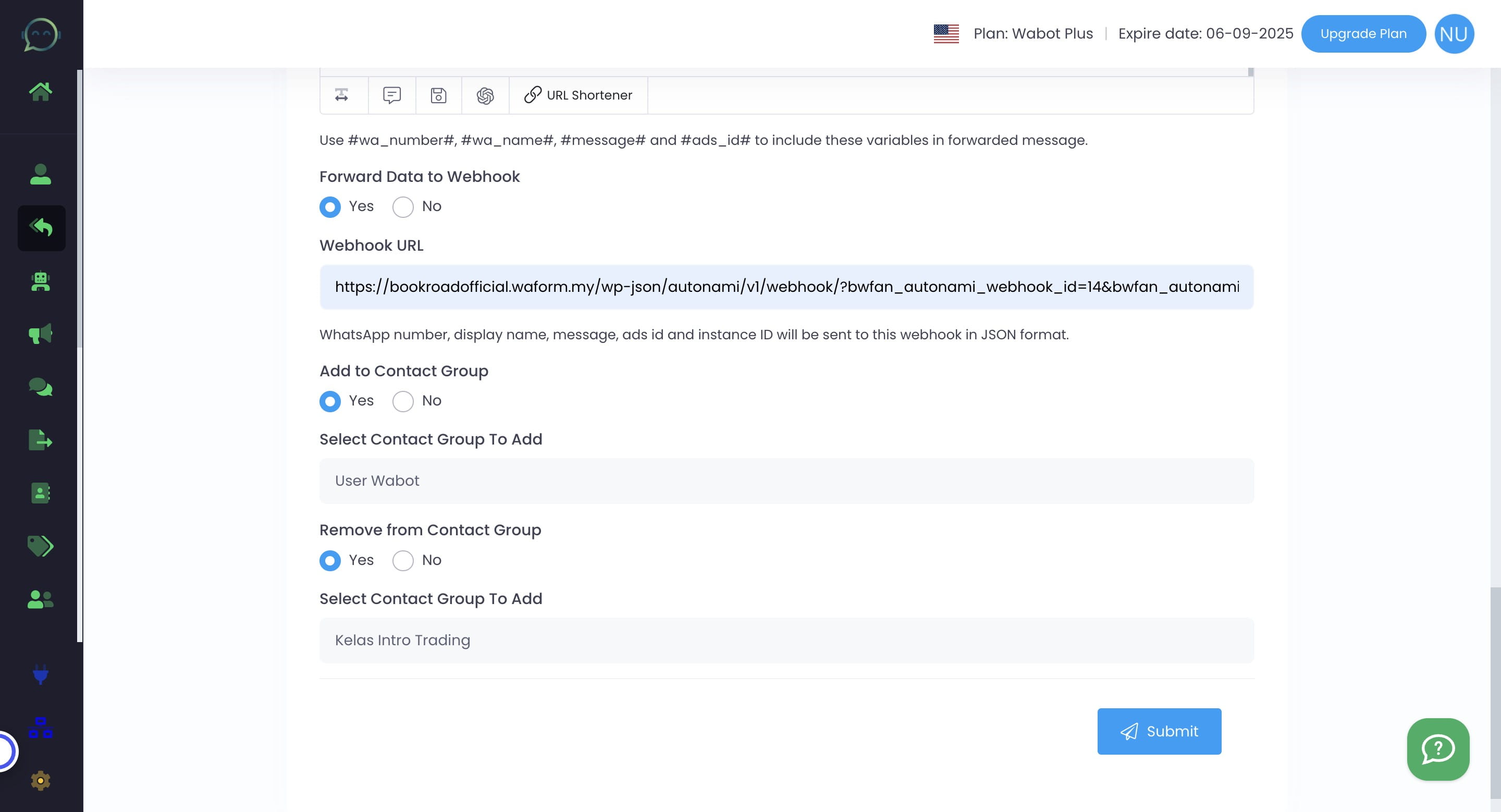
Done 🚀