How to Connect WhatsApp To Wabot (Unofficial API)
This is the most important step when you begin using Wabot. After finishing it, you can move on to the next step as needed
Oct 27, 2025●
1
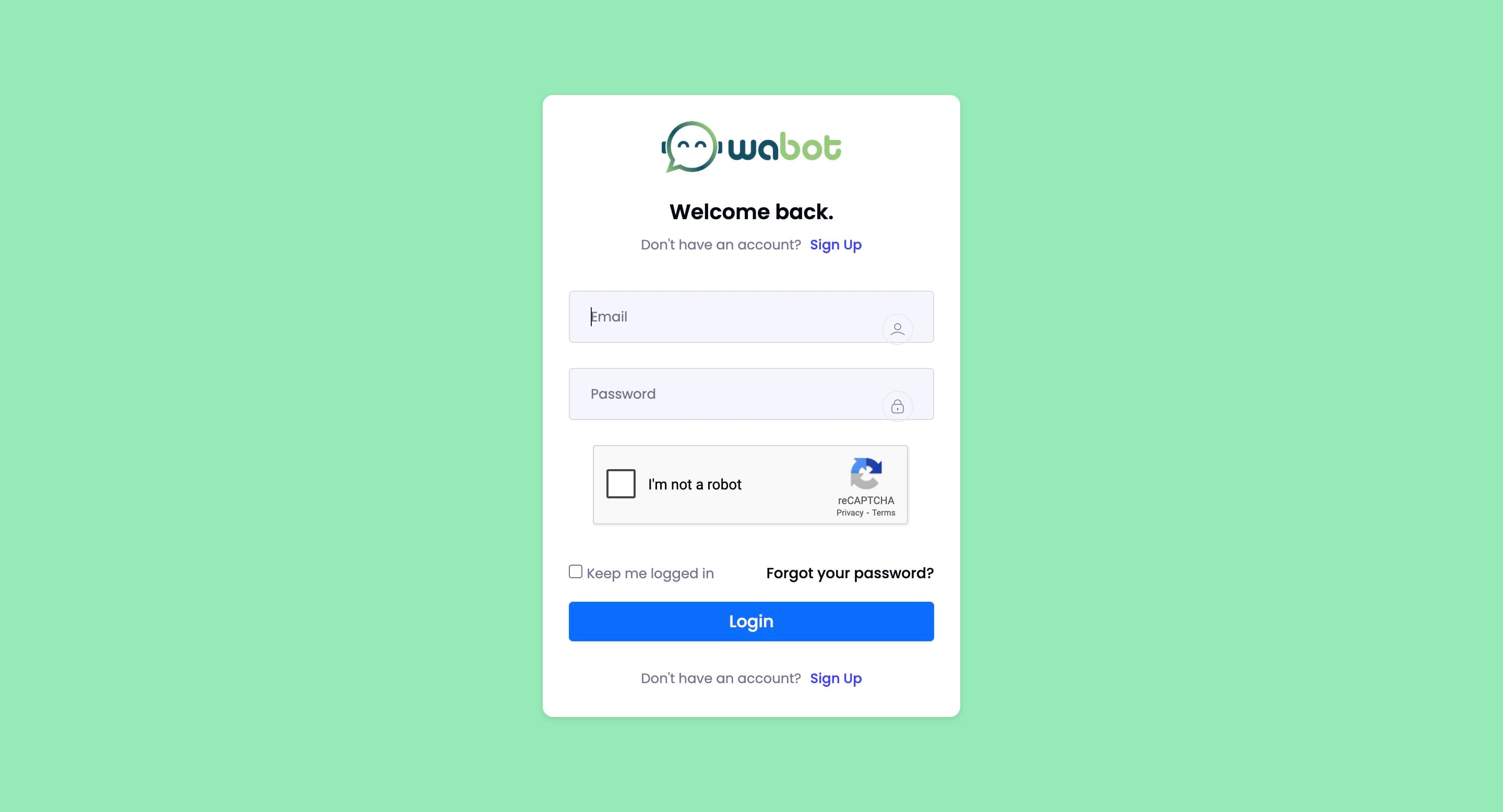
Navigate to https://app.wabot.my/login
2
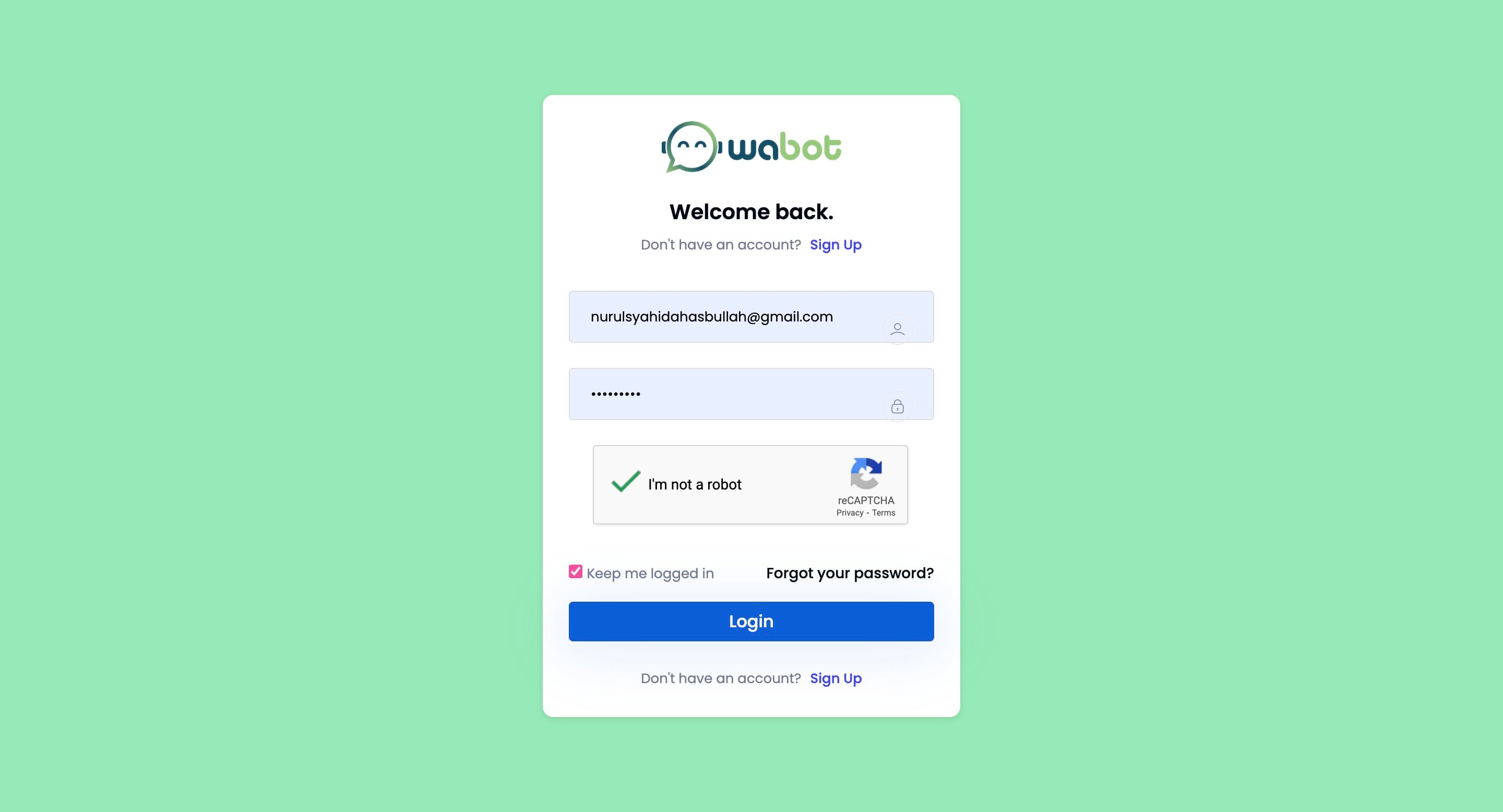
Click here and insert details

3
Click on "Login"
4
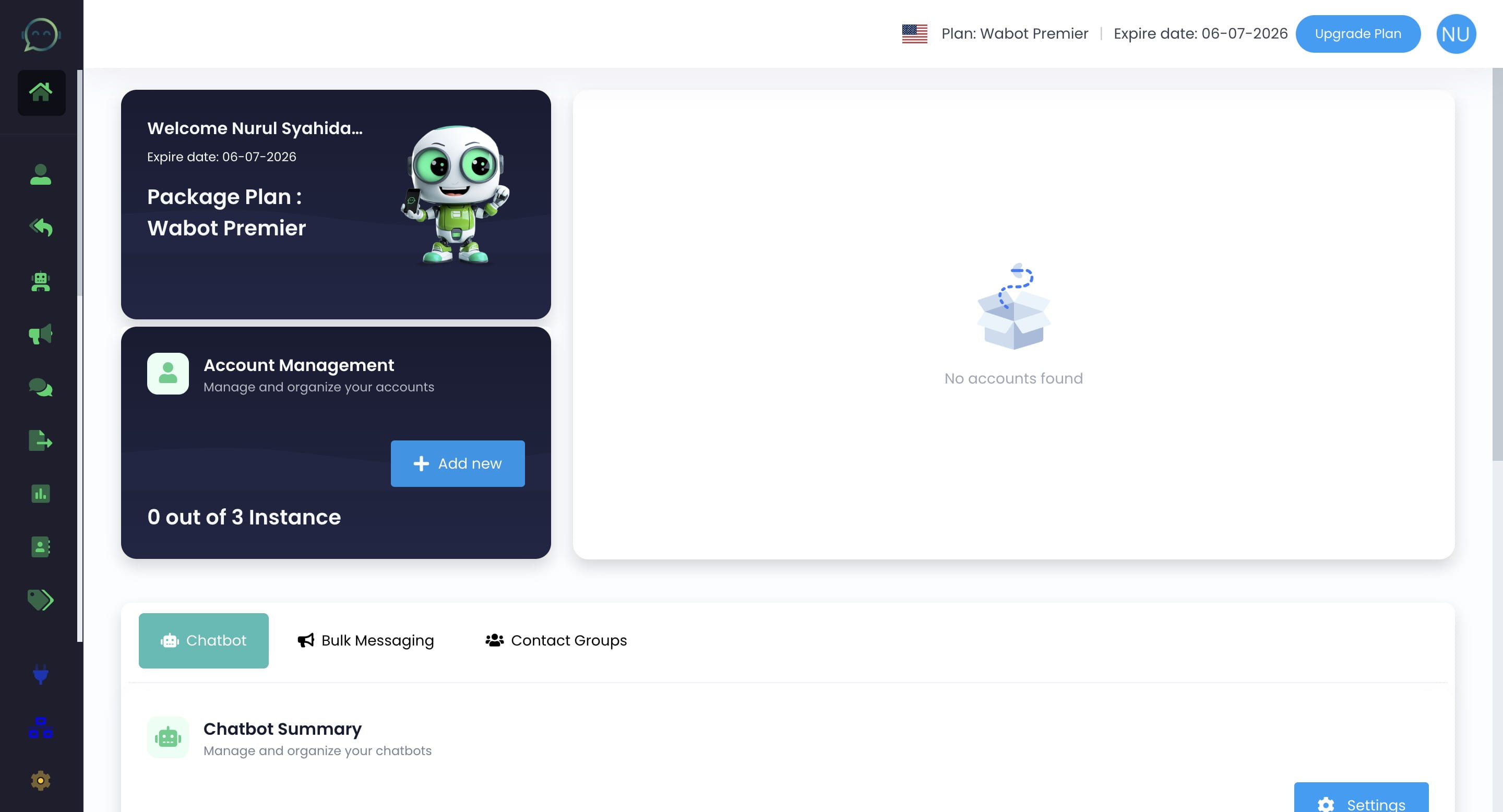
Once login, you can click this icon to add your WhatsApp
5
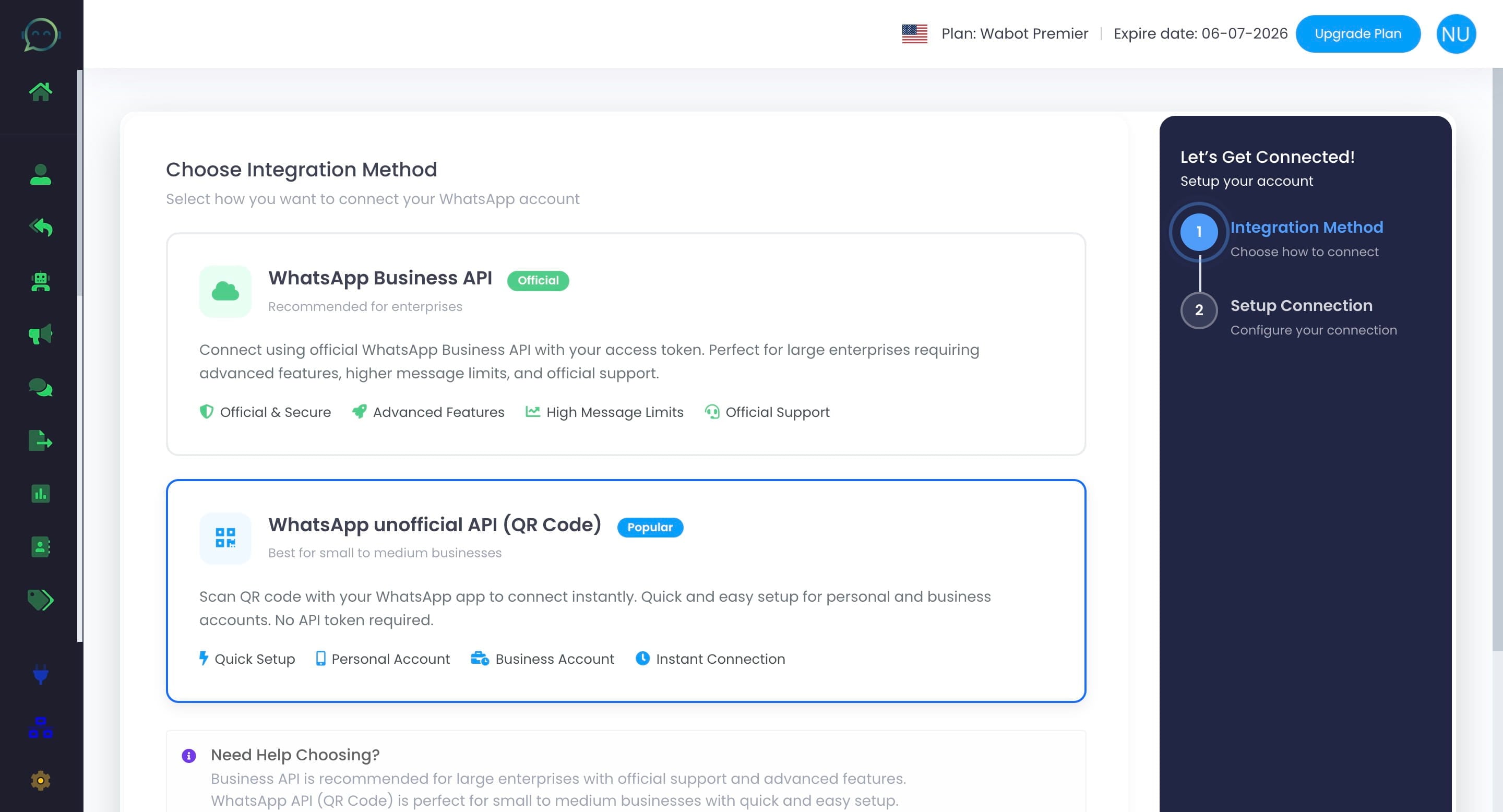
Click on "WhatsApp unofficial API (QR Code)"
6
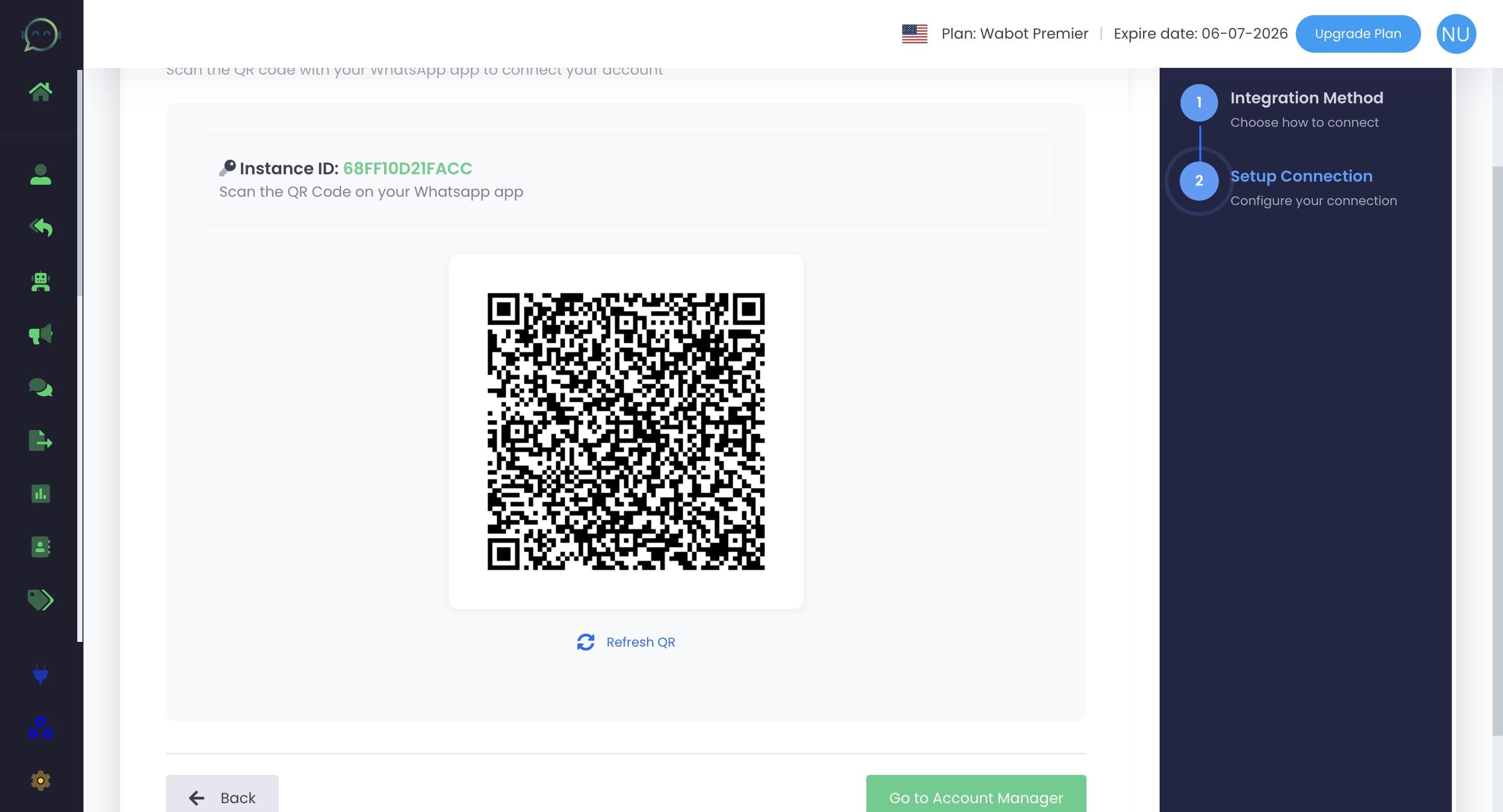
Scan the QR code using your WhatsApp
7
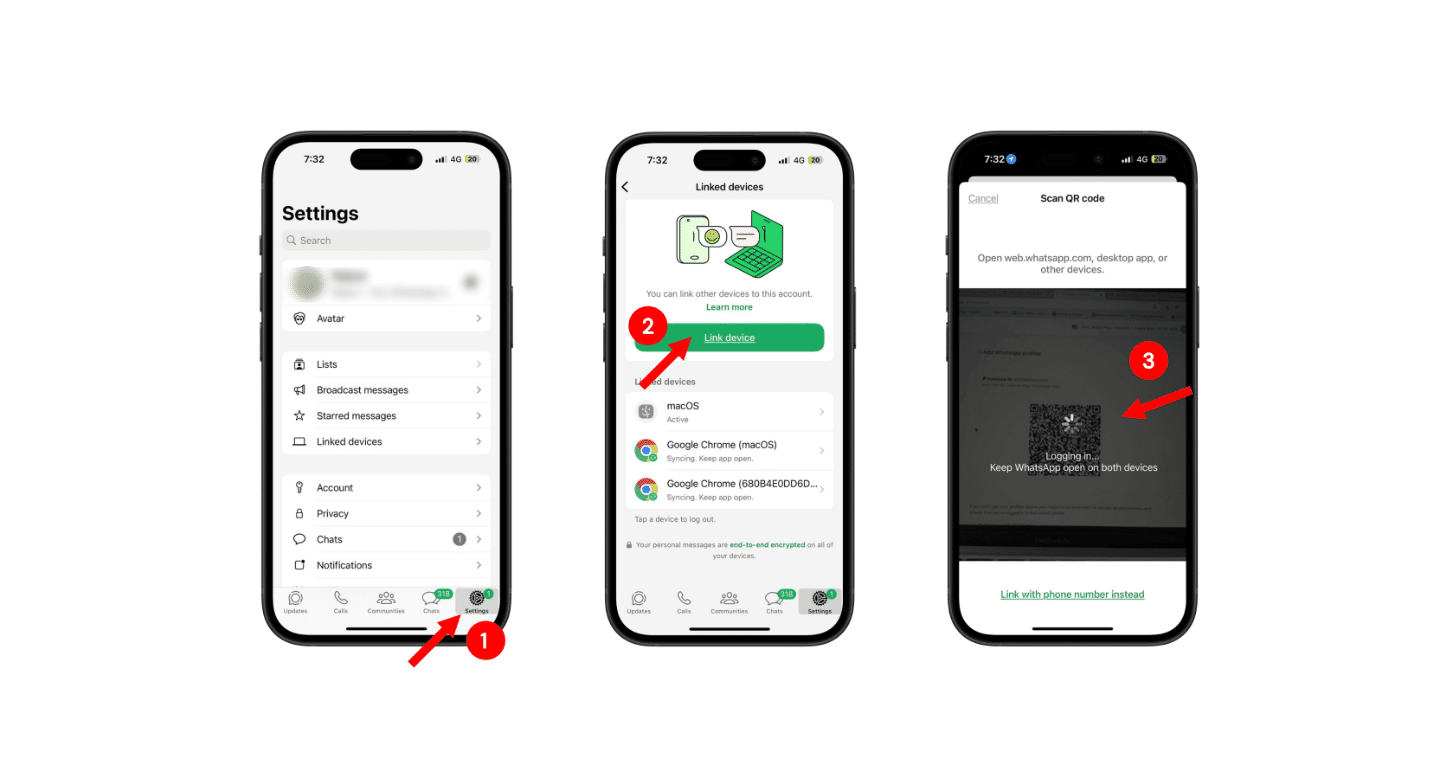
Kindly follow these steps below using WhatsApp
8
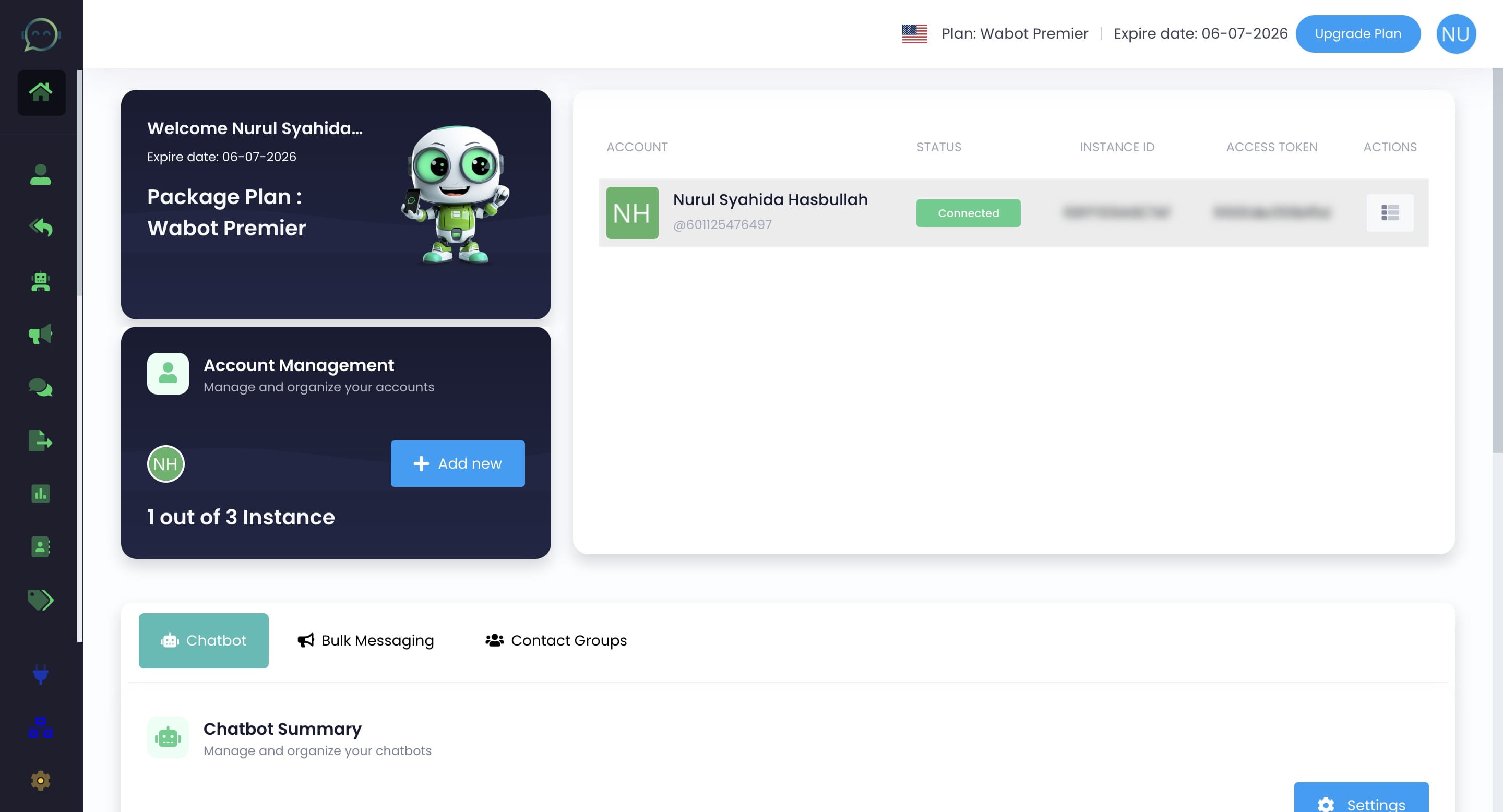
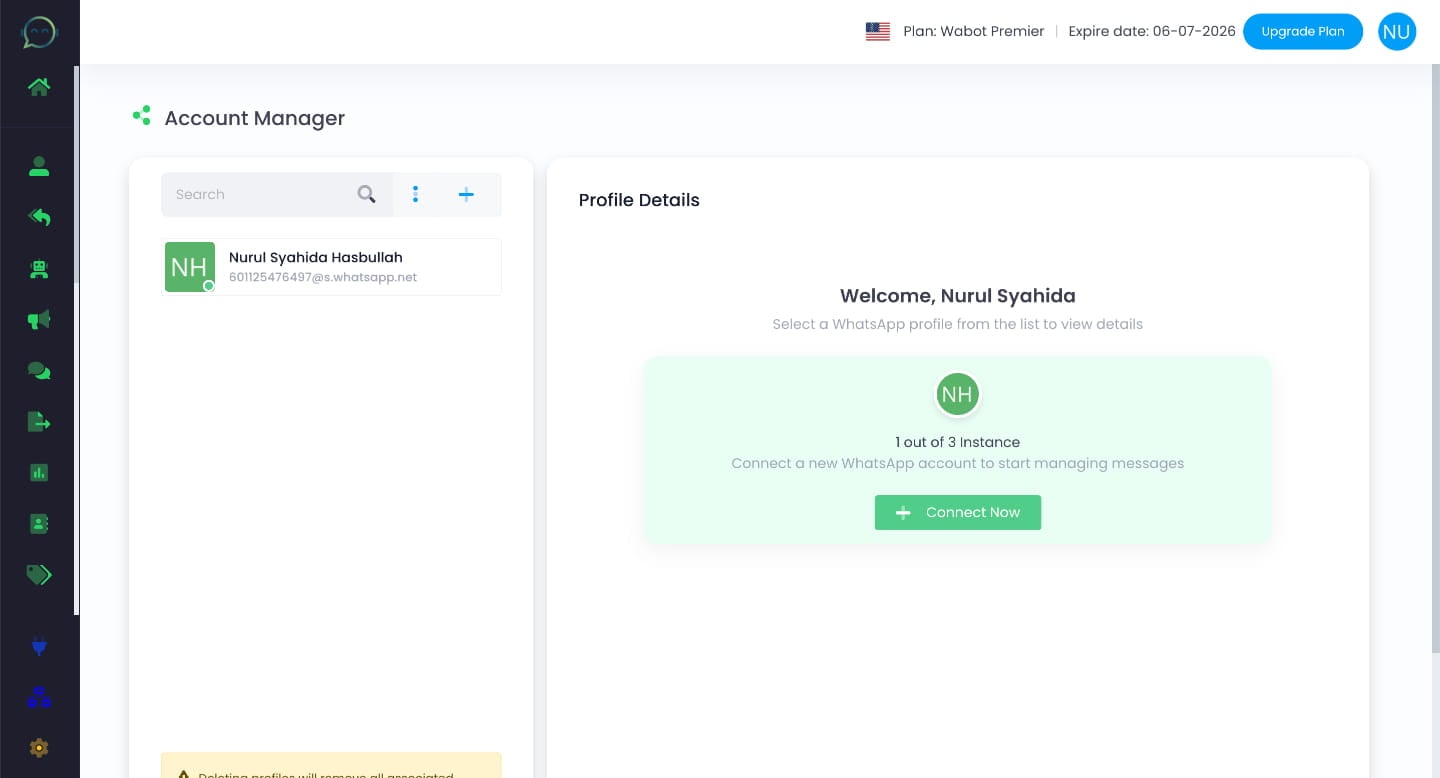
When your WhatsApp account appear, it means your WhatsApp has already connected to Wabot
9
The dashboard will show “Connected.” You can proceed to configure the other features as needed