

How To Create Simple Chatbot (Non AI)
Discover how to craft your own simple chatbot that can assist users, automate tasks, and keep interactions engaging!
Navigate to https://dash.wabot.plus/login
First, ensure that your WhatsApp account is connected to Wabot. Click on "Account Manager" to verify
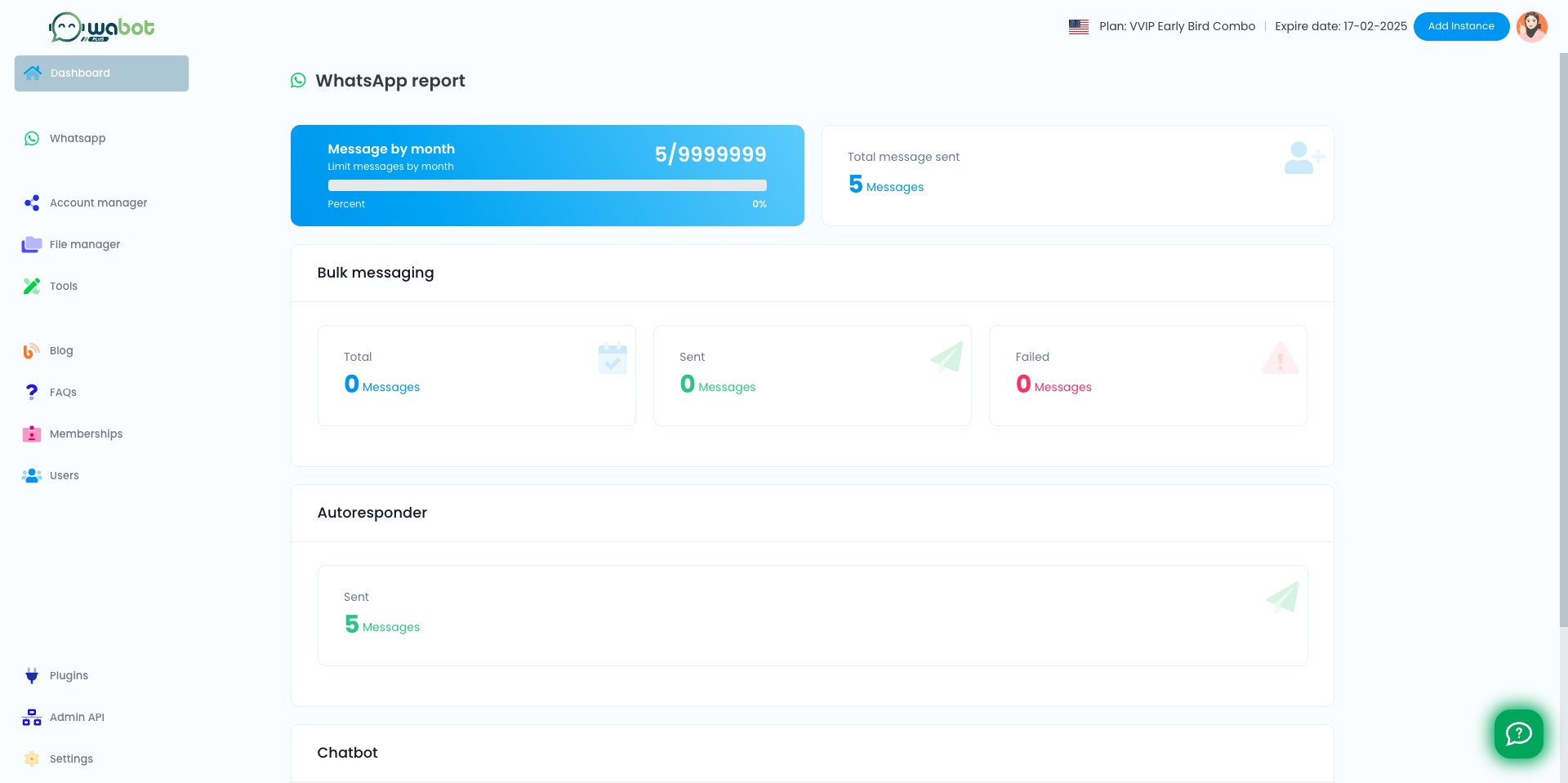

Your profile account should appear here. If you haven't connect yet, follow this guideline
](https://assets.guidejar.com/uploads/5130c7c6-07bf-481a-9393-d99d2e48d151/1bjLzmAxLigTw80IeRru7aFAMCZ2/e7a16769-c554-4a10-a9c3-ee9637a7438c/1710383792077.jpeg)
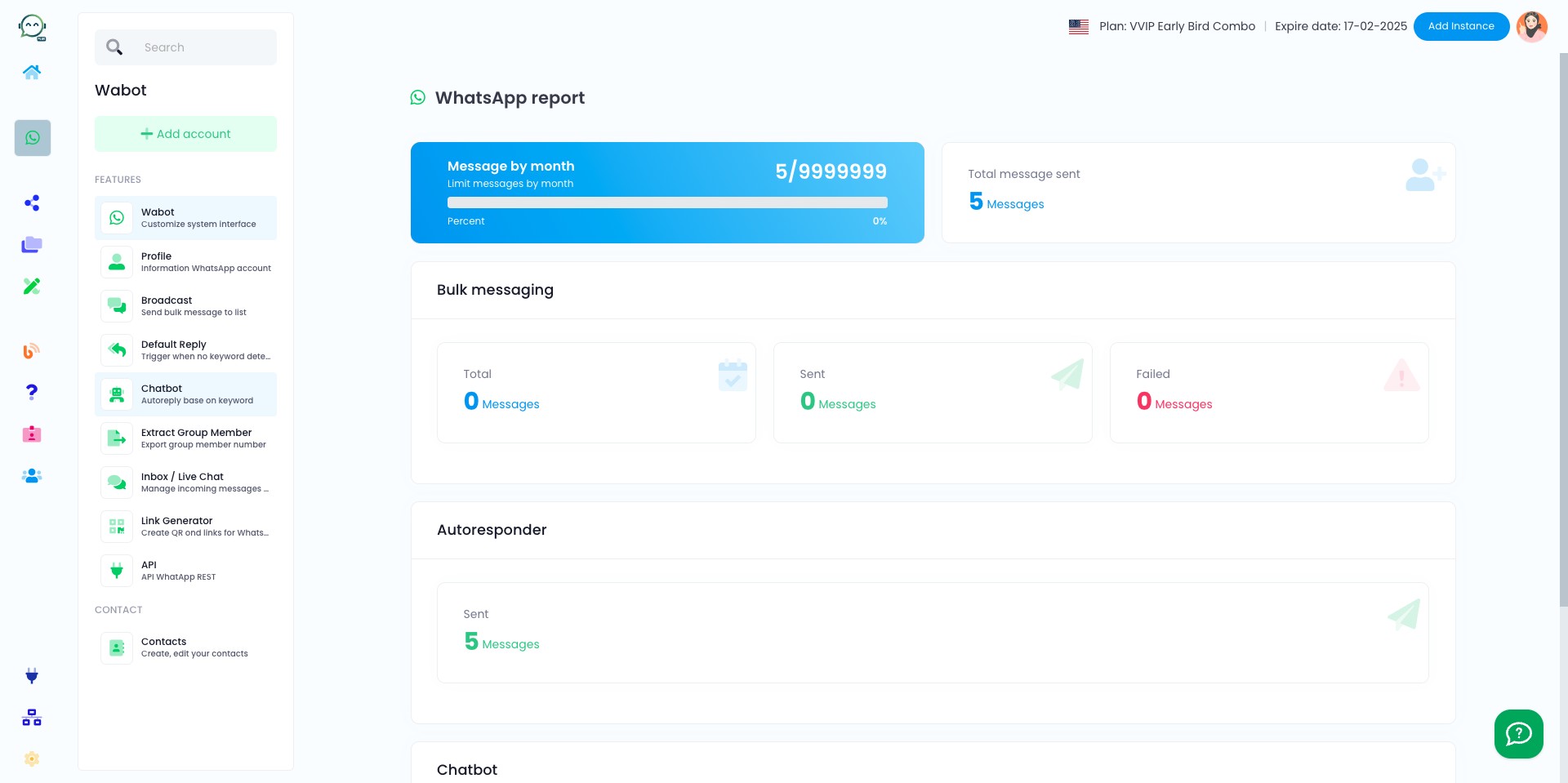
To start creating chatbot, click "Chatbot"
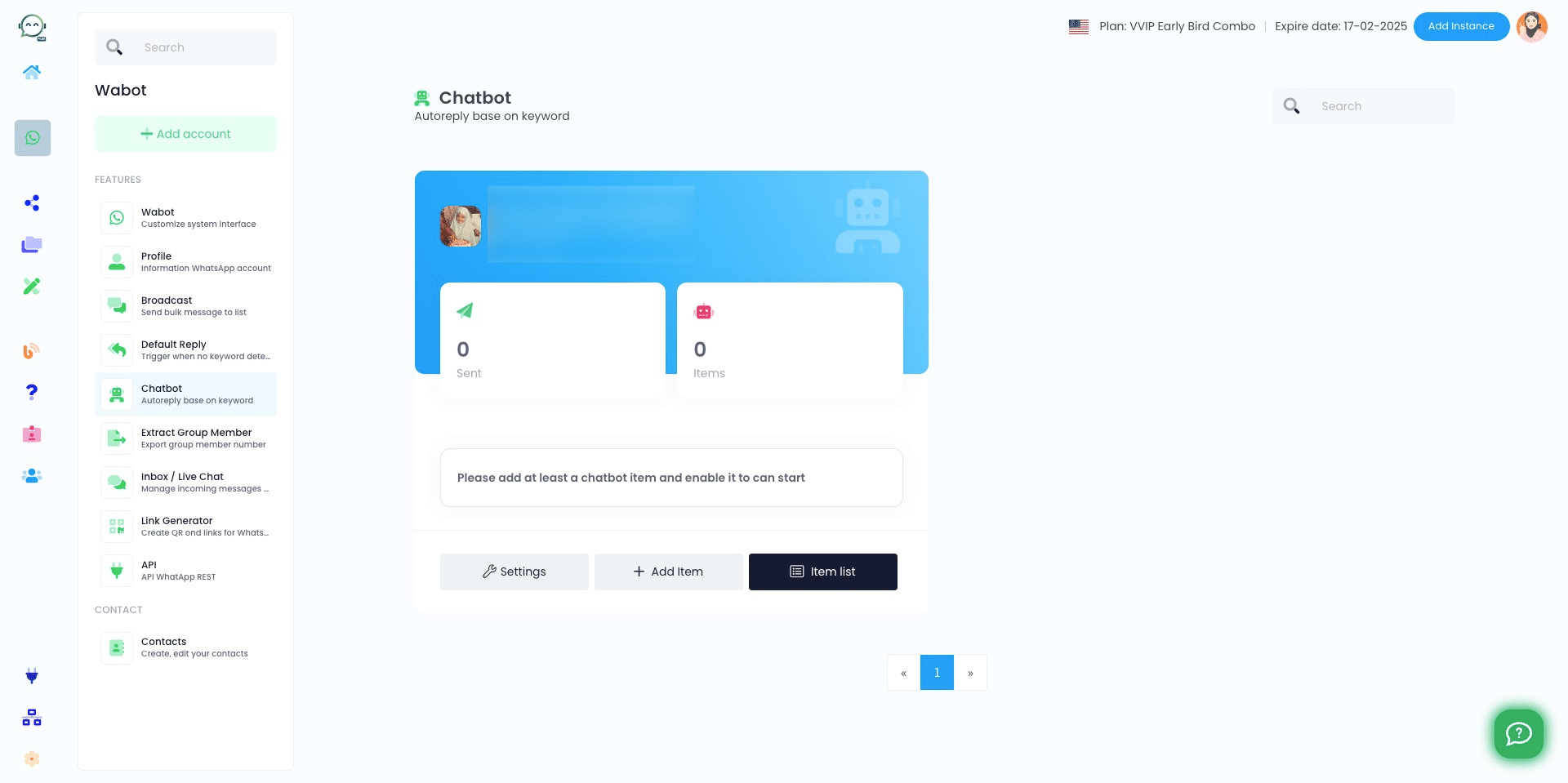
Click on "Item list"
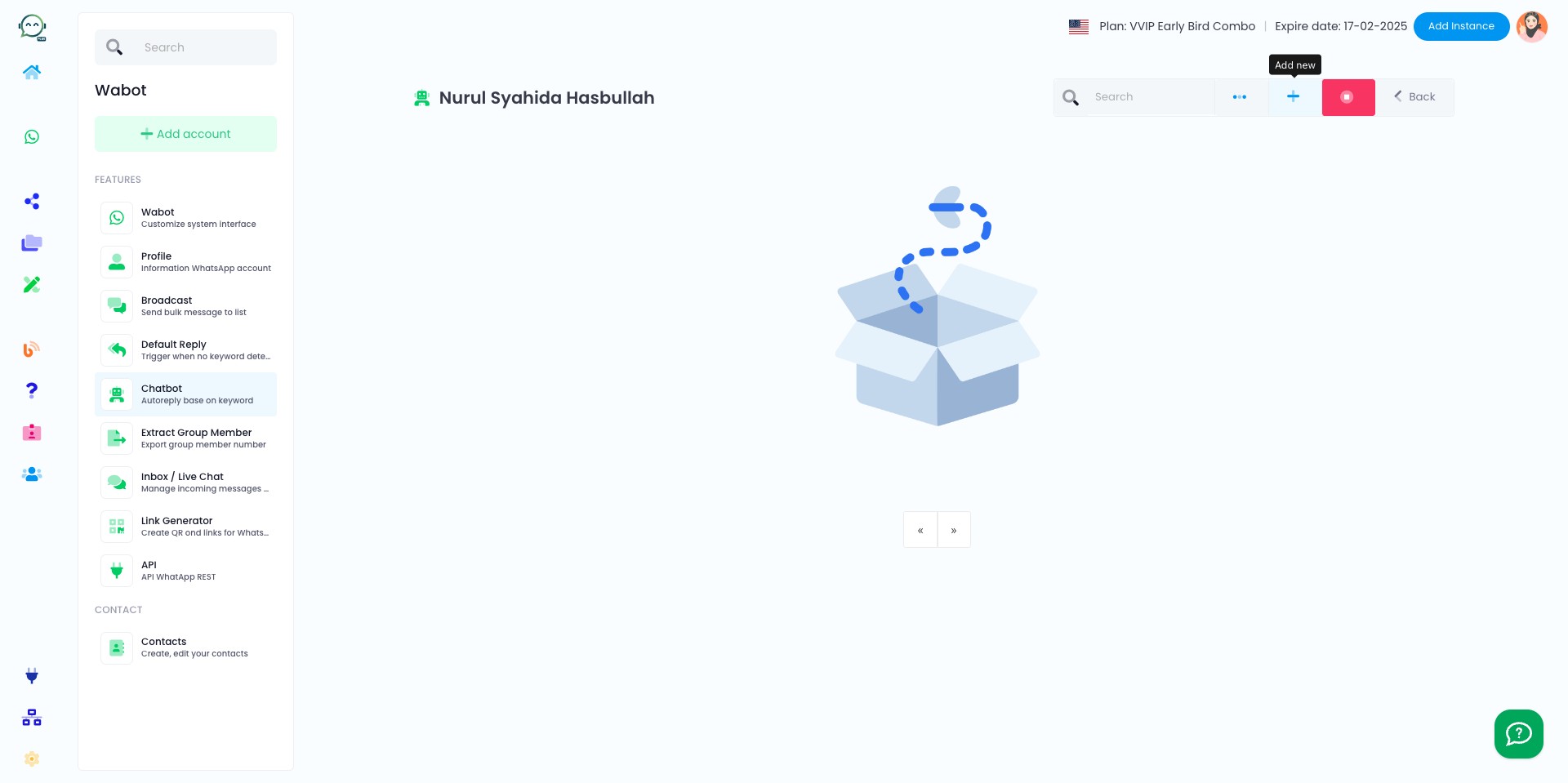
Click this icon
Choose a simple name for the chatbot that you will remember and that describes its purpose
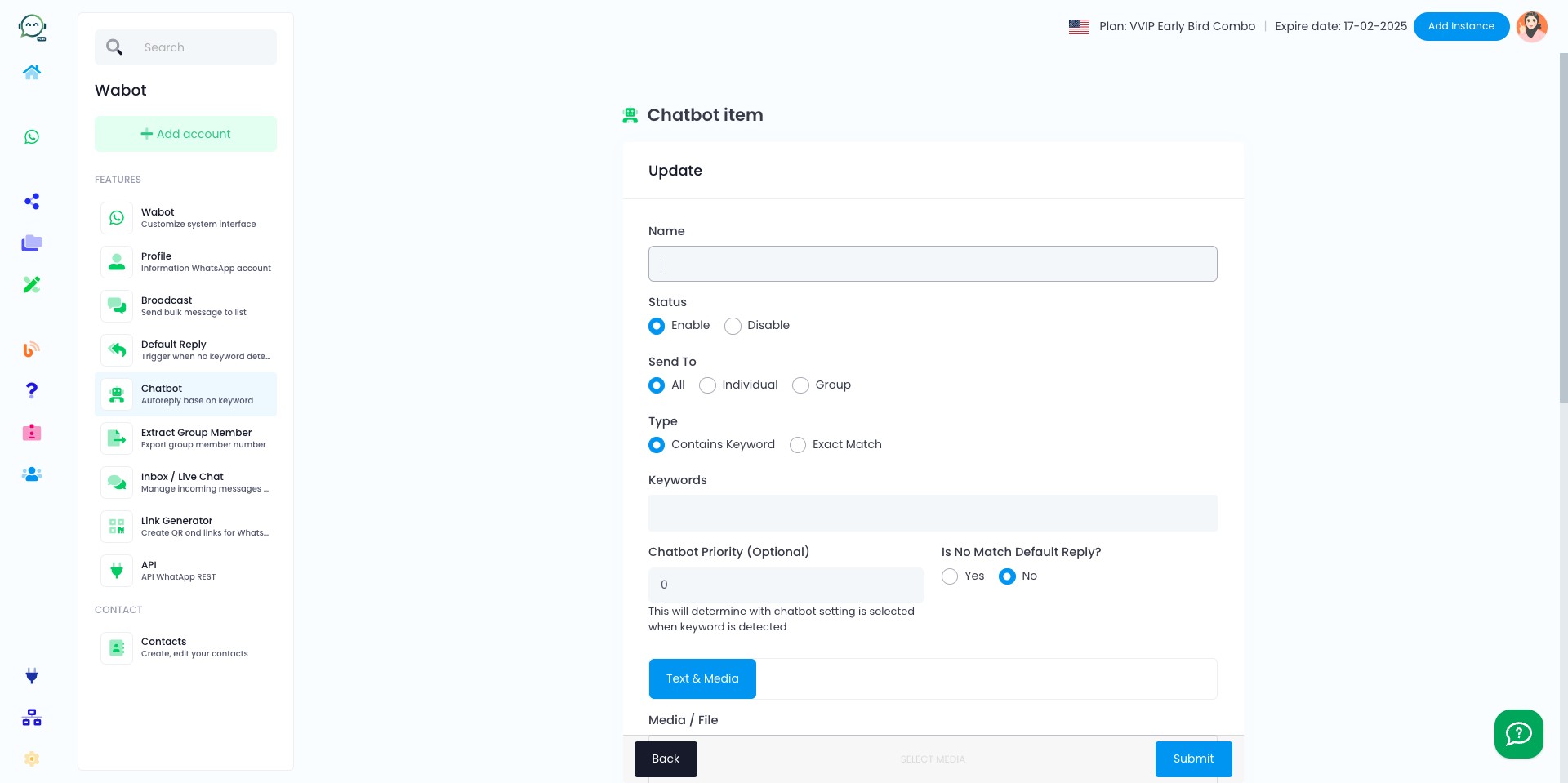
Enable the chatbot
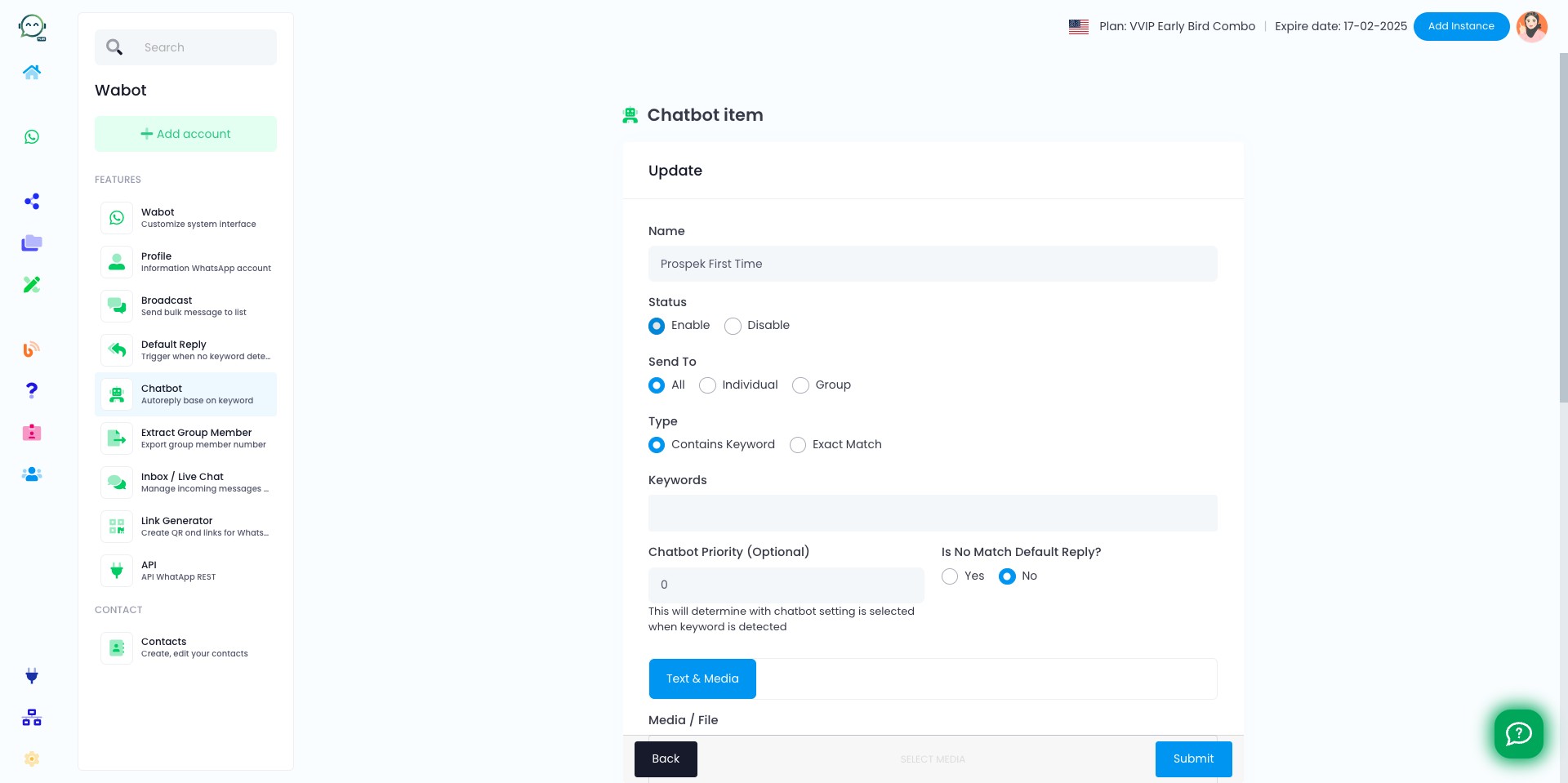
In the usual case, we select individuals so that only customers who send us private messages will be answered by the chatbot
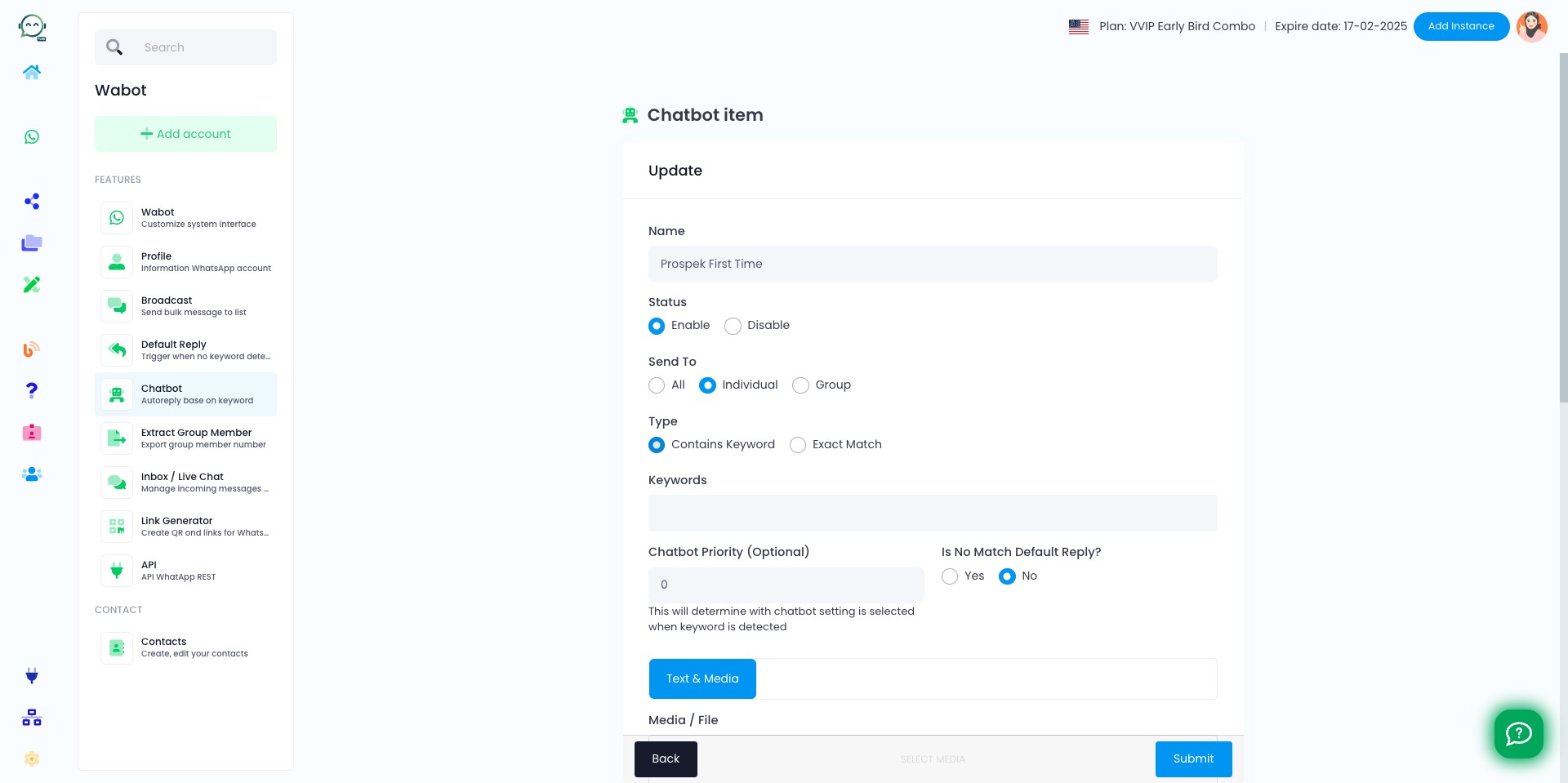
Select "Contains Keyword" so that even if the keyword provided by the customer is not an exact match, the chatbot will still be triggered
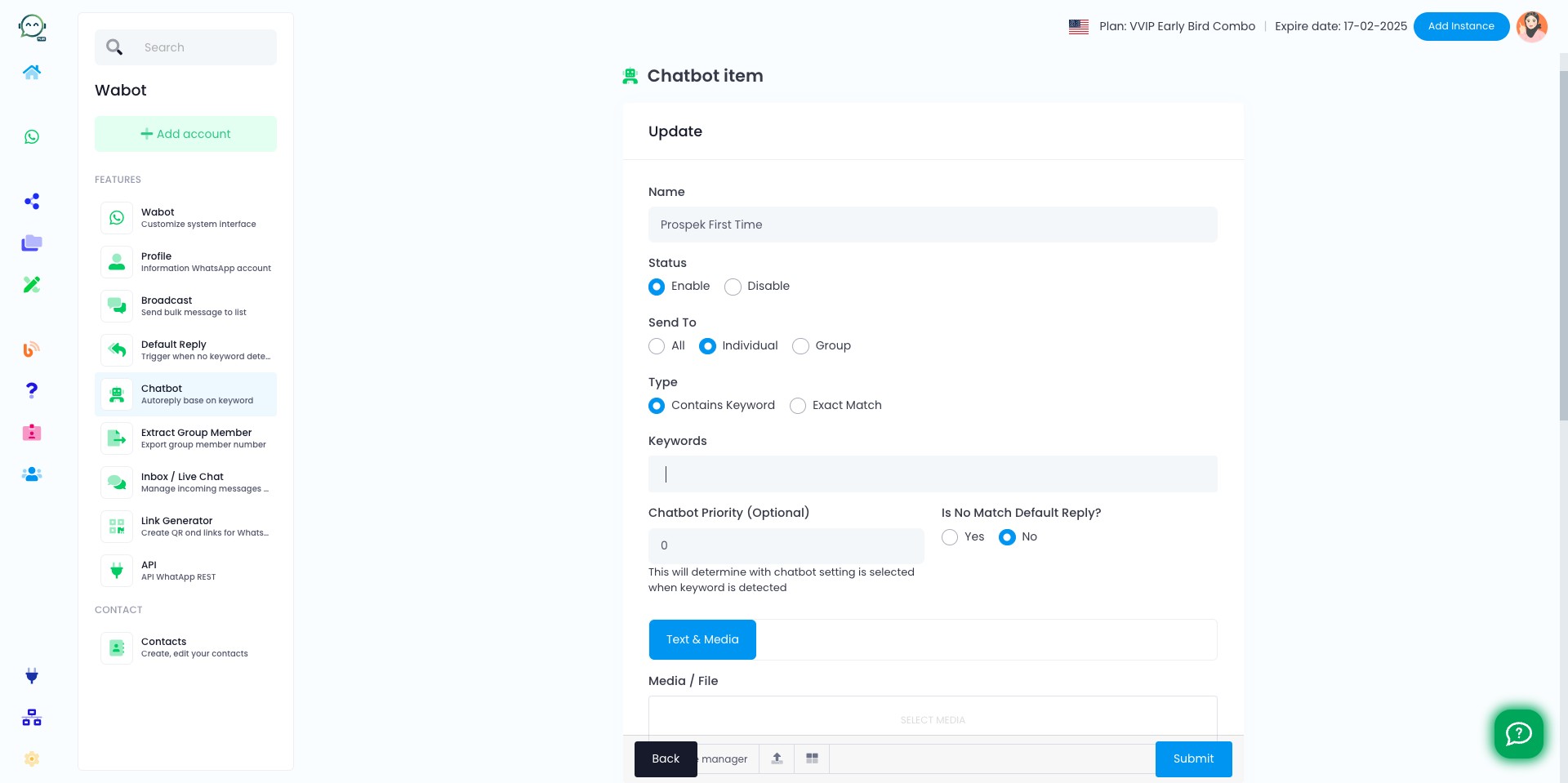
Insert common keywords that you believe customers typically use in their responses
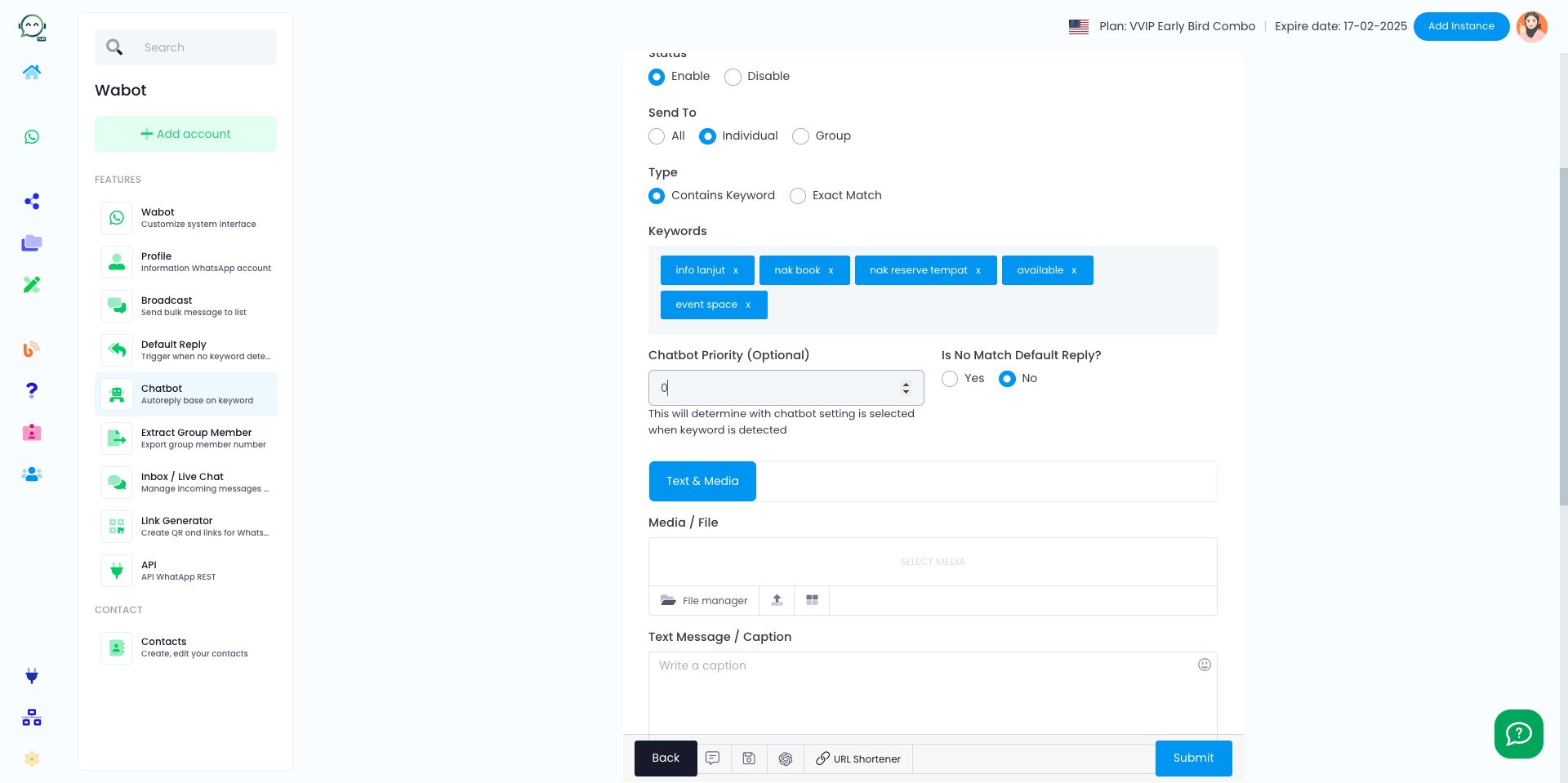
"Chatbot priority" means it is the main chatbot that will be used for customer inquiries. If you have specific chatbots for certain keywords, set this to 0
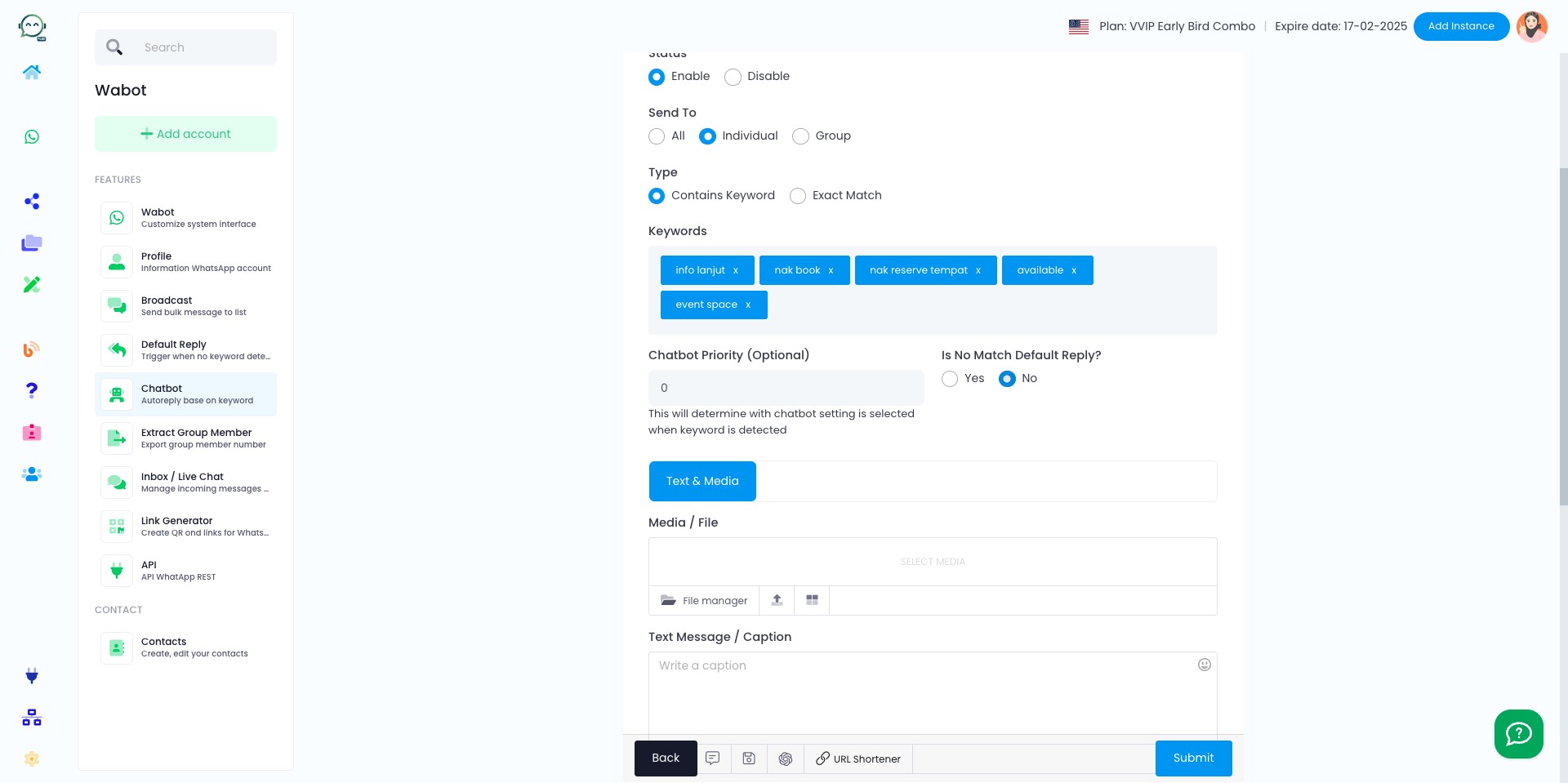
The "No Match Default Reply" serves the same purpose as "Default Reply", except that it is used when no matching keyword is found. Just click "no" for this setting unless the chatbot's purpose is more general, like greeting the customer
Insert the text message, alongside with media if needed
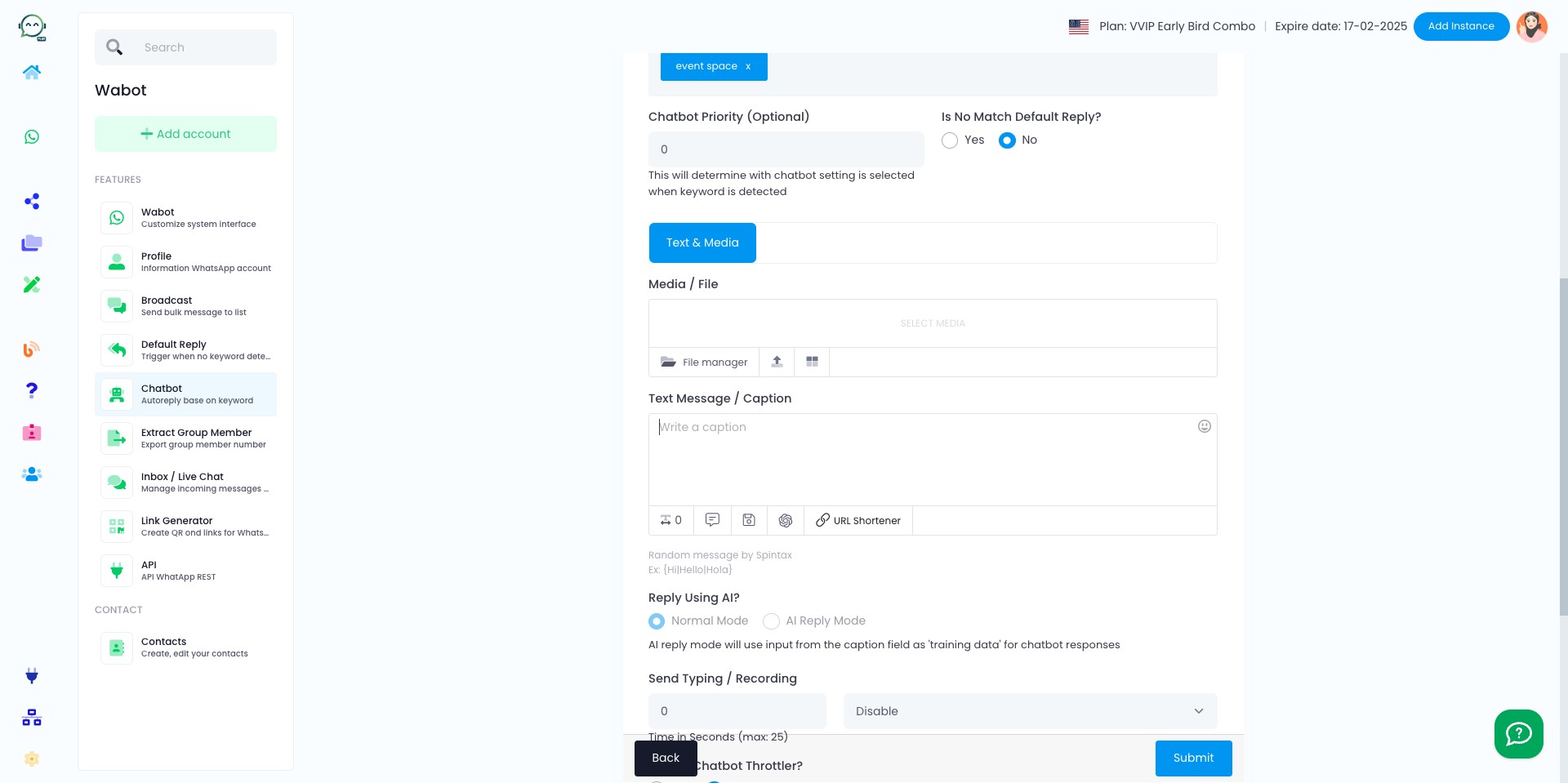
To make it more human-like, you can choose to show the chatbot typing or recording before replying
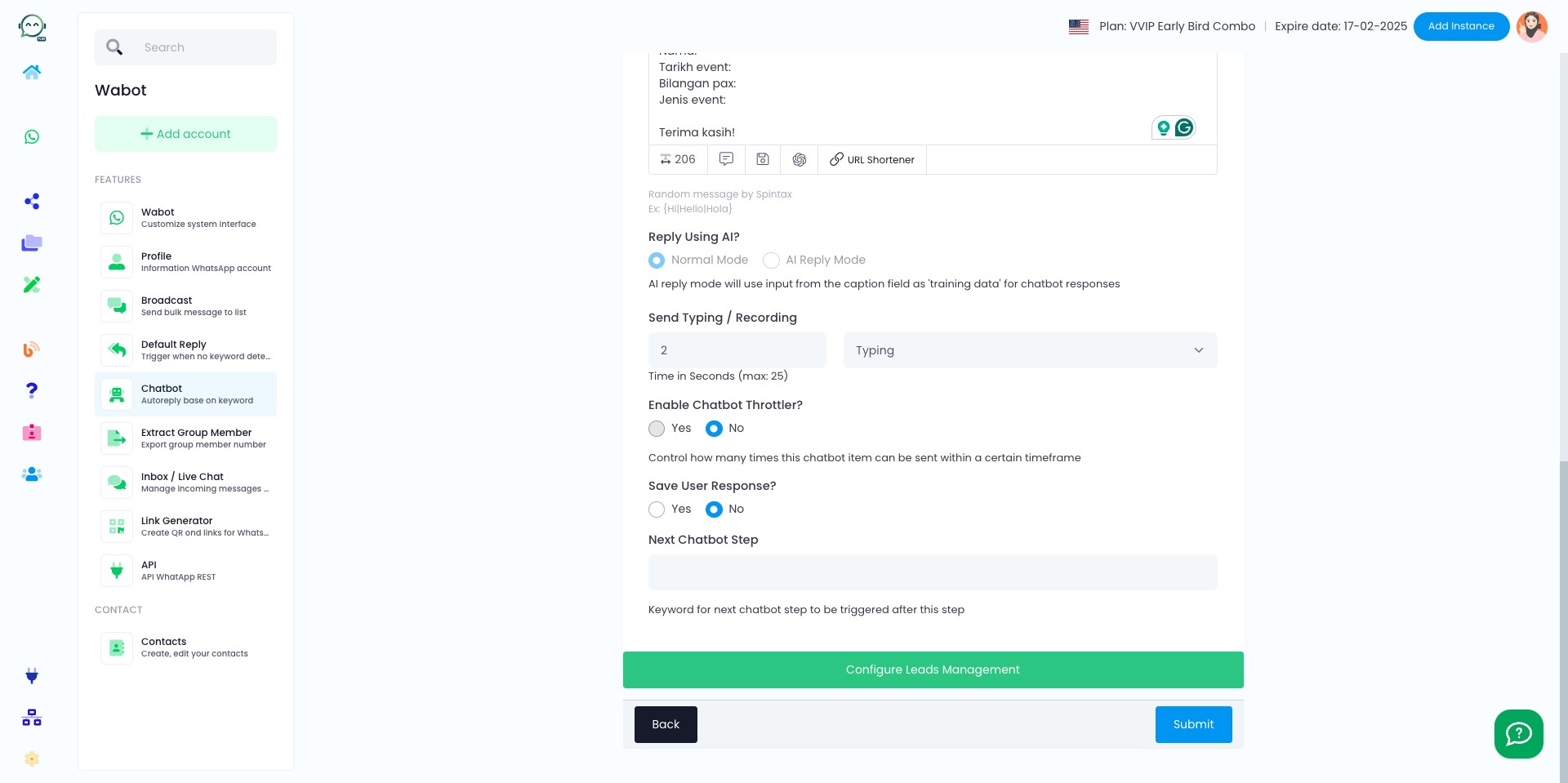
You can enable the "Chatbot Throttler" to prevent the bot from triggering multiple times in a short period
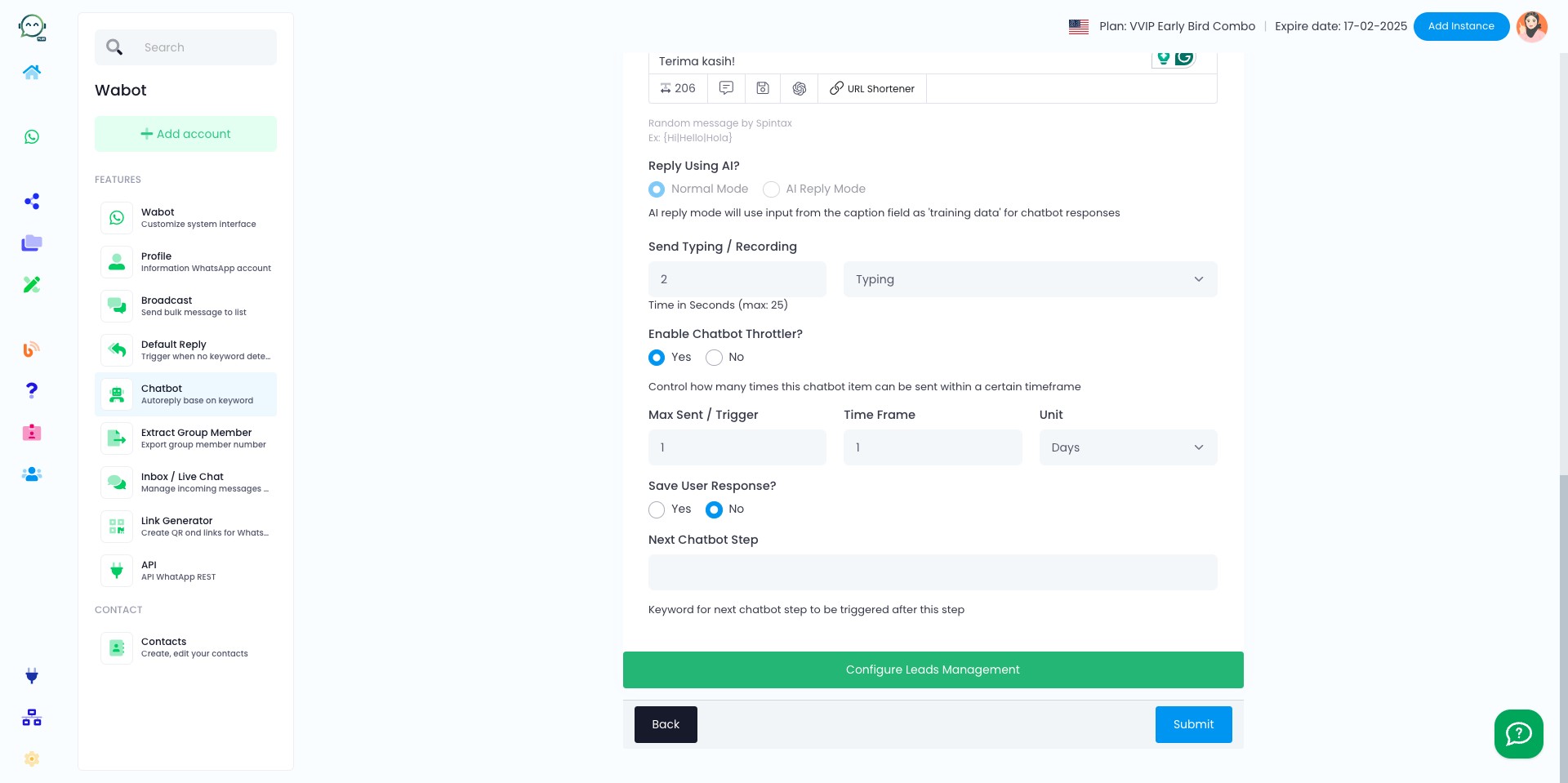
If customers reach out on WhatsApp, you have the option to forward messages to your team, store data for automation, or organize contact groups. Click "no" if this does not apply then click "Submit"
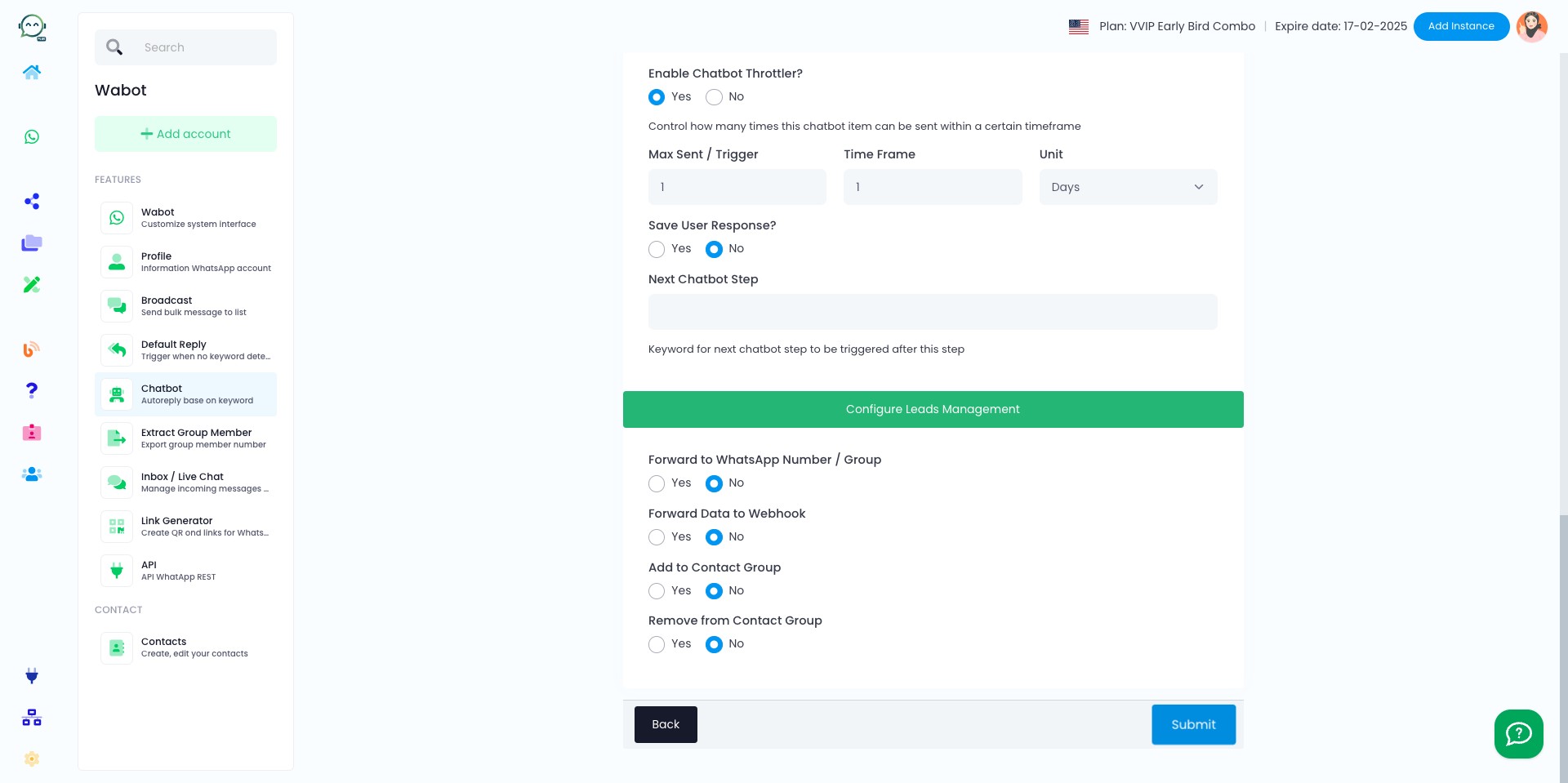
Click "Submit"
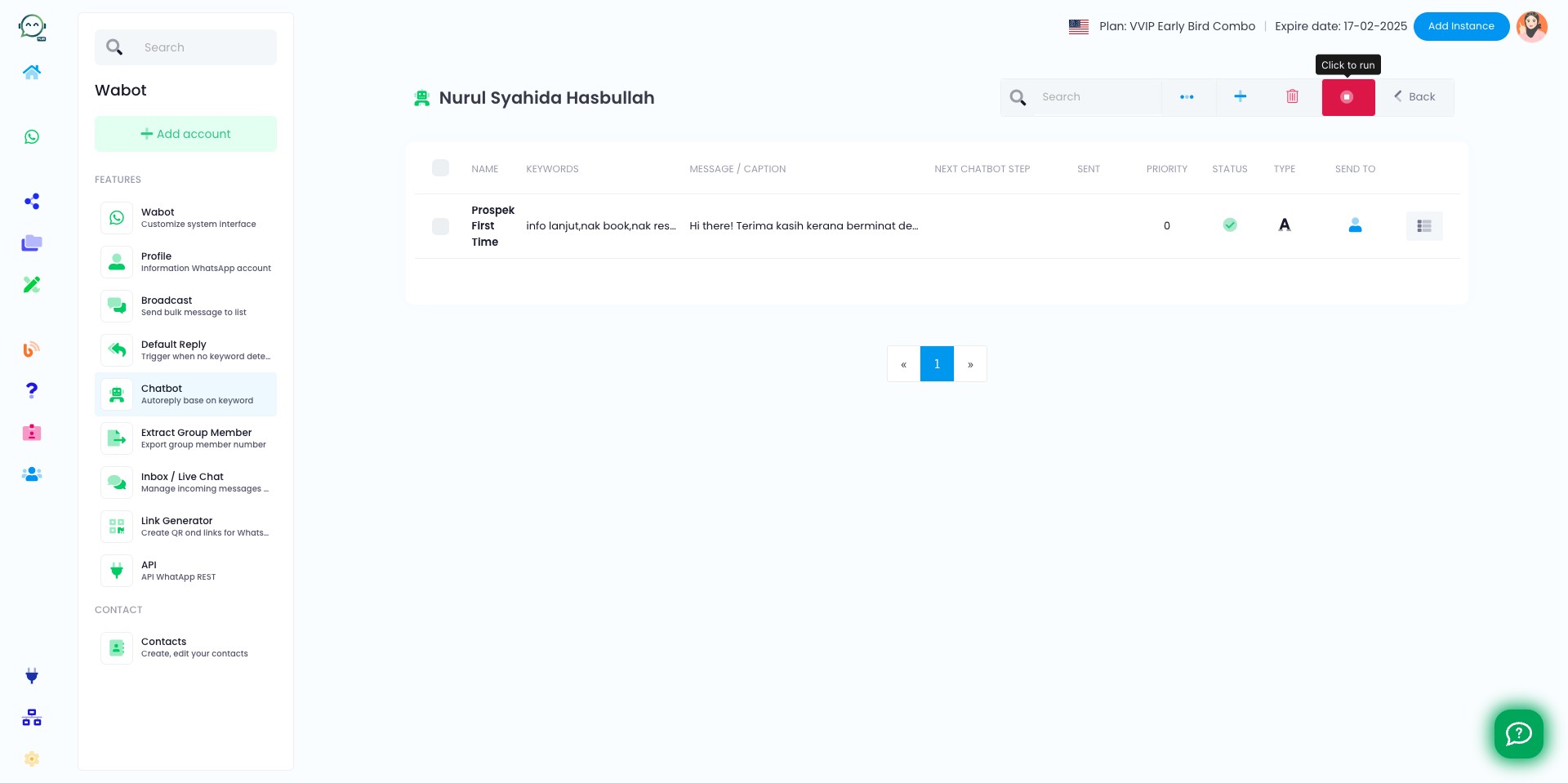
Click this icon to run the chatbot
Once it turns green, you're done 🚀
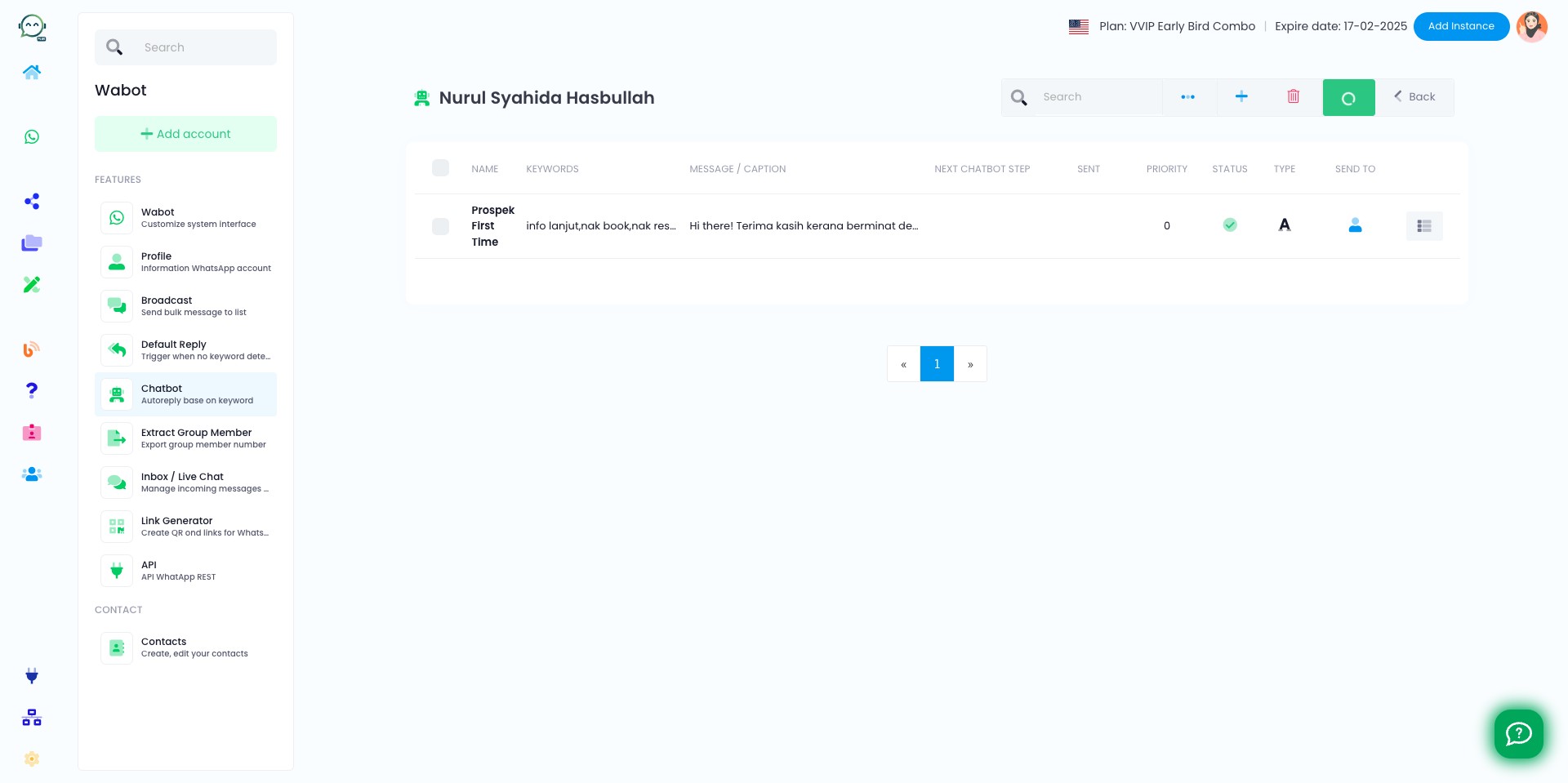
Repeat the same process if you want different keywords to trigger the chatbot, by adding more item list