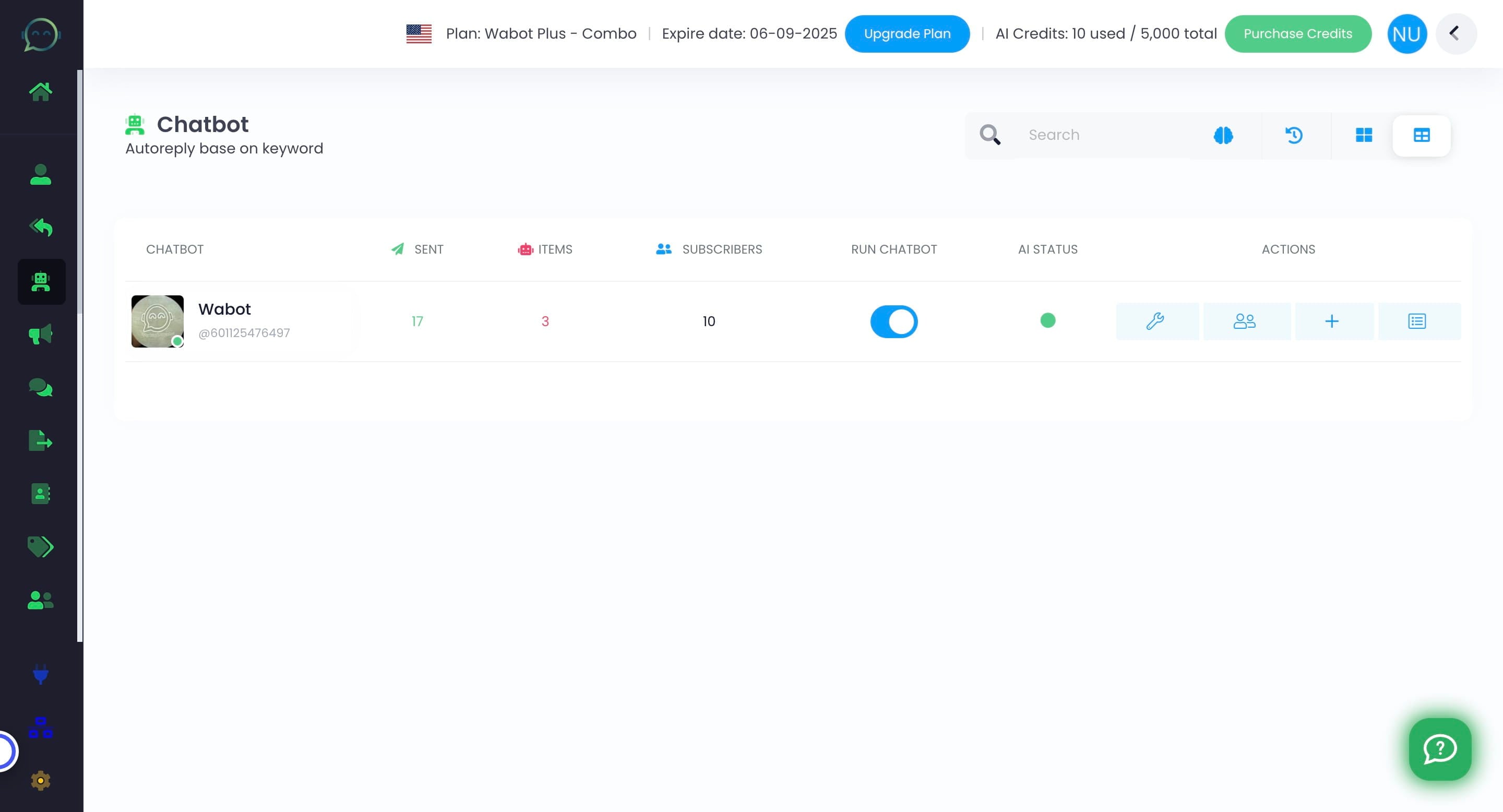
What Does a Red Status Mean on Your AI? How to Fix It Fast
Red means your chatbot AI is not yet active. Kindly follow the steps below to activate your chatbot AI
Apr 30, 2025●
1
Navigate to https://app.wabot.my/whatsapp_chatbot
2
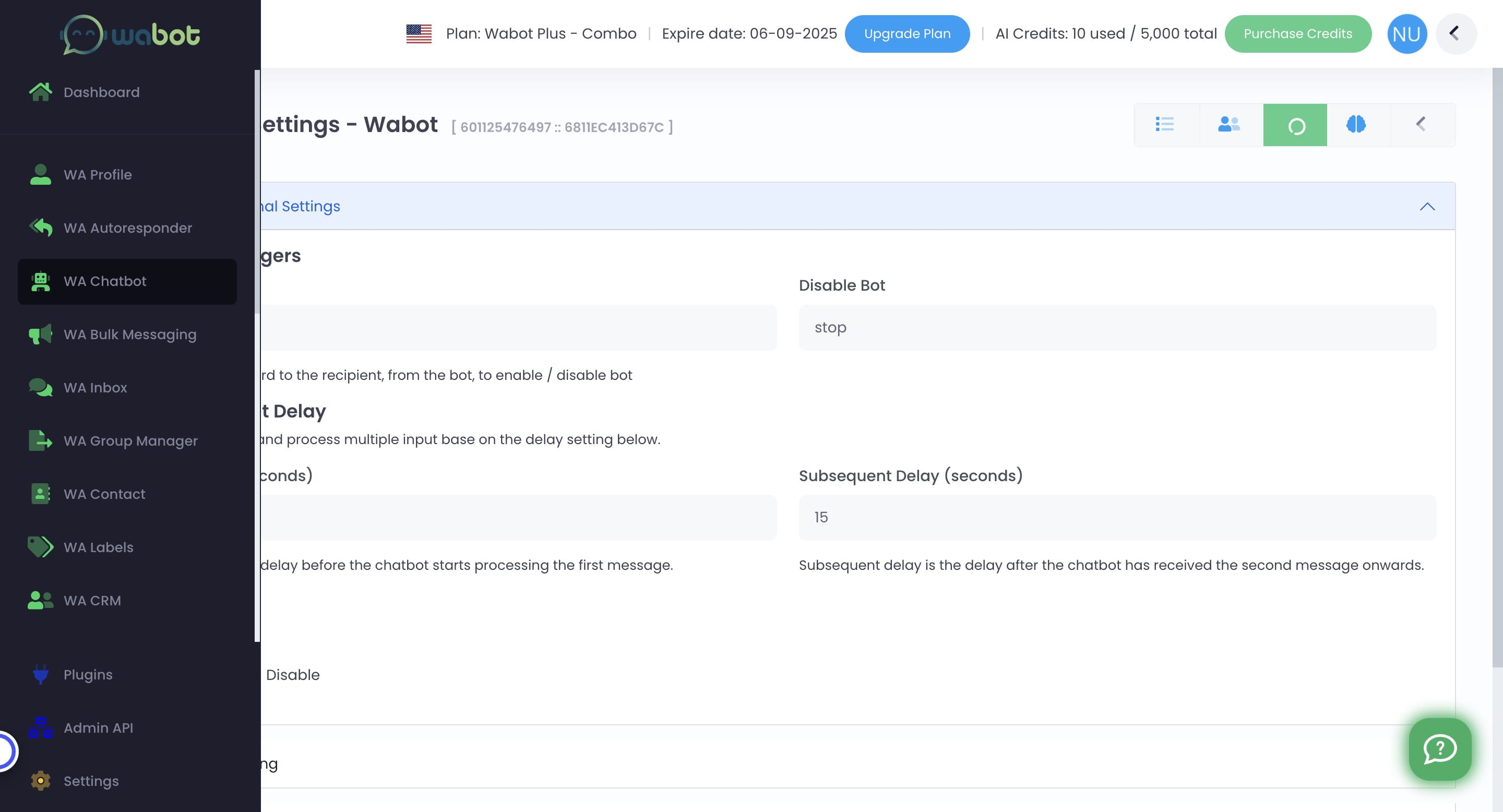
Go to settings
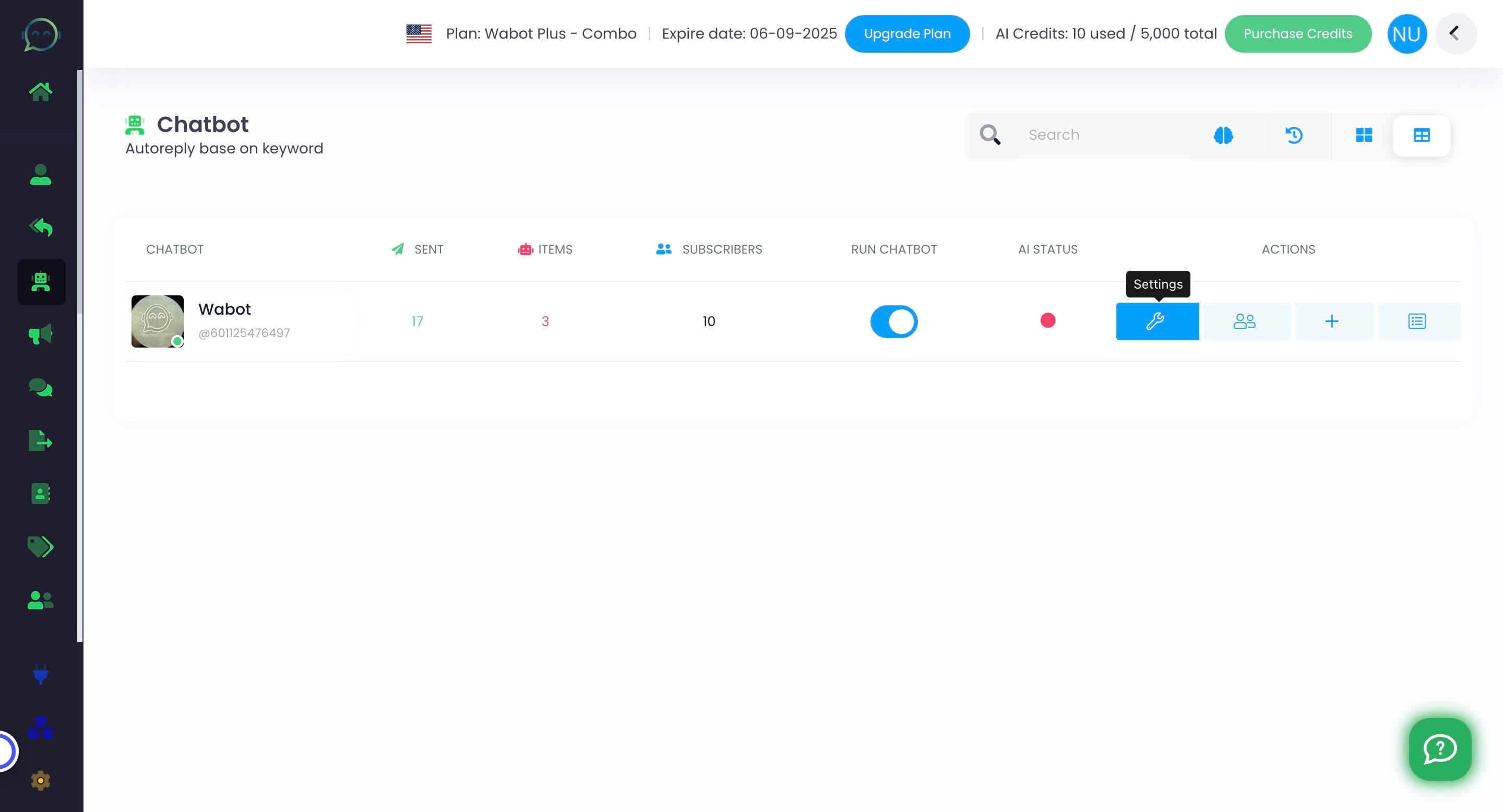

3
Click here to enable the chatbot AI
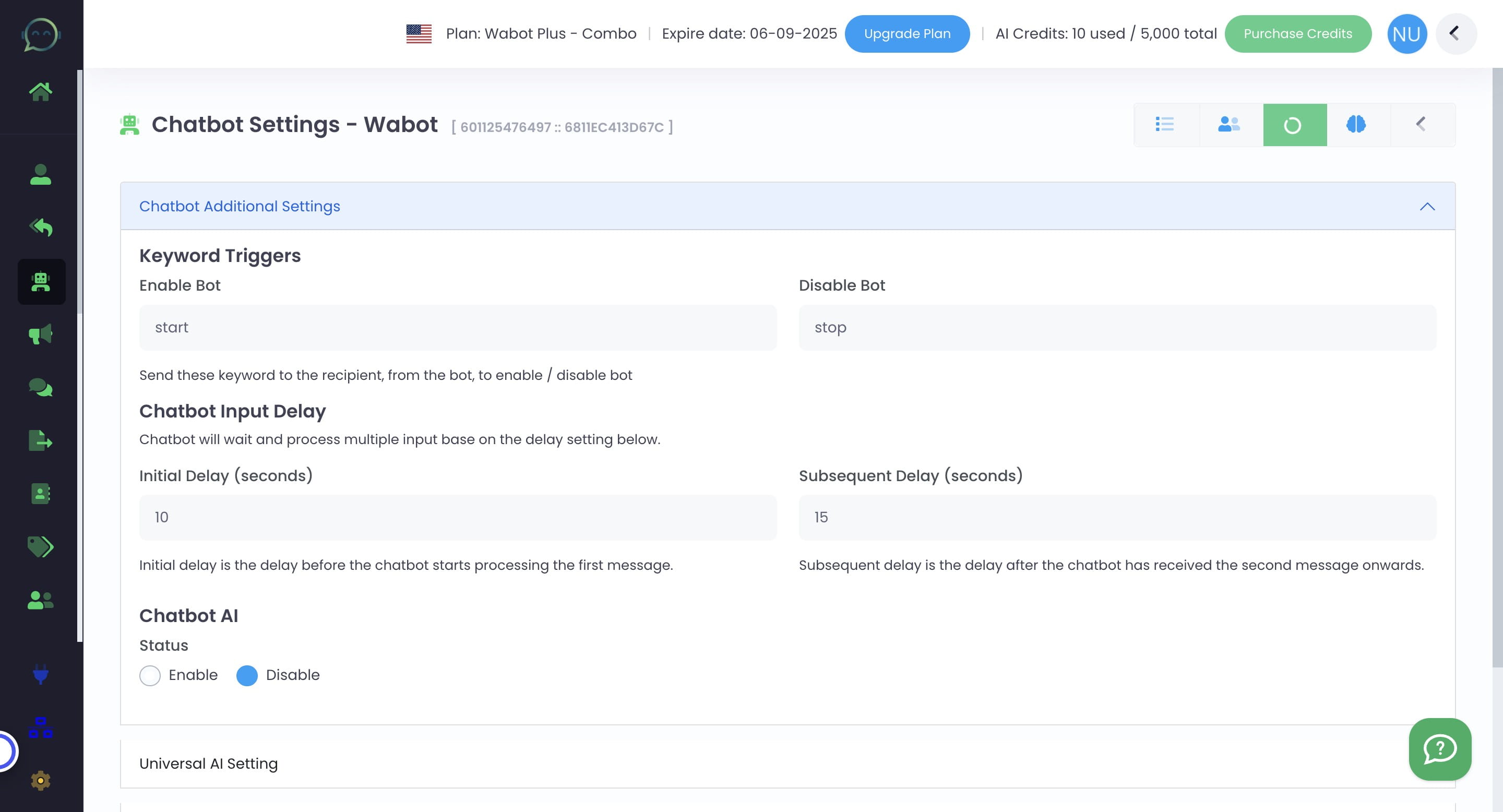
4
Click on "Save"
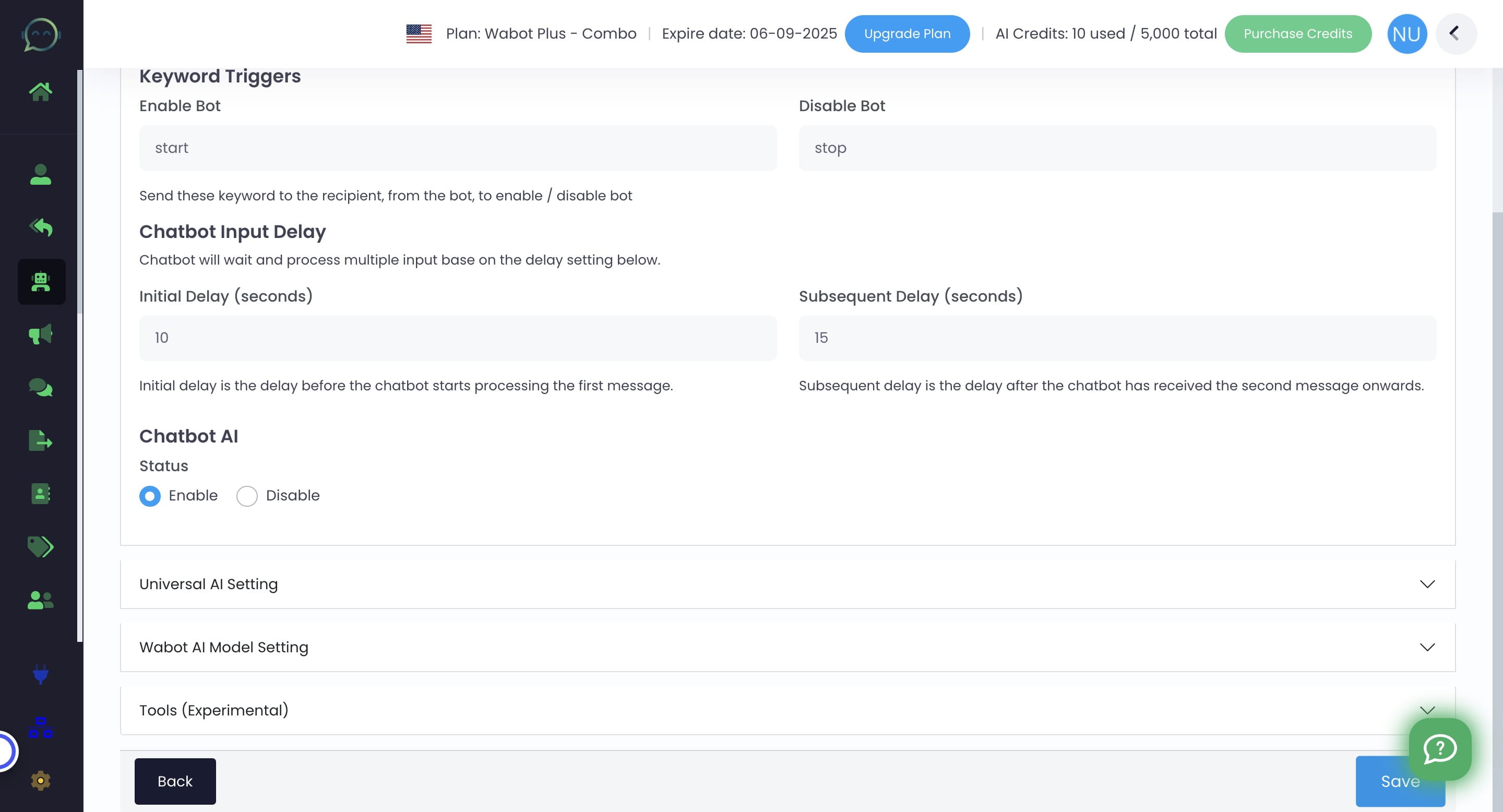
5
Click on "WA Chatbot"
6
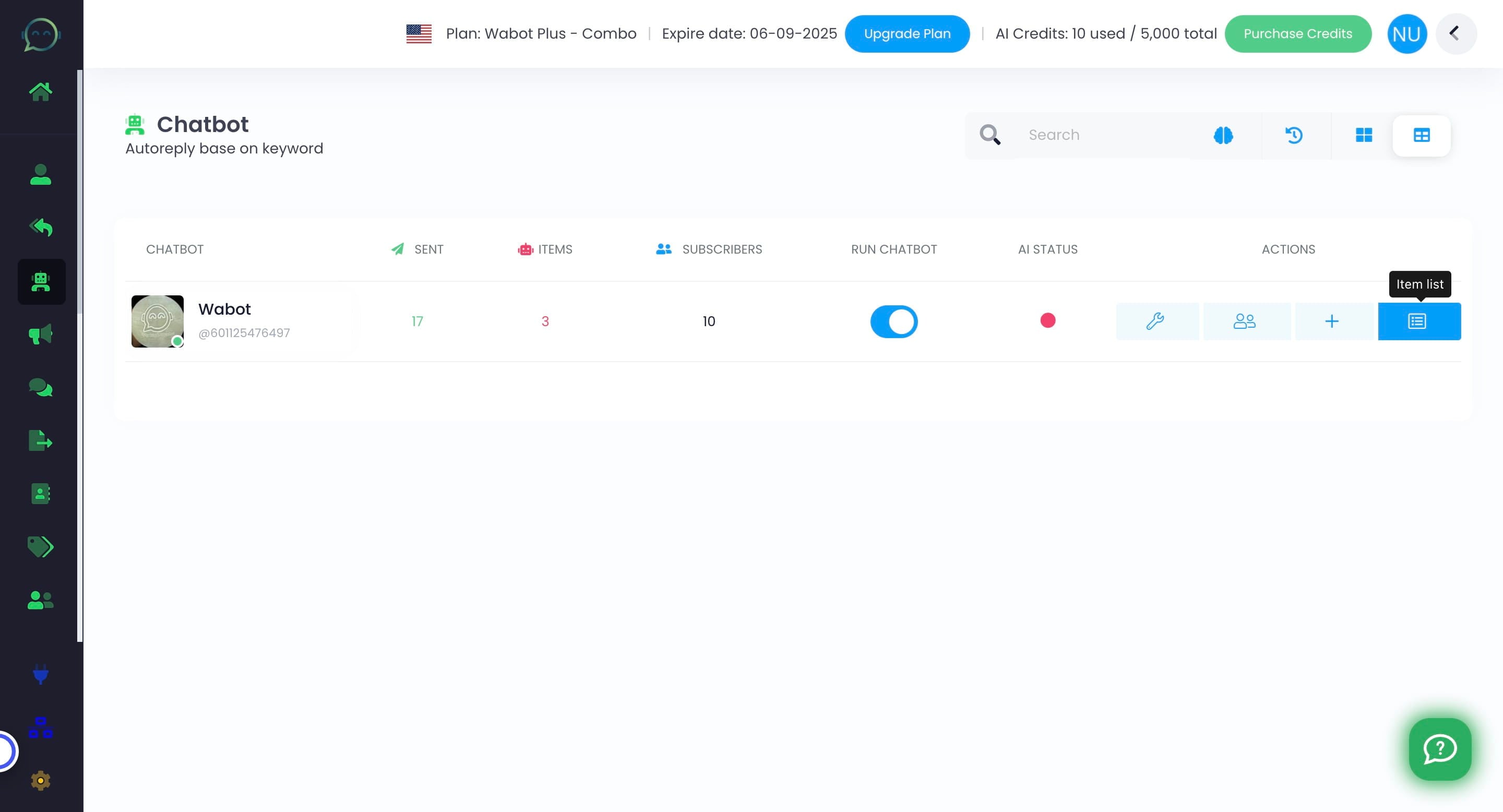
Go to Item List
7
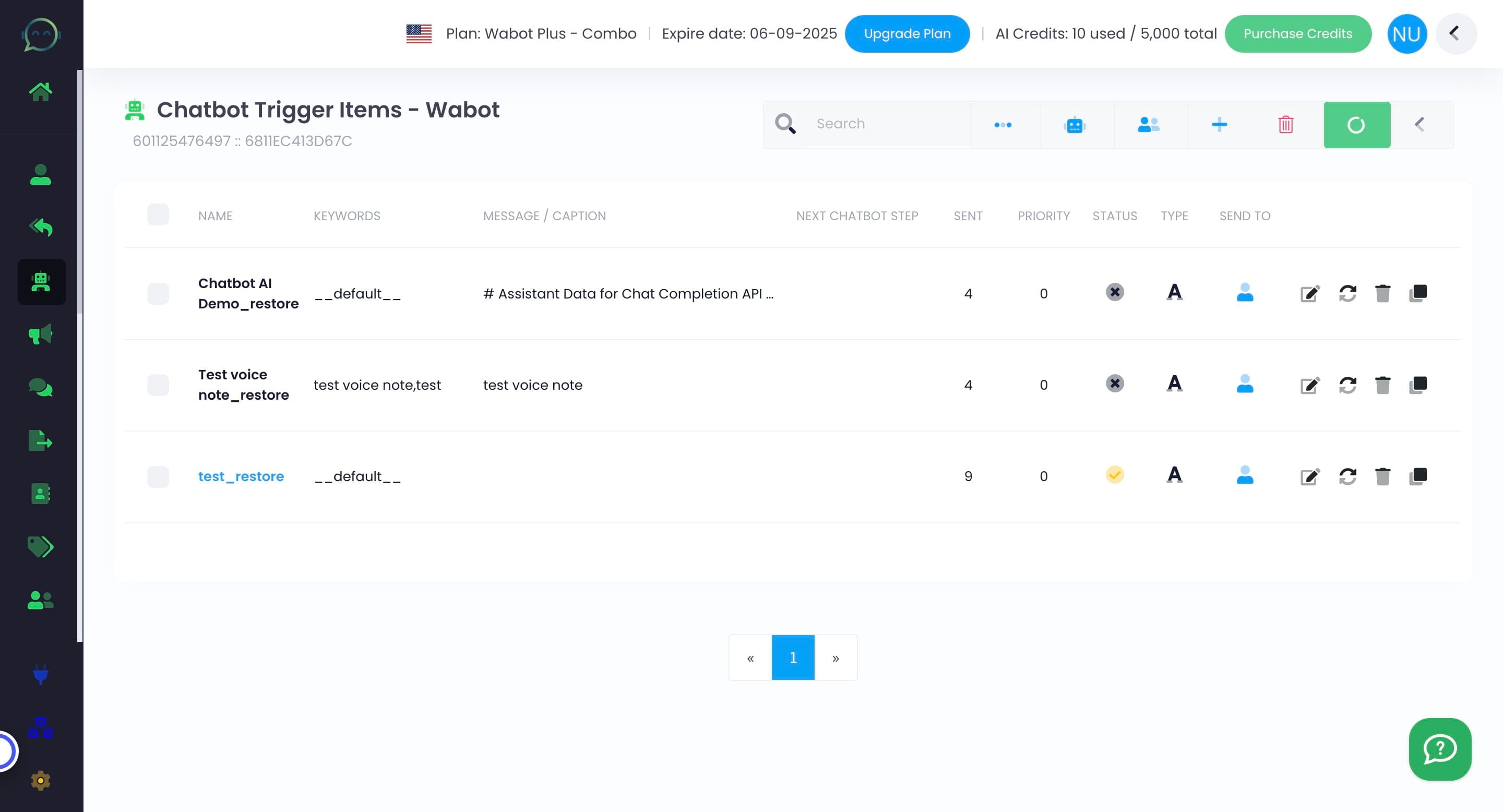
Click on the item list that you have set for chatbot AI
8
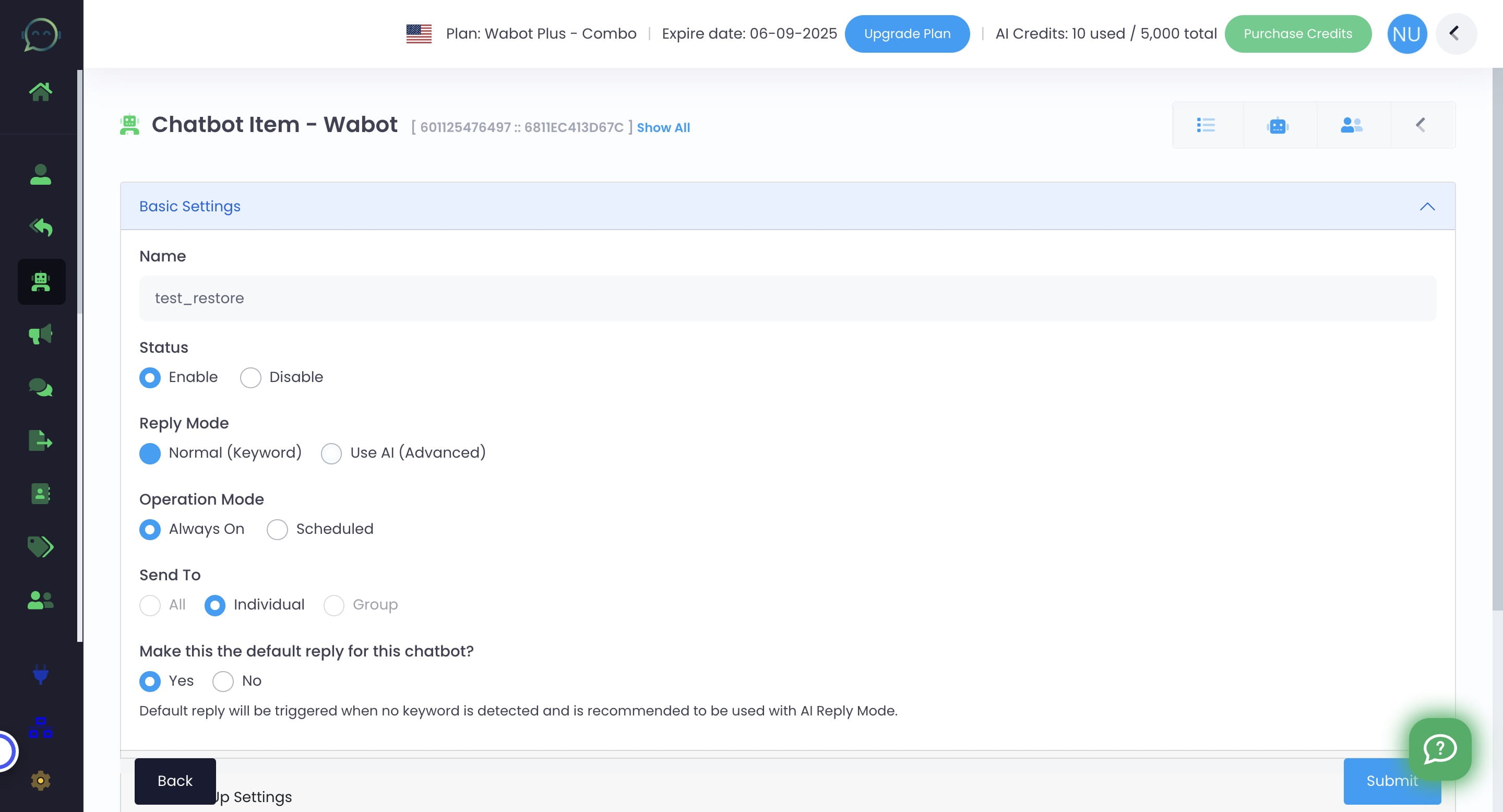
Click to use AI
9
Click on "Submit"
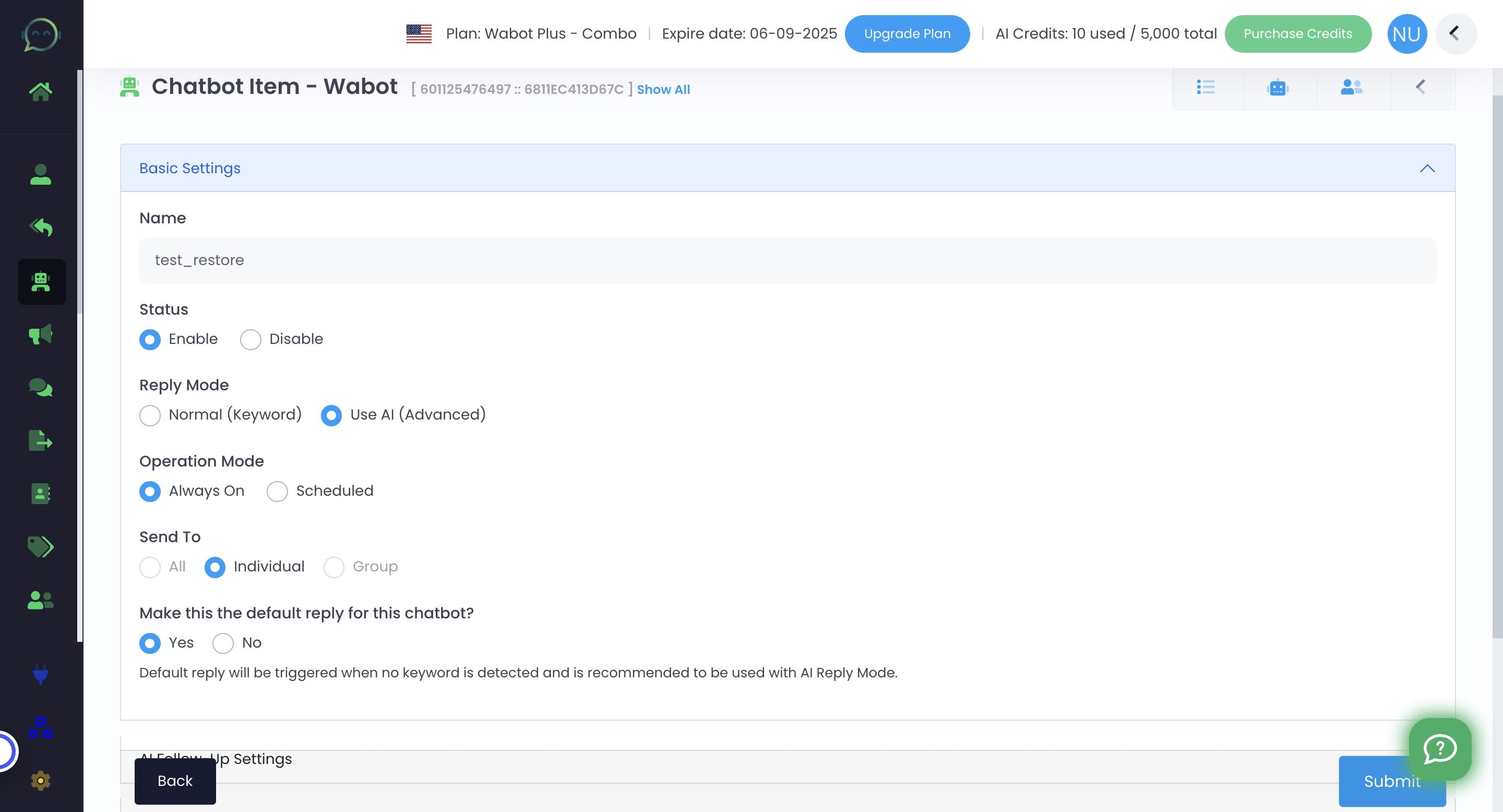
10
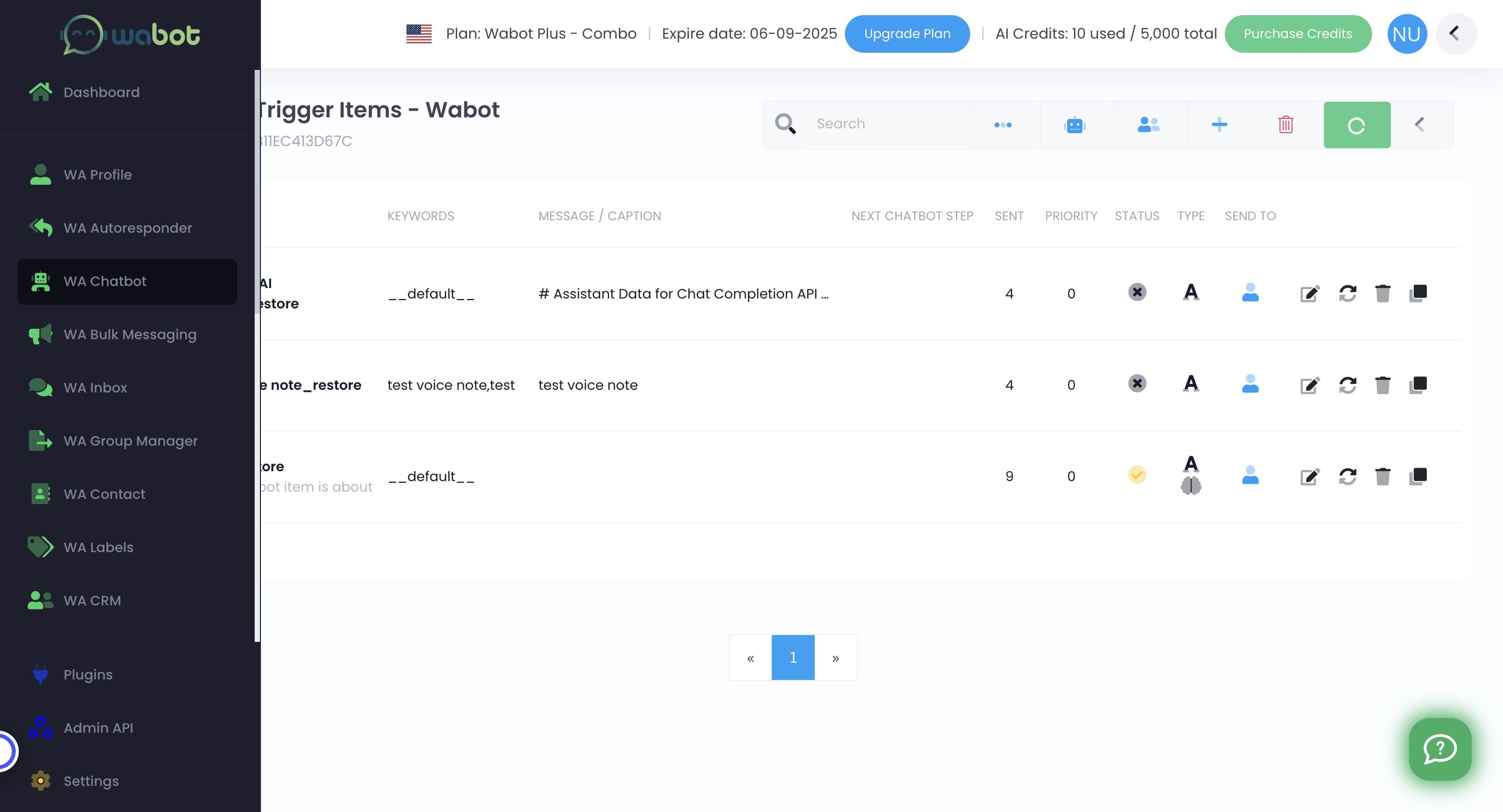
Click on "WA Chatbot" to check whether the "red" mark disappear or not
11
It ;s already green. Chatbot AI is now active 🚀