How To Insert Image In Chatbot AI
Jan 10, 2025●
1
Navigate to https://app.wabot.my/dashboard
2
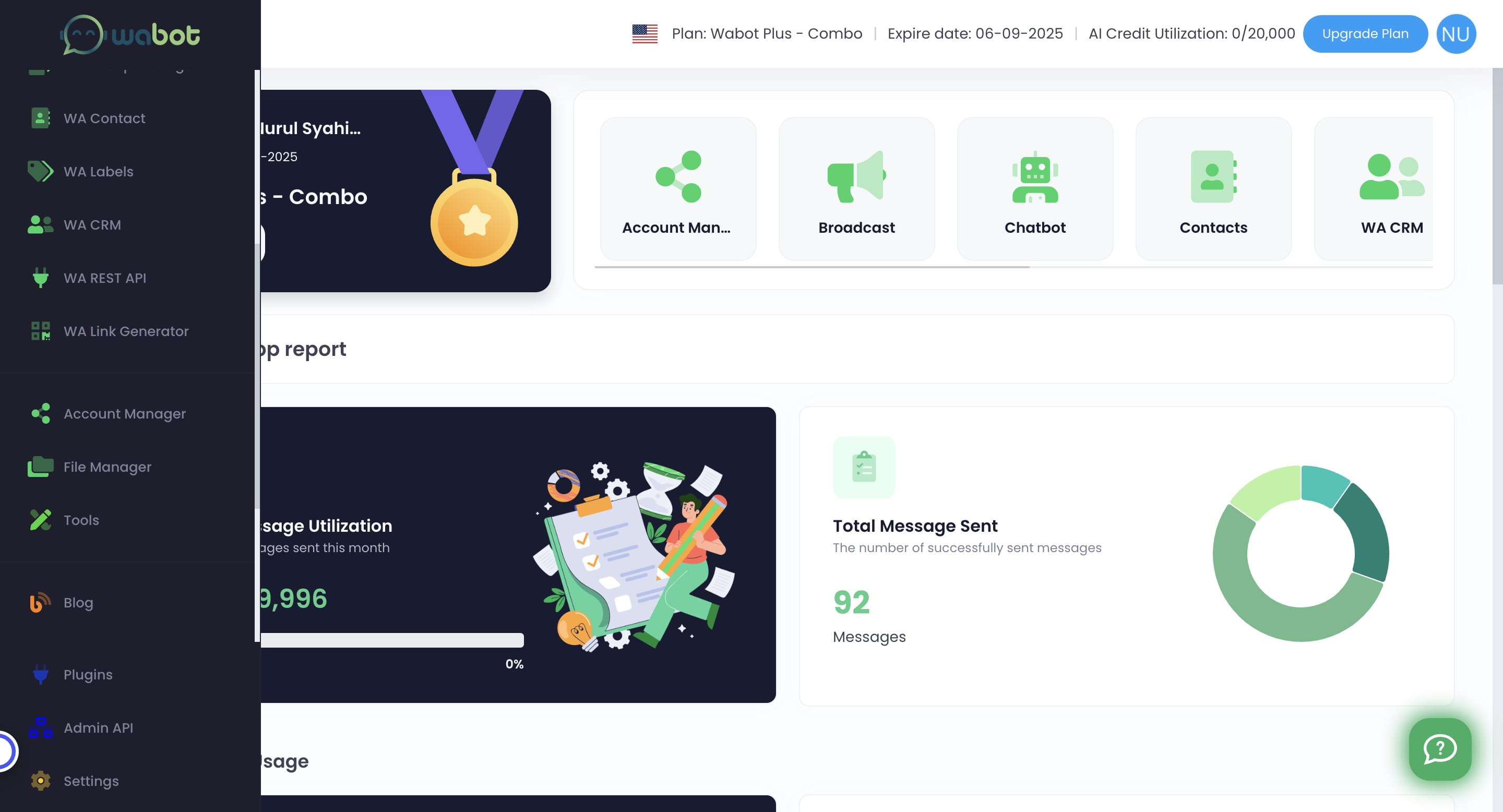
Click on "File Manager"

3
Browse the media you want to upload
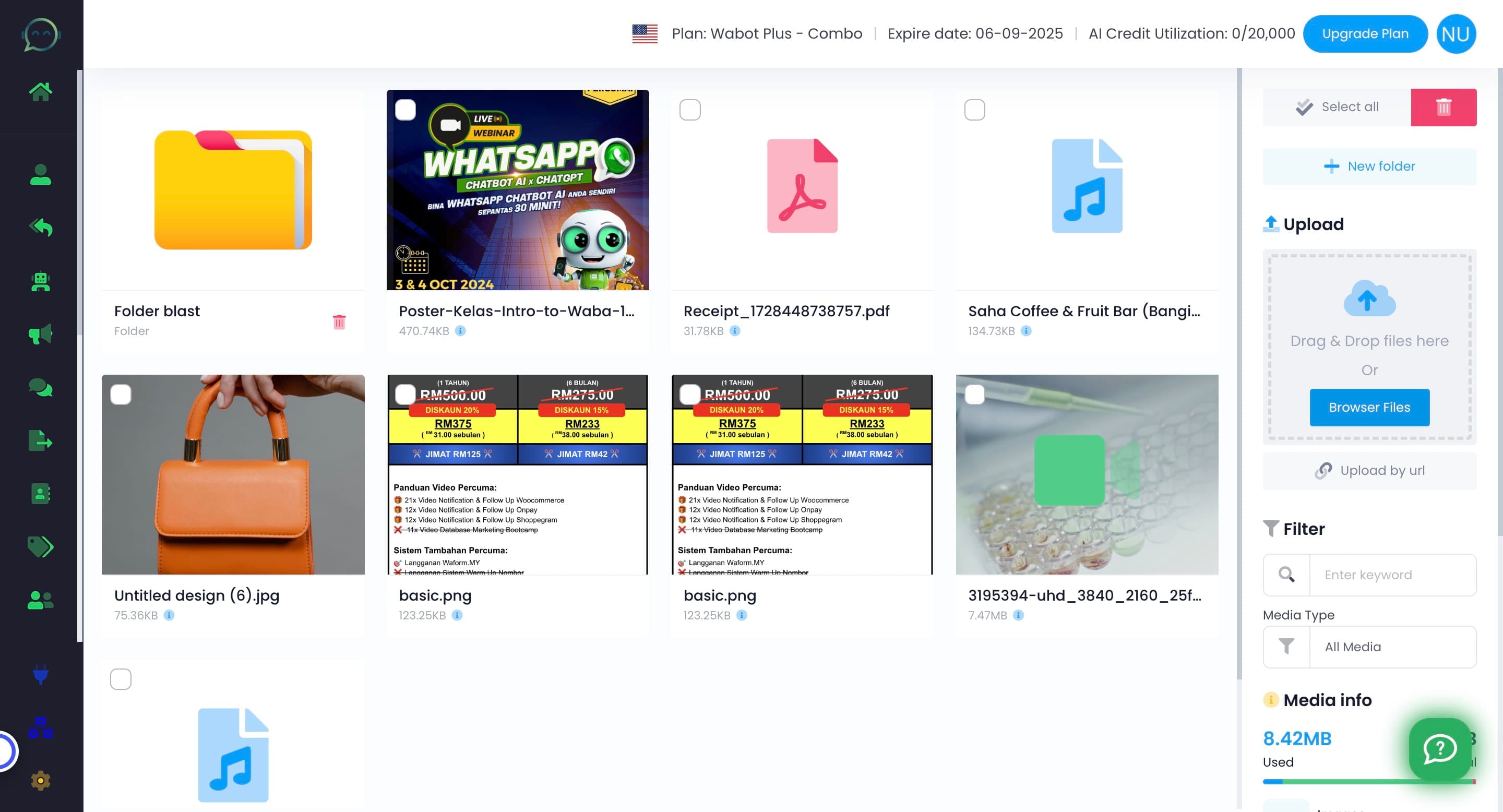
4
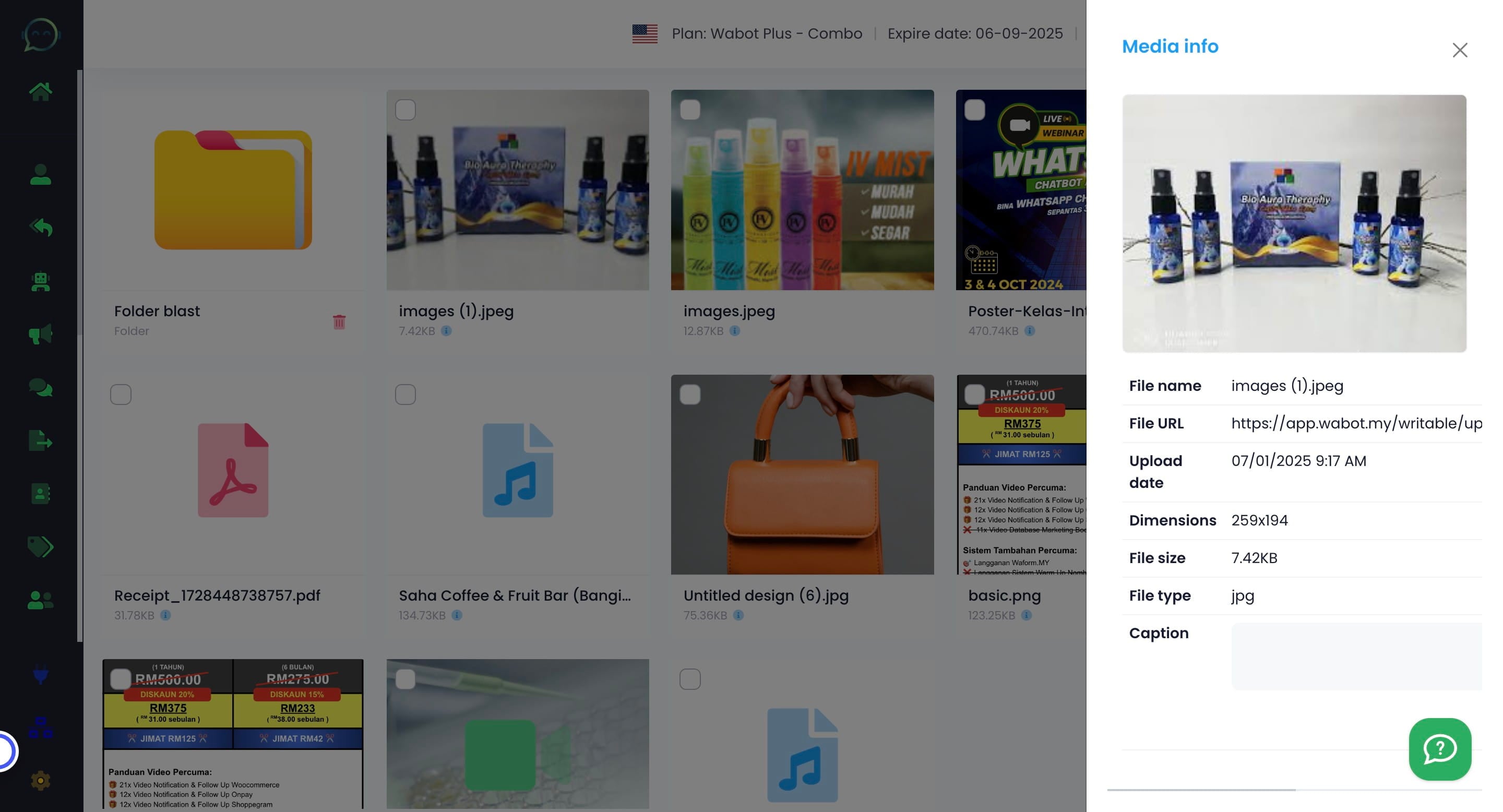
Once uploaded, you can click on this blue icon to get the URL
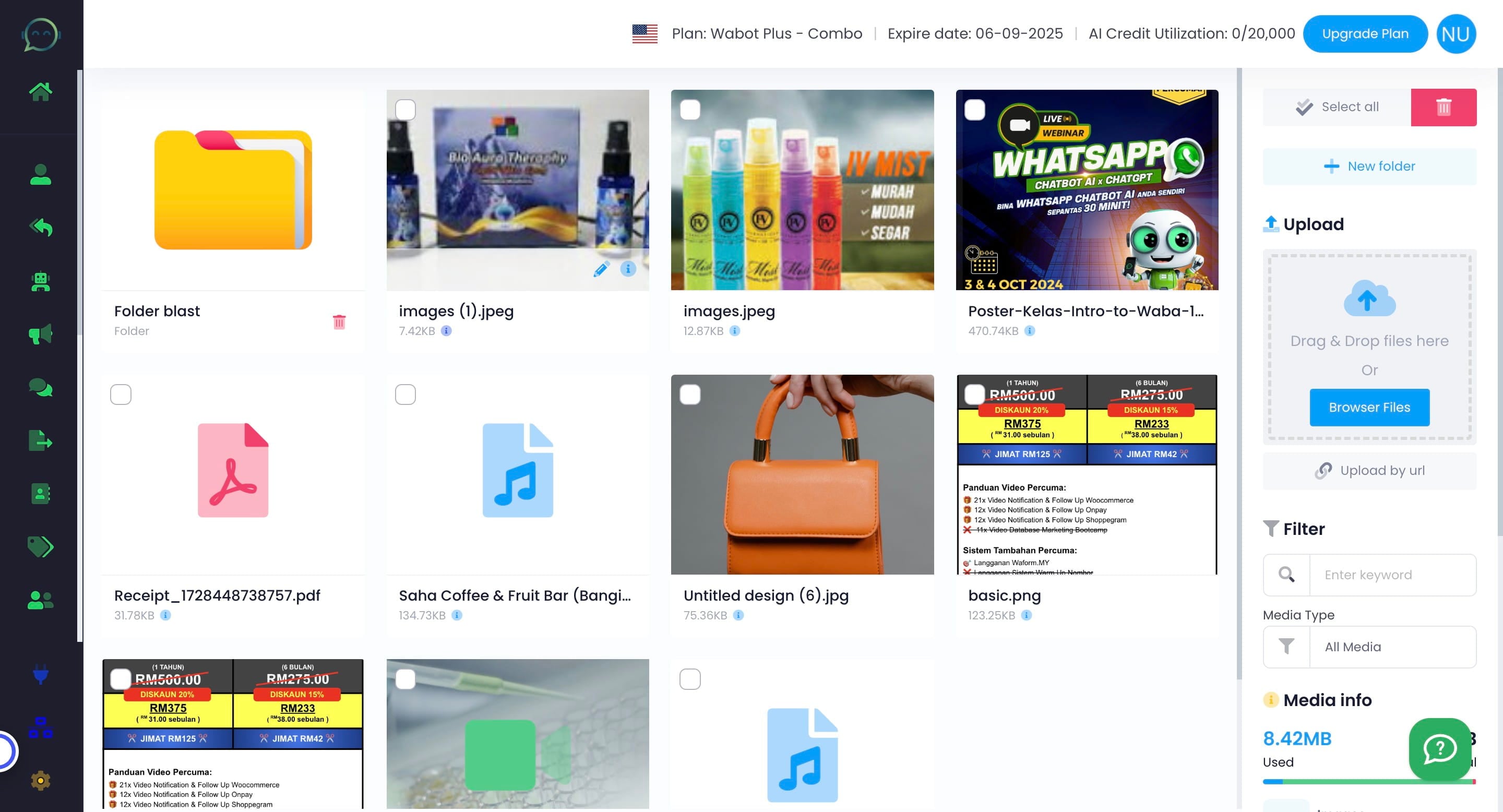
5
Copy the file URL and make sure to copy the full URL
6
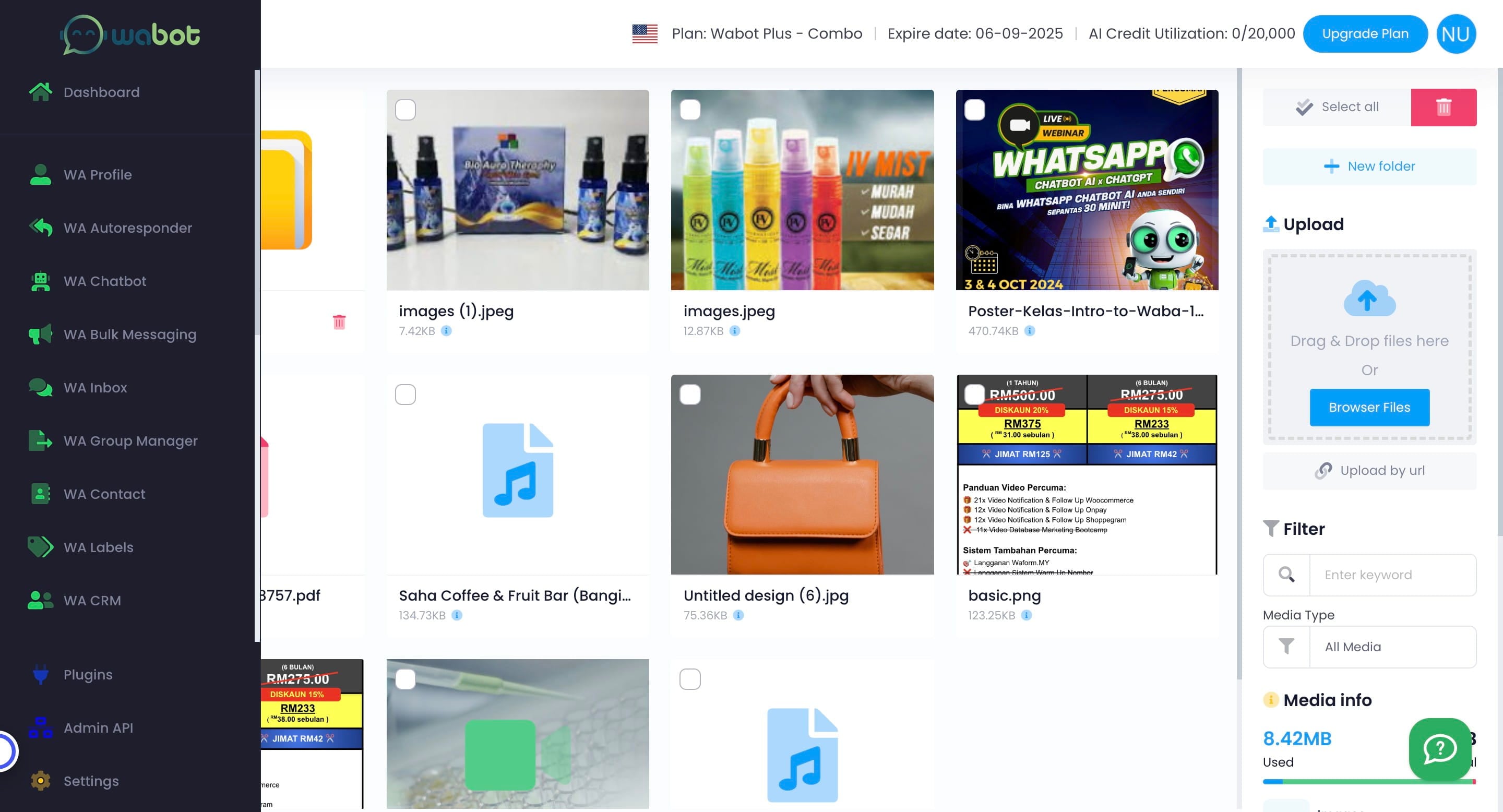
Now it's time to insert the link inside the AI Role Guide/Persona. Click on "WA Chatbot"
7
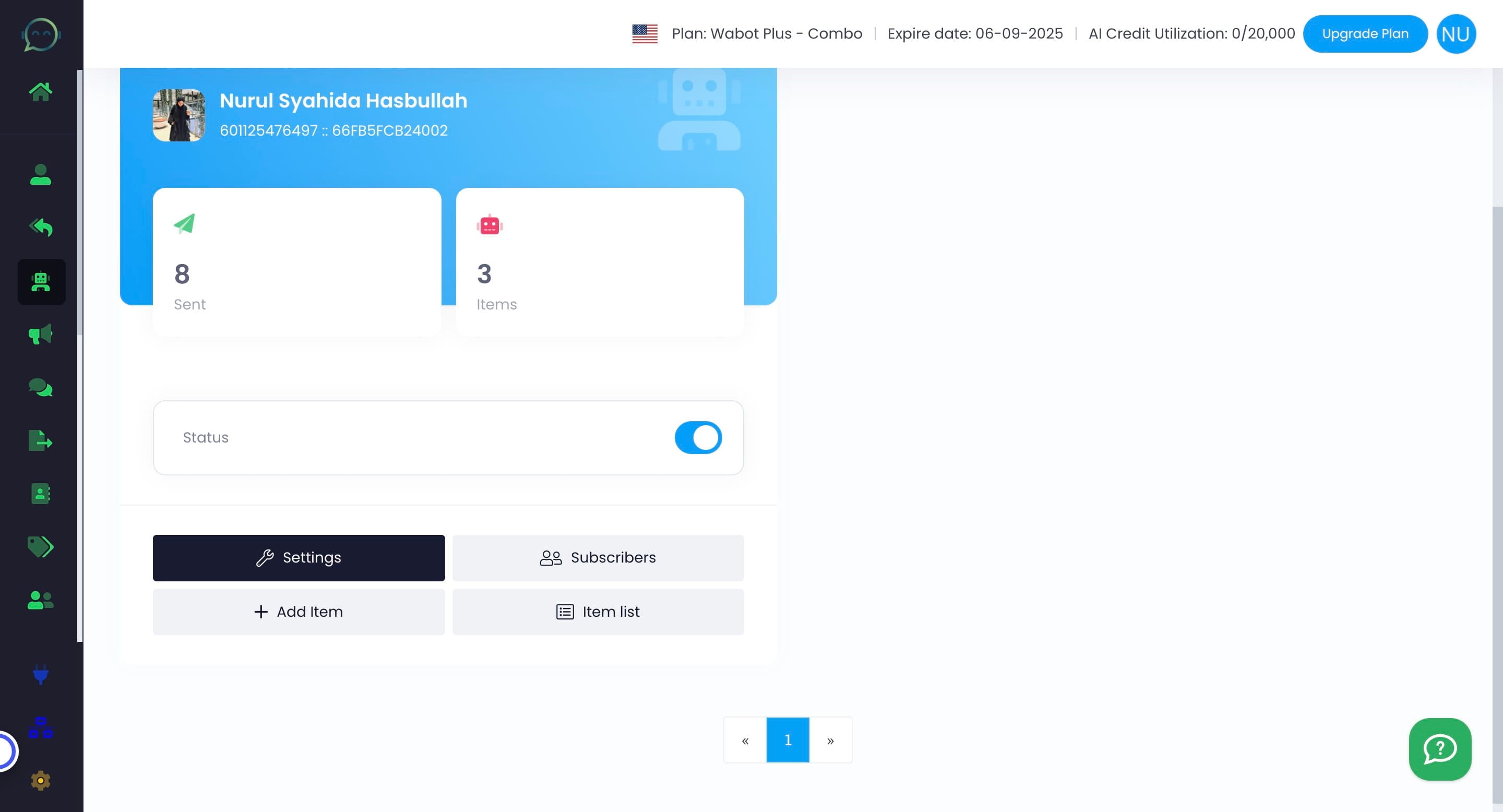
Click on settings
8
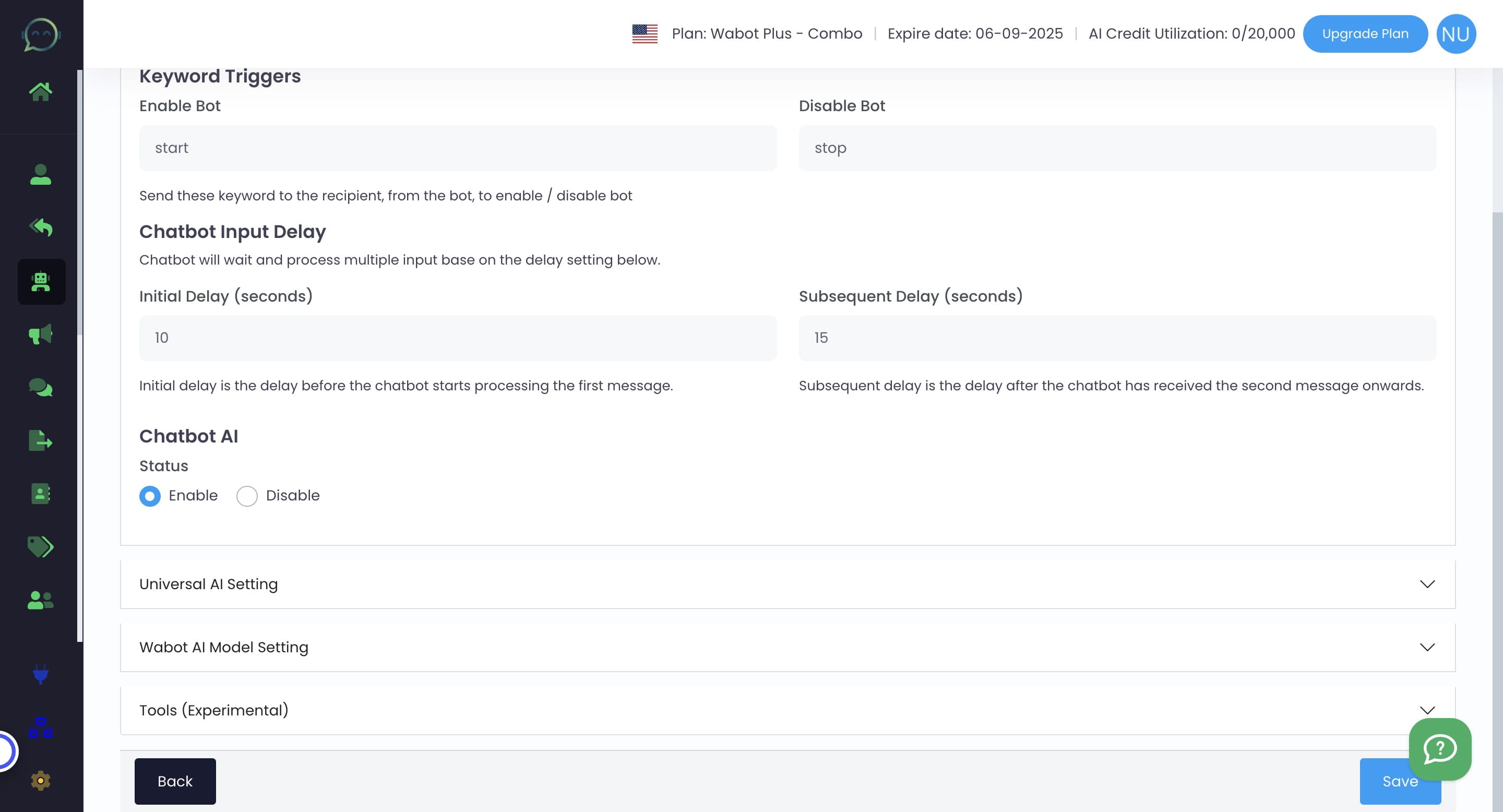
Click on "Wabot AI Model Setting"
9
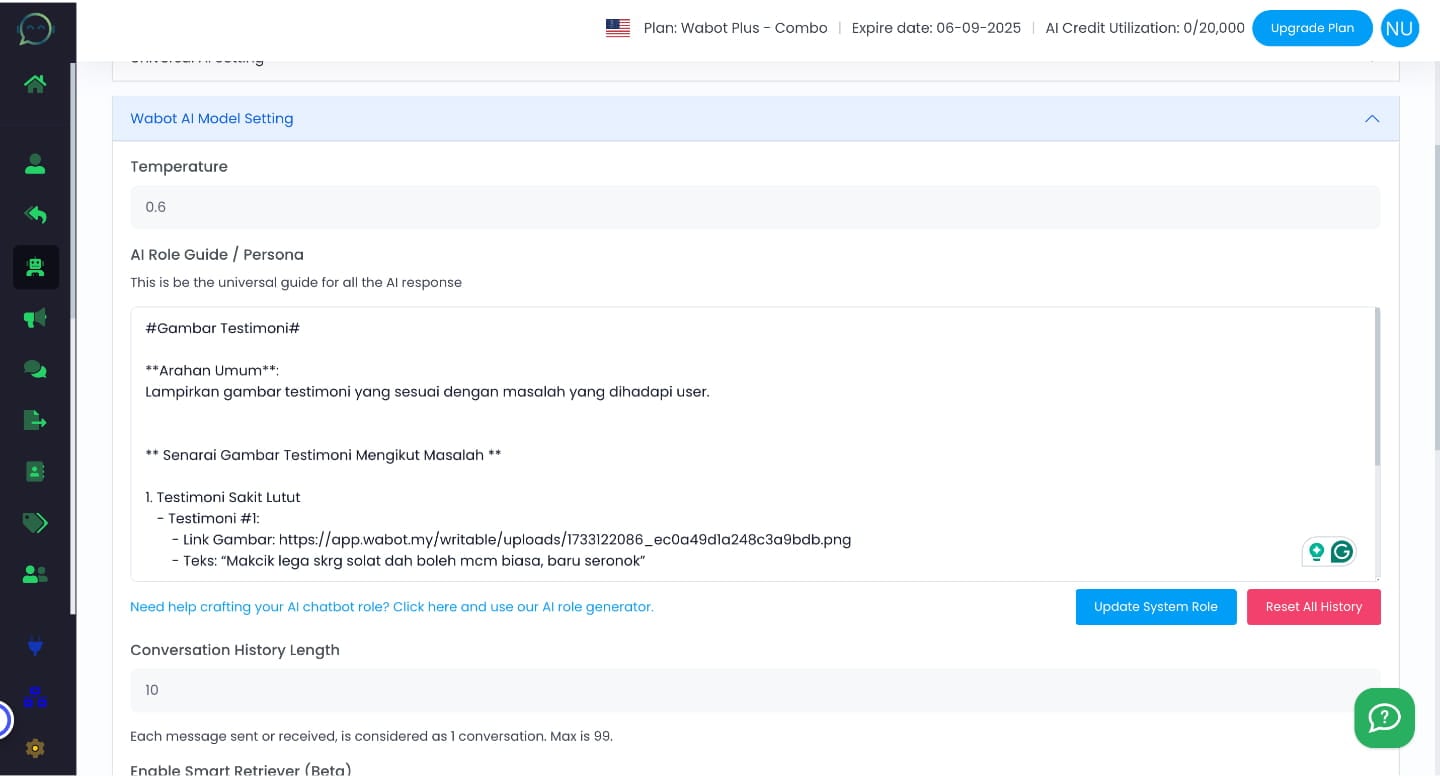
Here is a sample prompt for image insertion. Make sure to include the media link, media description, and specify when to use the media
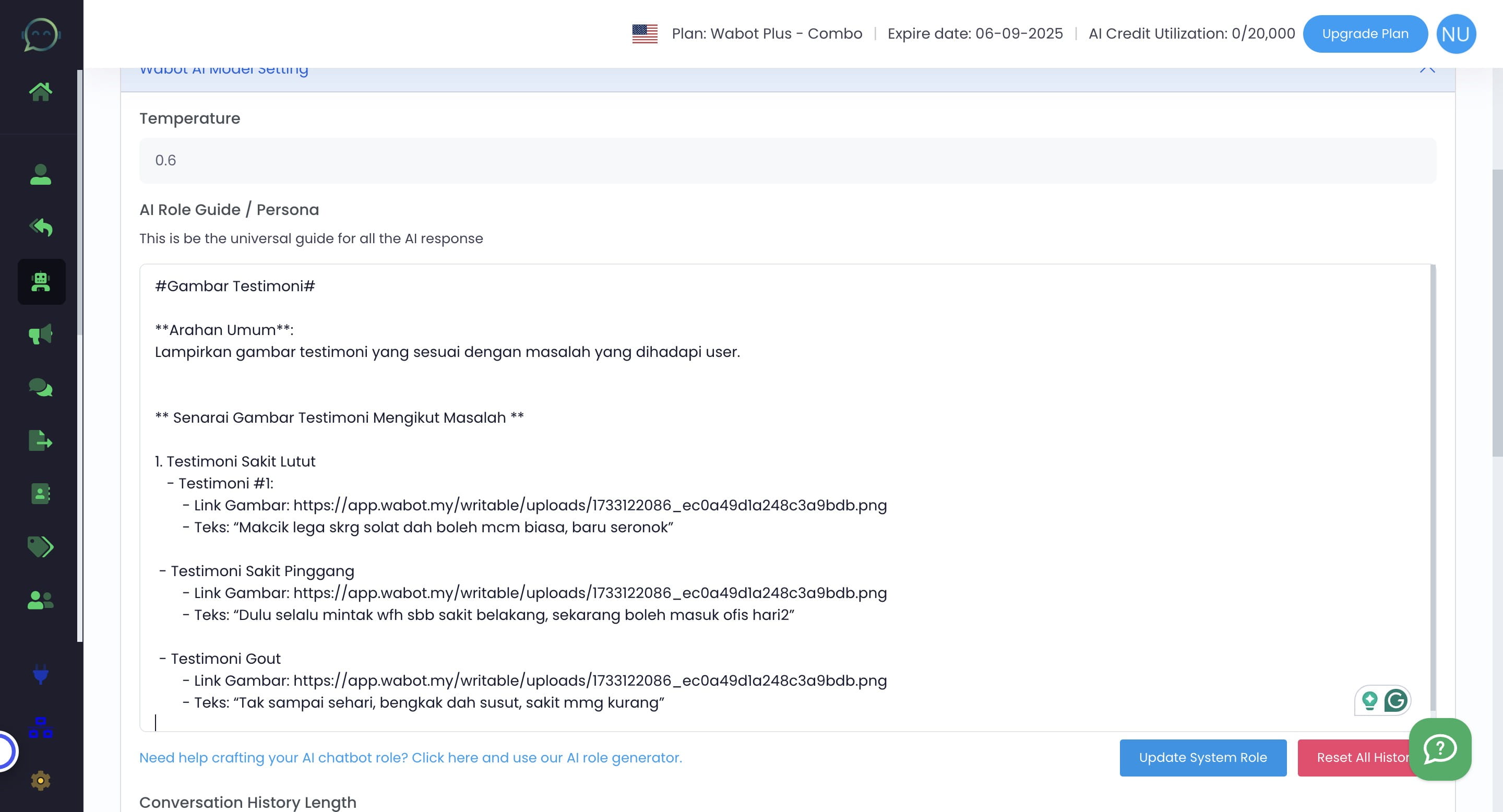
Ensure that the arrangement is clear so that AI can understand which link corresponds to which image
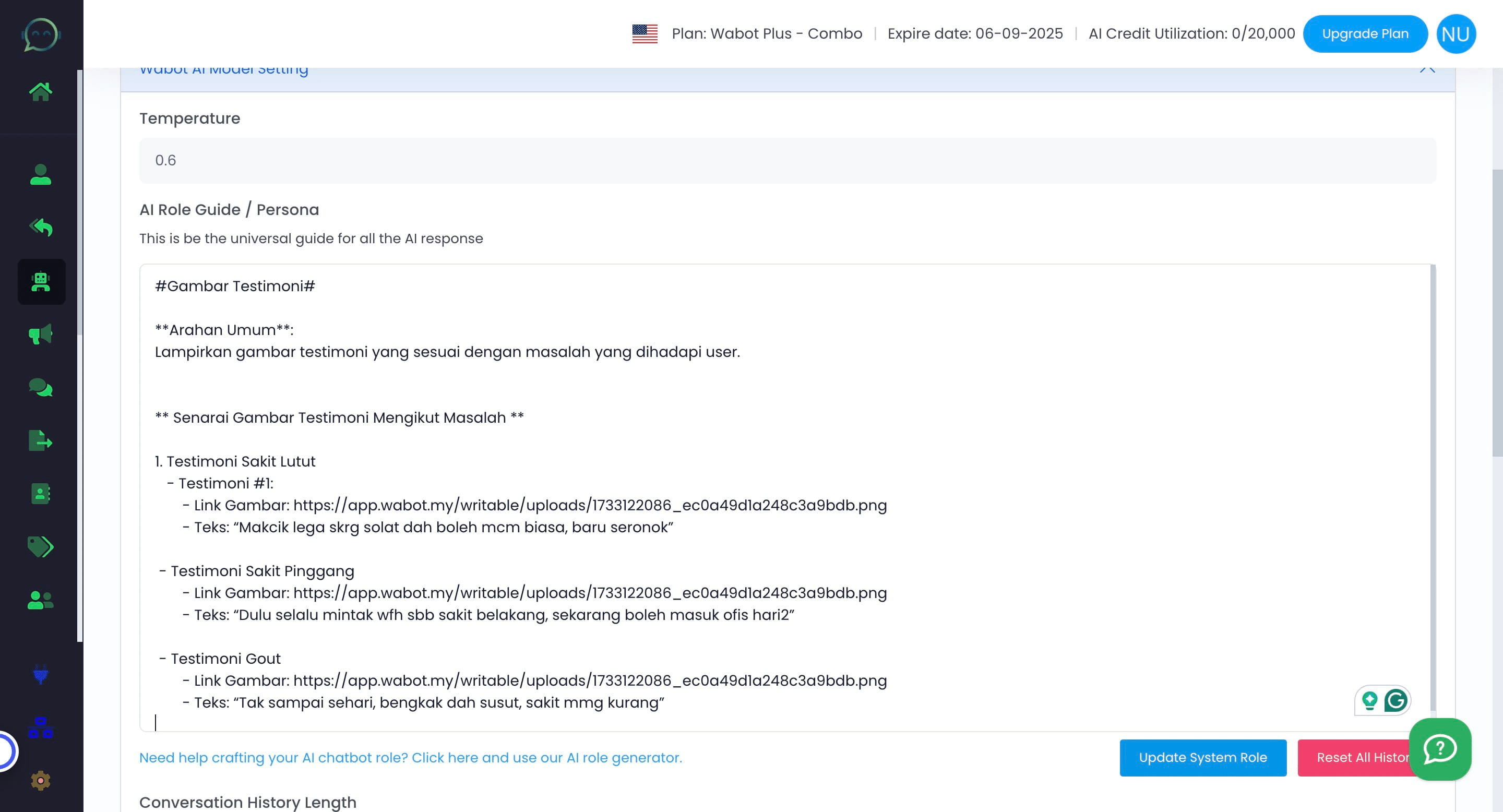
10
Click on "Update System Role"
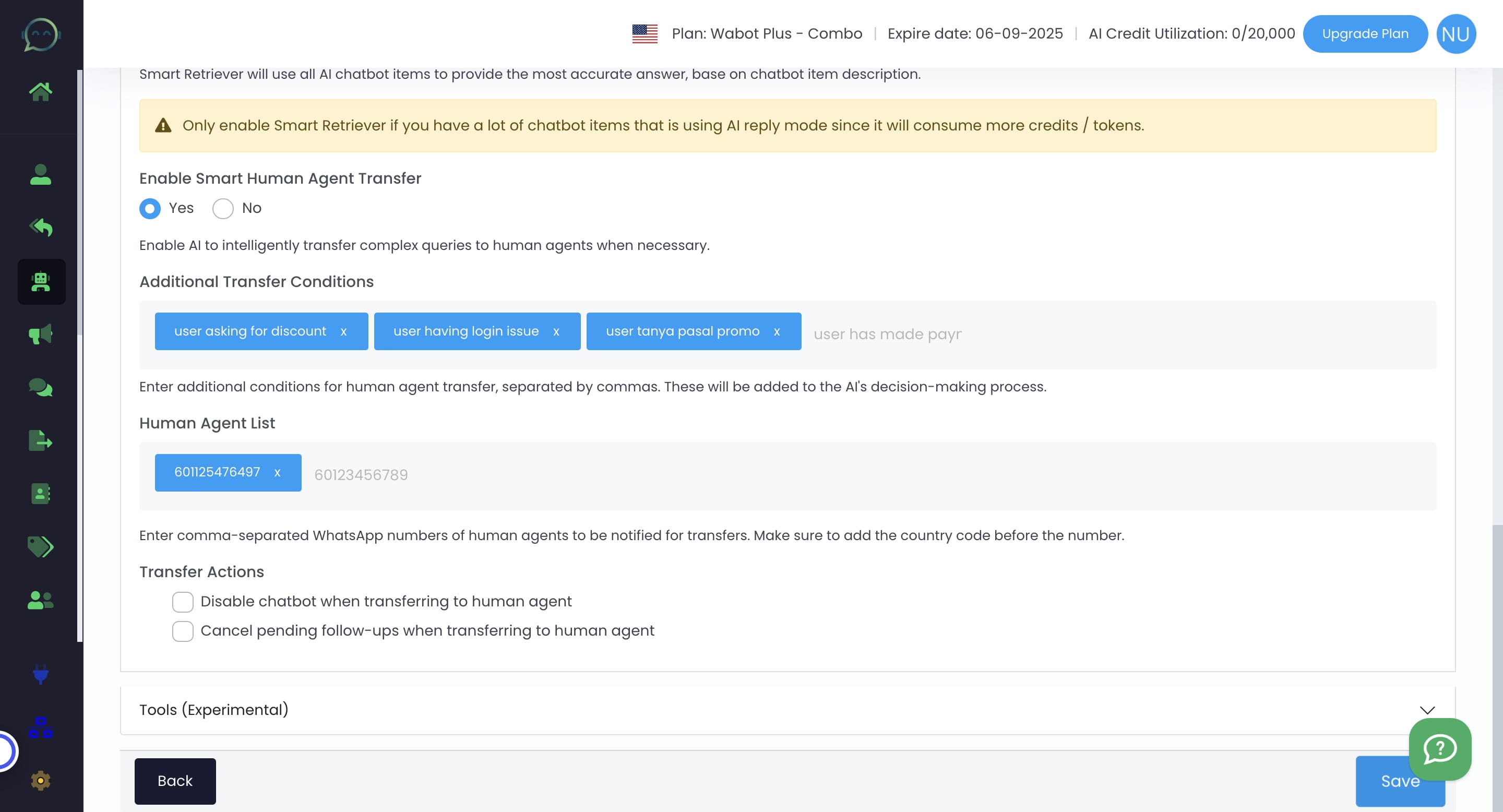
11
Click on "Save"
12
Done 🚀
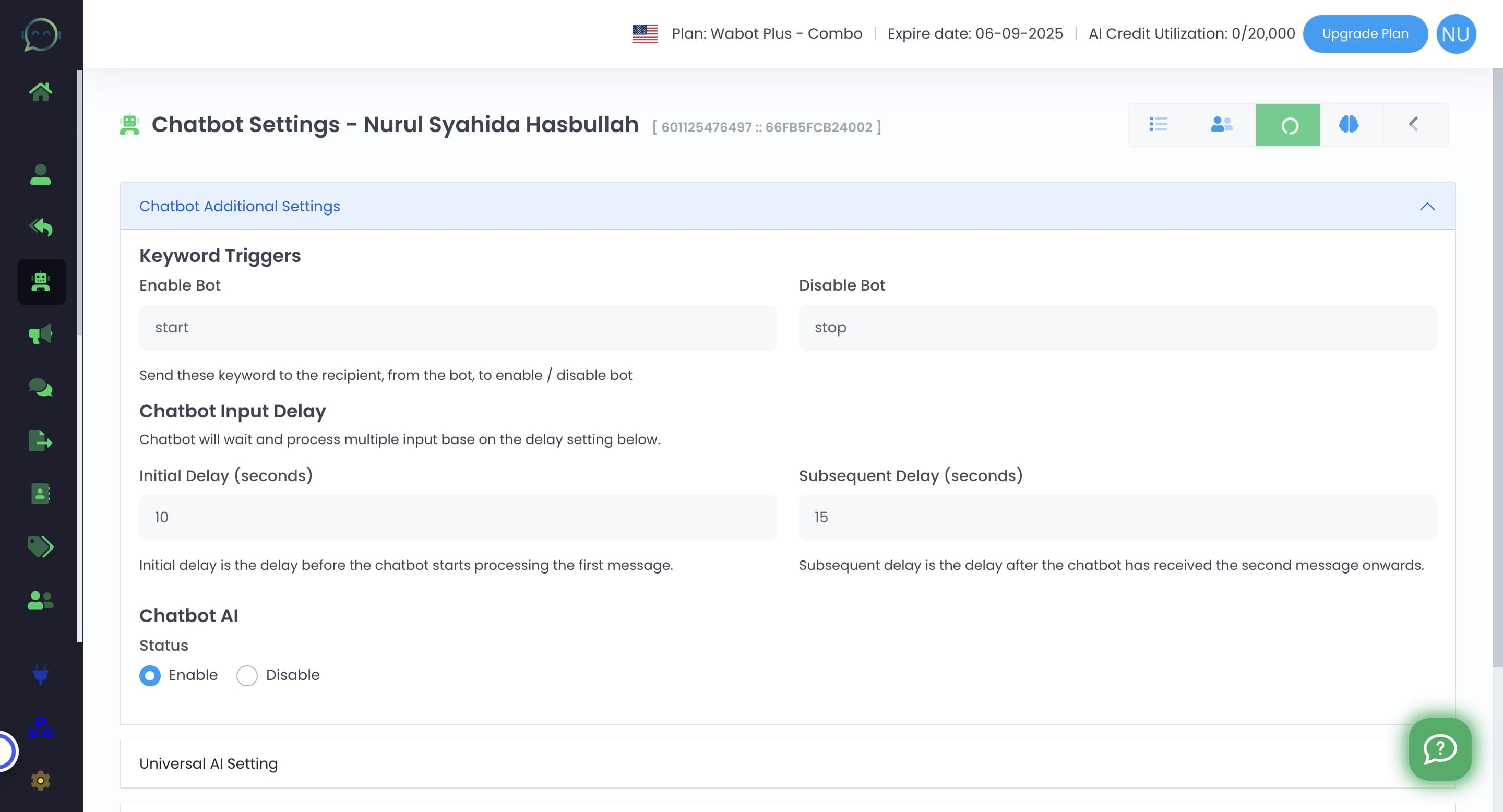
If the chatbot still doesn't provide the image, make sure to click on the "reset all history" button