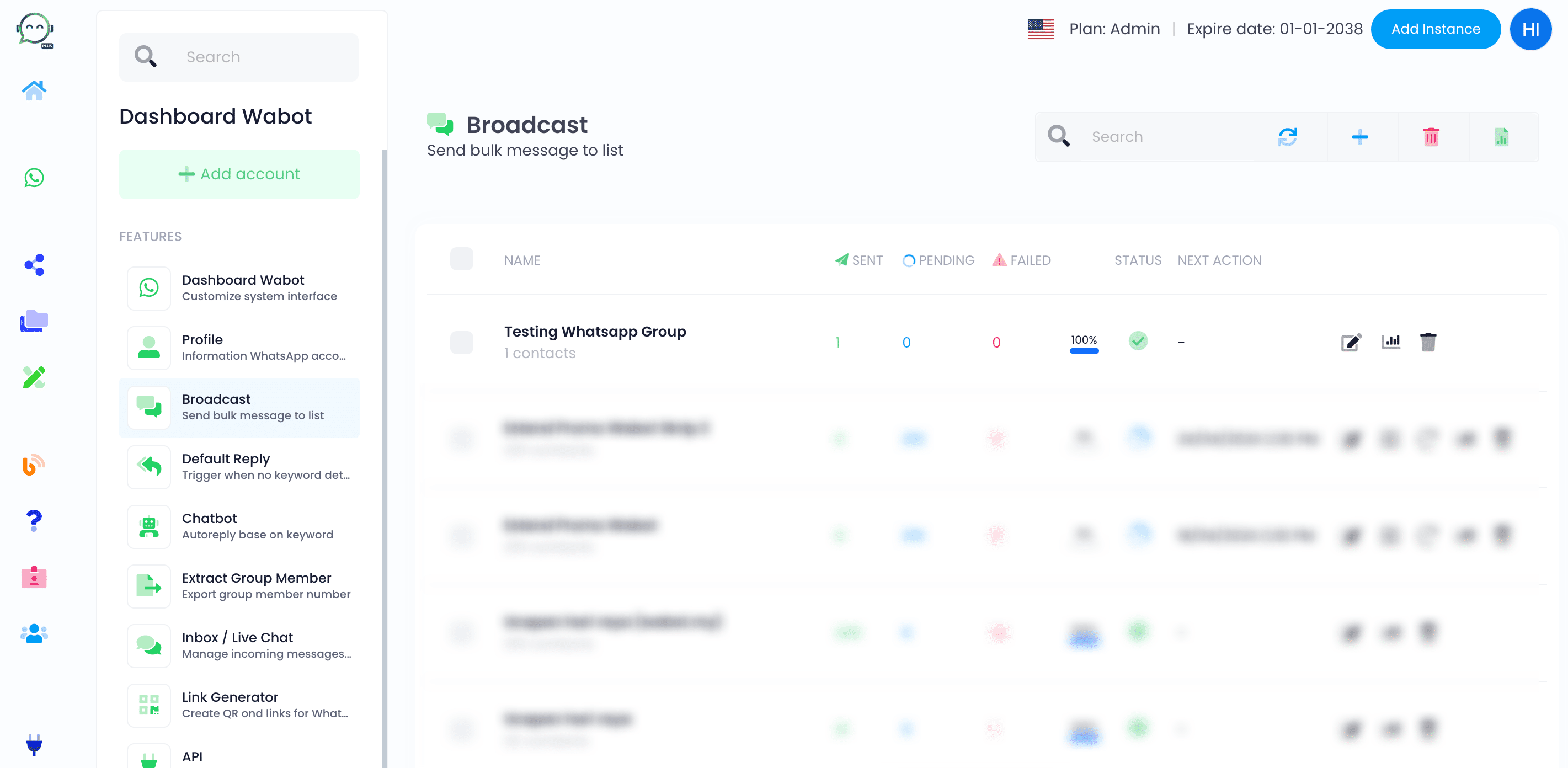
How to Broadcast a Message to a WhatsApp Group
Want to send messages to multiple WhatsApp Groups at once? Here's a tutorial on how to do it!
1
Navigate to https://dash.wabot.plus/whatsapp
2
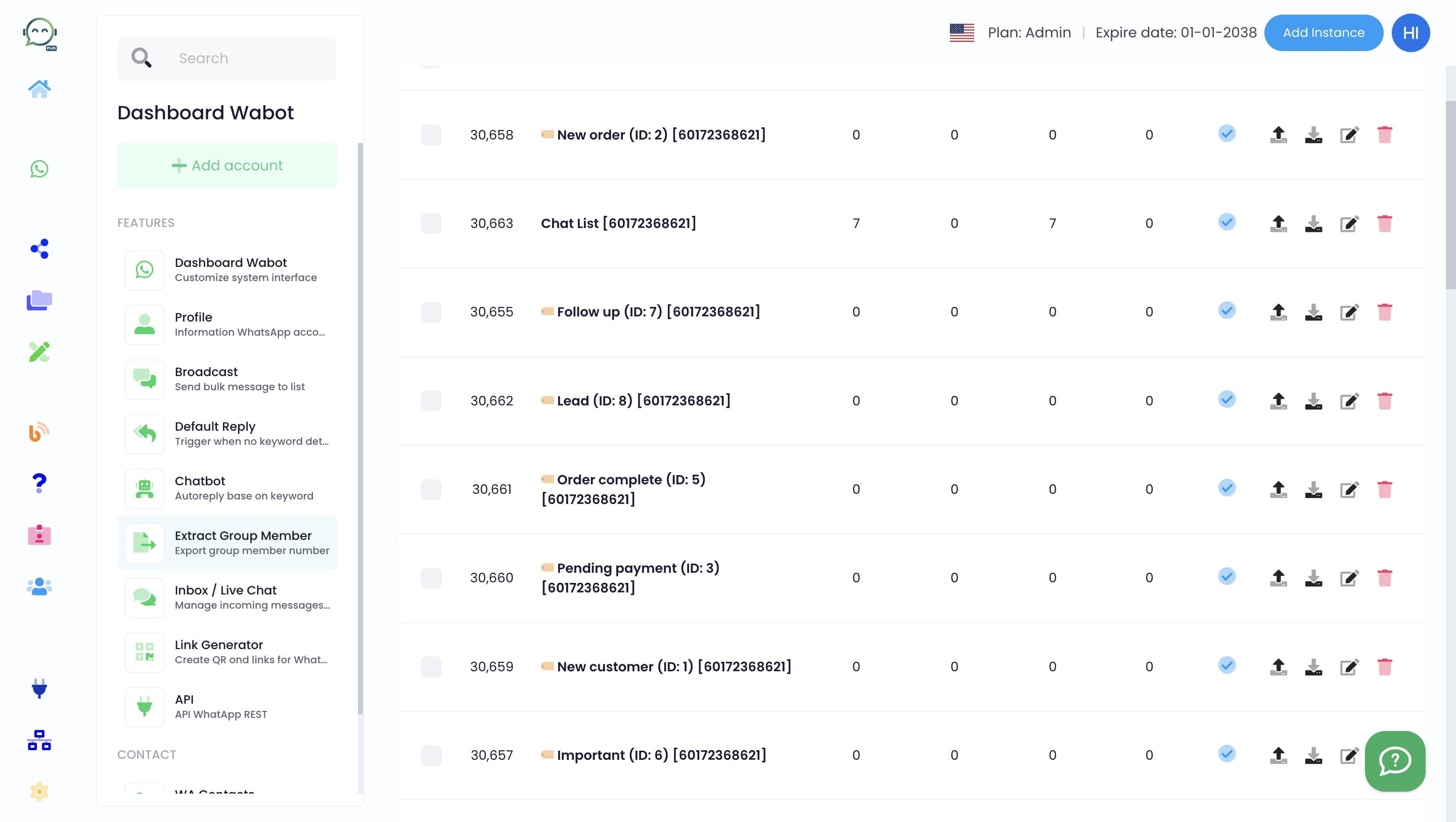
Click on "Extract Group Member"

3
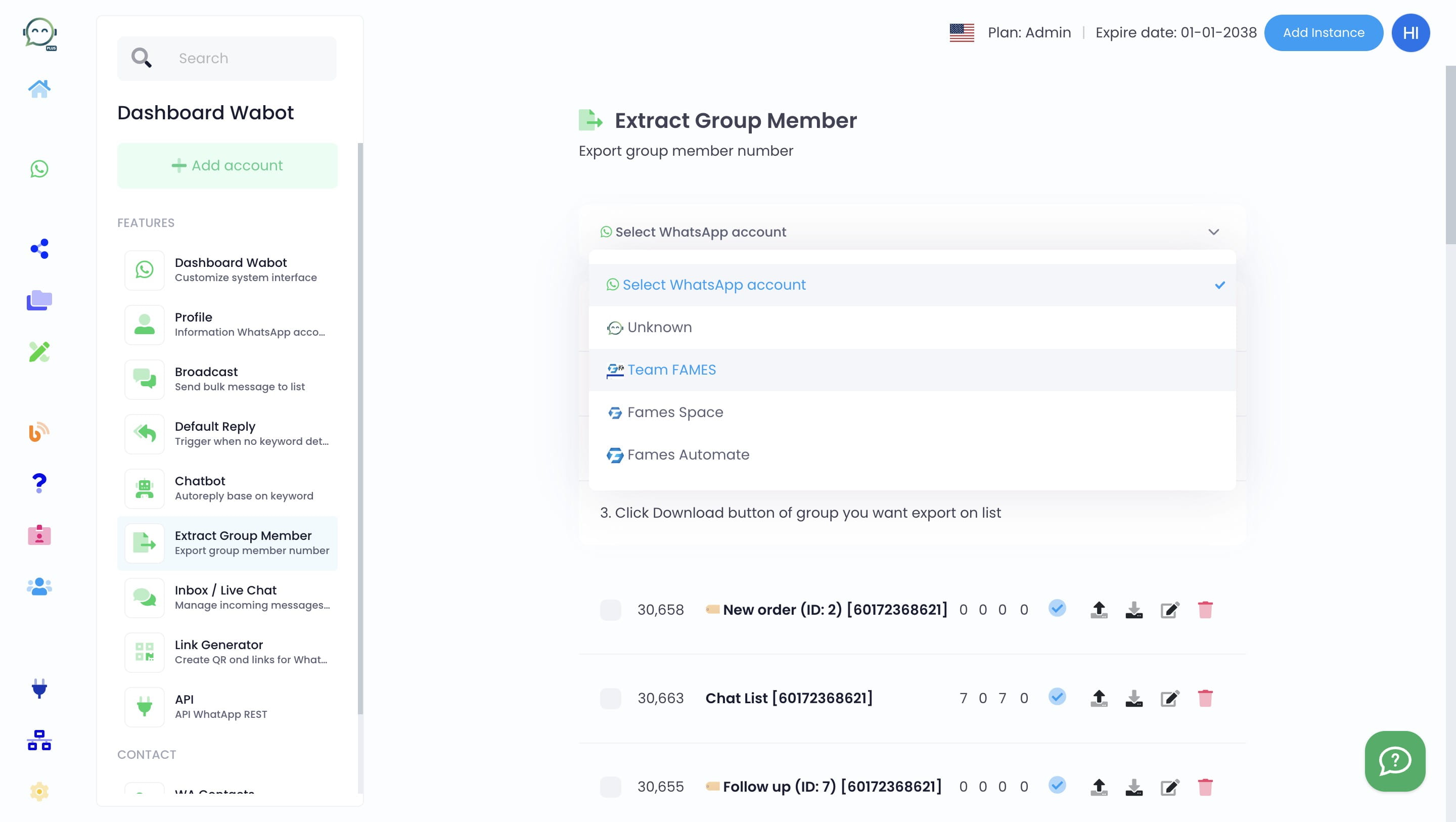
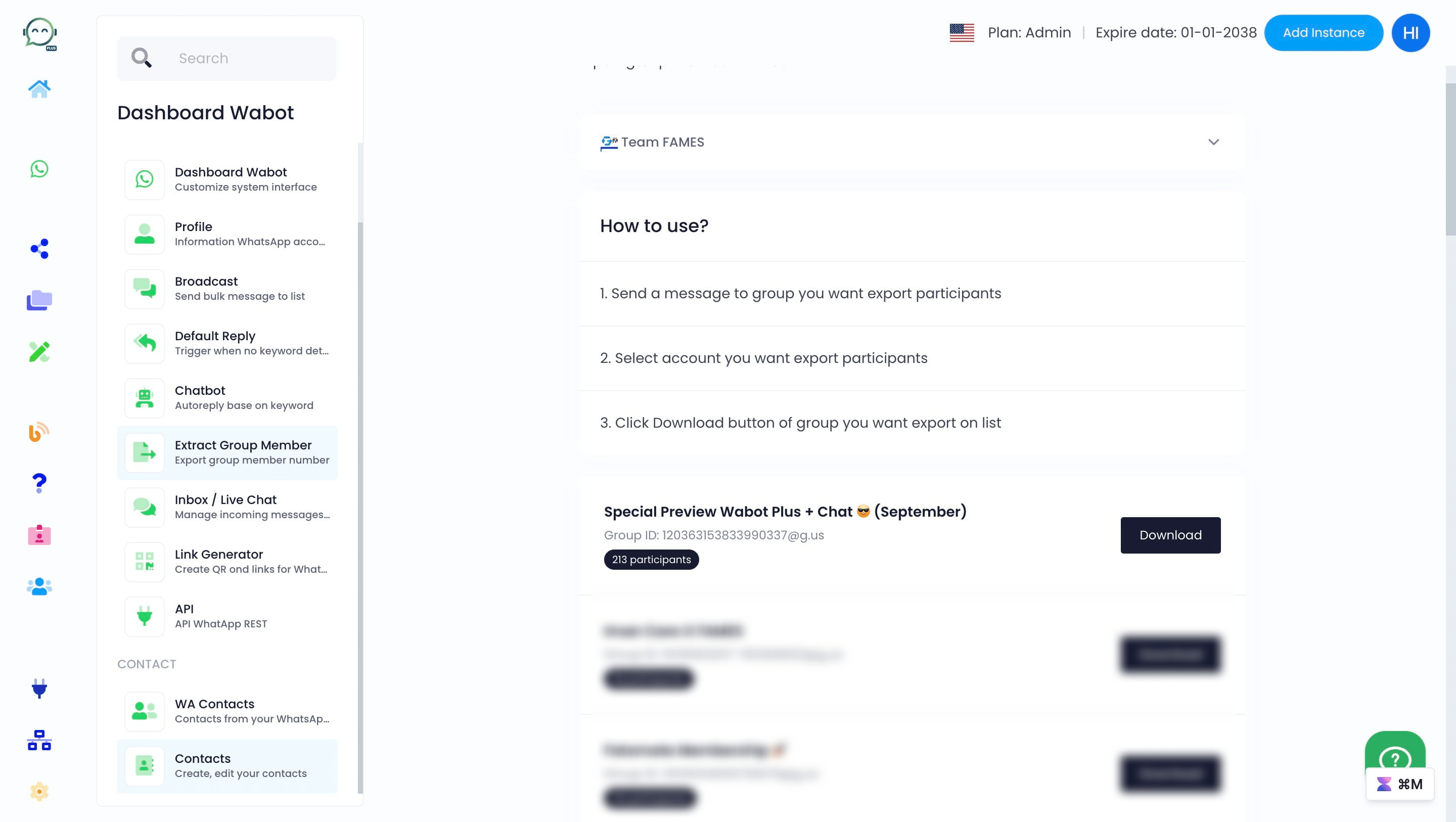
Select which account you want to get the WhatsApp group from
4
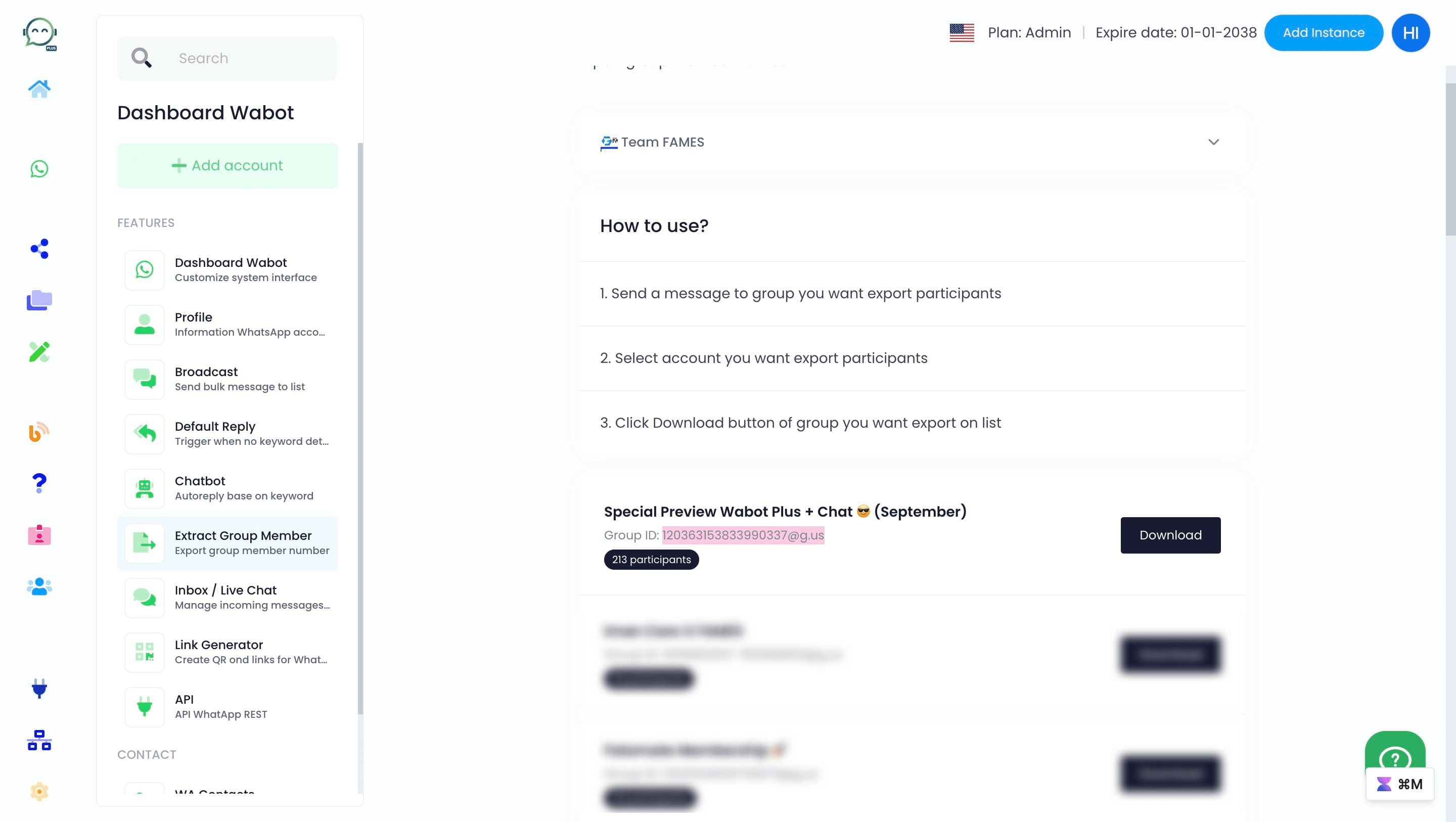
Copy the group ID
5
Then proceed to create a group contact for broadcast
6
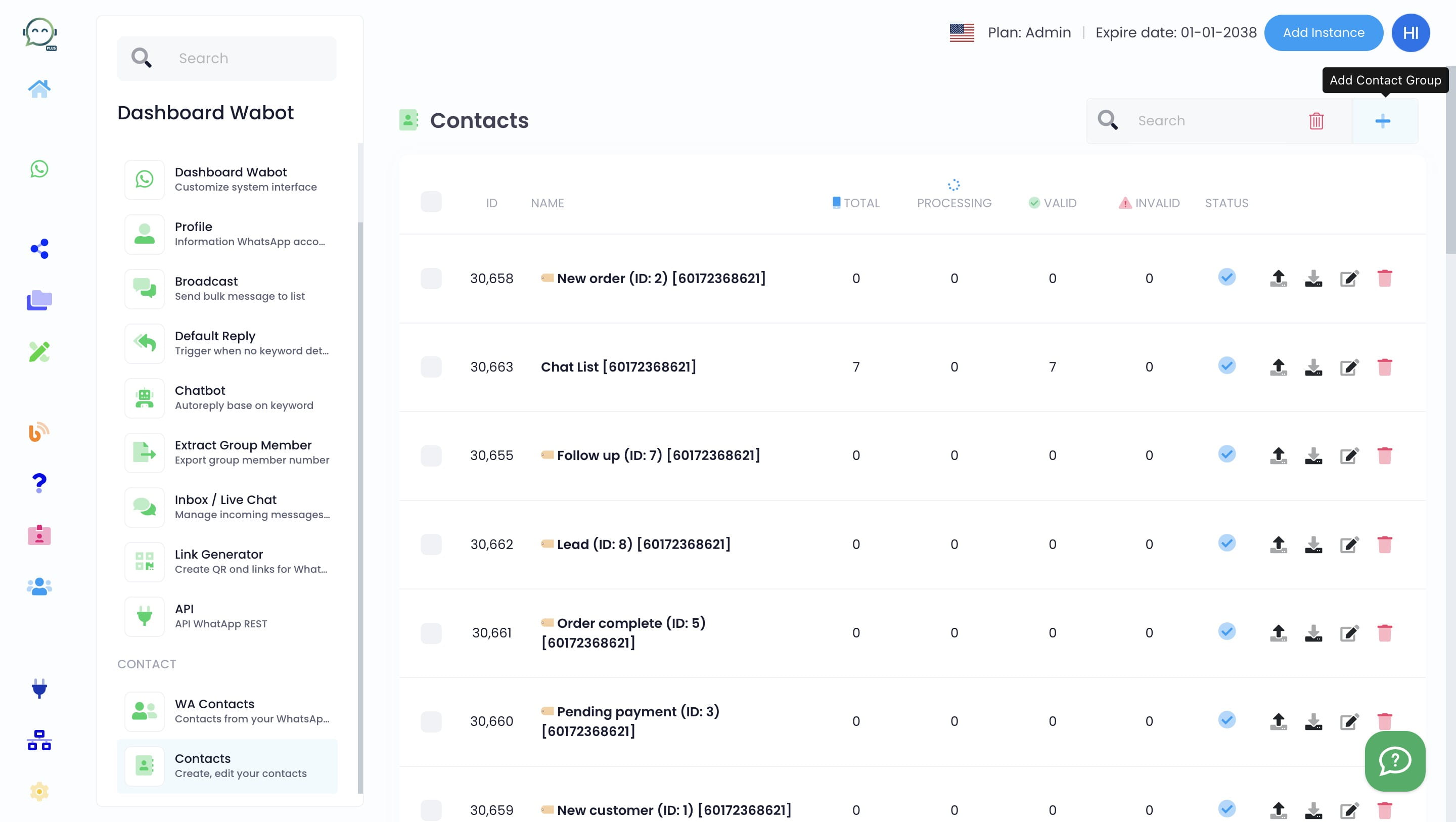
Click this icon
7
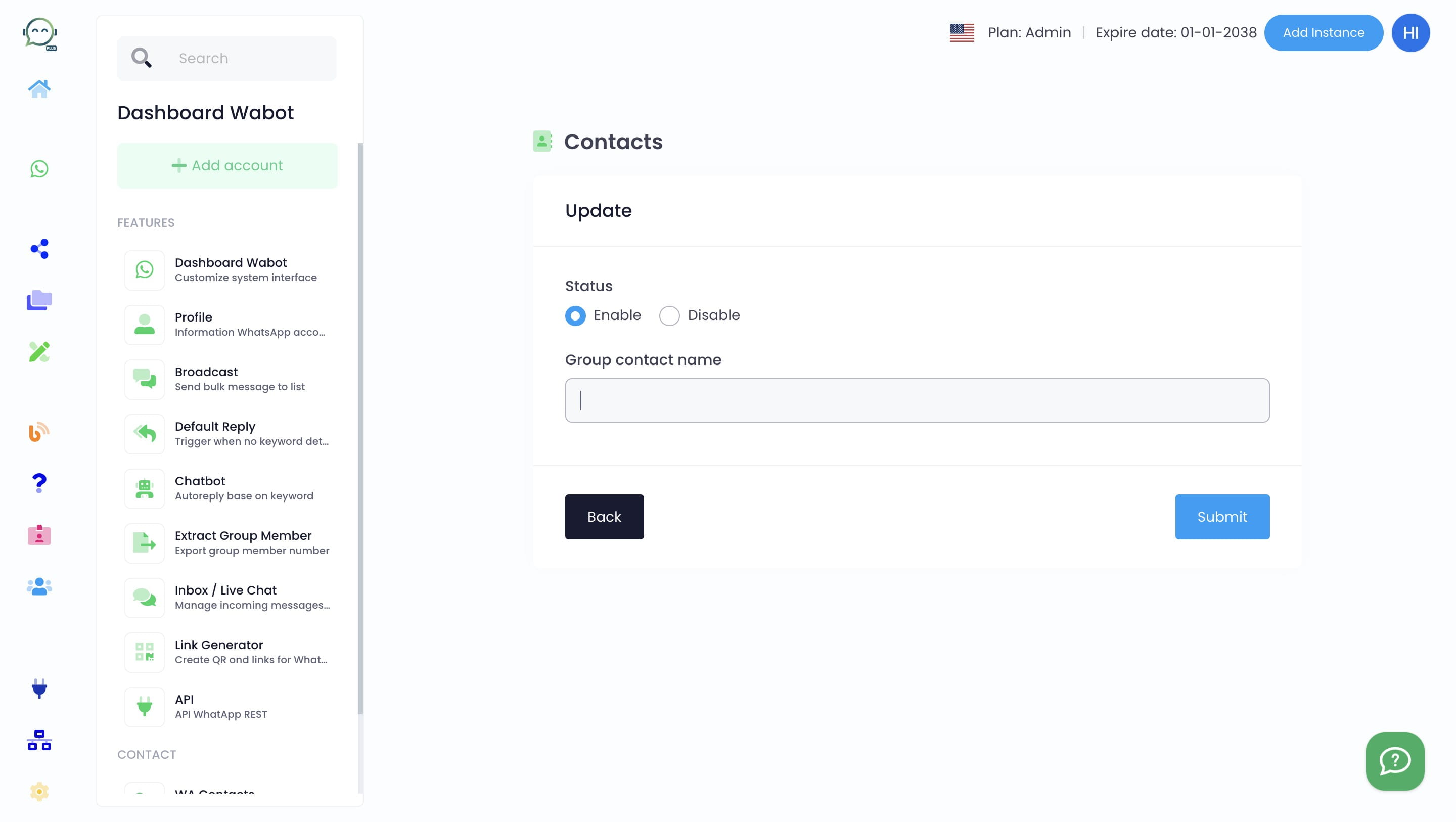
Create the group contact name
8
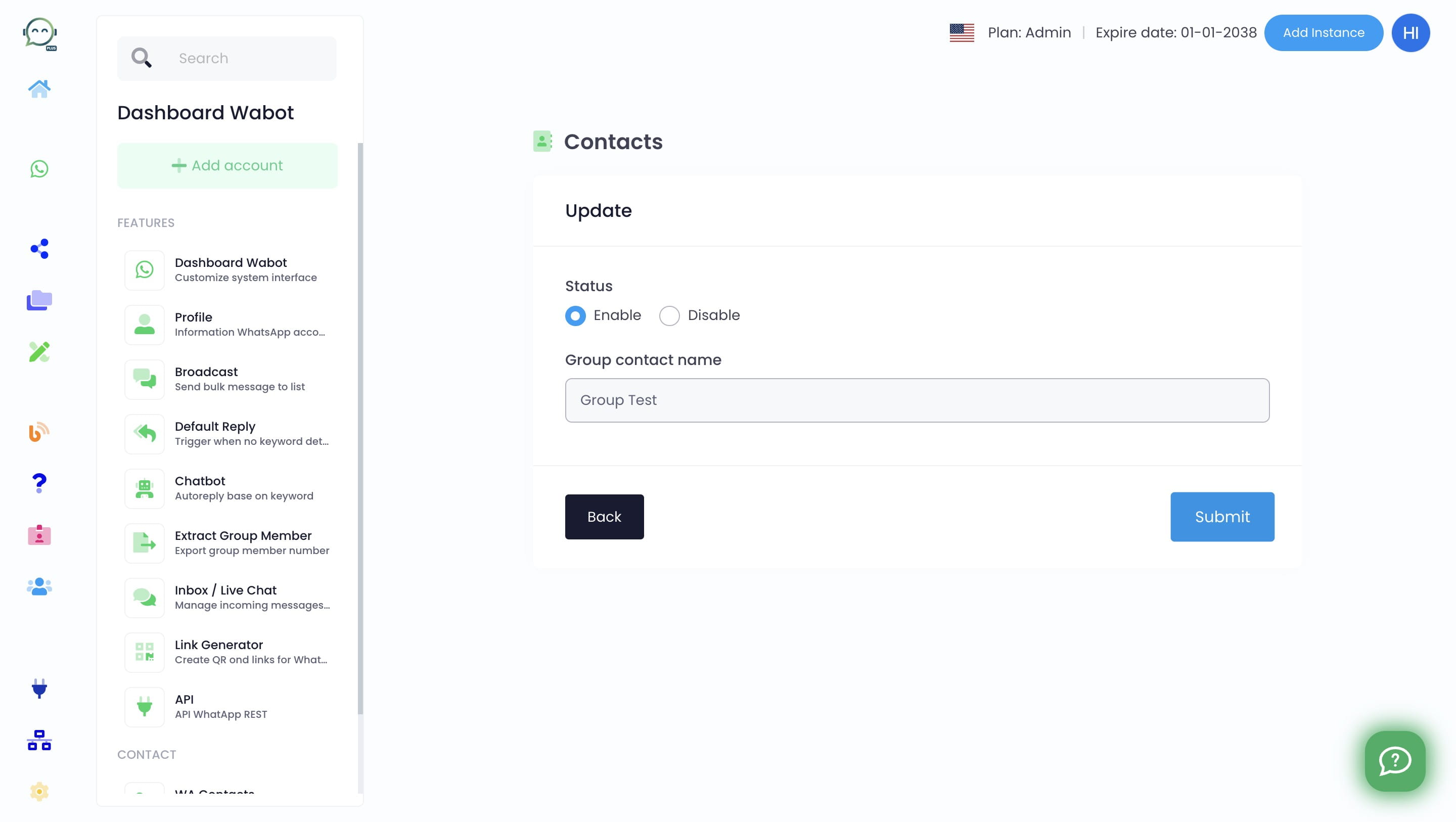
Click on "Submit"
9
Then click on this icon to paste the group ID earlier
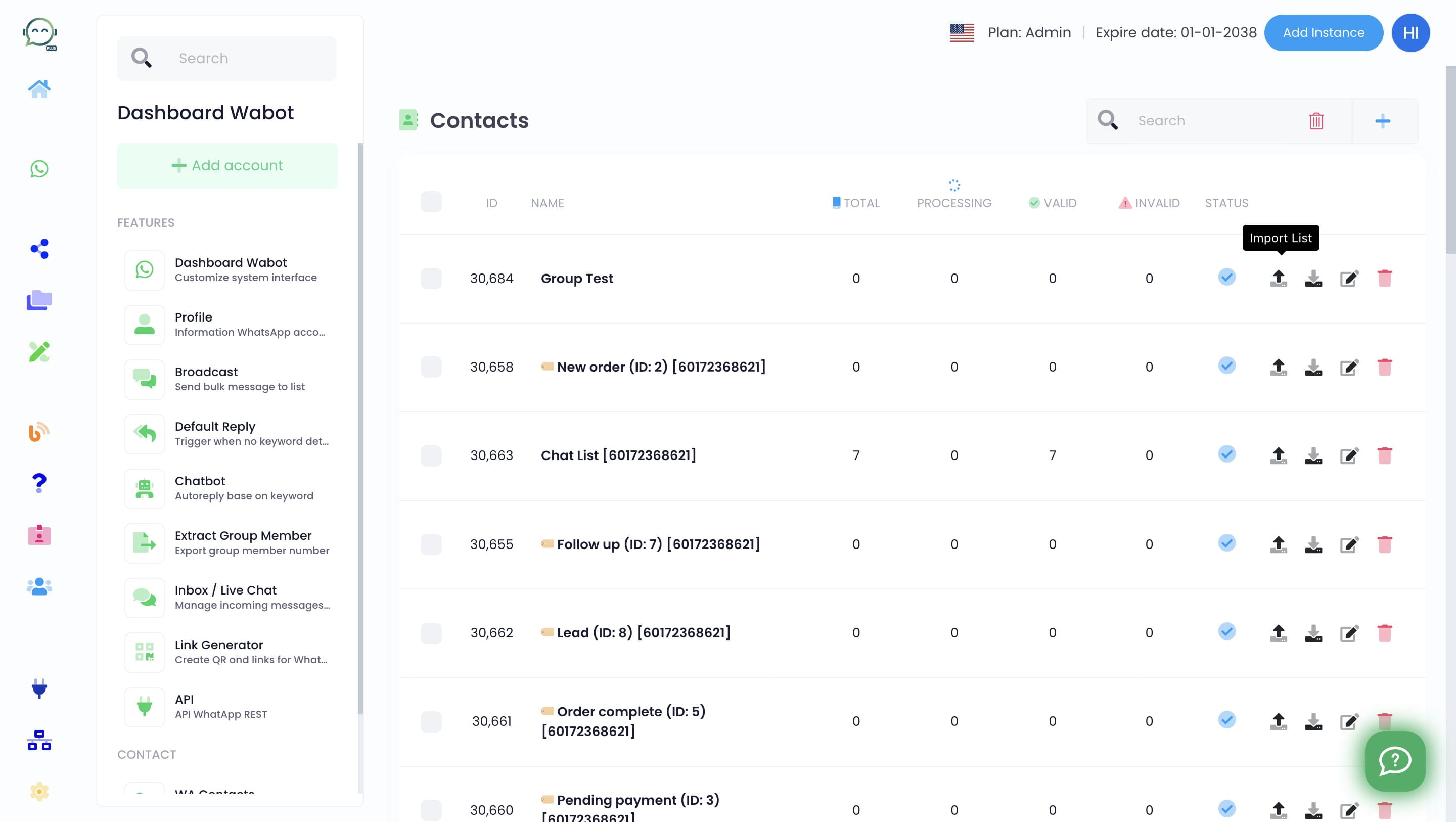
10
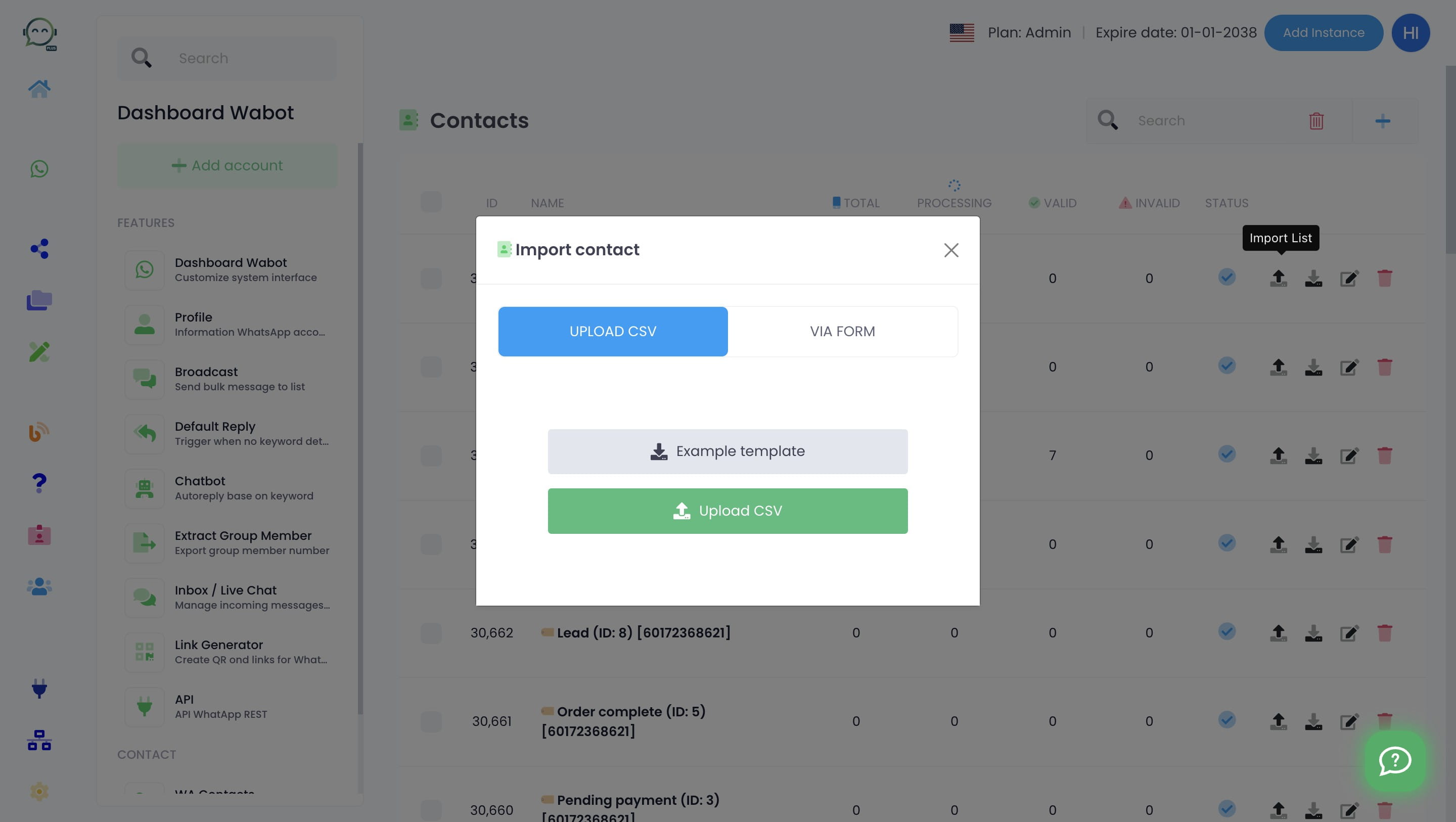
Click on "Via Form"
11
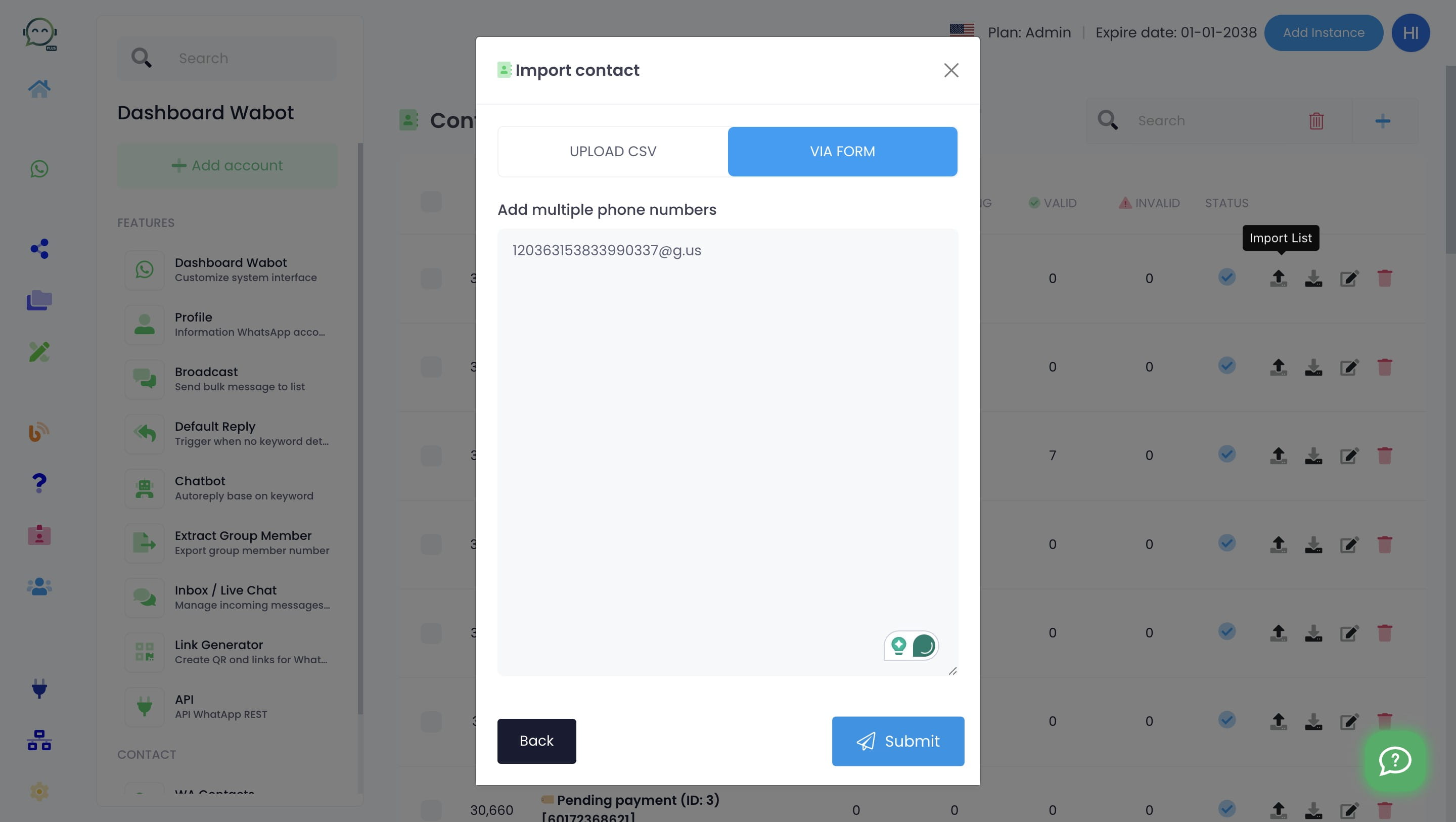
Paste the group ID and submit
12
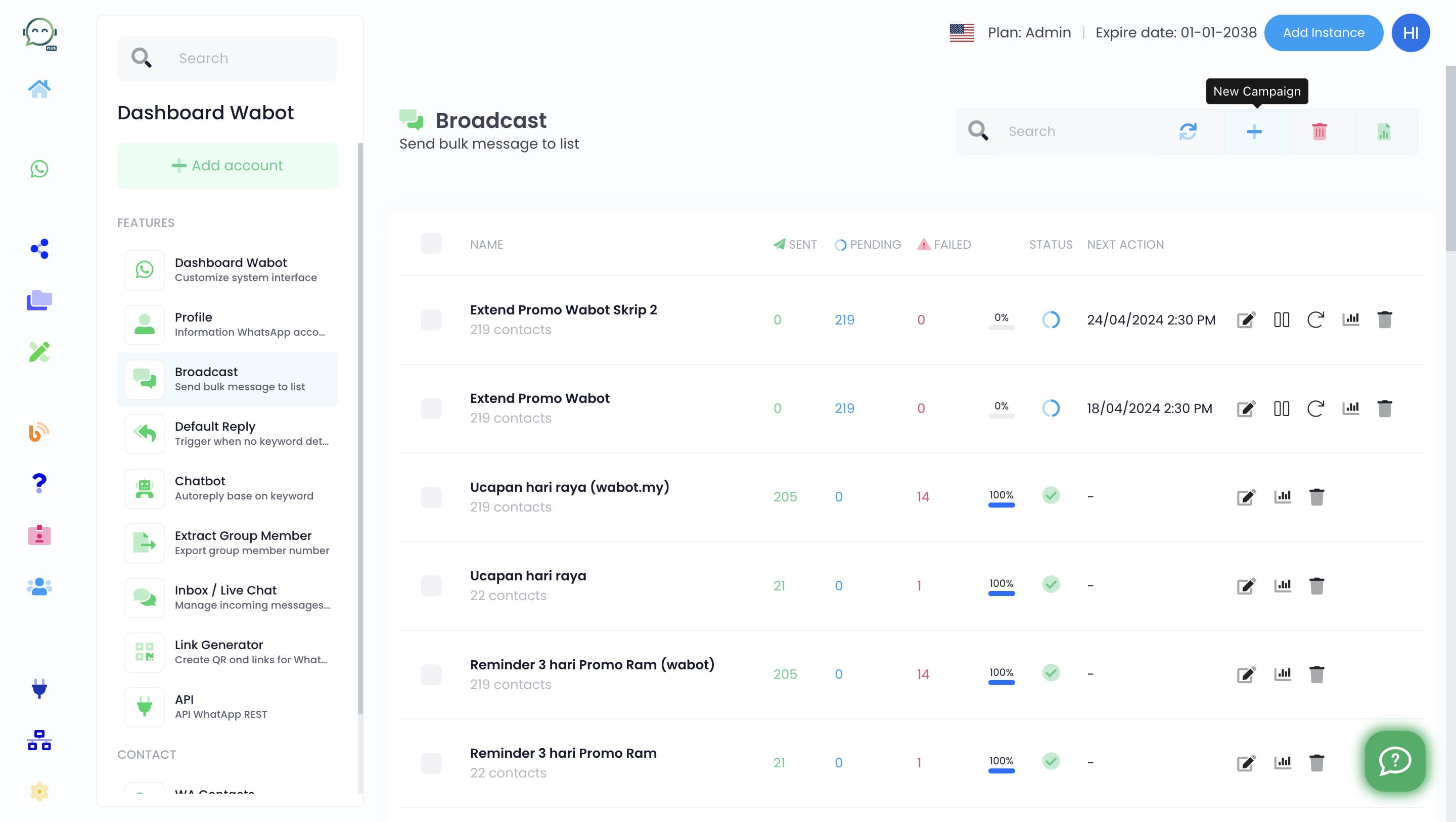
Now it's time to schedule the broadcast. Add "New Campaign"
13
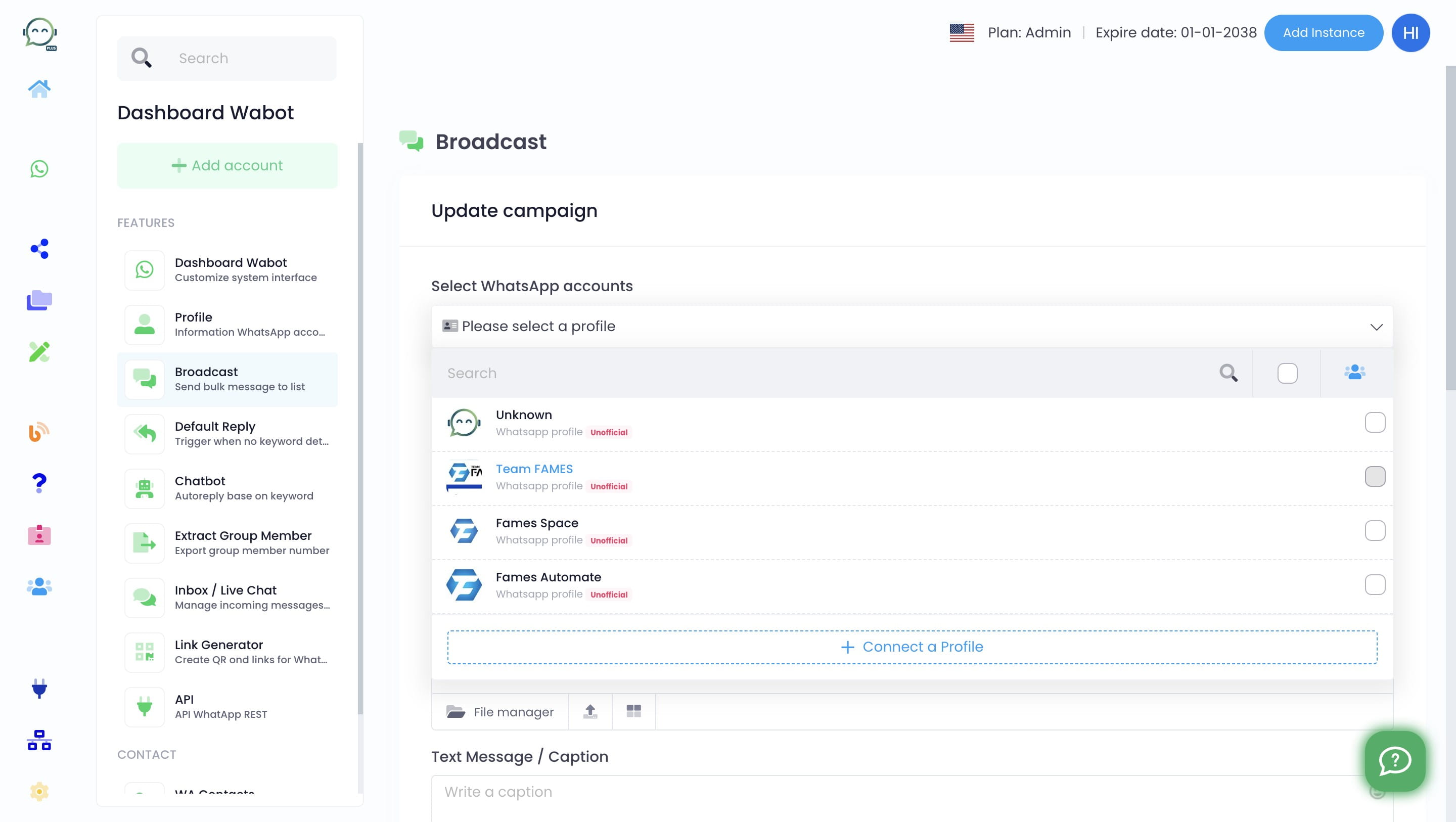
Select WhatsApp account
14
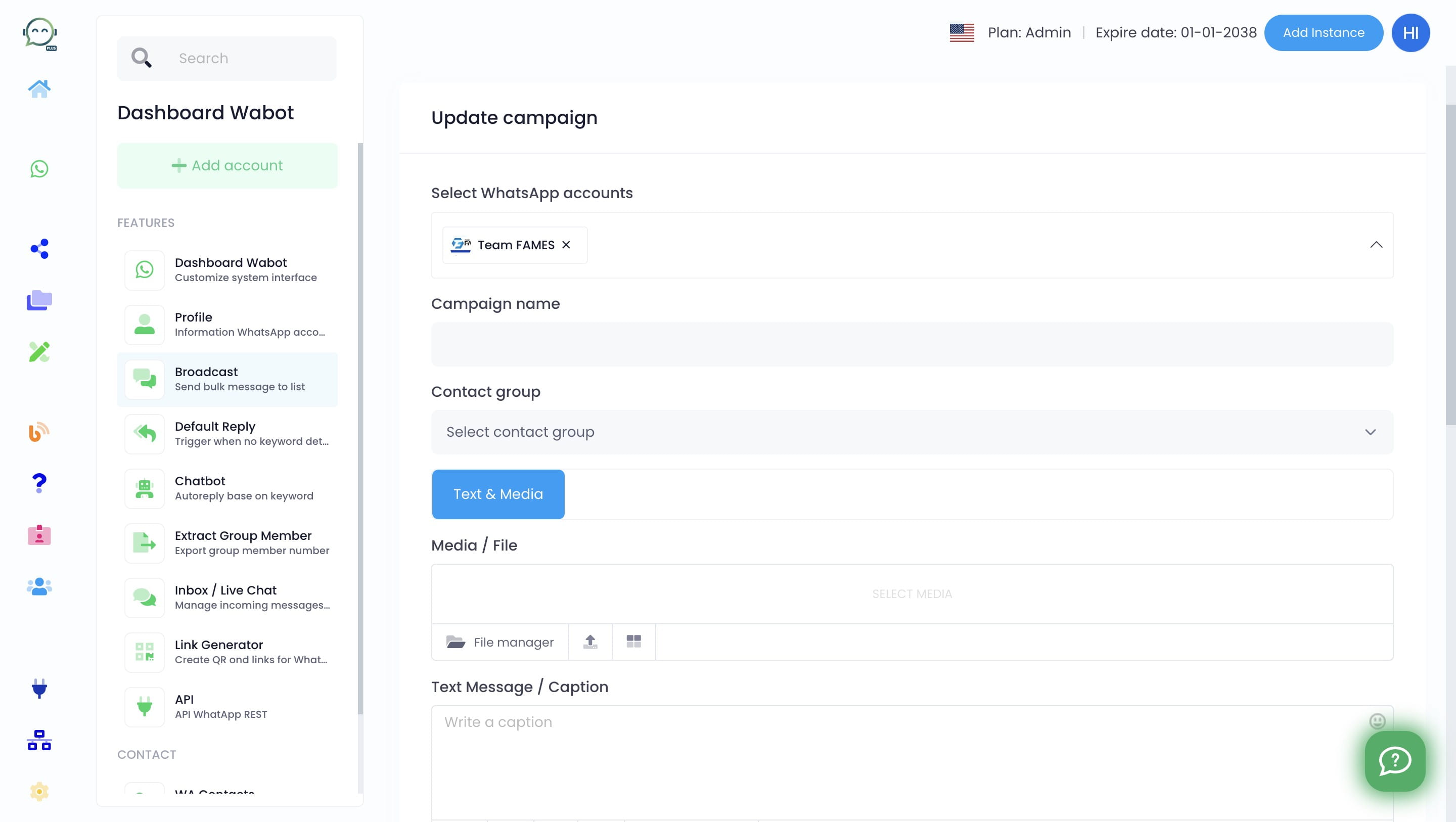
Insert the campaign name and select the contact group
15
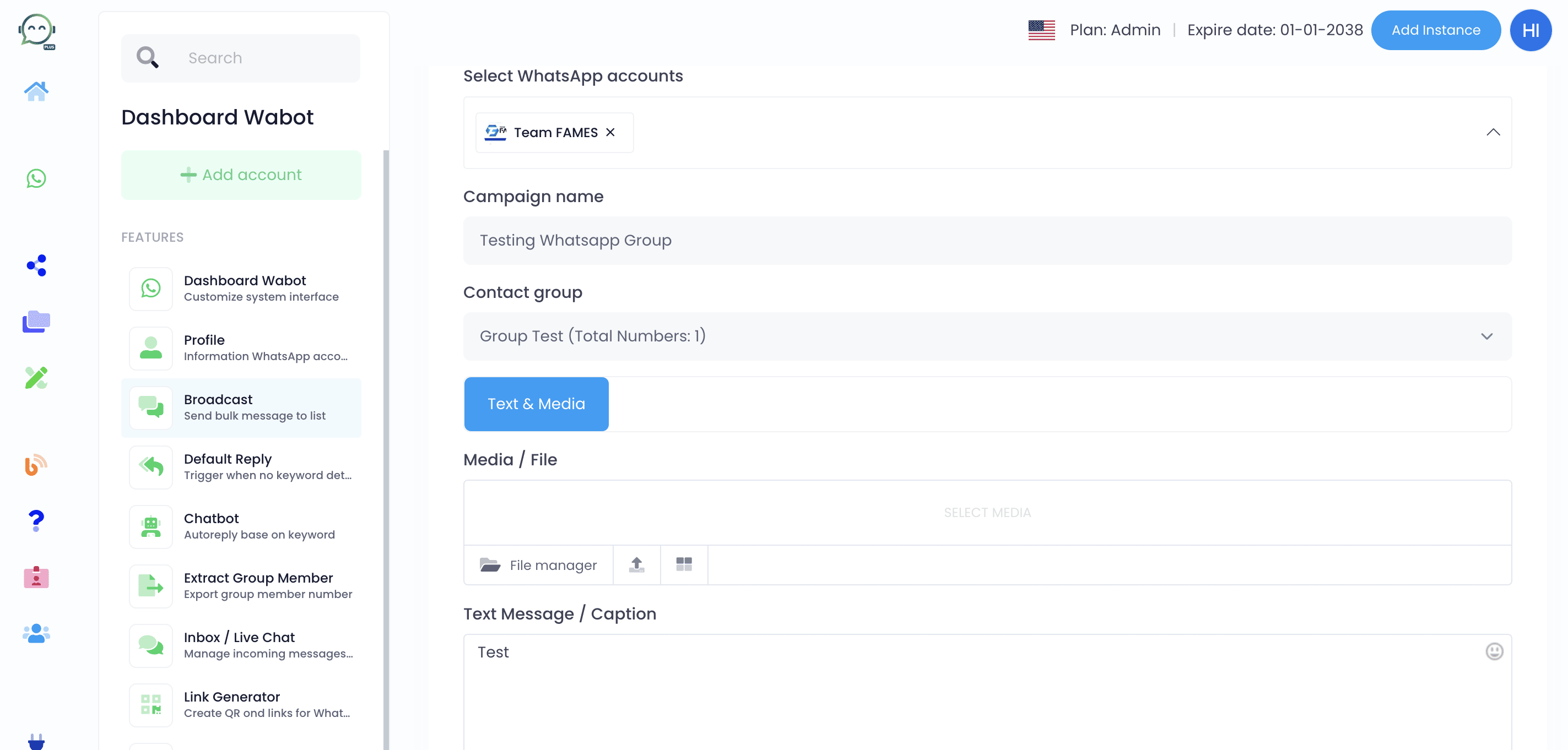
Insert the caption
16
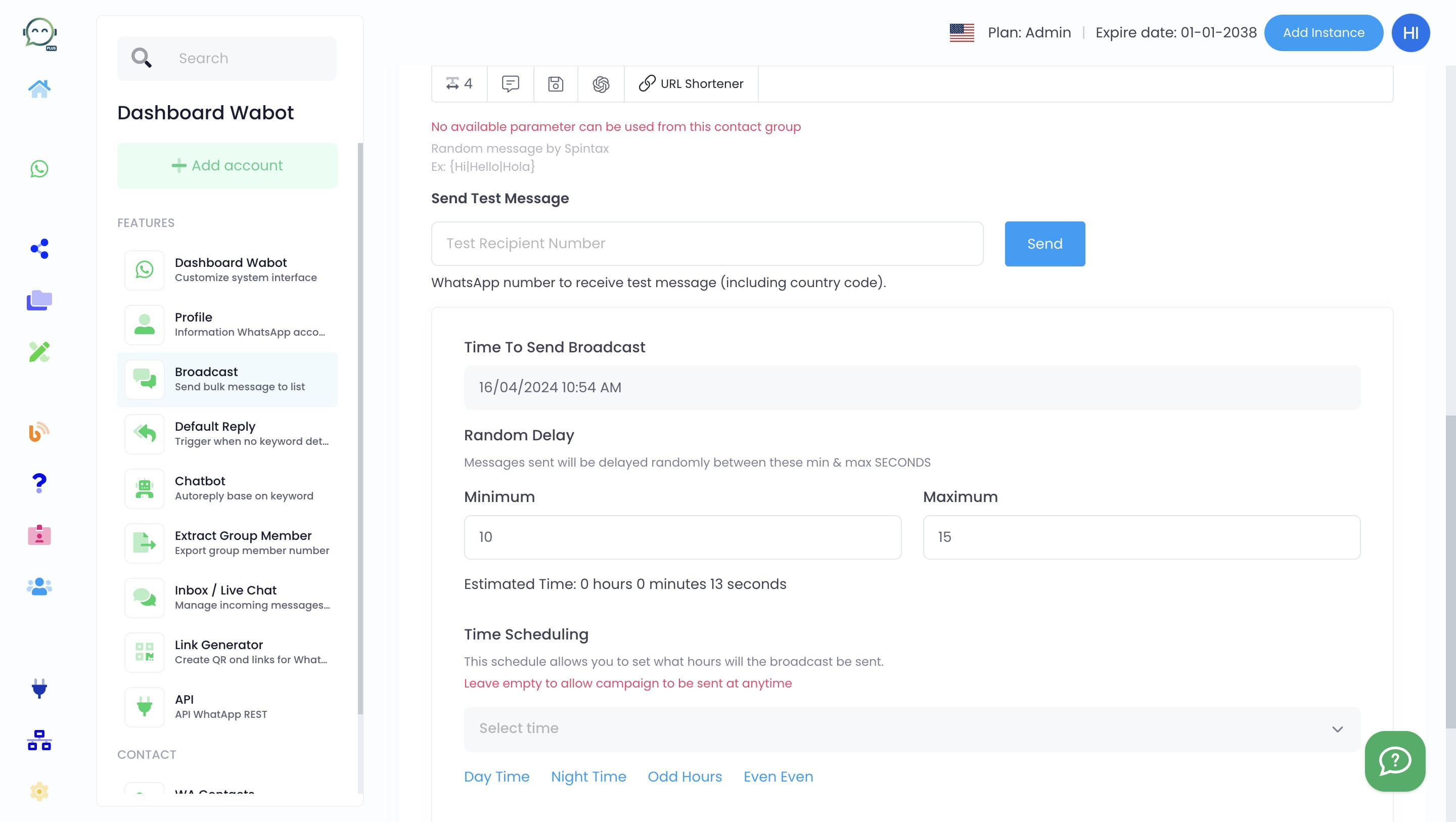
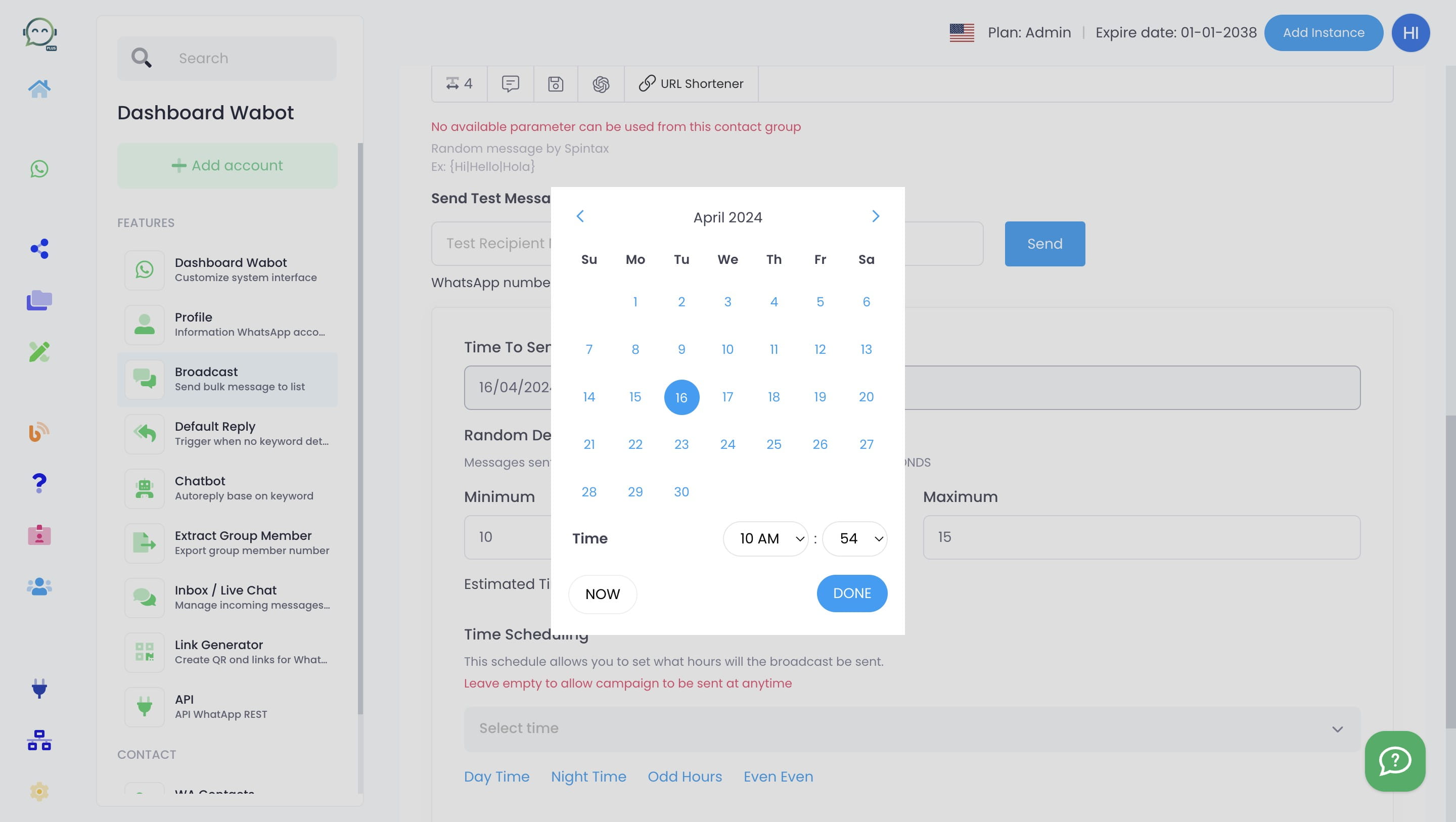
Select the timing of your broadcast
17
Click on "Done"
18
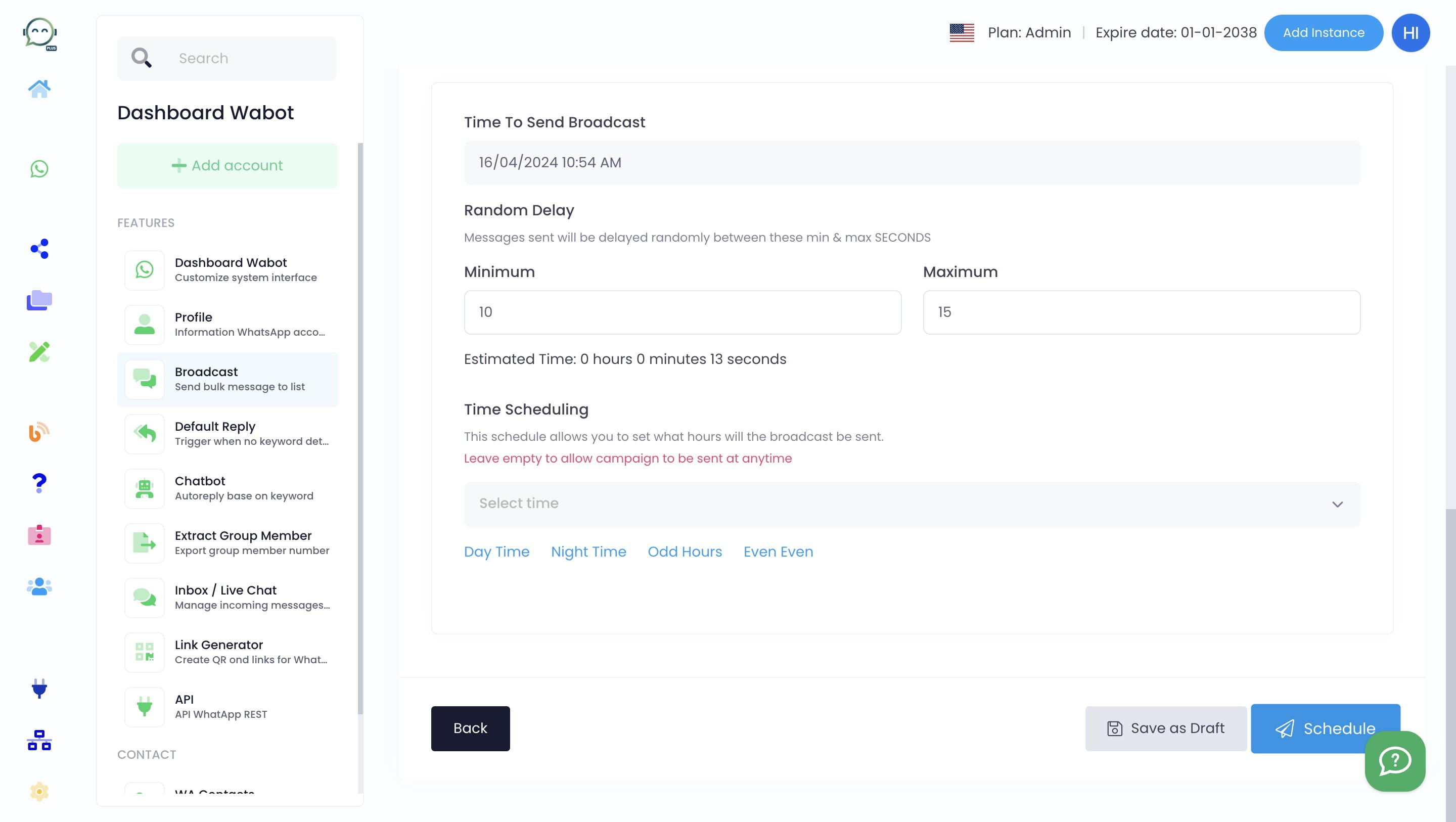
Click on "Schedule"
19
Done 🚀