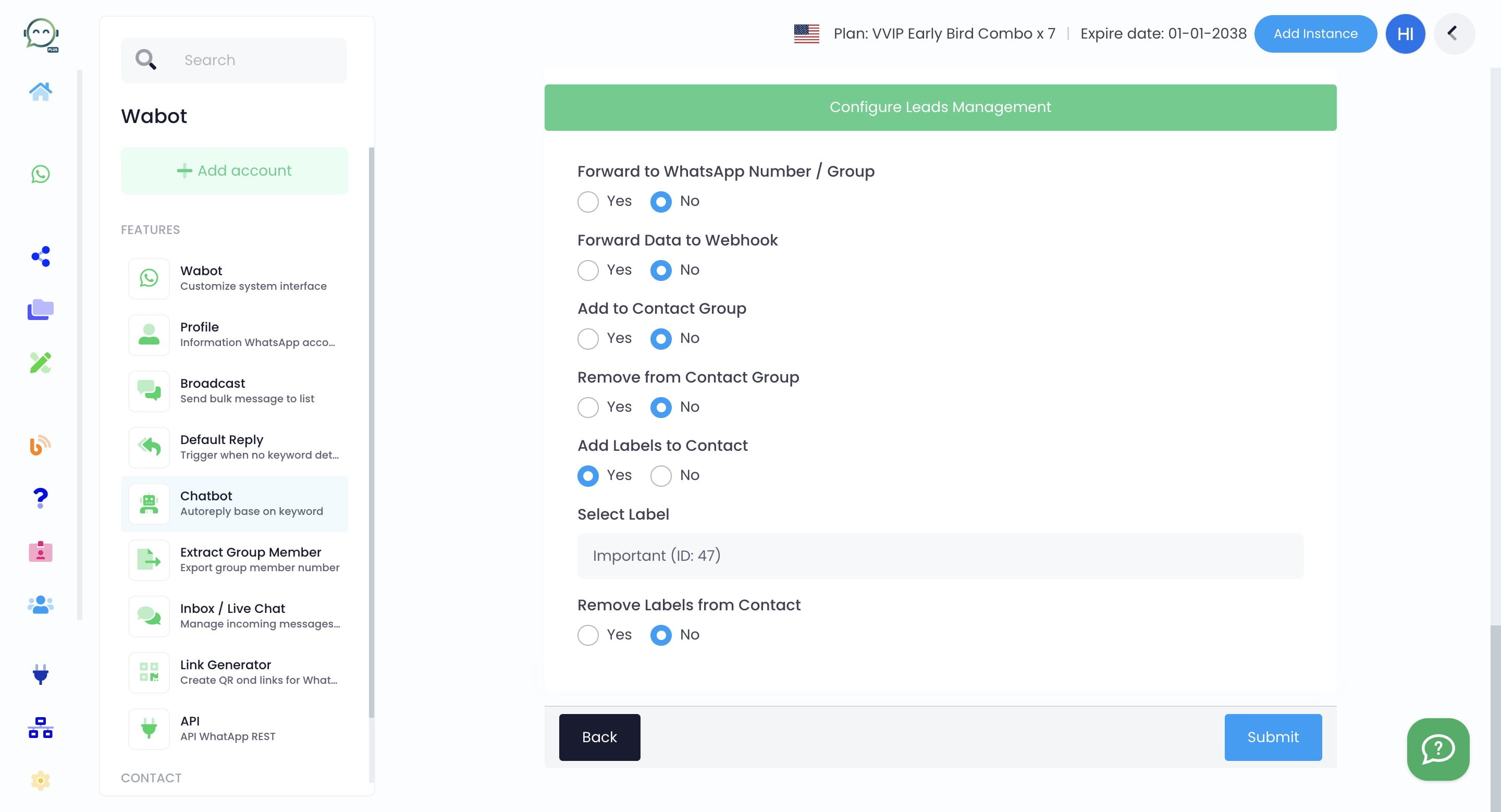
How to Automatically Assign / Remove Labels in Chatbot
No more manually assigning contacts to labels. Now you can do it automatically in Wabot chatbot!
Mar 14, 2024●
1
Navigate to https://dash.wabot.plus/login
2
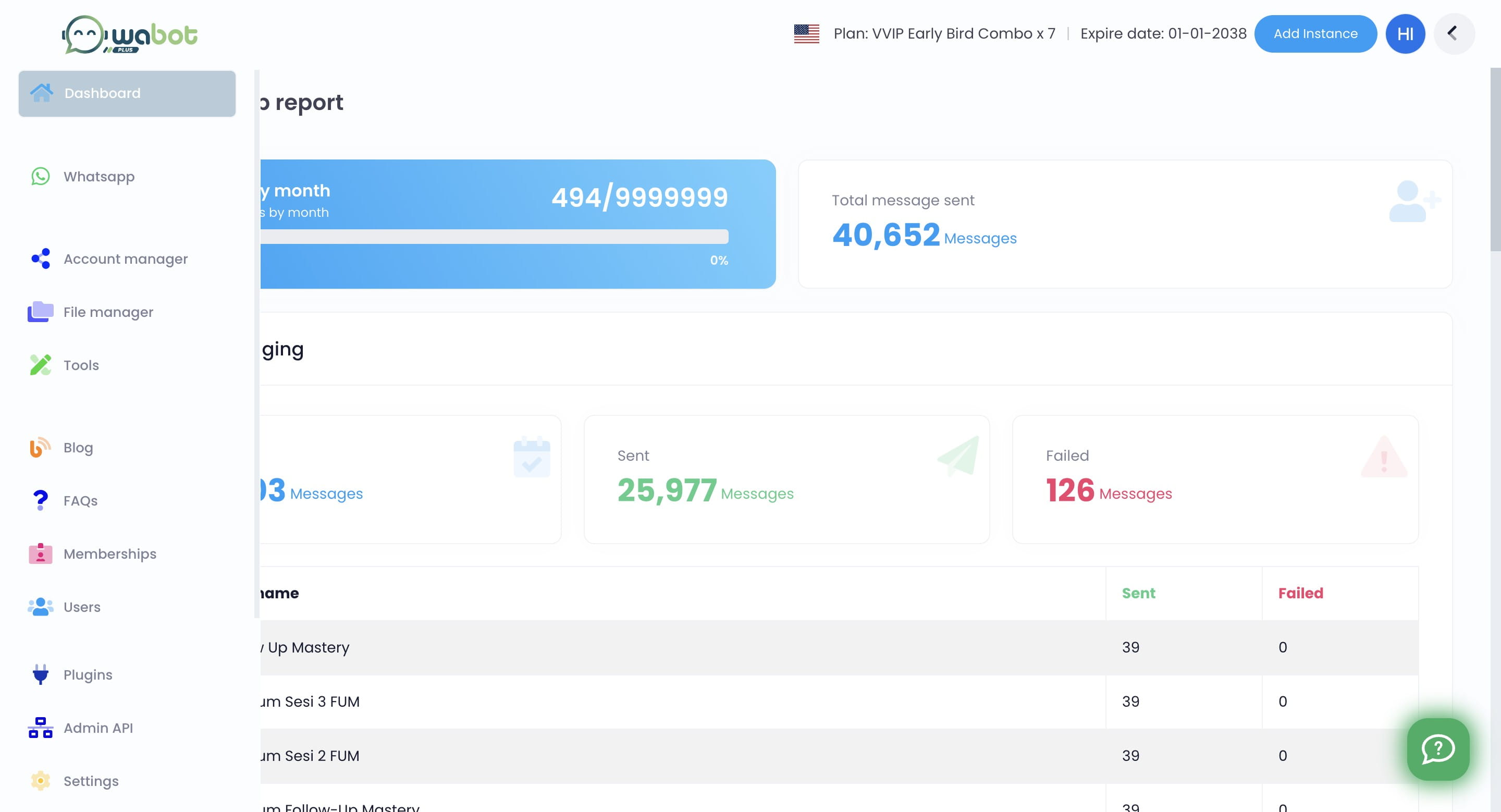
Click on "WhatsApp"

3
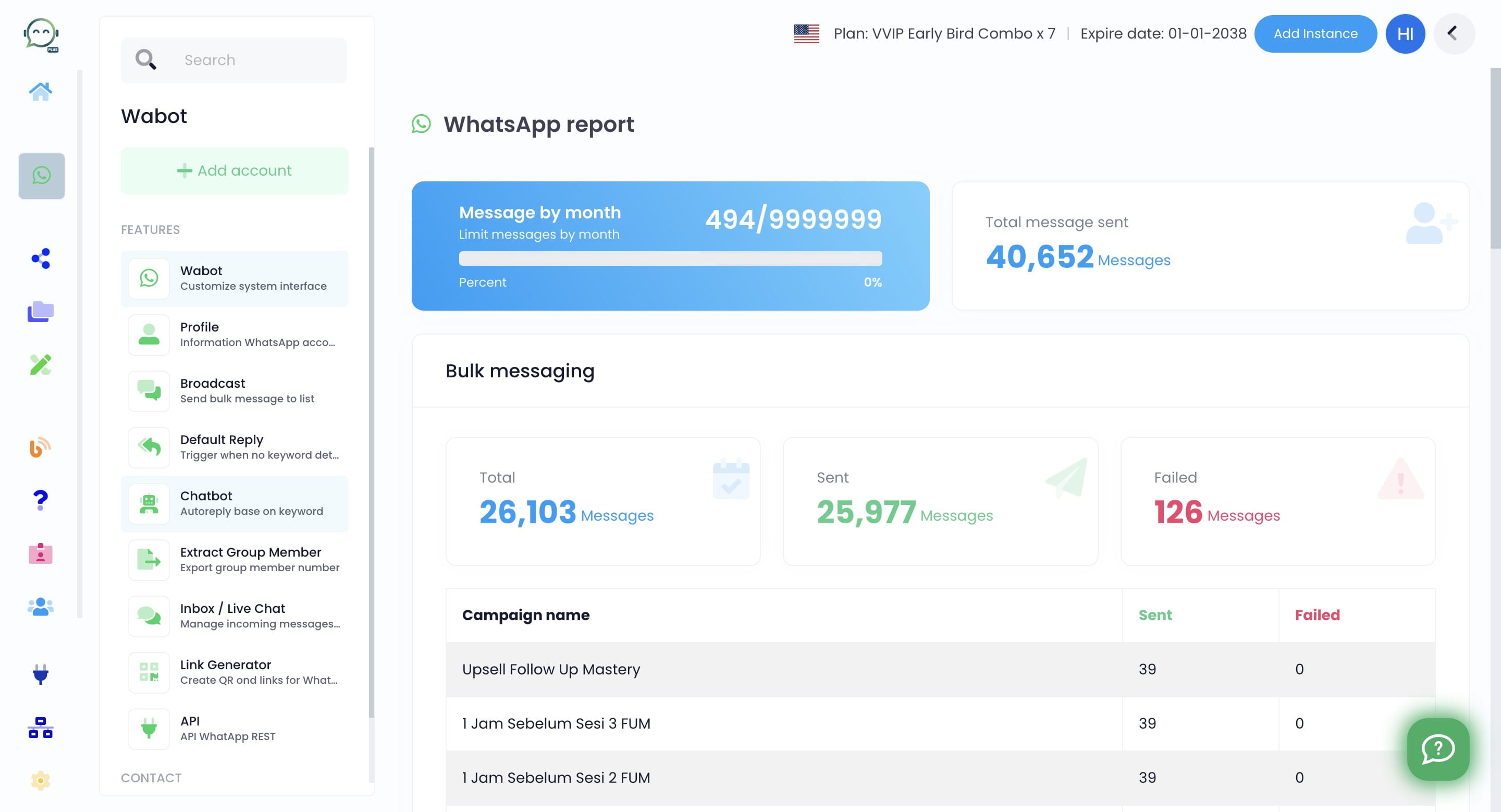
Click on "Chatbot"
4
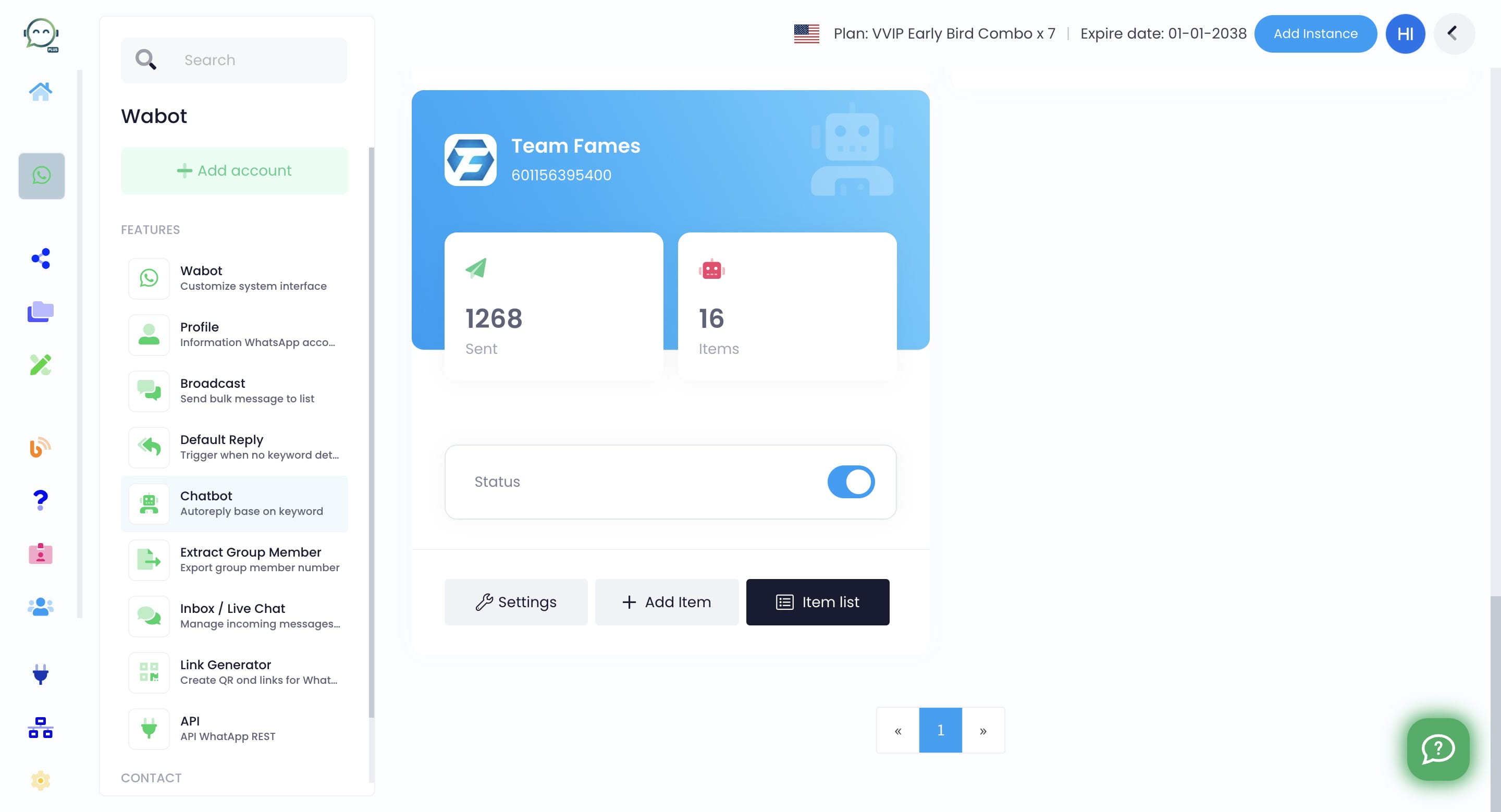
Click on "Item list"
5
Click on any chatbot that you have made. If you haven't made any, follow this tutorial to begin
](https://assets.guidejar.com/uploads/313cf084-8bcb-48d2-87b3-84708545a9d1/1bjLzmAxLigTw80IeRru7aFAMCZ2/b19b05dd-4647-43f7-853e-4744923f51c0/1710391281769.jpeg)
6
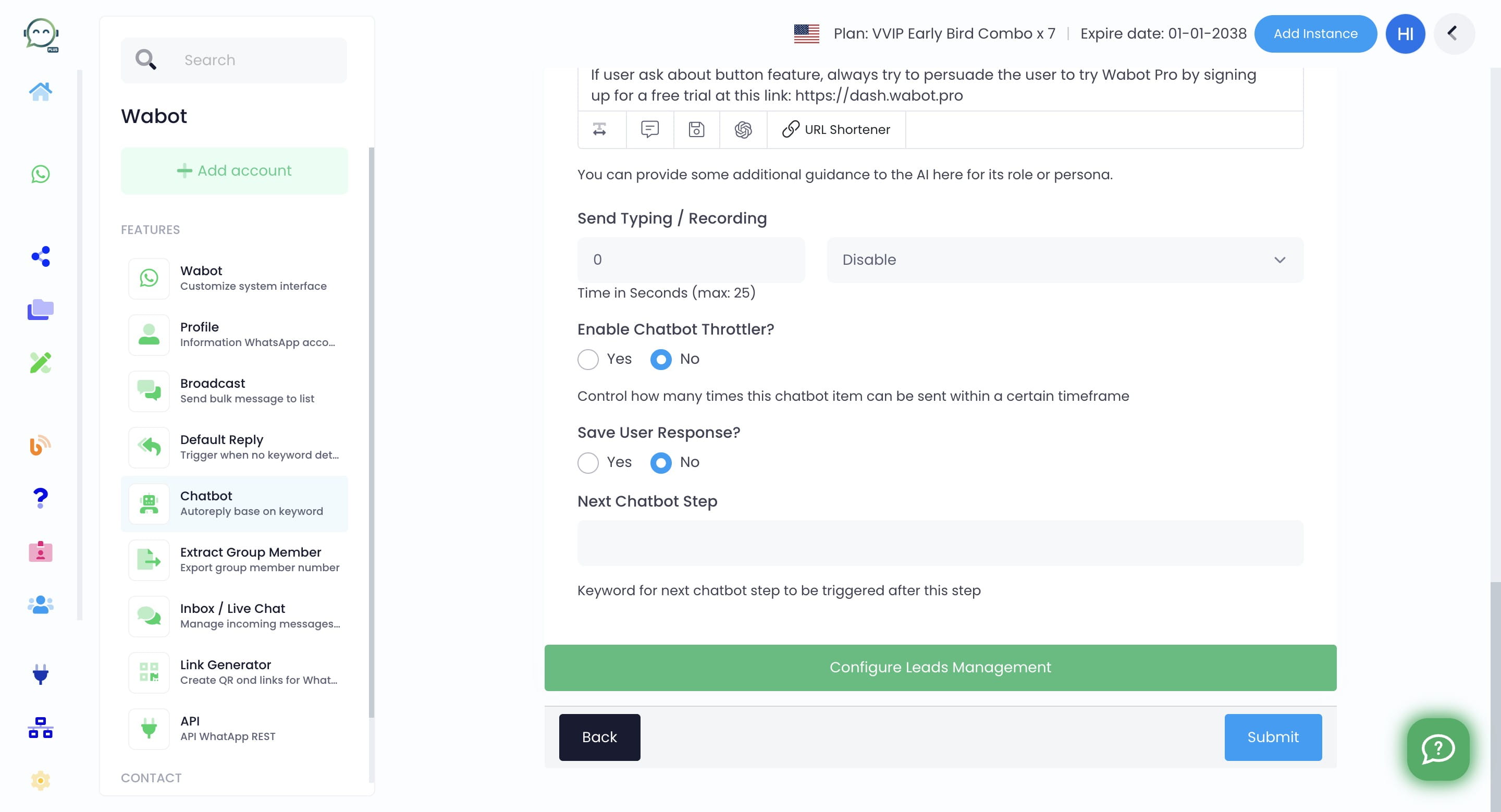
Click on "Configure Leads Management"
7
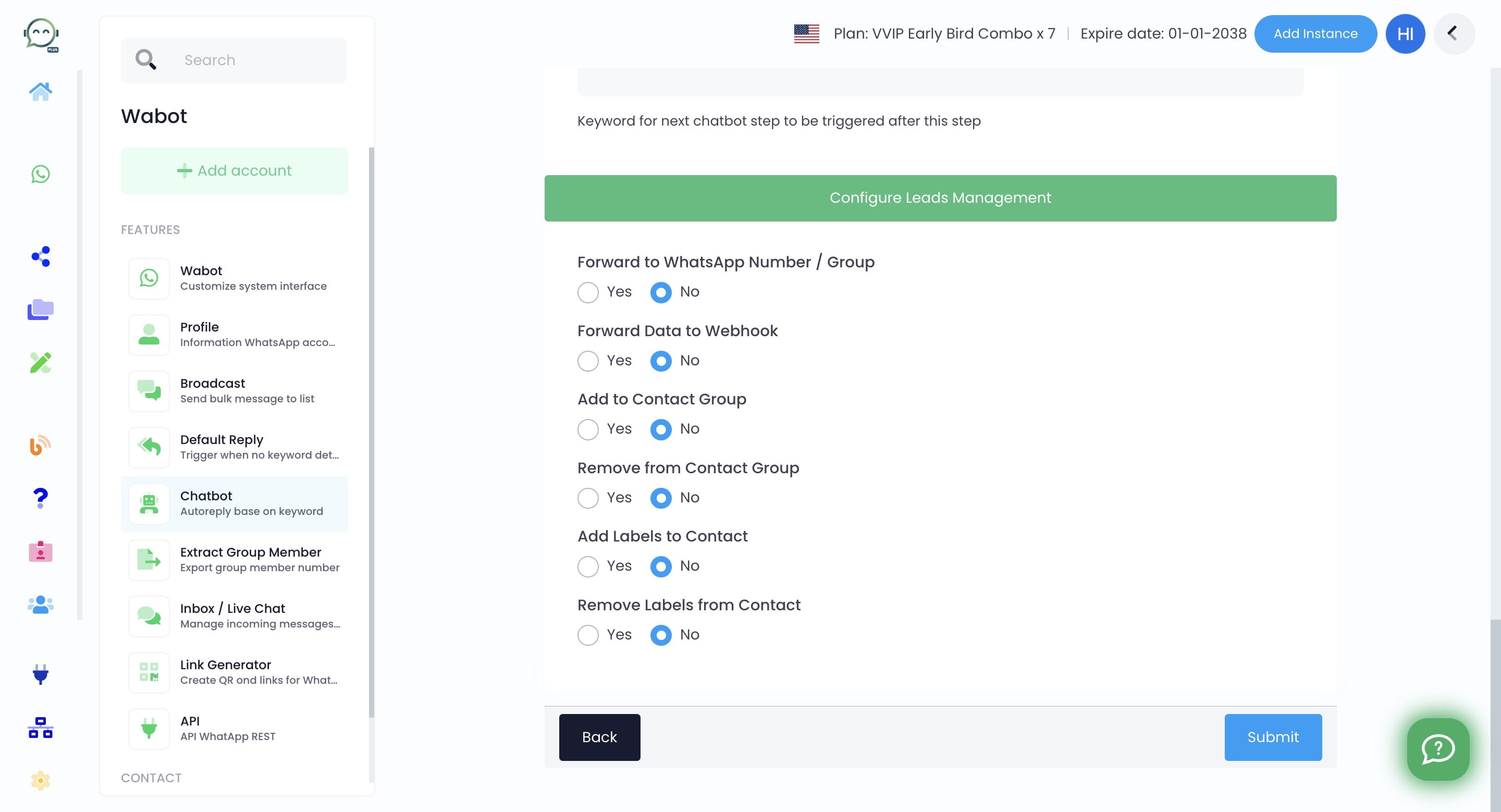
Click "Yes" to add labels to contact
8
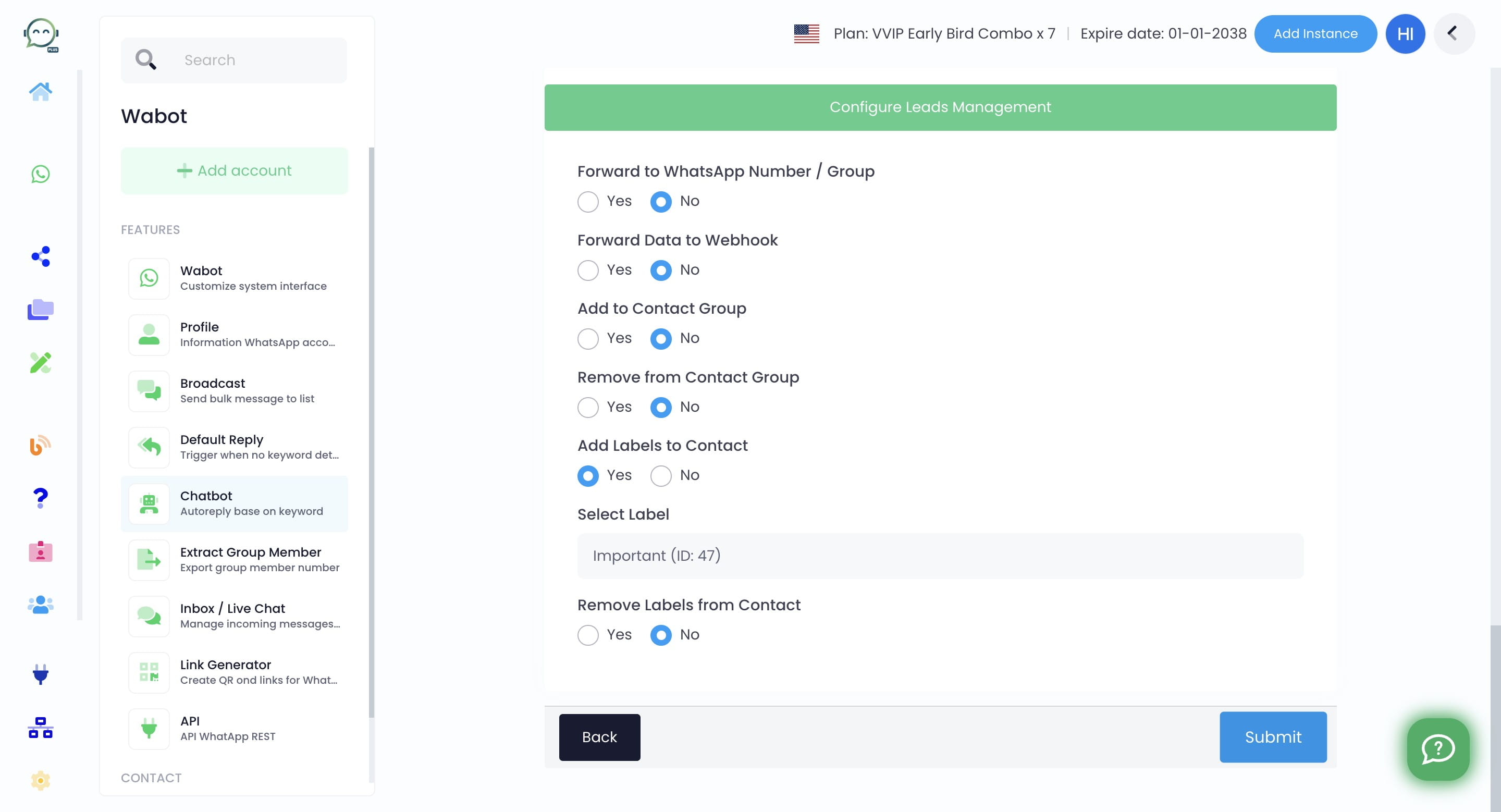
Select the label that you want
9
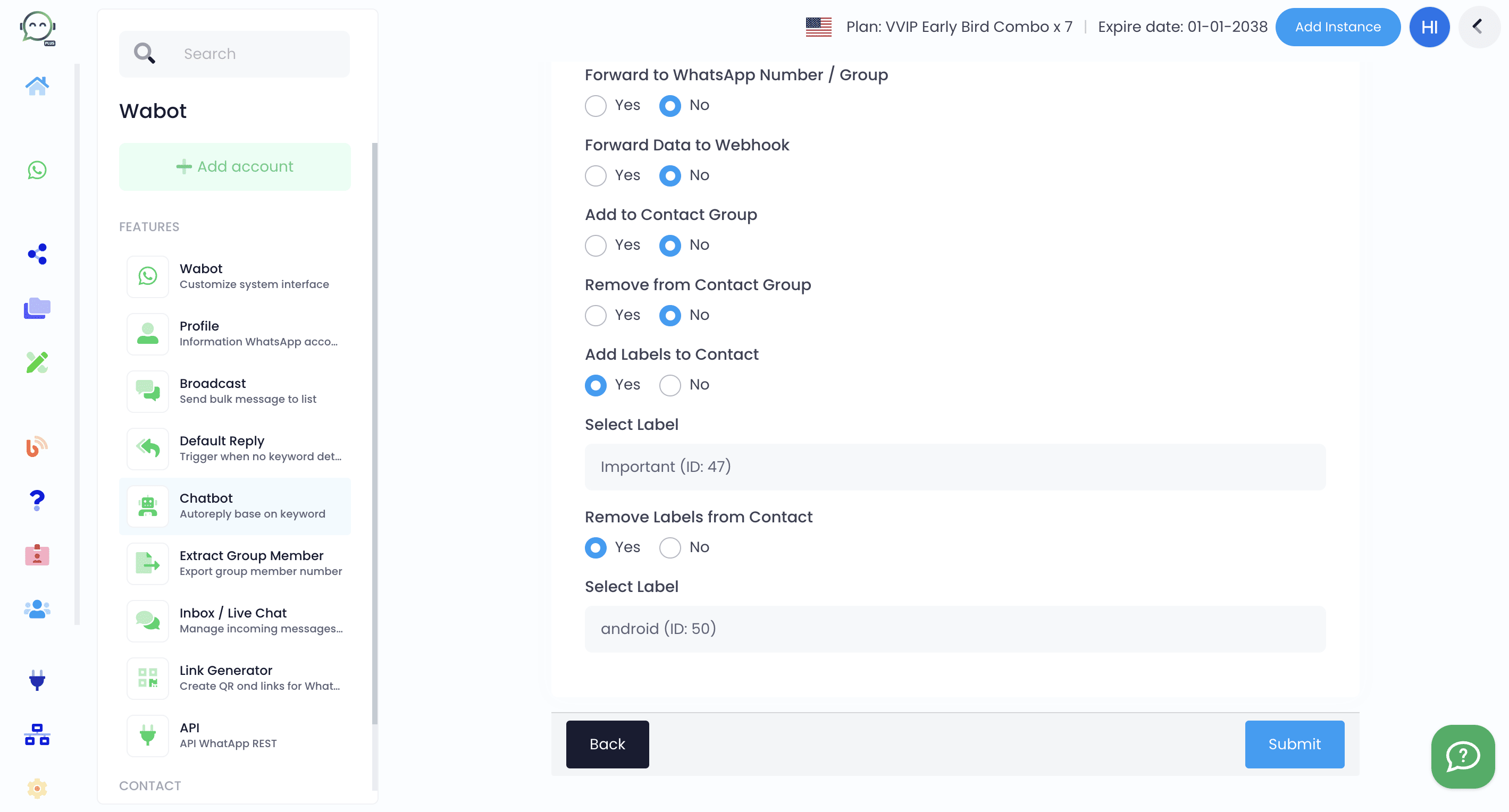
You can also remove the label from a contact by clicking "Yes" and selecting the label you want
10
Click on "Submit" and you are done 🚀